
Screenshots
Description
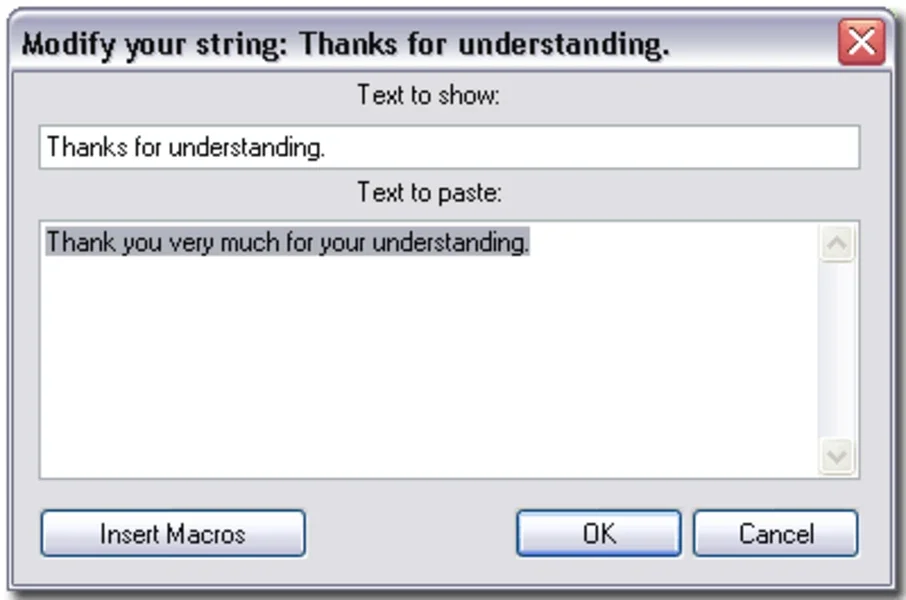
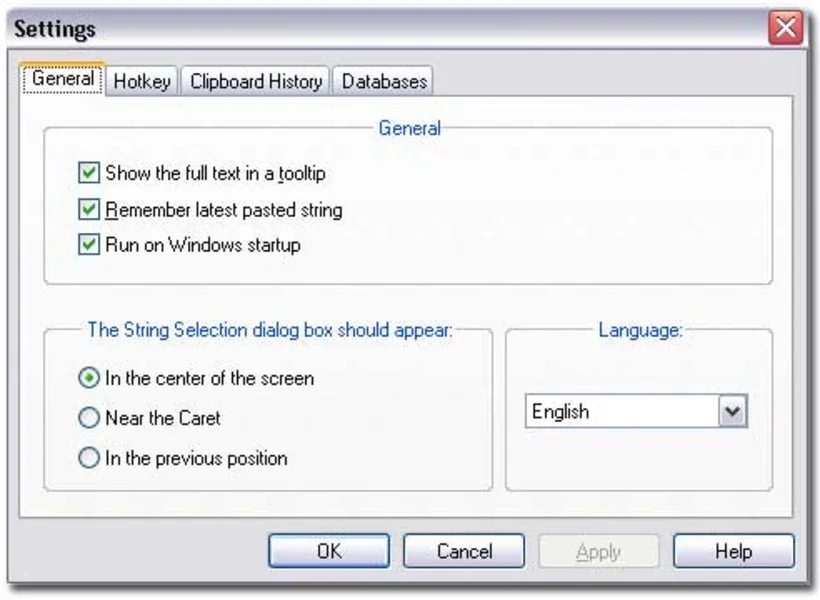
FlashPaste lets you pick a saved expression and insert it where you're typing. It works in text editors, forms, letters and similar places.
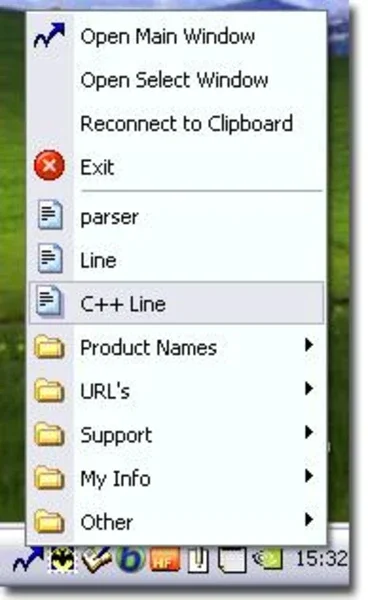
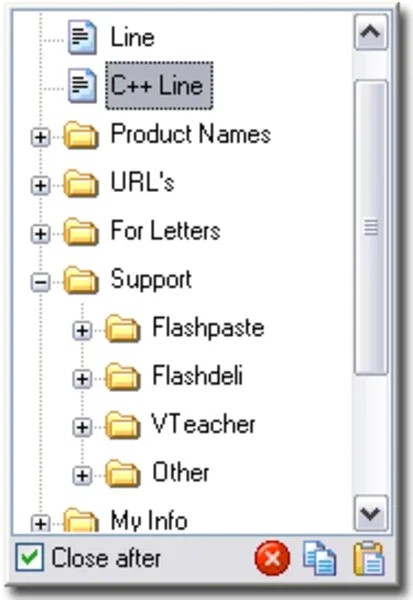
You set a hotkey in the program. Pressing it opens a pop-up menu of the default expressions you've already configured, and you pick one from the list. That covers things people retype constantly: passwords, usernames, stock phrases and headers. Writing emails that repeat parts of the body text is one case where it helps. The point is time saved on entering the same text.
It's a free utility for Windows.
Download files
System requirements
Available on:
Additional information
Developer
Latest release
5.9 · Jun 26, 2013
Size
2.0 MB
File type
EXE
SHA-256
a47cca733137abc7fe70164f56076082048d3933d5e22d8e5e62b5b04e5ac43e
Digital signature
No digital signature