Fliqlo 1.5.1 for Windows
Minimalist flip-clock screensaver for Windows with scale, brightness and format controls
You are on macOS — this is the Windows version. See the macOS version
Screenshots
Description
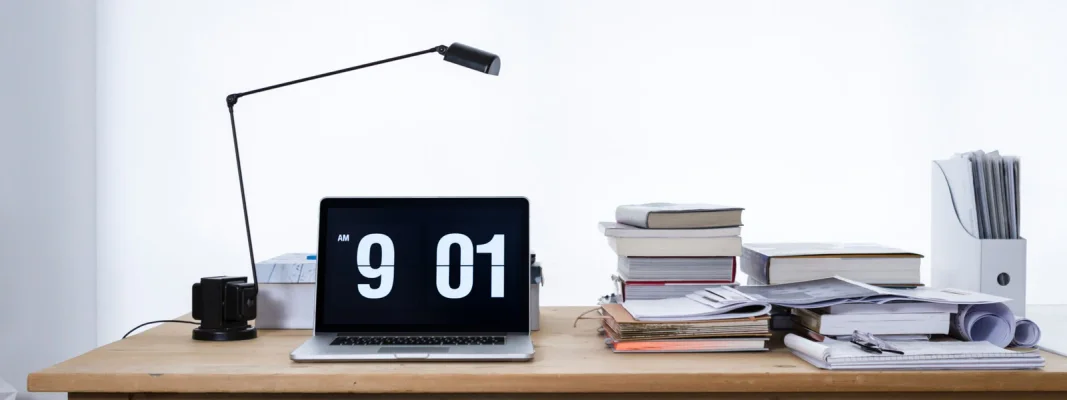
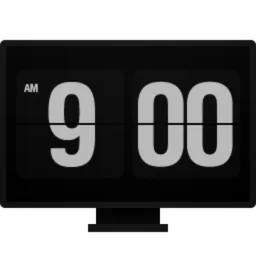
Fliqlo puts a flip clock on your screen when the display goes idle. It's a minimalist screensaver made by 9031. Large numerals sit on a dark background with a smooth flip motion, and the contrast stays high so the time reads clearly. The clock shows up only when Windows starts the screensaver pathway. The program installs as a screensaver that Windows loads itself, not as a windowed app you run separately.
On Windows, setup goes through the Screen Saver Settings panel. A Settings button there opens scale, brightness, and time-format controls. The clock scale adjusts to fit different resolutions, and you can switch between 12-hour and 24-hour display. Orientation is supported, and background flaps can be shown or hidden. Brightness and dimming settings help in low light. The screensaver process is lightweight and keeps a low background footprint; a persistent foreground process is not left running. Multi-monitor behavior can vary by configuration, and other desktop platforms have more multi-display options. Mobile variants exist, though platform restrictions mean they can't take the place of a device lock screen. There are no scheduling features, and the clock won't replace an alarm or calendar tool. Modern versions don't need a constant network connection once installed.
Download files
System requirements
Available on:
Minimum OS:
Windows XP or later
Additional information
Developer
Latest release
Size
Category
File type
SHA-256
b51eb85041ed7dfbd9435d5eec0f72dbfa3b52ac9bcd6a517f51ab05f9aba64c