
FMD2 2.0.34.5 for Windows
Marks chapters and saves manga to your hard drive
Screenshots
Description
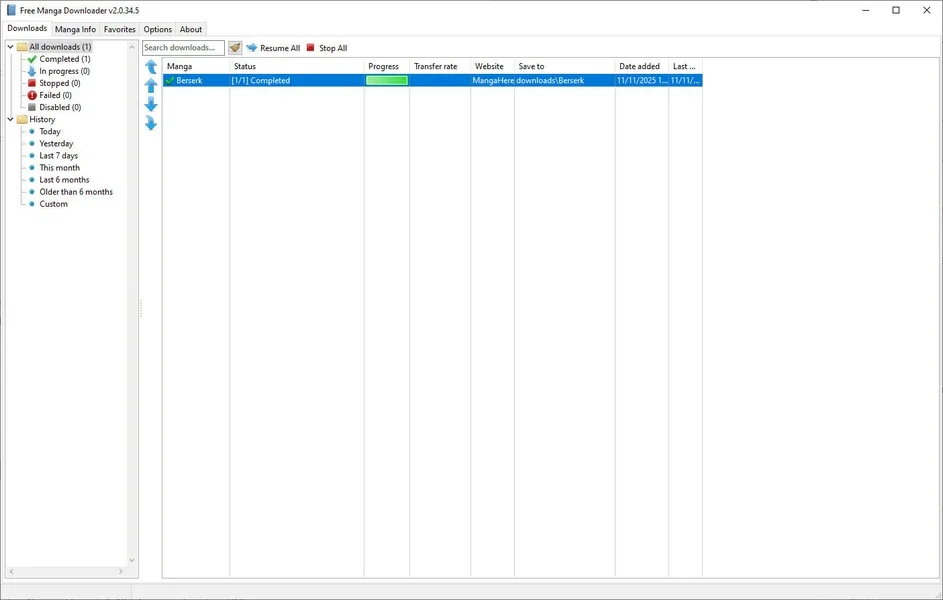
Mark the chapters you want and click a button to save them to the hard drive. FMD2 is a free and open source program for downloading manga.
Getting sources working
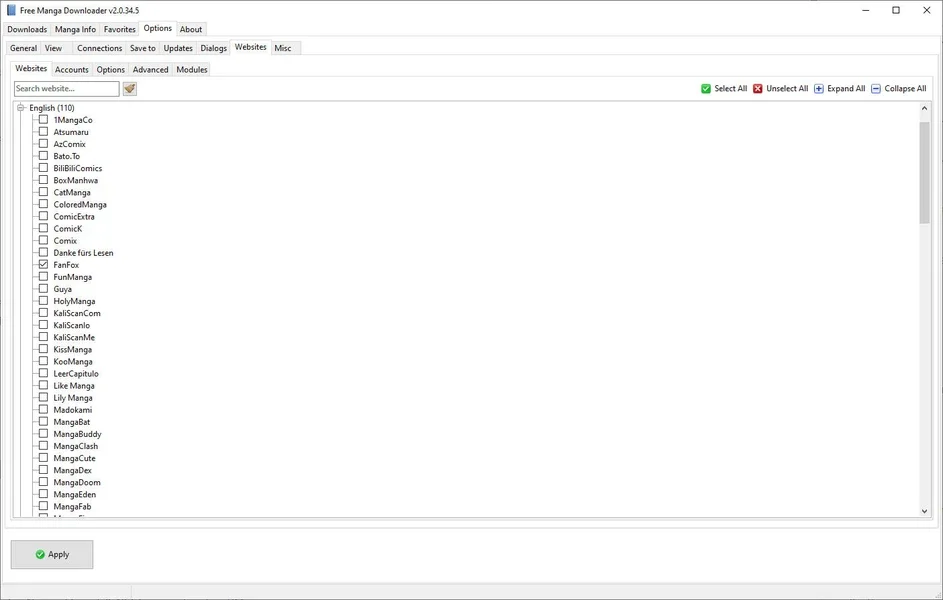
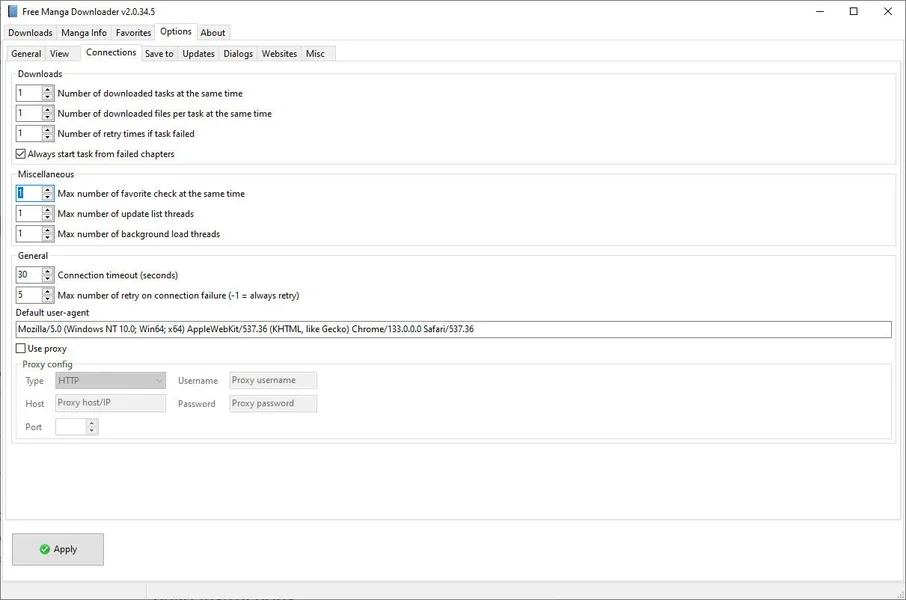
The options menu lets you set which websites are used to obtain manga, along with a default format and quality and the download directories. You can also decide what the program does after downloads finish. Moving the program folder to the root of the C or D drive lets it download the modules automatically on opening. Running it from the Downloads folder can cause a GitHub connection error that blocks downloading the needed modules. Installing all modules can take several minutes.
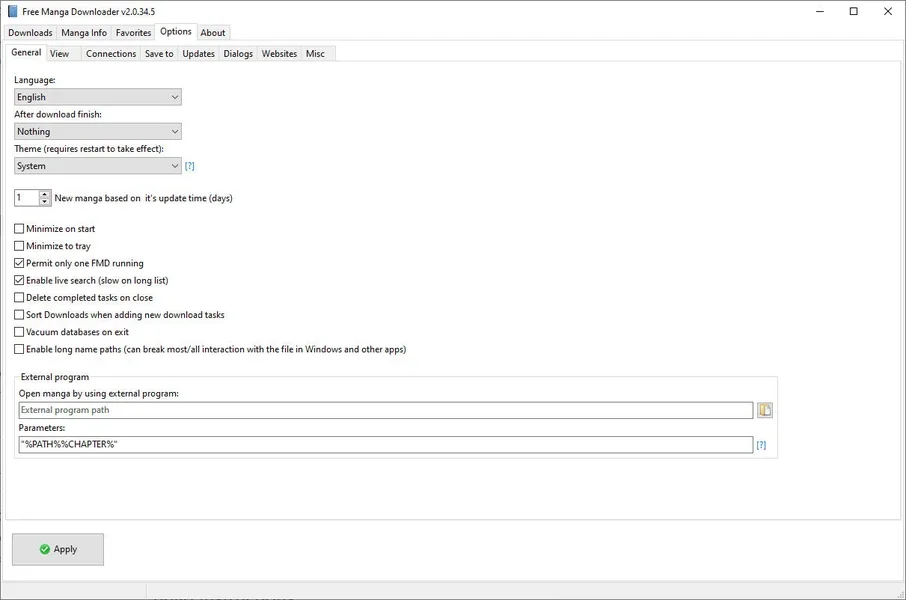
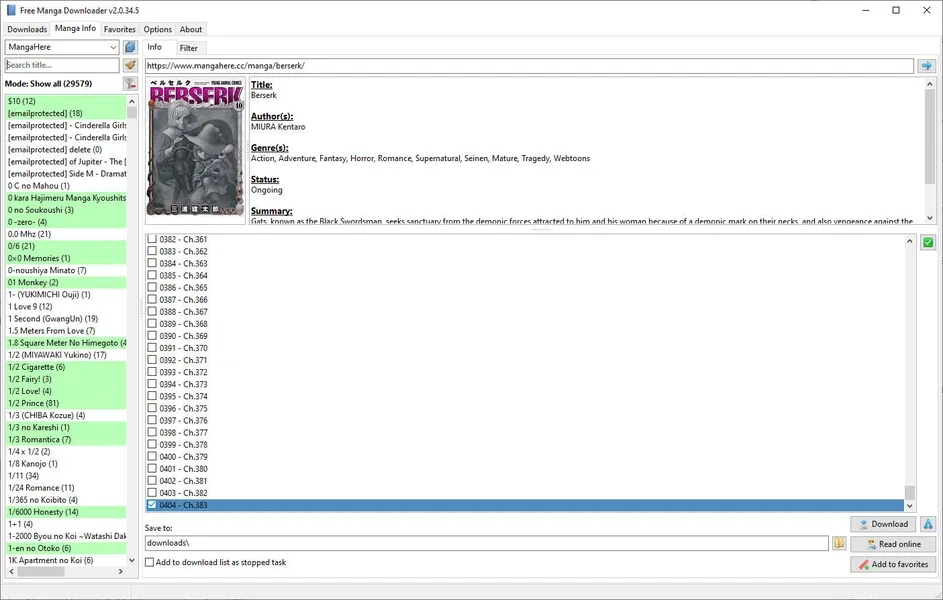
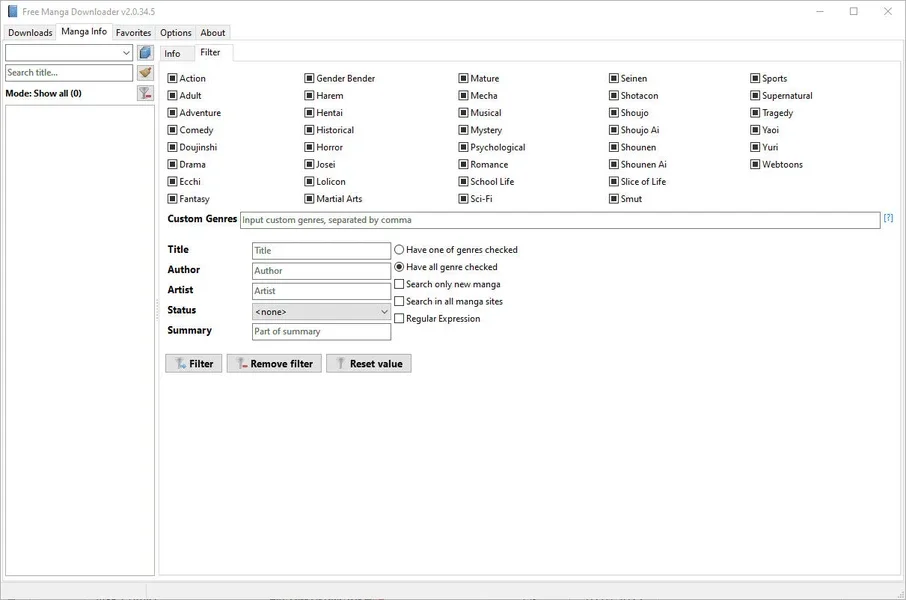
In the Manga Info tab you pick a download source. Available manga then appear in a list on the left, with complete collections marked in green. Double-clicking a manga shows its cover, description and list of available chapters.
- Three themes change the interface appearance
- Lightweight compared to similar programs that use more space and resources
It is a fork of Free Manga Downloader, an abandoned Windows app with the same features.
Download files
dd35300ee22ef04fd56523ba241fd972fada5c780ed8b6ad4d06fd83bf231434
System requirements
Available on:
Minimum OS:
Windows XP or later
Additional information
Developer
Latest release
Size
File type
SHA-256
dd35300ee22ef04fd56523ba241fd972fada5c780ed8b6ad4d06fd83bf231434