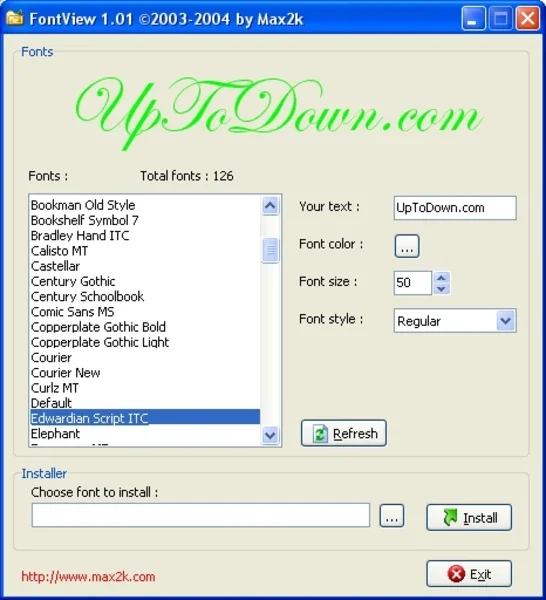

Screenshots
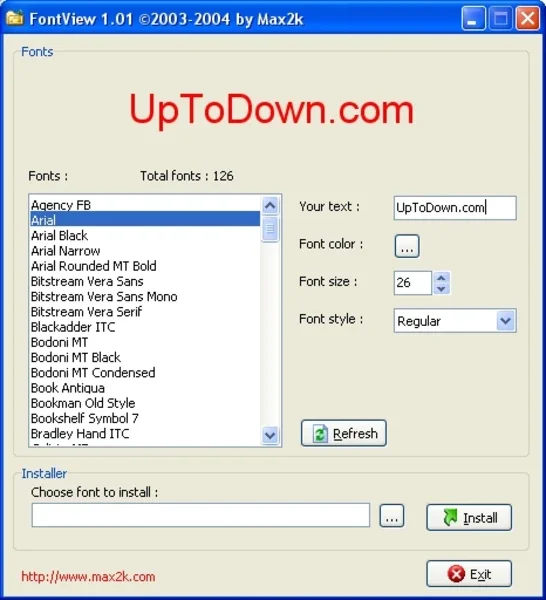
Description
Type a line of text and FontView shows it in every font installed on the computer. The list of fonts sits alongside the samples, so you scan the rendered lines rather than the font names. You look at the samples, pick the one you like, and note its name to select it in a text editor.
The program is a simple application that gives you access to all the fonts on the machine. It can also install fonts from its own interface, so new ones go in without leaving the window.
Download files
File1.01EXE
Version1.01
ReleasedJul 14, 2006
Size285.9 KB
SHA-256
Get
37bbedfd421aa603ec3cb56519f5b931ab9d8775e5bb94f80f9d6065a10736f1
No digital signatureSystem requirements
Available on:
Additional information
Developer
Latest release
1.01 · Jul 14, 2006
Size
285.9 KB
File type
EXE
SHA-256
37bbedfd421aa603ec3cb56519f5b931ab9d8775e5bb94f80f9d6065a10736f1
Digital signature
No digital signature