FormatFactory 5.22.0.0 for Windows
Converts video, audio, image and document formats, with repair and ripping tools
Screenshots
Description
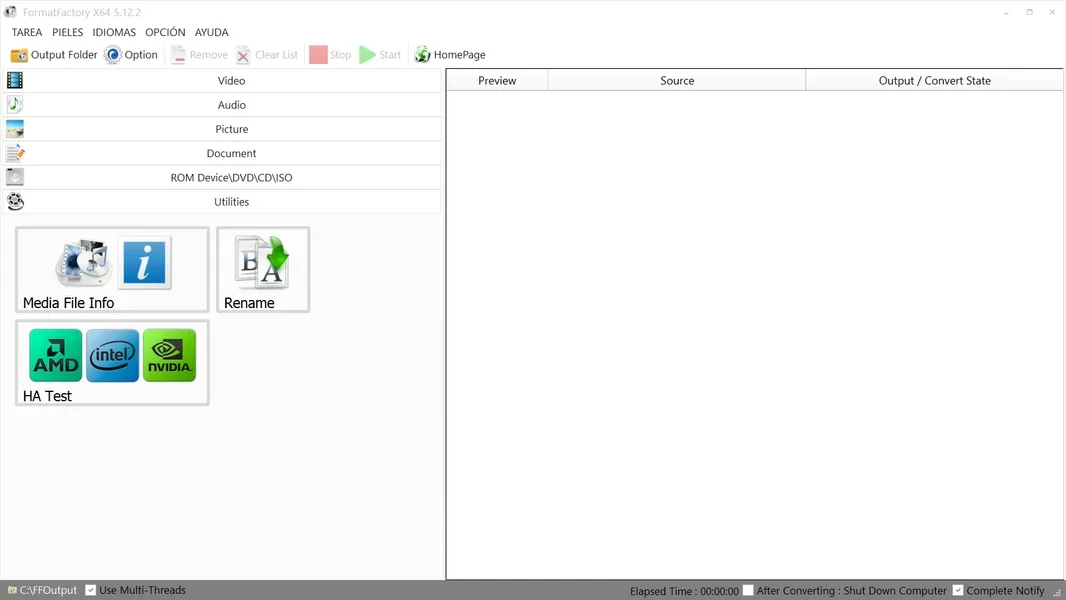
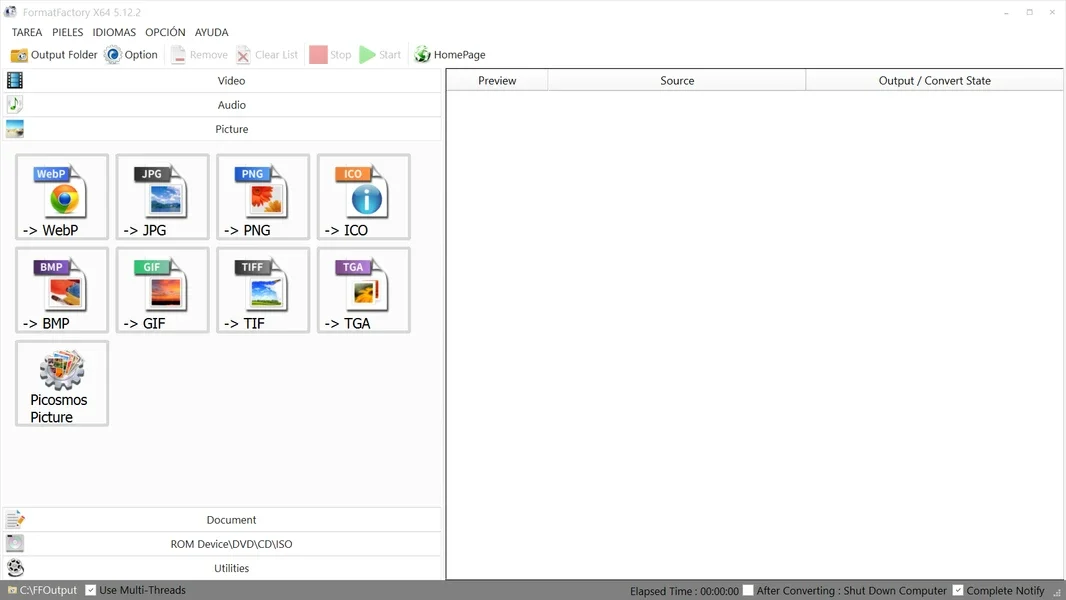
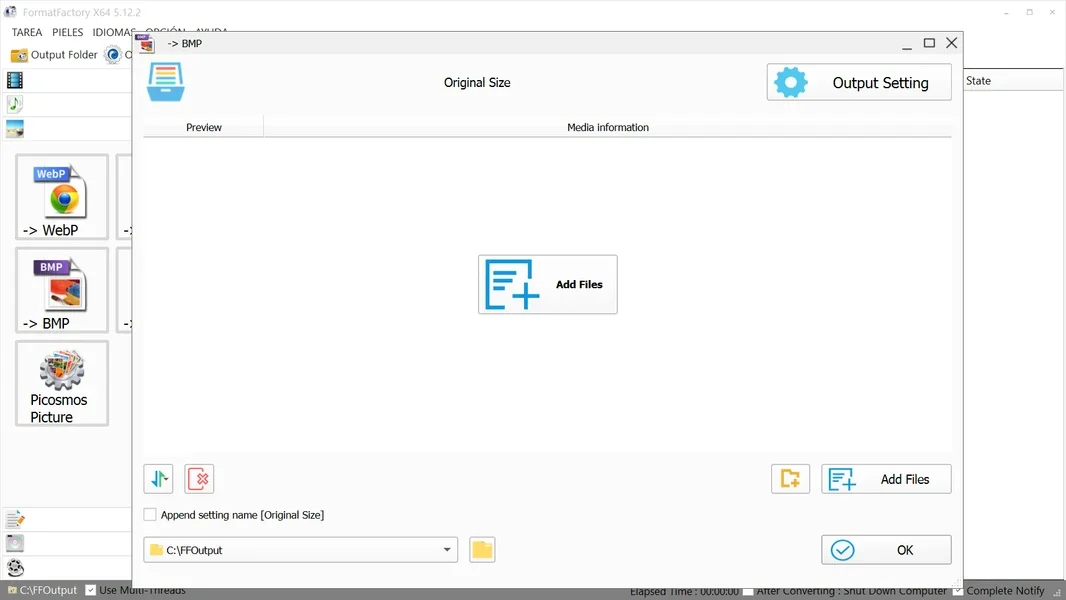
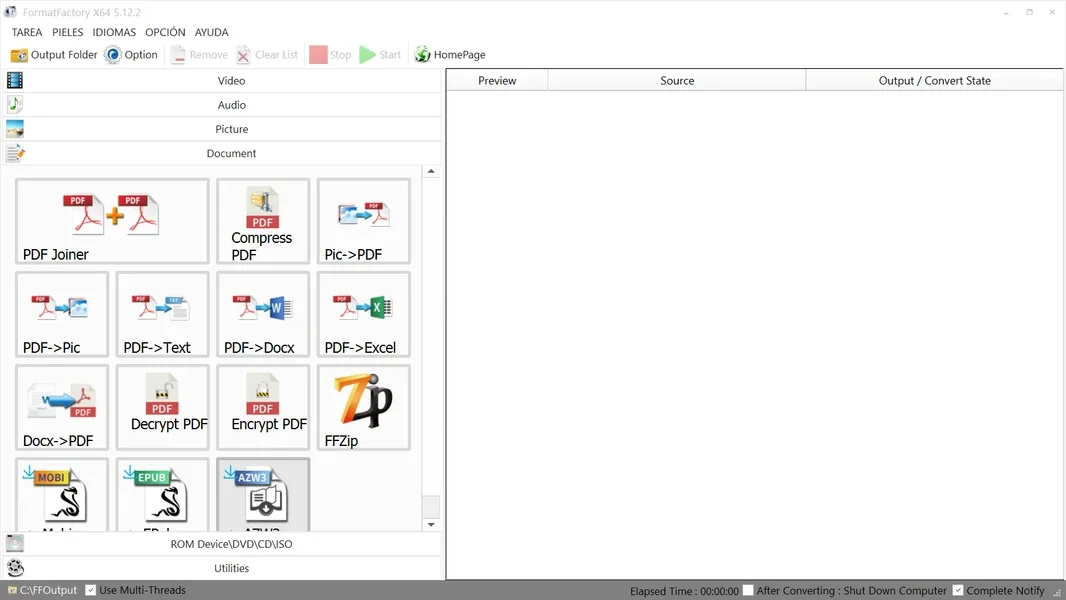
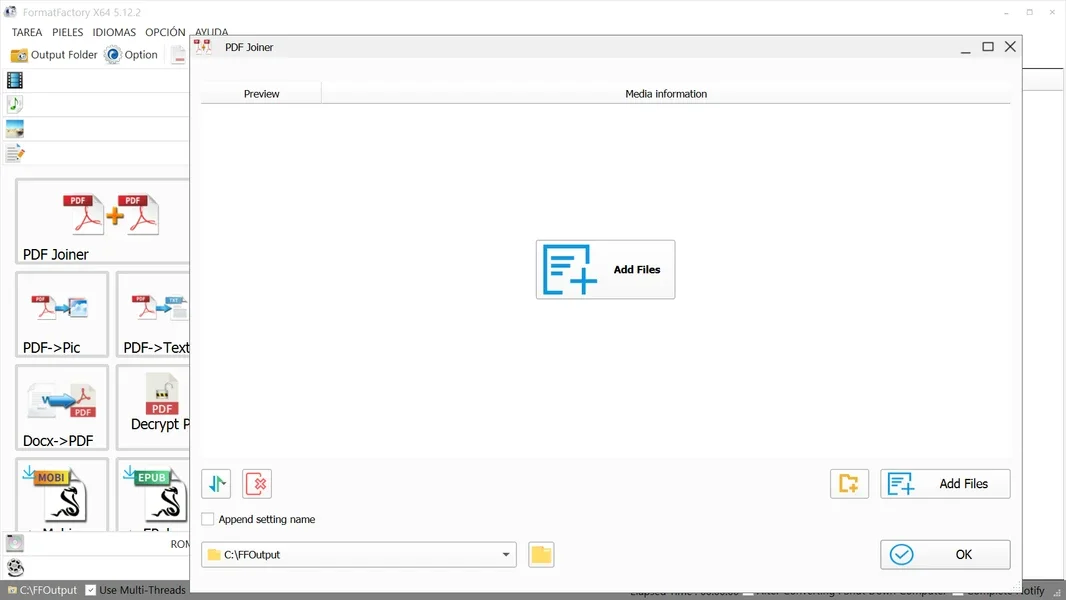
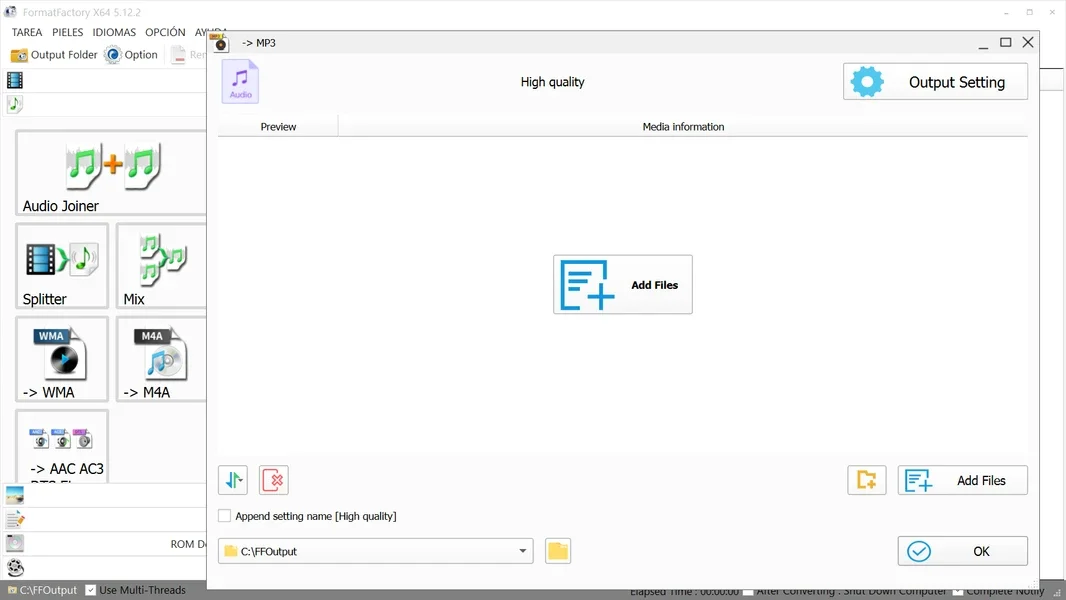
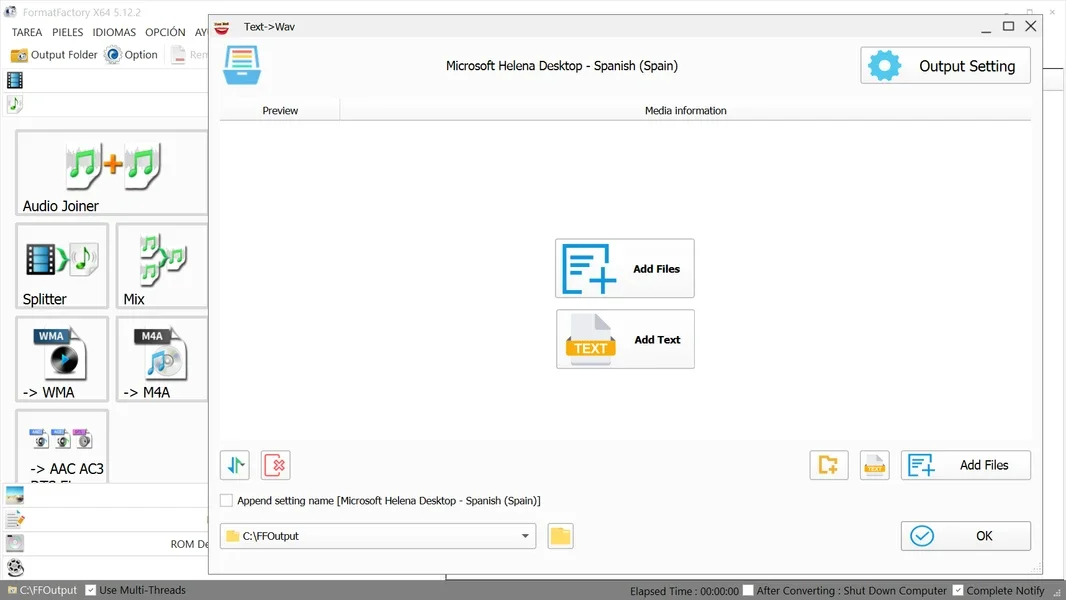
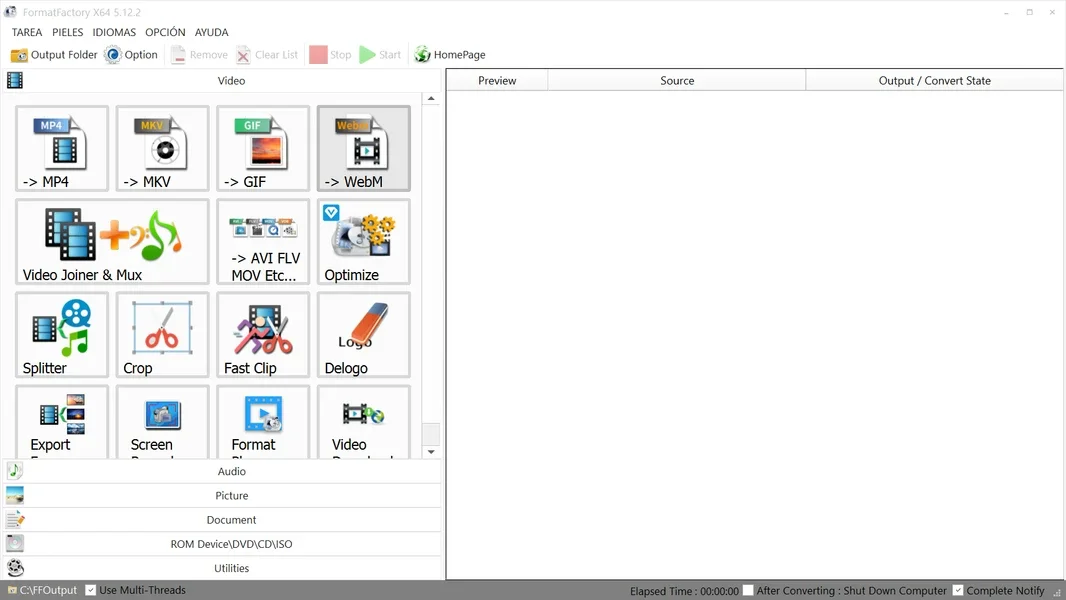
FormatFactory converts video, audio, image and document formats in one application. On the video side it handles MP4, AVI, 3GP, MKV and WMV, and you can change resolution, bitrate and aspect ratio on output. Audio covers MP3, WMA, FLAC, AAC and WAV, with bitrate and sample rate editable to bring file size down; audio files can be merged or split, and a soundtrack can be pulled out of a video. Images come in JPG, PNG, BMP, GIF and TIF, and they can be resized, rotated and watermarked as they convert. Documents go to PDF, DOCX, XLSX, MOBI, EPUB or AZW3, and PDFs themselves can be encrypted, decrypted, merged or compressed. There are editing tools too: cut parts out of a video, crop an image, export captures. The app can also attempt to repair corrupted video and audio files that will not play correctly.
Discs can be backed up by extraction, with the content then converted to a digital format. A CD track becomes WAV or MP3, a Blu-ray becomes MKV, and a whole DVD can be written to ISO. If the source is online, you paste the platform URL and the video downloads. Multiple files can be queued in a list and converted in sequence as a batch. Conversion and compression rely on open-source tools including FFmpeg, Mencoder and CxImage. FormatFactory runs on Windows and is free.
Download files
69fec8200a72f12bdf92372e2aab1e9739e22ed5f34aa900c5334bf6b92bf7d4
No digital signature0ac98b4b633924829889efc759b865865c0f811b9a38a563d8073b1ac8229aa3
2caf3479fe1ec606695e9694bdd09bf3af1be6531743c812b09394d70cf03939
9c8447c478824c73477ff065a745010923084bb9619ae1f1aec3c4a559680922
0ae0ca8d94638e1b90659c77cec7176b2d5b8d6c4ee74c33d8964623da6d9ed3
System requirements
Available on:
Minimum OS:
Windows XP or later
Additional information
Developer
Latest release
Size
Category
File type
SHA-256
69fec8200a72f12bdf92372e2aab1e9739e22ed5f34aa900c5334bf6b92bf7d4