
Free Audio Extractor 1.3 for Windows
Pulls audio tracks out of video files and saves them as MP3, OGG, WAV or FLAC
Screenshots
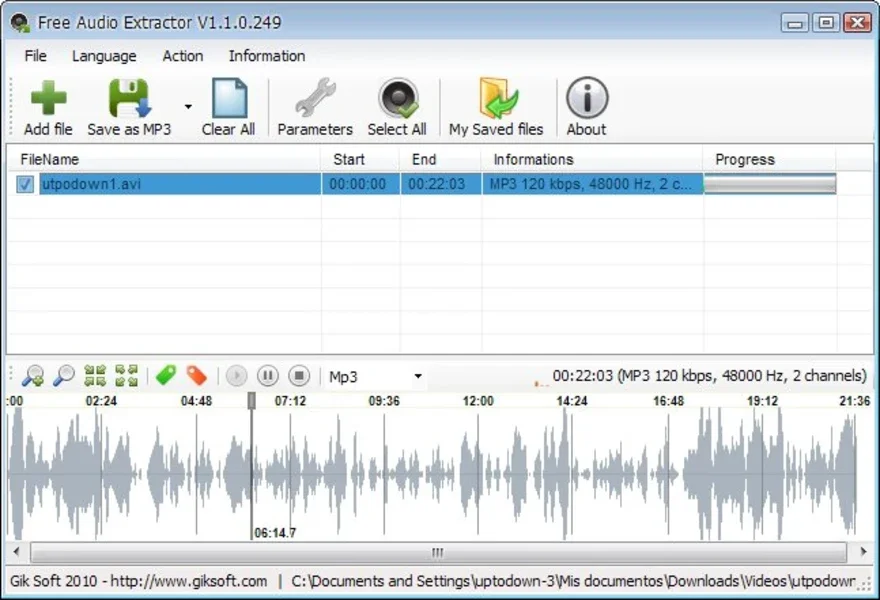
Description
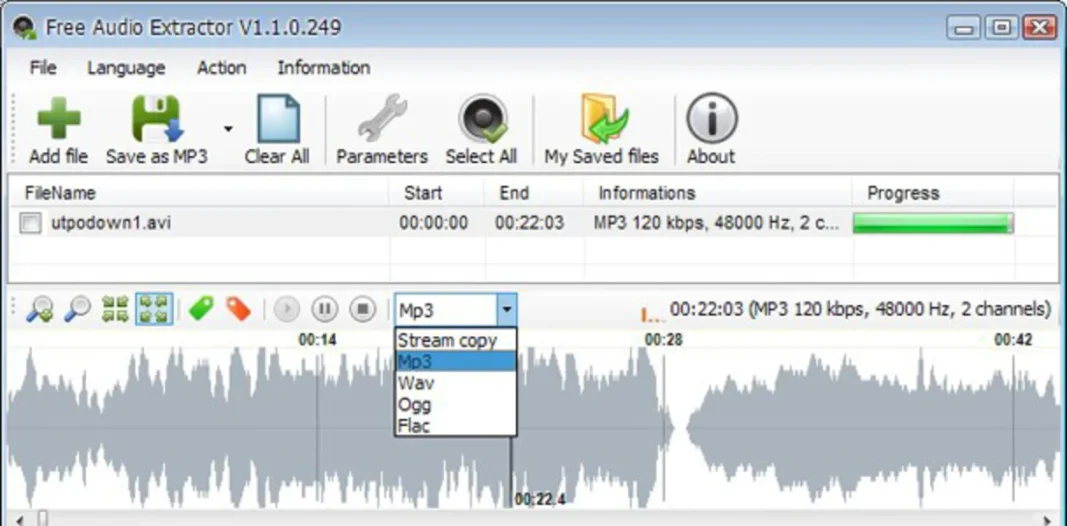
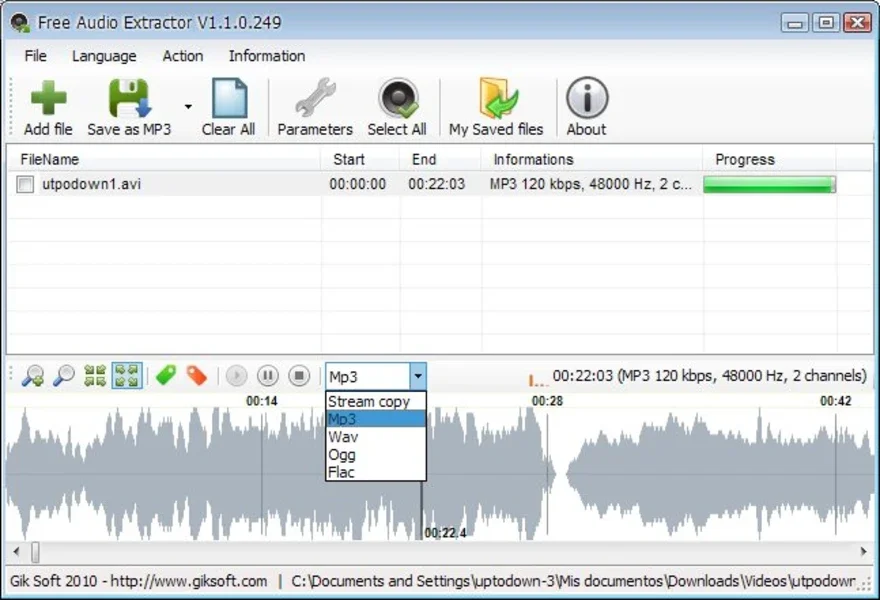
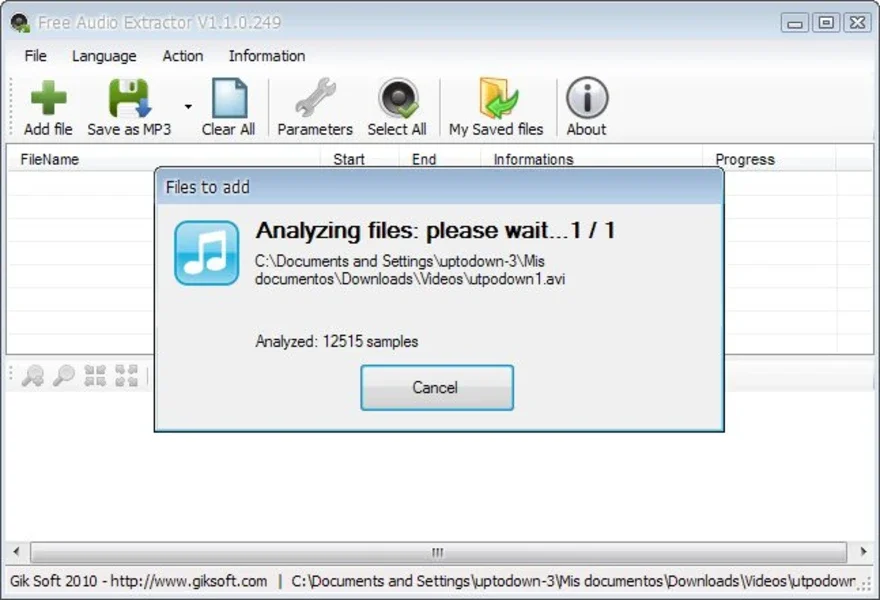
You add the video files from your local hard disk, set the output options, and Free Audio Extractor writes the audio out as a separate file. The list takes more than one video at a time, so a batch goes through together. In practice you pick the output format and its settings before processing starts, since those choices apply to the run. The default MP3 bitrate is 128.
Videos come in as FLV, MP4, AVI, WMV, ASF or MOV. Audio files in MP3, WMA, M4A, AAC or MP2 also load, which lets you convert between the output formats through the same list. Output is saved as MP3, OGG, WAV or FLAC.
A timeline handles the cutting side of the job. For each video in the list it lets you mark the segments you want isolated, so the audio you get back is the part you selected rather than the whole track. Set the segments on the timeline, run the list, and the selected parts come out in the format you chose.
Download files
c816a0d939a6eae869c1235c5ab8be0a6ba540d7993172cfe83094f6c3fbad61
No digital signature63869974dc999e19569b1b89e7da8450e358f492f16306add6b2461d052af334
System requirements
Available on:
Additional information
Developer
Latest release
Size
Category
File type
SHA-256
c816a0d939a6eae869c1235c5ab8be0a6ba540d7993172cfe83094f6c3fbad61