Screenshots
Description
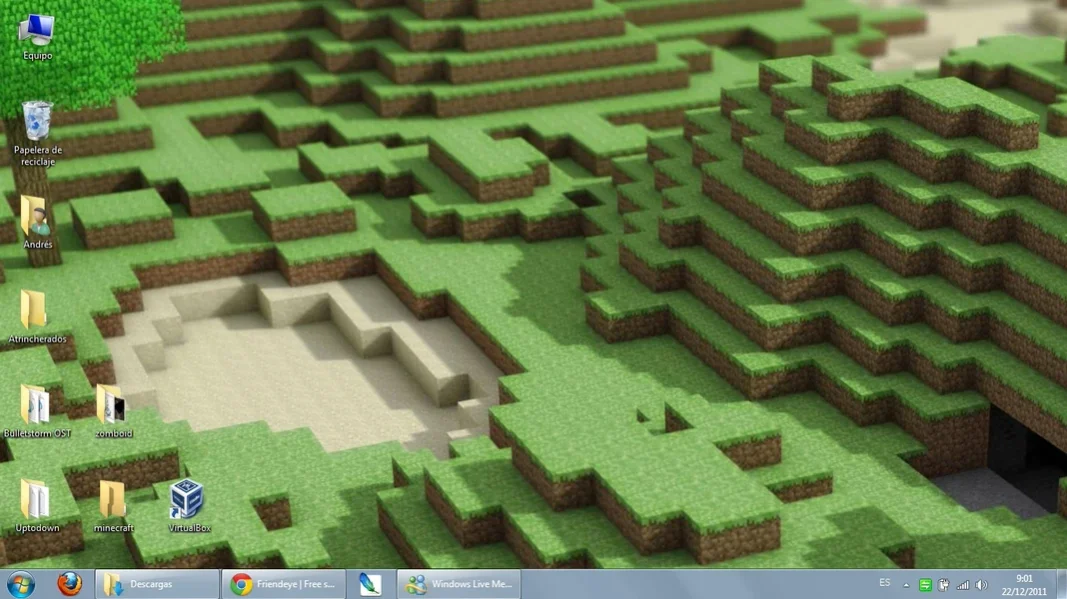
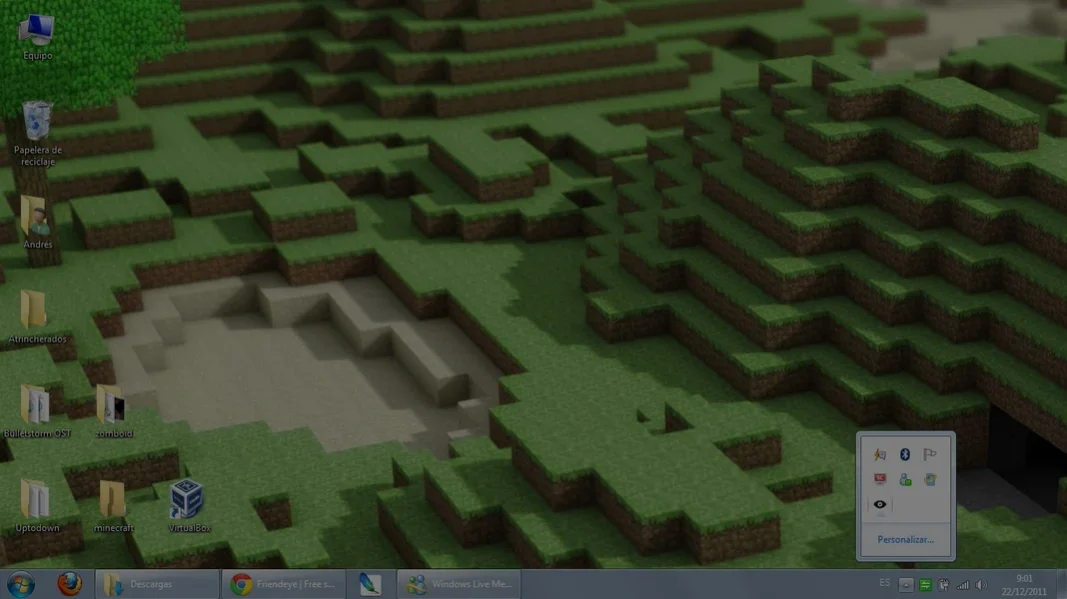
FriendEye lowers your display brightness with one click. A small icon sits in the system tray while it runs.
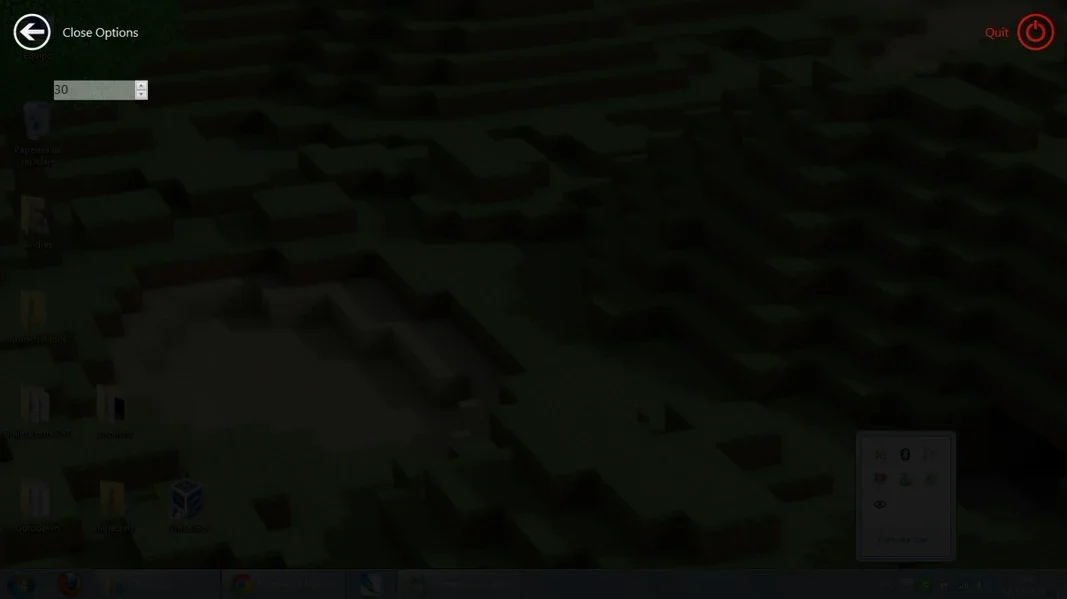
A single click darkens the screen slightly, so you can step it down in small increments until the screen is where you want it. Right-clicking the icon opens the options. There are few of them. The brightness reduction is set on a scale from one to one hundred, which is where you pick how far a click takes the screen down.
It runs without installation.
Download files
System requirements
Available on:
Additional information
Developer
Latest release
1.2 · Jan 4, 2012
Size
141.5 KB
File type
EXE
SHA-256
eb23a70cfa5fa21082160ac681224db97218222cc244c178c9085dbdb921a40e
Digital signature
No digital signature