
GeekerPDF 4.0.2 for Windows
Read, edit, sign, and convert PDFs on Windows
Screenshots
Description
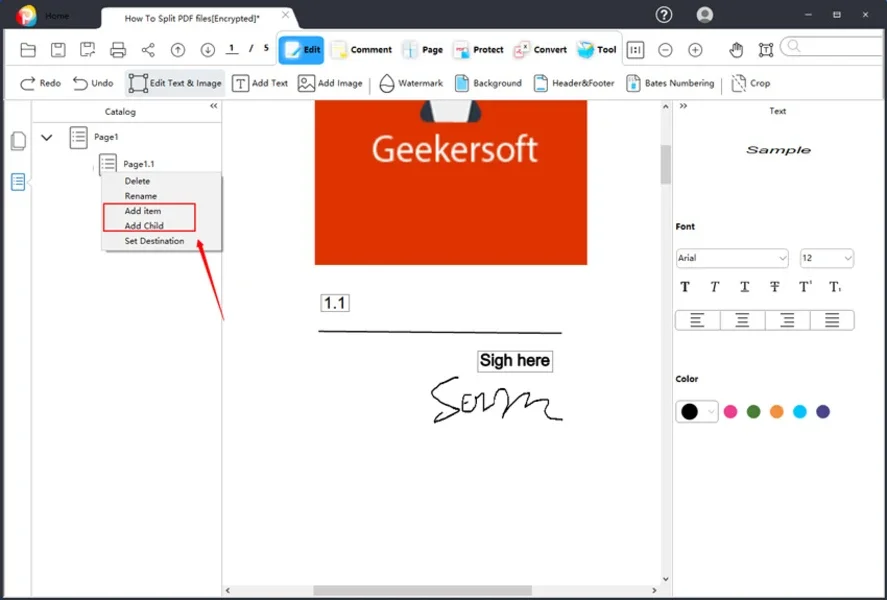
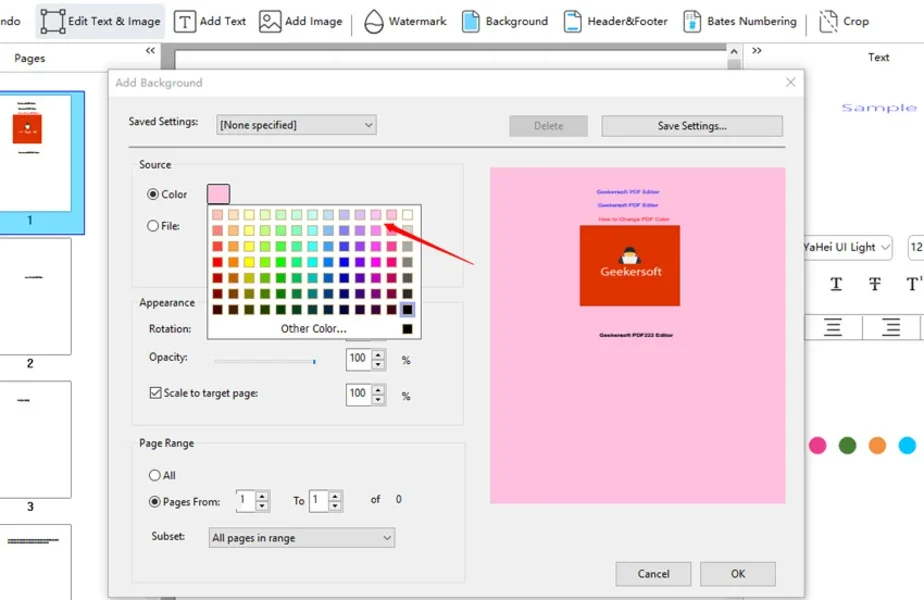
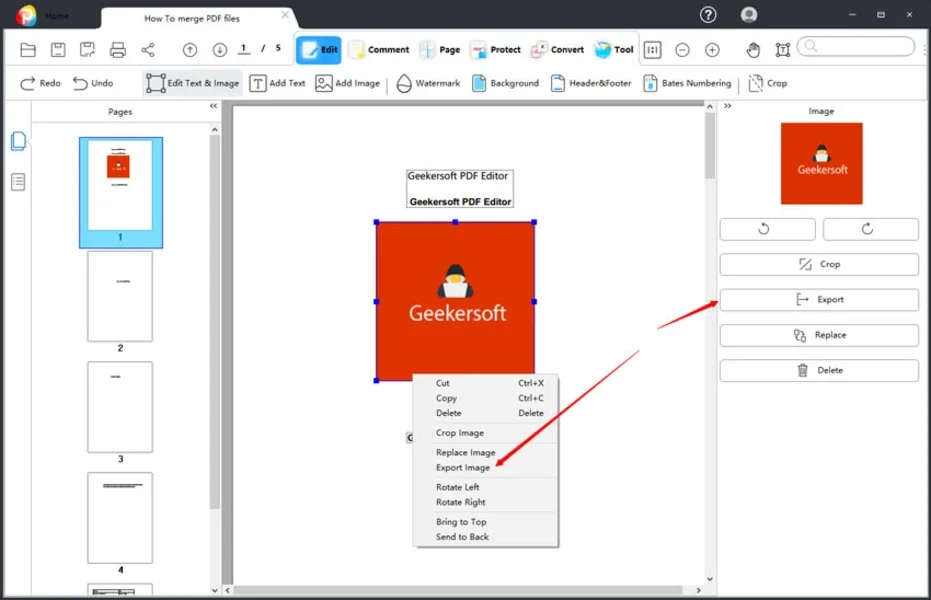
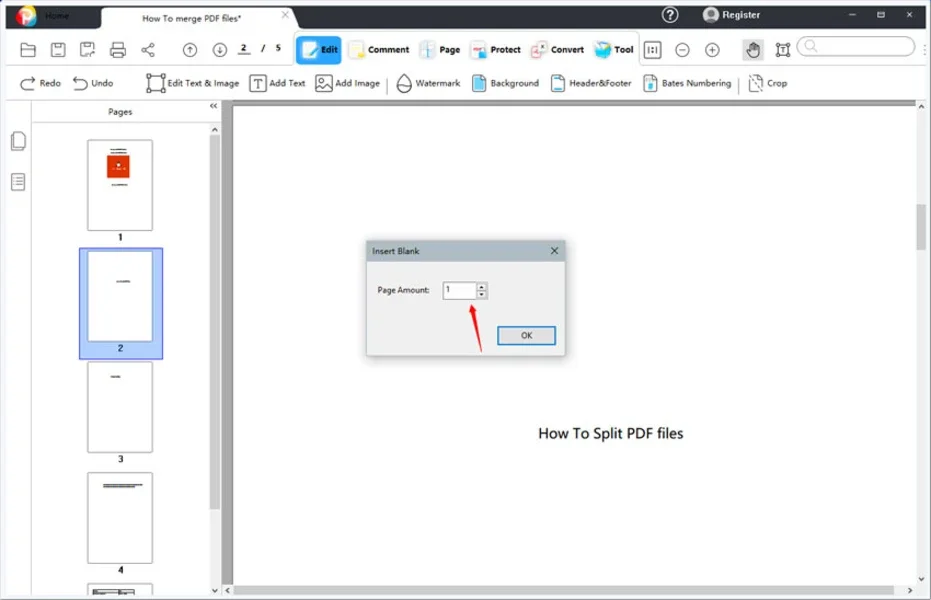
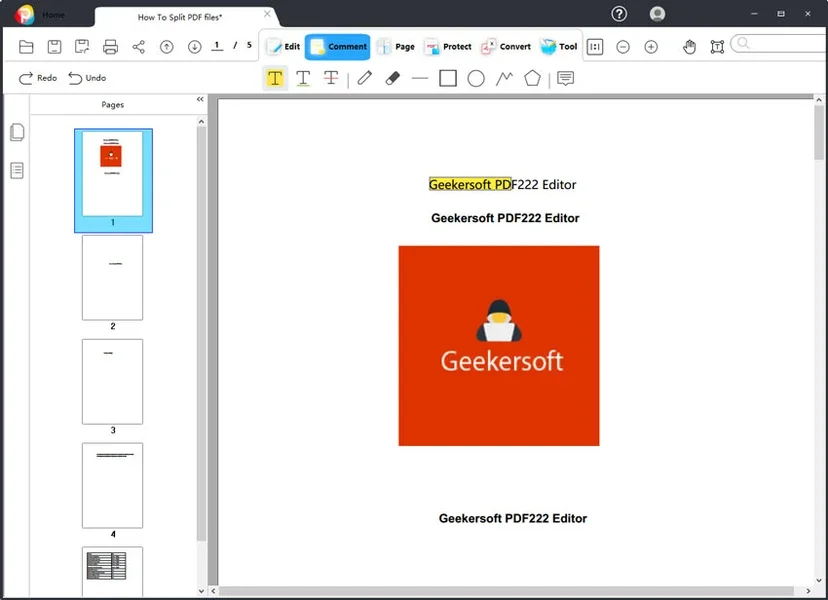
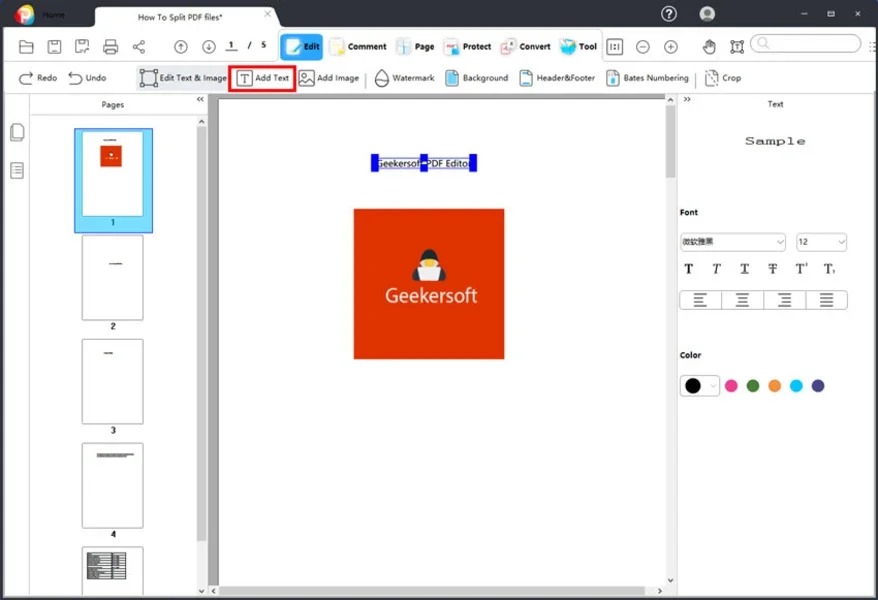
GeekerPDF opens a PDF so you can read it, annotate it, and change the text. Click into a line and you can cut, copy, paste, or delete it; styles, sizes, colors, and fonts are editable on the page, with fonts recognized automatically as you go. Bubble comments, shapes, stamps, highlights, underlines, strikethroughs, and pencil or eraser tools sit alongside a notes-and-navigation panel that takes you between pages. Reading has shortcuts for paging and zooming, a lock on horizontal scroll, a list view for bookmarks, and working hyperlinks.
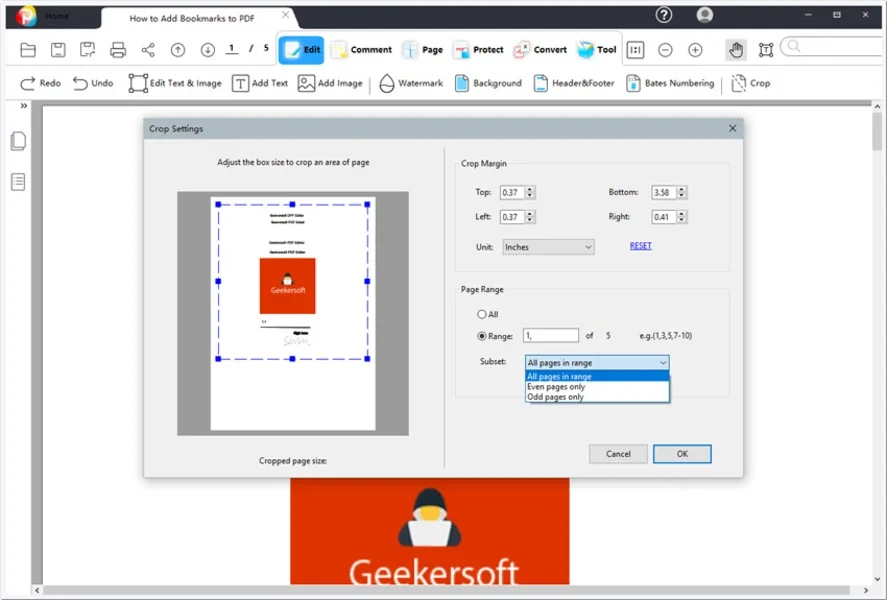
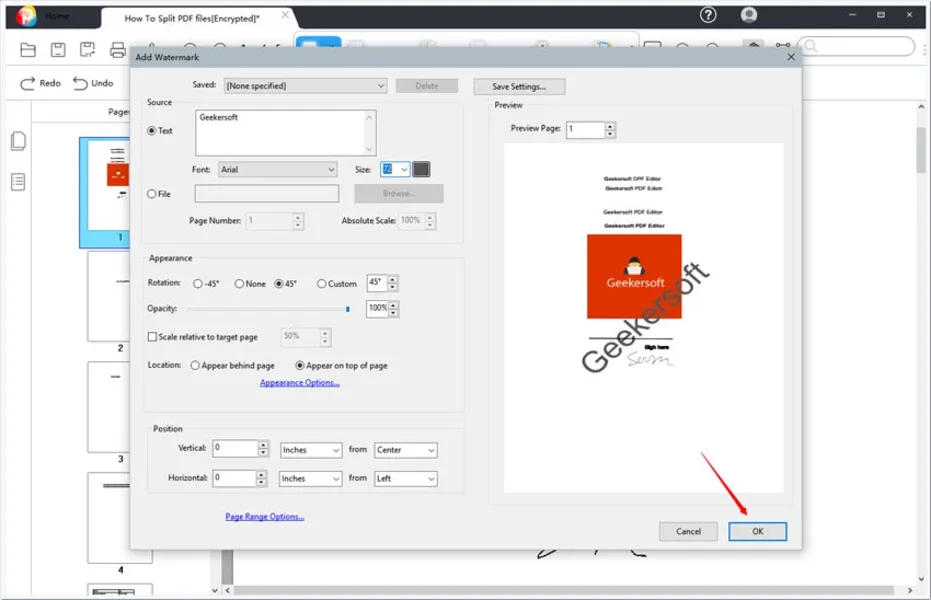
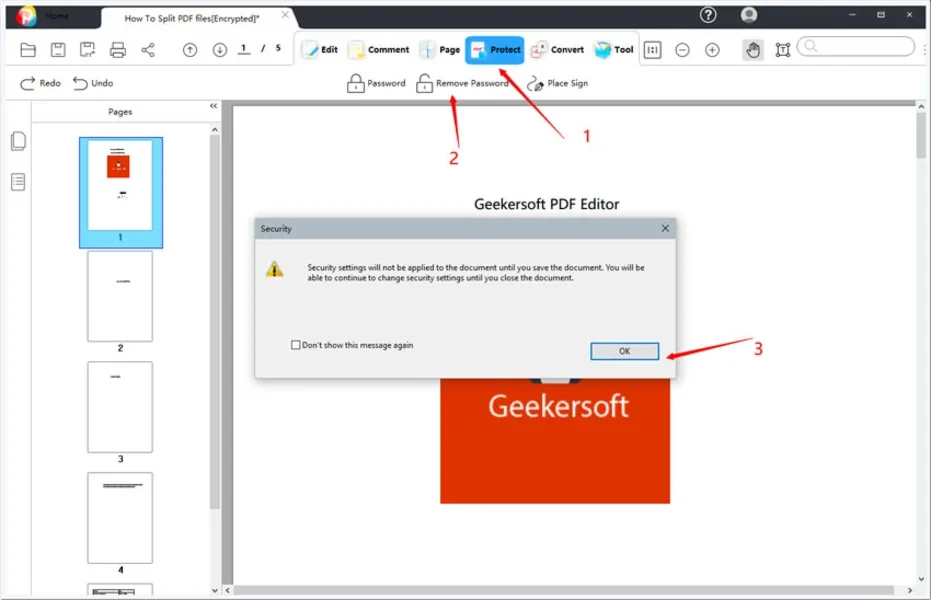
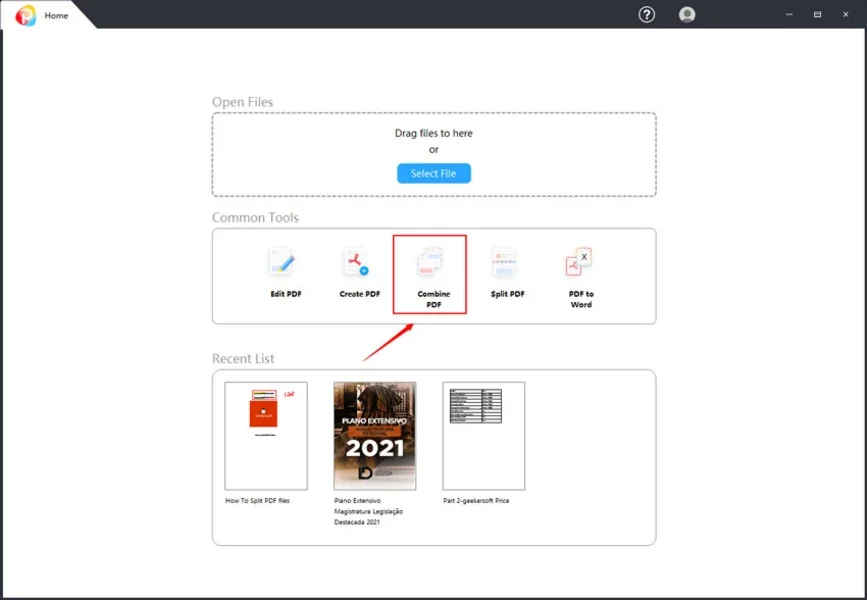
Pages can be pulled out, removed, reordered, or rotated, several PDFs merged into one, and the result squeezed down in size or locked with a password. Watermarks and signatures are in the same toolset. Forms can be filled in and signed by hand on a touch screen, and a finished, annotated file goes out by email without leaving the app. Keeping track of a lot of documents is easier with custom folders for them.
Conversion runs both directions: PDF to Office formats and back, plus EPUB, HTML, text, and RTF, keeping the original layout as far as it will go, with OCR holding onto formatting when an image is captured into a PDF. A password-protected file will still open. PowerPoint, Word, Excel, HTML, JPEG, TXT, and RTF are all handled, and there is translation and auto page-turning besides.
Download files
797a3cdfb689ff1ef0b84039f51907acd86c3da2f4e10a34b55b8eb14b088056
Signed by AmindPDF Limited · valid until Oct 27, 20244da03f20ee4e446da3eb7f783db05dc14970ef773391bc36819e41bae457a3e5
dccda44fe51410a79921209f5d47e1116d4f2ae9e8a907966015e820edf6fa44
a19976ab892628646b9f0060327cfd3ae1b163ce04032703ef2bb4f8f4c85b65
System requirements
Available on:
Minimum OS:
Windows XP or later
Additional information
Developer
Latest release
Size
Category
File type
SHA-256
797a3cdfb689ff1ef0b84039f51907acd86c3da2f4e10a34b55b8eb14b088056