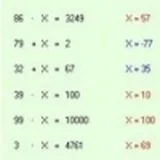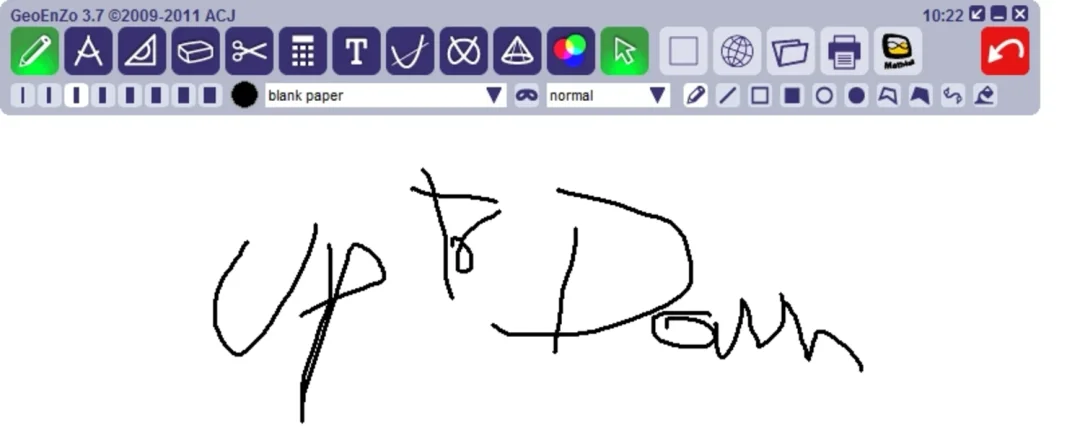

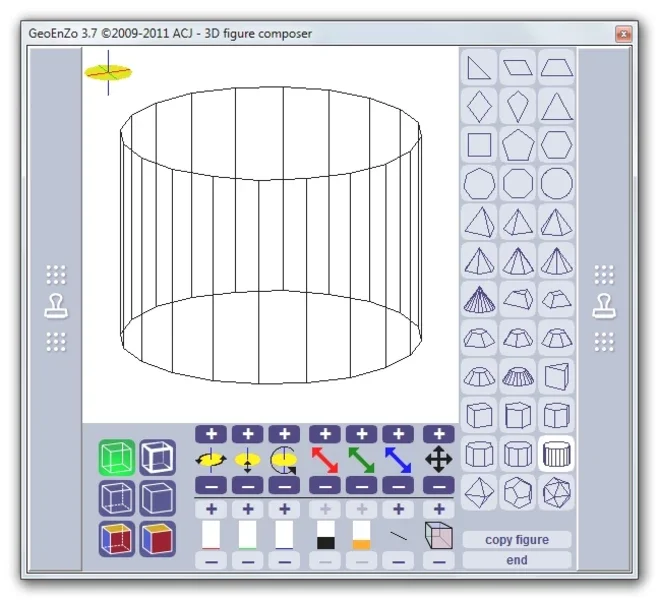
Screenshots
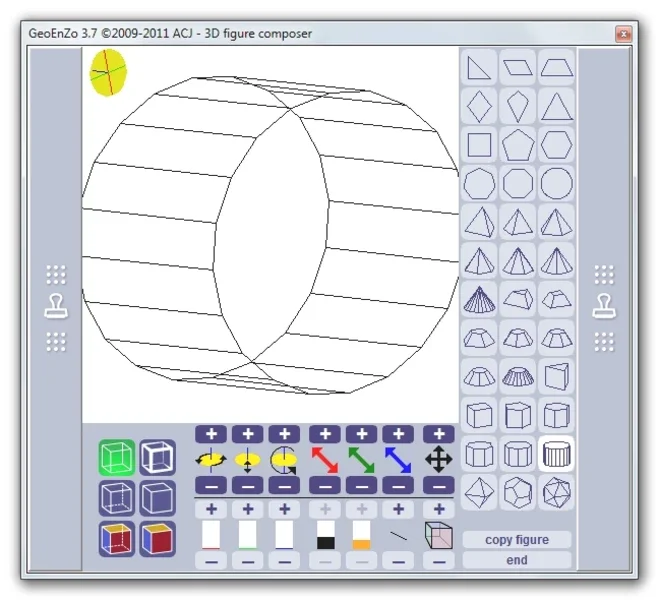
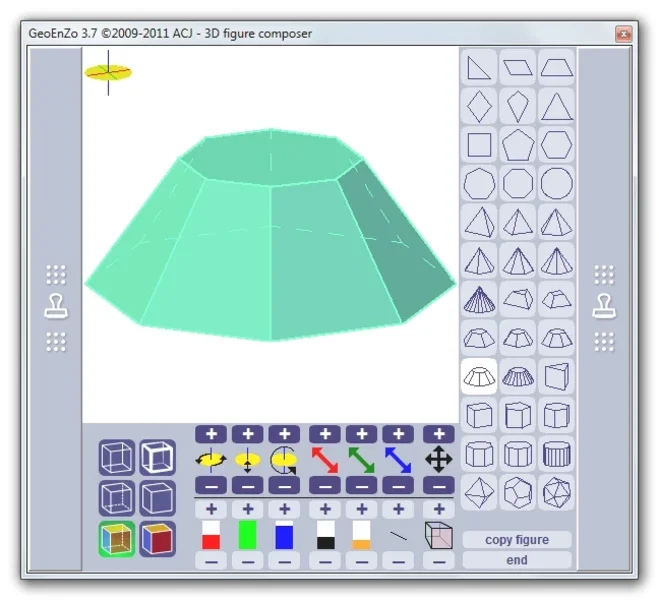
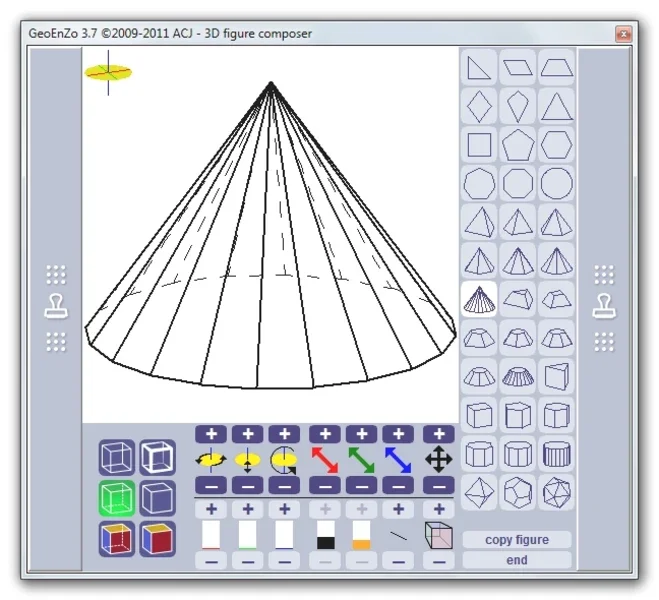
Description
GeoEnZo turns the screen into a chalkboard, and you draw on it freely. Geometric shapes come out with a single click, and you can resize them and change their transparency. Shapes can also be formed and morphed after they are on the board. A scientific calculator is included for the arithmetic side of a lesson.
There is nothing to install. The program runs on any computer or device, takes up almost no space, and sits in a single file, so it can be kept in an email and carried around that way.
Download files
FileGeoEnZo_V5.1.zipZIP
Version5.1
ReleasedSep 2, 2025
Size167.6 MB
SHA-256
Get
1f7fe4ad5fcaf6ebb4724f79b074595babbf4b24f67525261d5f03c304edda66
File5.1ZIP
Version5.1
ReleasedJan 14, 2023
Size167.5 MB
SHA-256
Get
6f0c723f3c5f0fb93bf88b2eb970da00d87f39a9748c78e1cad0c7be780ccbfe
Filegeoenzo-5.0.zipZIP
Version5.0
ReleasedNov 27, 2020
Size167.5 MB
SHA-256
Get
278856a6981bded73a03cfe4f155cb0795b0a8e753d208696599c5dce3daf20c
Filegeoenzo-3.7.zipZIP
Version3.7
ReleasedMar 20, 2011
Size401.0 KB
SHA-256
Get
c8f5faa3a1874c4bd54ae5c4eed57eb929d71e84c0e30b7c570e98b628ee4cbb
System requirements
Available on:
Minimum OS:
Windows Windows 8 or later
Additional information
Developer
Latest release
5.1 · Sep 2, 2025
Size
167.6 MB
File type
ZIP
SHA-256
1f7fe4ad5fcaf6ebb4724f79b074595babbf4b24f67525261d5f03c304edda66