
GetPassX 2.0.1 for Windows
Local Windows password manager with Argon2id and TOTP
Screenshots
Description
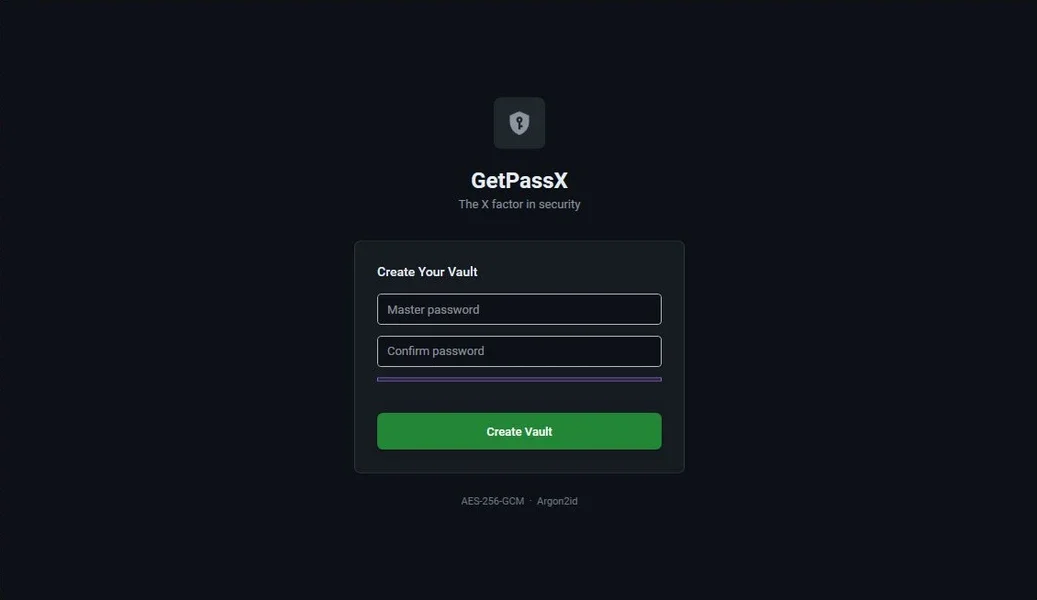
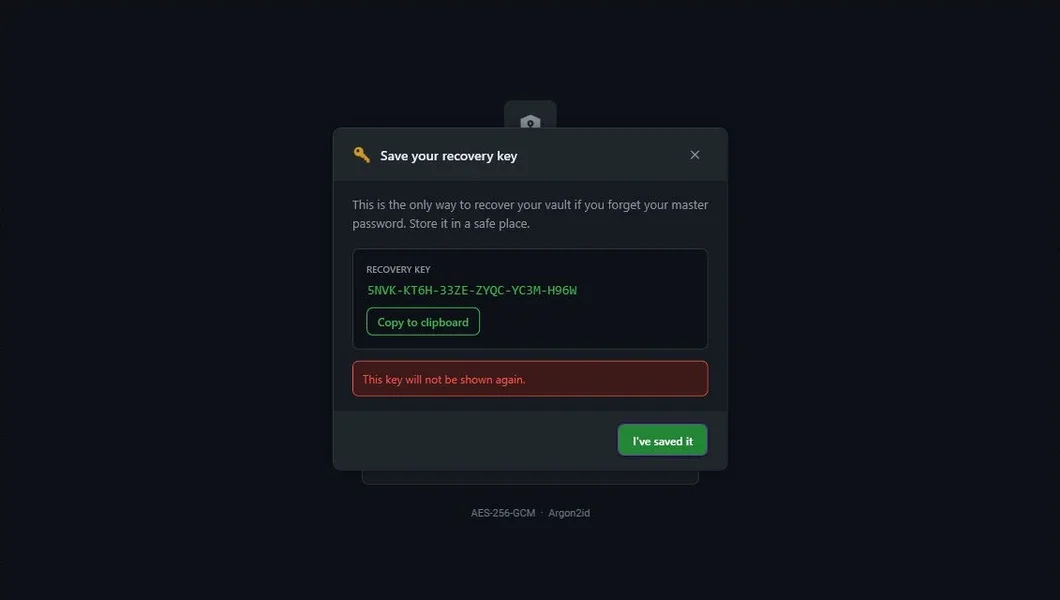
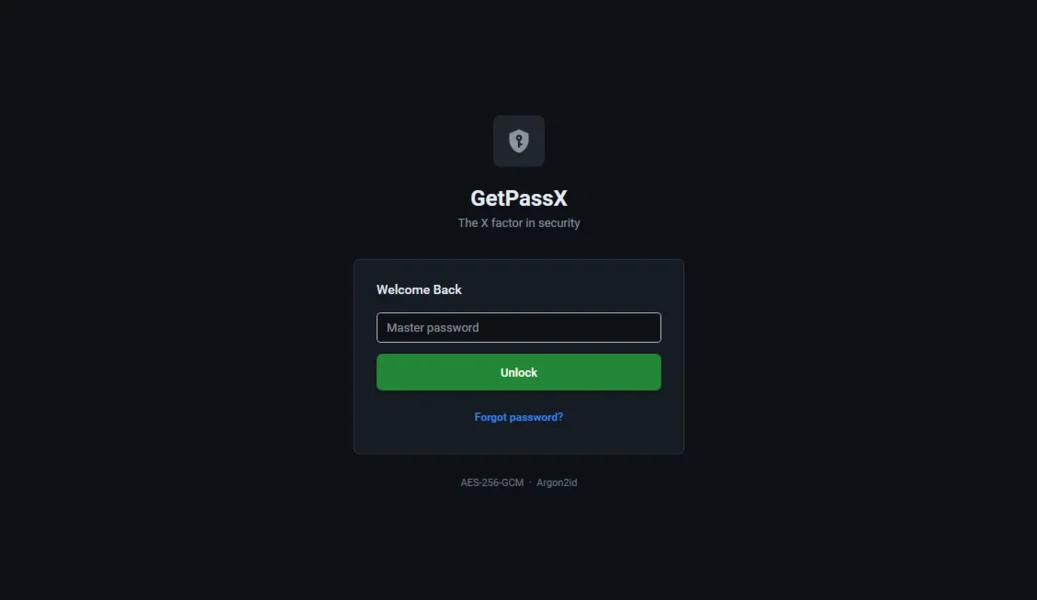
GetPassX keeps your logins in a single encrypted vault.json file on your own PC. There is no server side; nothing leaves the machine. The file is protected with authenticated AES-256-GCM encryption, and the keys come from Argon2id configured at 64 MB of RAM and 4 iterations, producing a 256-bit key. That memory cost is the point: it makes GPU and ASIC brute-force rigs work harder. The master password itself is never stored. If you lose it, a 24-character recovery key gets you back into the vault.
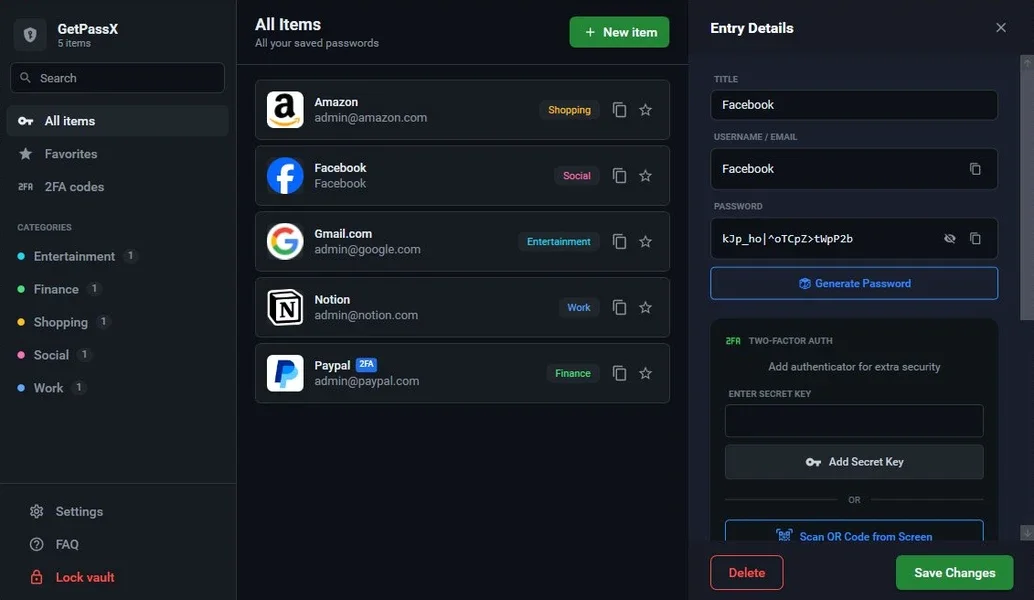
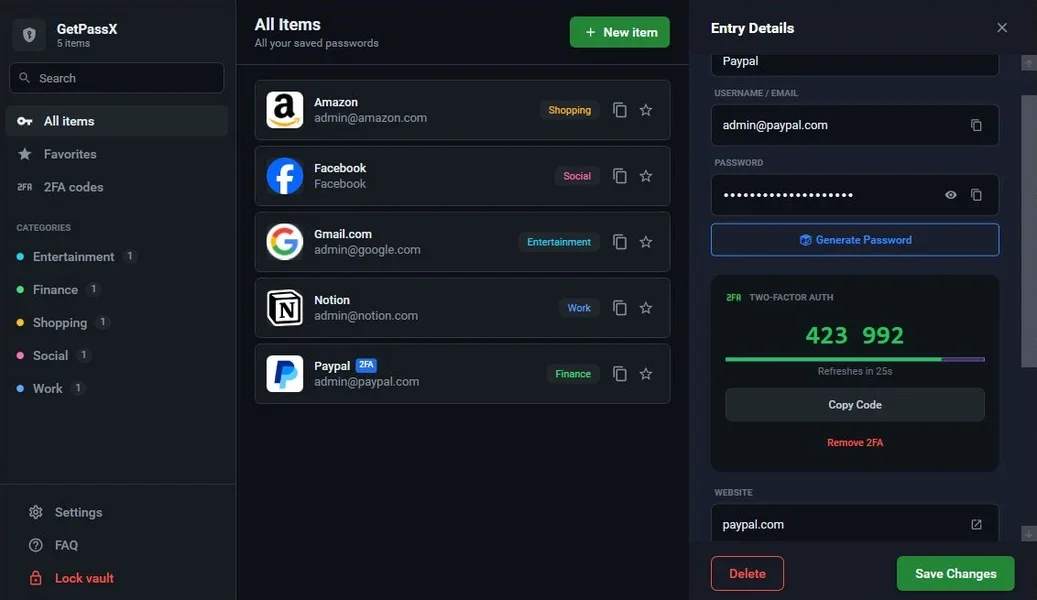
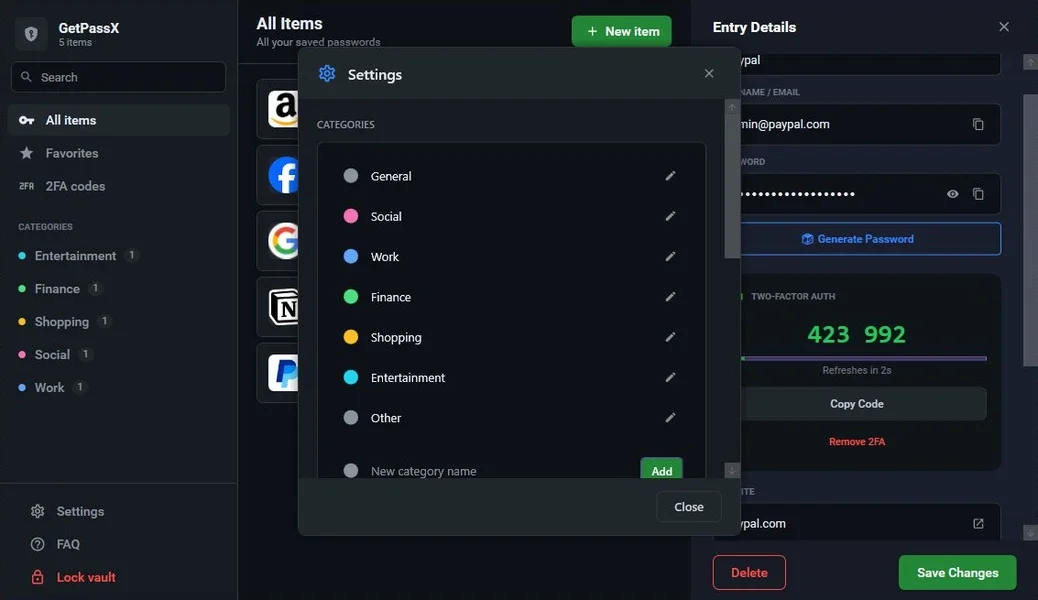
TOTP codes live in the same place as the logins. You can scan a QR code or type the secret key by hand, and the current code shows next to the entry instead of in a separate authenticator app. Entries can be grouped into smart categories with color labels, and favorites sit at the top for quick access. The generator makes both passwords and passphrases; for passwords you set the length, whether symbols are allowed, and the complexity. Repeated wrong attempts trigger escalating lockouts of one minute, then one hour.
The interface has a dark theme. Website icons are fetched and cached automatically, so the list is easy to scan. Disk usage is about 15 MB, and installation needs Windows 10 or 11 plus the .NET 8.0 Runtime. The 2.0.3 release came out in January 2026. There are no subscriptions, no ads, and no data collection.
Download files
57a724a2ea887d6e4e58ccf21770b6aef4da6c765047db0cb02f48dc809803ae
Signed by Rentix GmbH · valid until Aug 20, 2026System requirements
Available on:
Minimum OS:
Windows 8 or later
Additional information
Developer
Latest release
Size
File type
SHA-256
57a724a2ea887d6e4e58ccf21770b6aef4da6c765047db0cb02f48dc809803ae