

GifCam 7.7 for Windows
SHA-256 listed
Records and edits GIFs through a resizable virtual camera on Windows
All ages
Age rating
Screenshots
Description
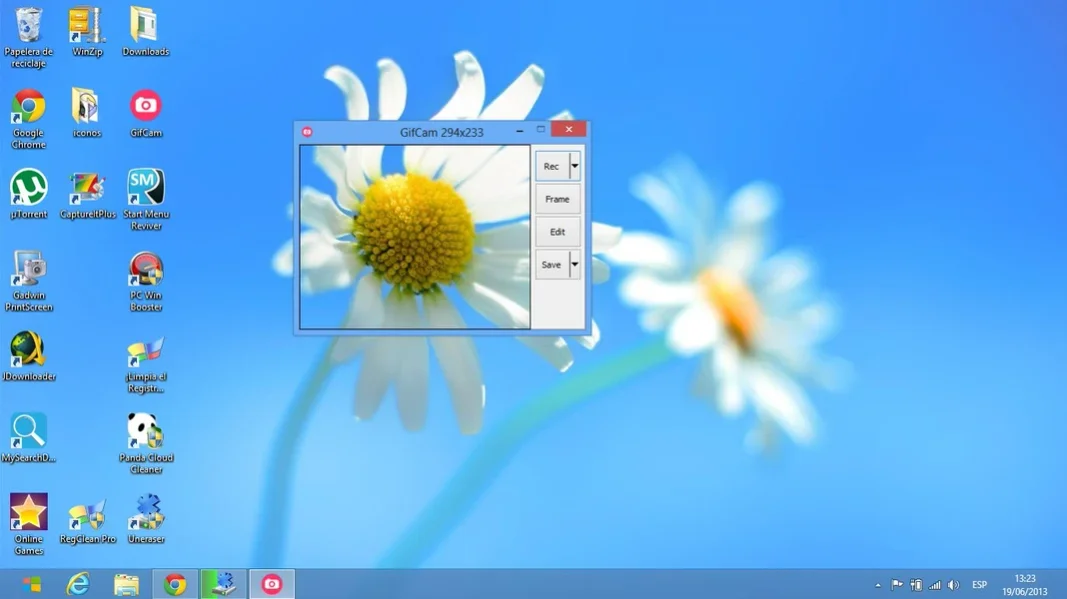
GifCam records a region of your screen and turns it into an animated GIF. It does this through a virtual camera you place over anything on the desktop, resizing it to capture just the part of an image or video you want. Fullscreen recording works too.
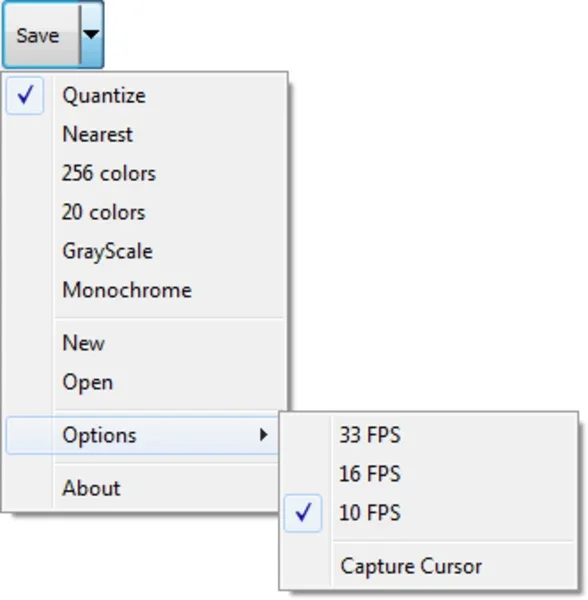
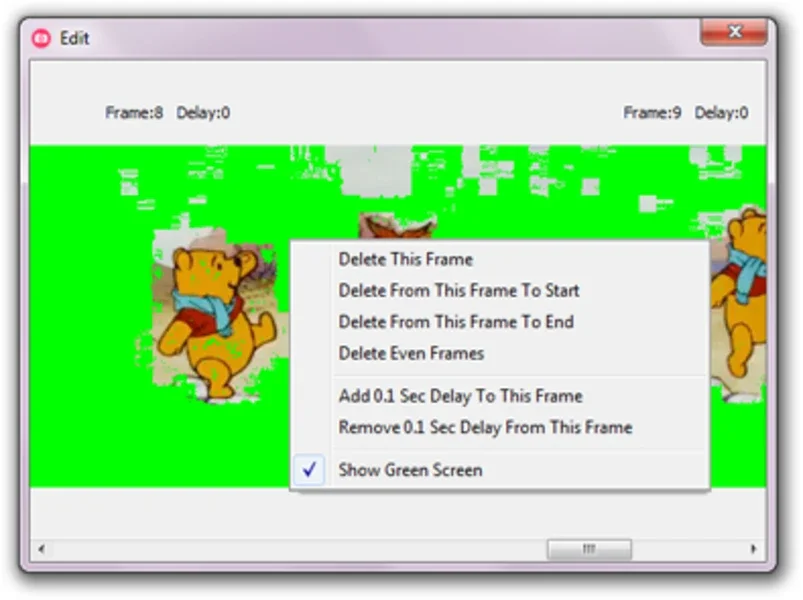
You can record continuously or frame by frame, in groups of 10 to 16 frames per second, and the mouse cursor can be included in the recording. Afterward, unwanted frames can be deleted. It is a desktop application for Windows for creating and editing custom GIFs.
Download files
File7.7ZIP
Version7.7
ReleasedJul 10, 2024
Size741.4 KB
SHA-256
Get
819f152b87f9cf919623fd4de8bdac6ec11a836e8d38ea15e60b5aa2e2b78ee9
Filegifcam-7.0.zipZIP
Version7.0
ReleasedJun 24, 2022
Size720.9 KB
SHA-256
Get
a891ac27c6078ef7455134948240313eb66ba8b2c9f32c5d8db920c4282d936c
Filegifcam-6.5.zipZIP
Version6.5
ReleasedDec 15, 2020
Size719.8 KB
SHA-256
Get
036f7c2b30e2c1dc5d57d62ce1f4a6ea6089e256c3f6824f8670053c0890c82a
Filegifcam-6.0.zipZIP
Version6.0
ReleasedFeb 24, 2020
Size718.7 KB
SHA-256
Get
5b45fddd87f50436613e40170291836603727e507696c3d7f0839917ecacdd3b
Filegifcam-2.0.zipZIP
Version2.0
ReleasedJun 28, 2013
Size667.9 KB
SHA-256
Get
fa6925a9eebc6552bcdfd8354129750fb930e5d82452eeec801873ff2795f223
System requirements
Available on:
Minimum OS:
Windows XP or later
Additional information
Developer
Latest release
7.7 · Jul 10, 2024
Size
741.4 KB
Category
File type
ZIP
SHA-256
819f152b87f9cf919623fd4de8bdac6ec11a836e8d38ea15e60b5aa2e2b78ee9