
GOM Studio for Windows
Live streaming and desktop capture with region select
Screenshots
Description
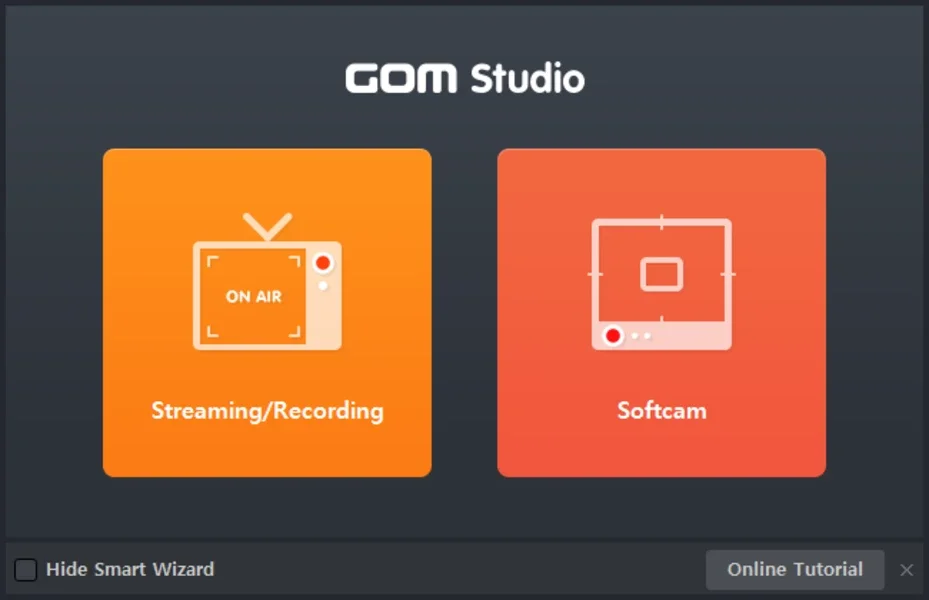
GOM Studio lets you broadcast live to almost any streaming platform. When it starts, it asks which tool you want: the video capture tool or the streaming tool.
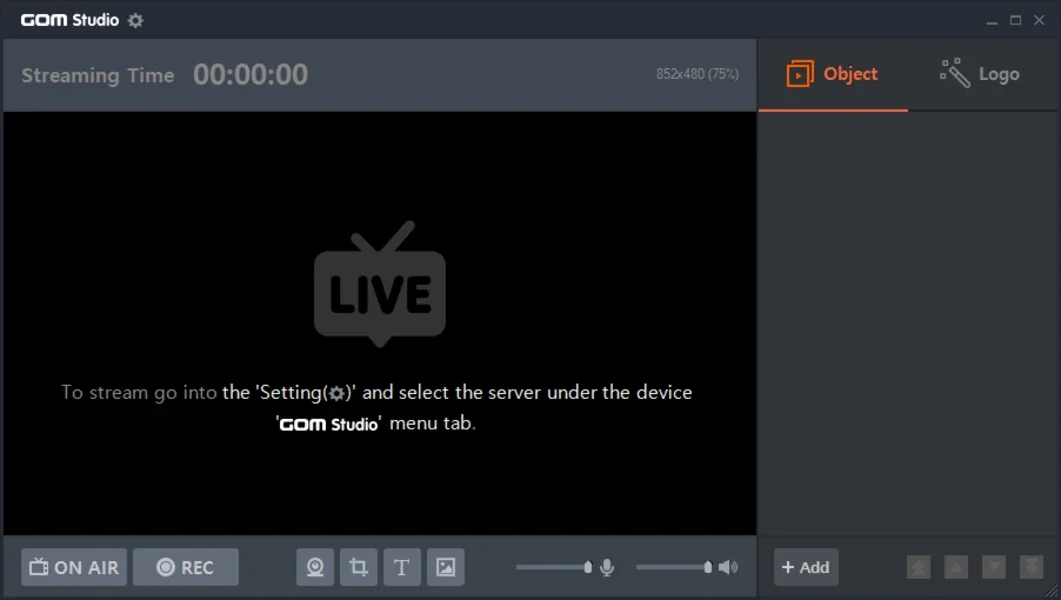
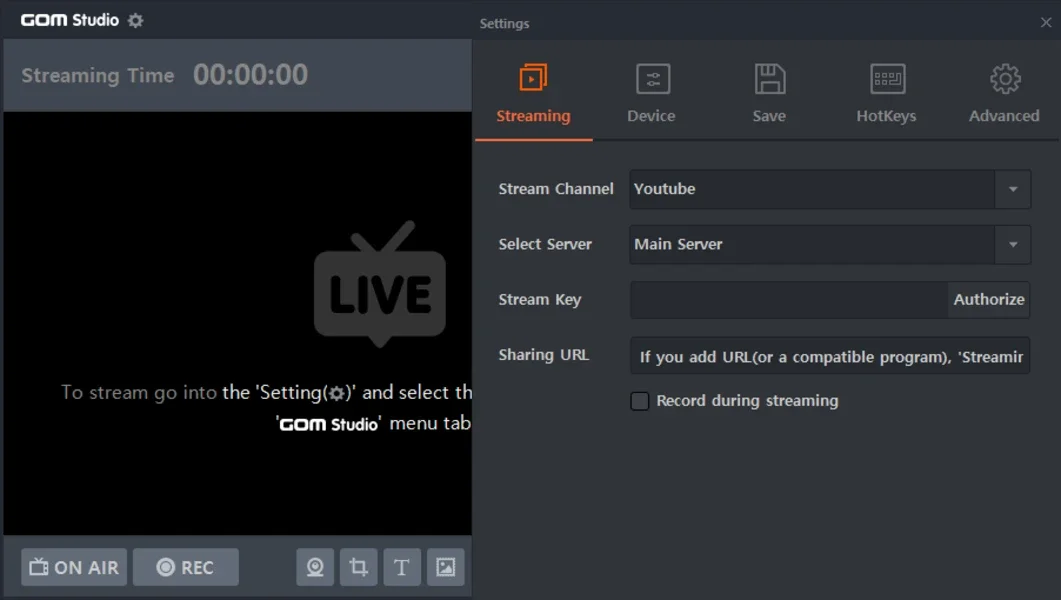
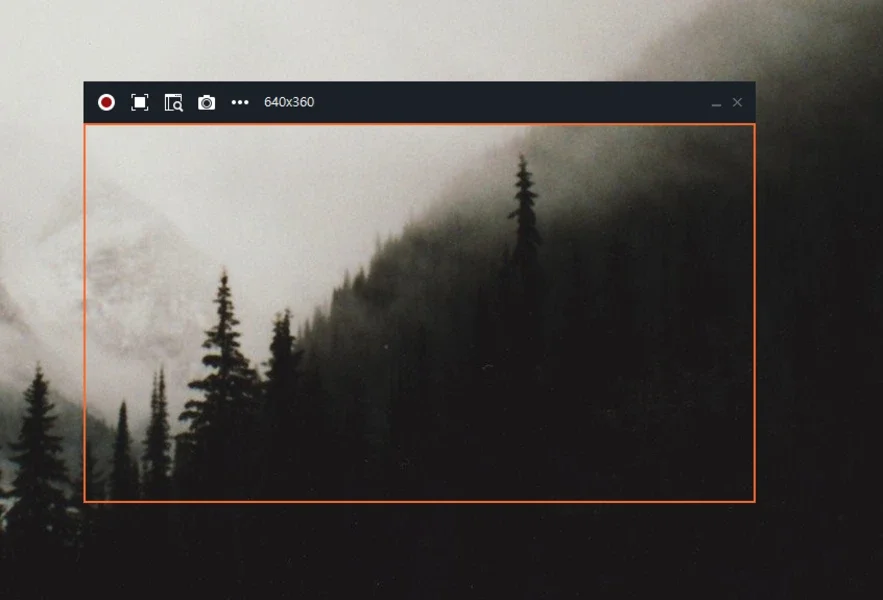
Both tools work in much the same way. You pick the area of the desktop to broadcast, then press the 'Rec' button, and capture or broadcast starts on its own. The live broadcast tool is the more complex of the two and carries extra functions. It can edit the broadcast interface with frames or boxes, and it can attach an external recording system. The capture side is narrower: it grabs specific regions of the computer desktop. When you finish, both tools offer to save the result in almost any format, and saving comes with a wide range of video quality options. The menus are self-explanatory, and the interface design is described as intelligent.
It runs on Windows.
Download files
aff6e97f9c45a89caeb8a1a285d72cee9804235fa66e7a6cd2ded6d990bb7a73
Signed by GRETECH · valid until Aug 15, 2019System requirements
Available on:
Minimum OS:
Windows XP or later
Additional information
Developer
Size
Category
File type
SHA-256
aff6e97f9c45a89caeb8a1a285d72cee9804235fa66e7a6cd2ded6d990bb7a73