
Google Icon 1.9 for Windows
SHA-256 listed
Shows site favicons in Google search results in Firefox
All ages
Age rating
Screenshots
Description
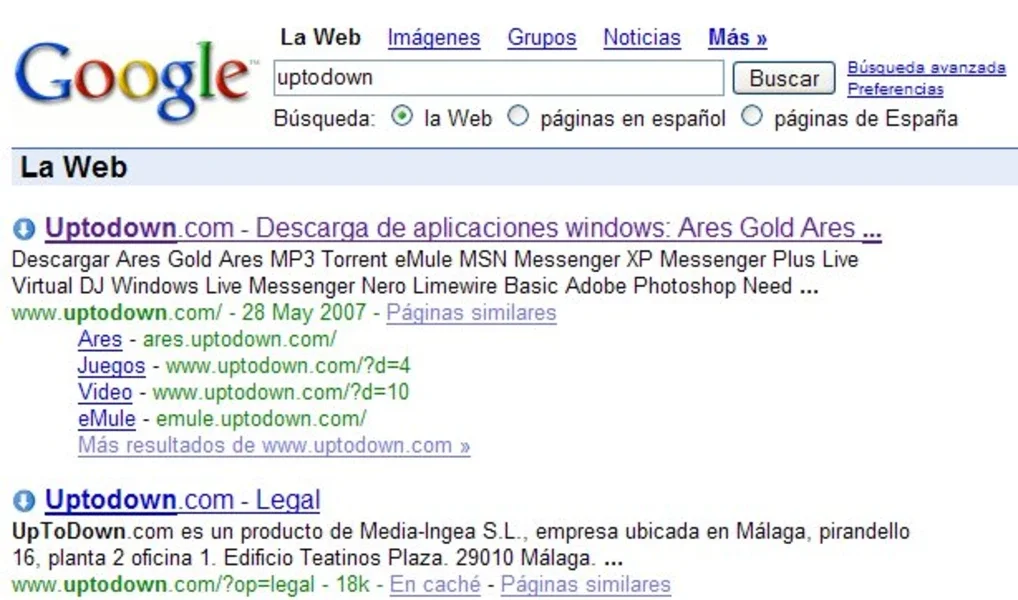
Google Icon puts the favicon of each site next to its entry in the Google search results list. Recognizing those small site icons can help when you are picking a result from the list. The add-on is for Firefox, and after installation the search result list looks different.
Its job begins once you go to Google and run a search for a term. Outside that, it does nothing.
Installation takes three steps: click Download, accept the message at the top of the Firefox browser, and confirm the installation.
Download files
File1.9XPI
Version1.9
ReleasedAug 6, 2010
Size5.0 KB
SHA-256
Get
f6b50d88112f2a13595da5f0f278de2f3676ff731db21671ee1f2ee50d76a3c9
System requirements
Available on:
Minimum OS:
Windows Windows 7 or later
Additional information
Developer
Latest release
1.9 · Aug 6, 2010
Size
5.0 KB
Category
File type
XPI
SHA-256
f6b50d88112f2a13595da5f0f278de2f3676ff731db21671ee1f2ee50d76a3c9