Google Web Designer 14.3.2.0 for Windows
Builds HTML5 ads, animations and pages in two work modes
You are on macOS — this is the Windows version. See the macOS version
Screenshots
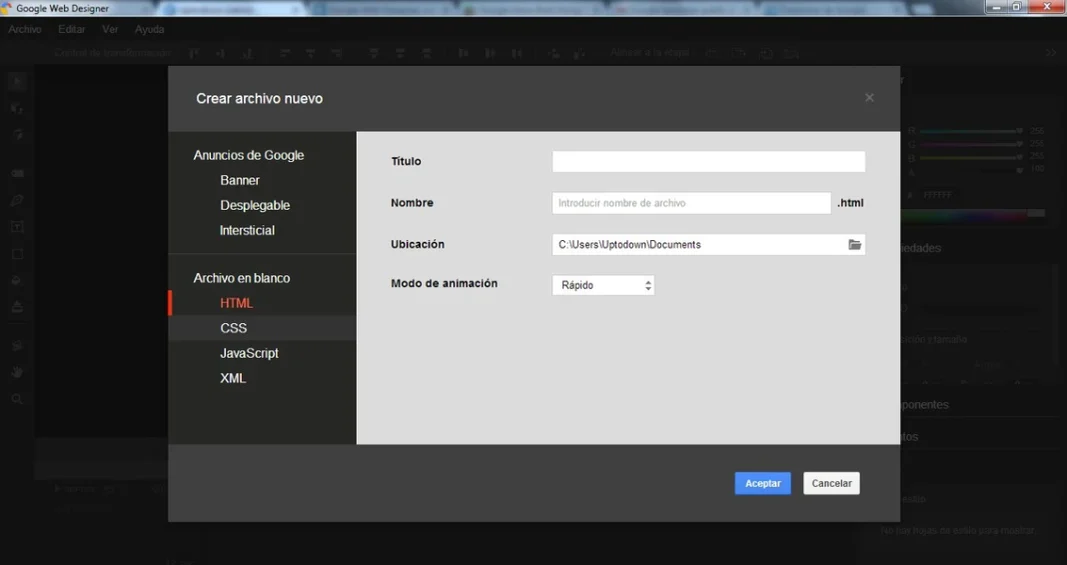
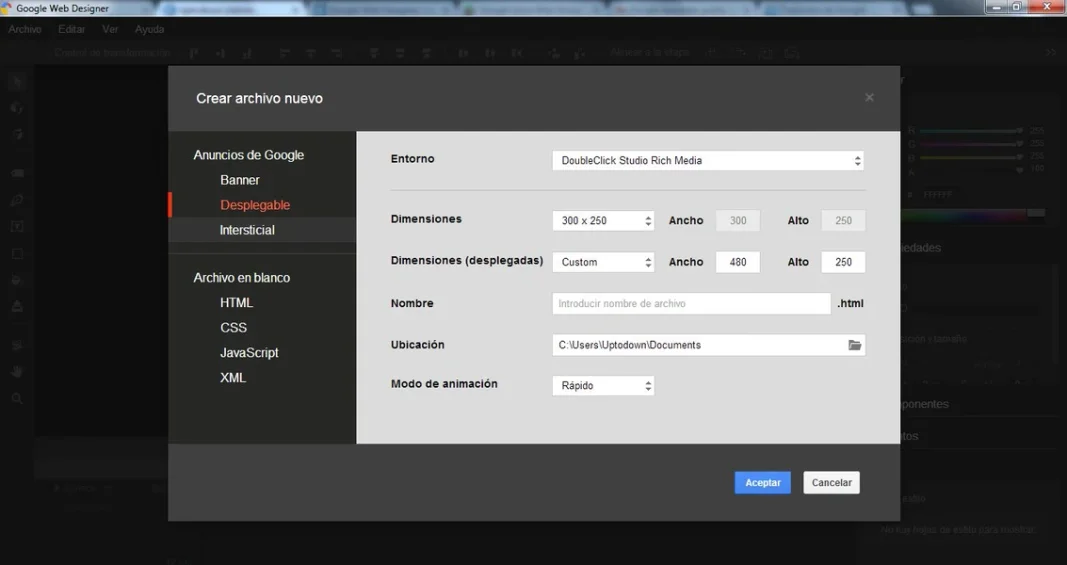
Description
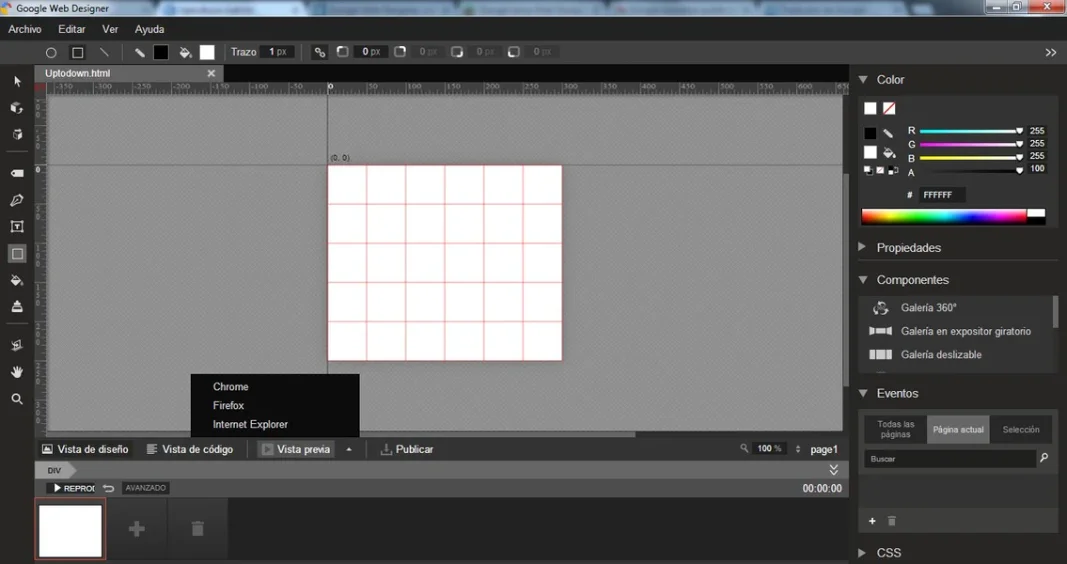
Google Web Designer is a free Windows program for making HTML5 ads, animations, video and web pages, and you can do it without advanced programming knowledge. It handles 3D content too, with no coding required.
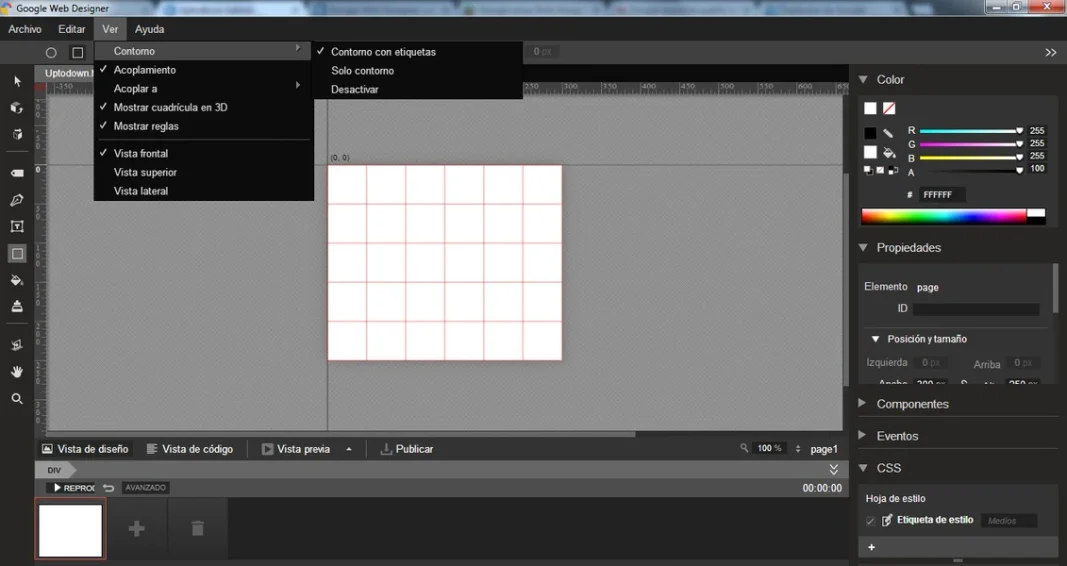
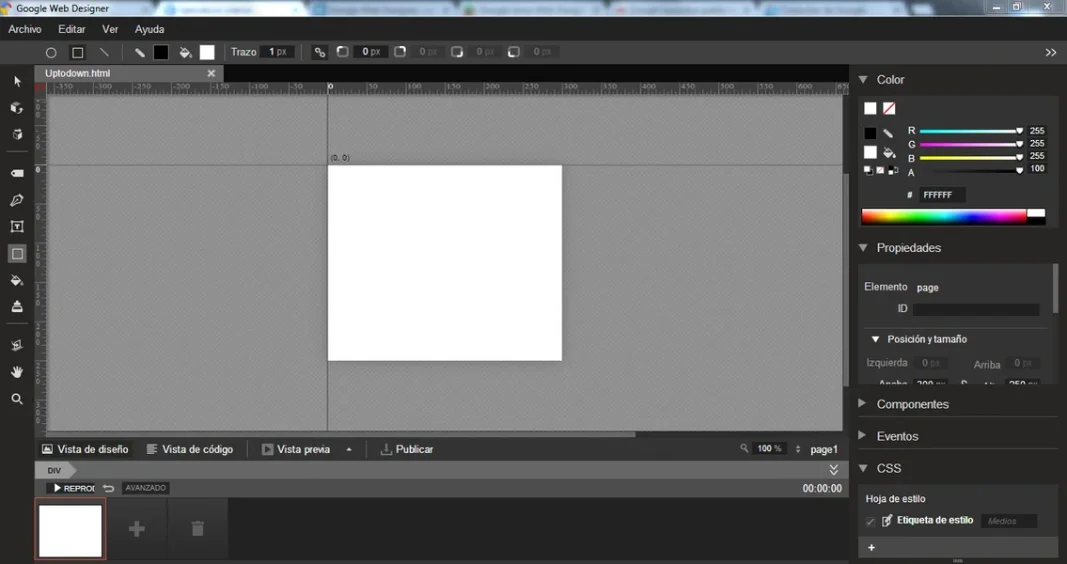
The main screen opens onto sections for interactive ads and animations that browsers and devices support. Two work modes sit behind it. One is quick and template-based, walking you step by step through each project. The other is advanced and lets you customize every detail with more flexibility. In code view you edit HTML, CSS and JavaScript directly, with auto-completion and syntax highlighting, and you can switch between design view and code view in real time. Flat images can be transformed, and 3D objects are available to work with. Interactive elements go in as well: image galleries, videos, maps, or customized events that respond to user actions. Video and audio clips are edited inside the design environment itself. Ads can be created and published to platforms such as AdMob or DoubleClick Studio from the same interface, without writing code.
The latest version is 138.0.7194.0. Google LLC publishes it as proprietary software.
Download files
75d9e5937230d1241df26f94def632c35ad53e051b94027e02eab0aa0569c782
Signed by Google LLC · valid until Apr 10, 202791da18df798d08f8832cd06dcbb50ff08a909ee7a6f1112b706f07a0d2f0b7fc
No digital signaturedccc9493f9f35117d3621d7c2787b91d2b78439f190c79ad7b8aa7135fd76079
793097a2bcde455cc5769de6a2239909f7c508e77068b565b5aeca896cb2bf27
3e2688f871df37ed31102e478869cf6dd3edc685a301669501db5752f9fba95a
System requirements
Available on:
Minimum OS:
Windows Windows 11 or later
Additional information
Developer
Latest release
Size
Category
File type
SHA-256
75d9e5937230d1241df26f94def632c35ad53e051b94027e02eab0aa0569c782