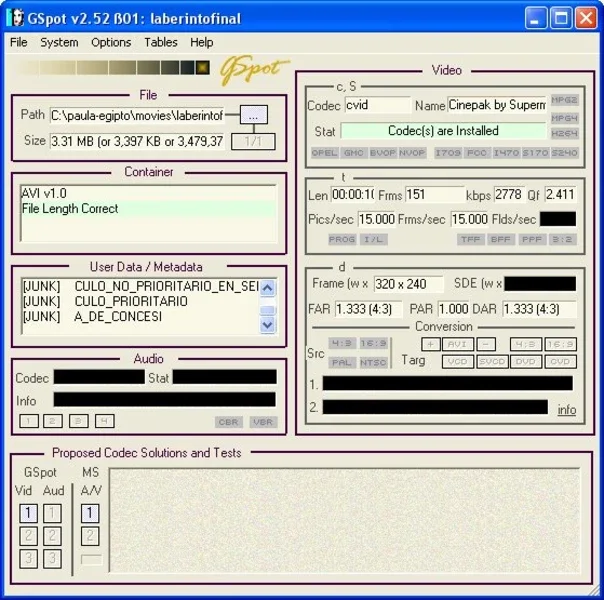

Screenshots
Description
Drag a video file onto the GSpot window and it tells you what you are looking at. The program reads the file and shows which video codec compressed it, along with the audio codec and its bitrate. It also shows aspect ratio, duration, frame count, Kb/sec, file size and format.
GSpot reports whether the codec a file needs is actually installed on the machine, and it indicates whether the file itself is corrupt. Compatibility with VCD, SVCD and similar formats is shown too.
GSpot can also produce a report on the audio and video codecs installed on the computer.
Download files
System requirements
Available on:
Minimum OS:
Windows Windows 10 or later
Additional information
Developer
Latest release
2.70a · Mar 9, 2017
Size
400.1 KB
File type
ZIP
SHA-256
0ca01c2a86a0efc325c31b187ea06662ac32aa9172efa5b05a50b5bd98d65fee