Hakchi2 2.32 for Windows
SHA-256 listed
Open source
Installs new ROMs on the Super Nintendo Mini from a Windows PC
All ages
Age rating
Screenshots
Description
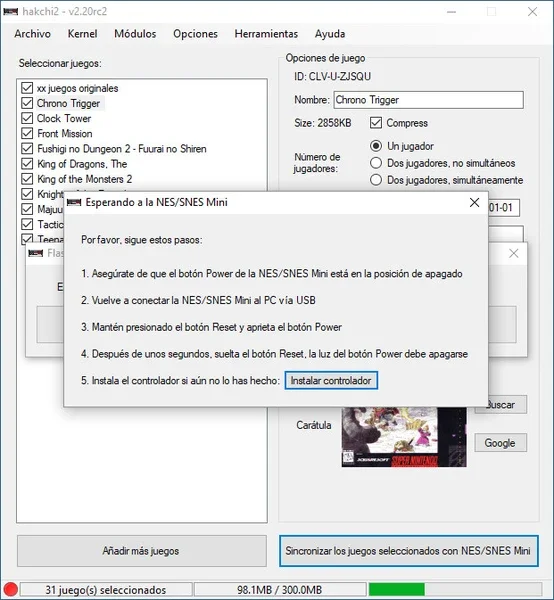
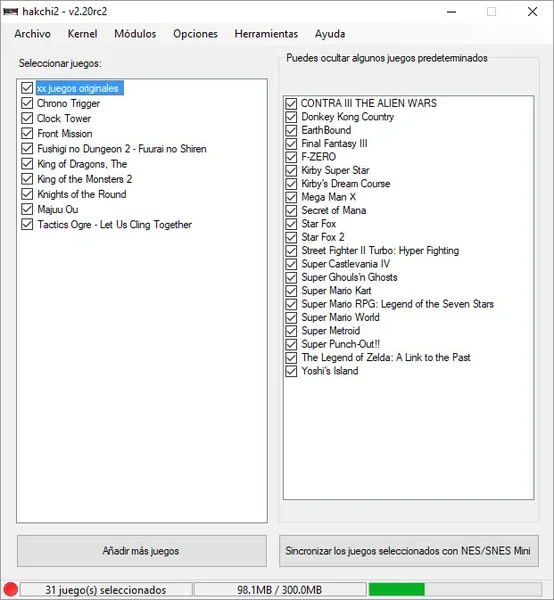
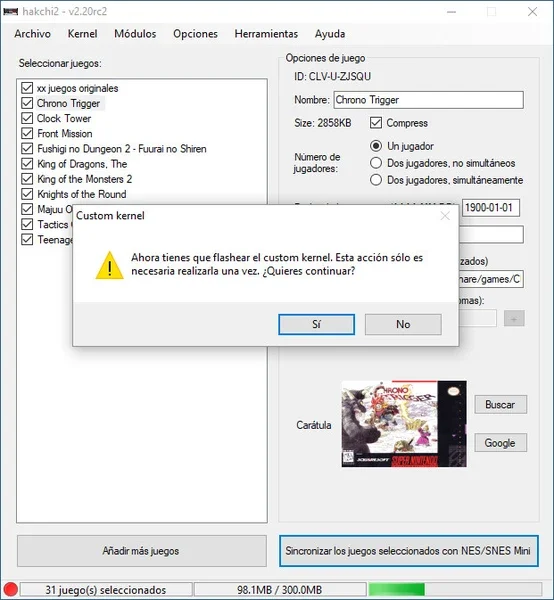
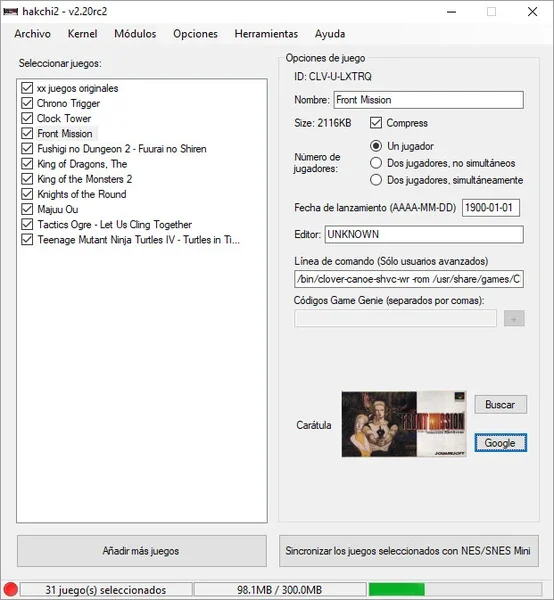
Hakchi2 installs new ROMs on the Super Nintendo Mini. You connect the console to your computer, click the start and reset buttons, and the program walks you through the setup with a tutorial.
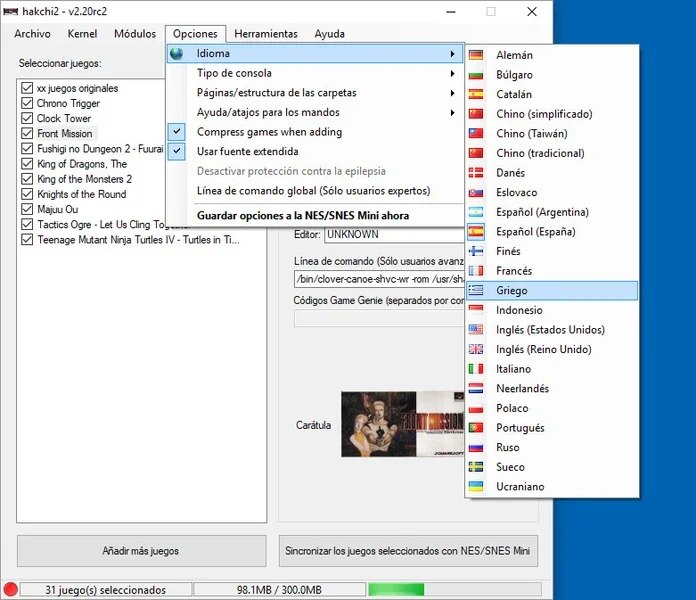
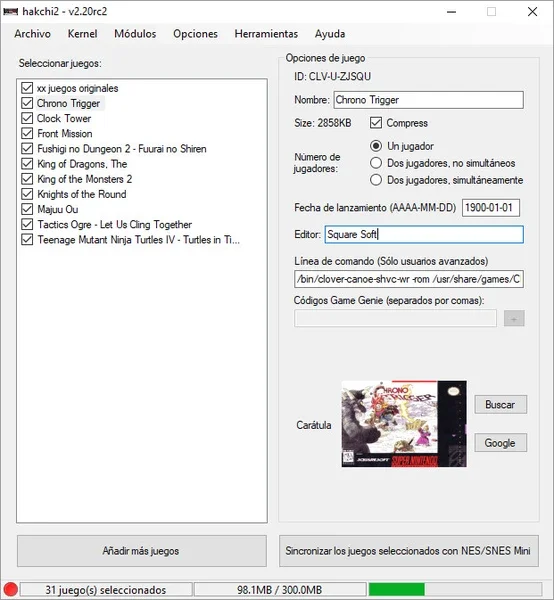
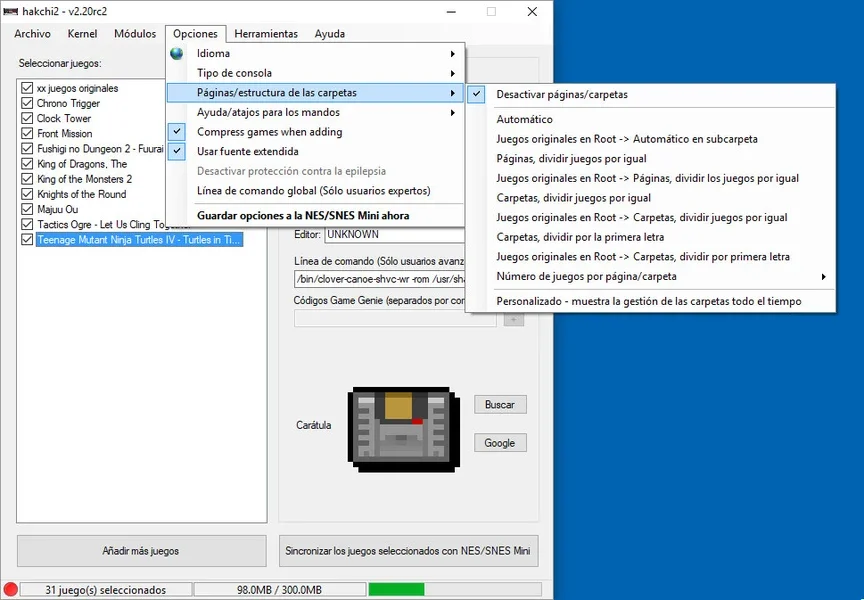
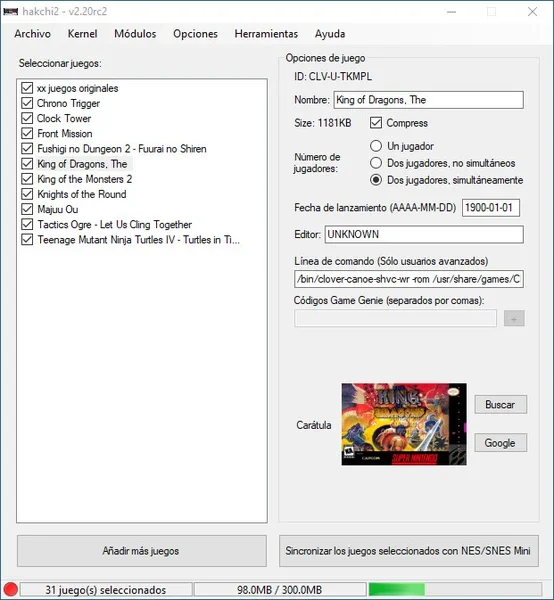
Adding games is a two-step process. Click the 'add more games' button and select the ROMs you want. For each title, the interface lets you add a cover, details such as release date and maker, and the number of players. When the list looks right, click 'synchronize'. Follow the brief tutorial that appears after synchronizing, and the console is ready to use.
Setup and flashing can damage the console if you are not careful.
Download files
Filehakchi2_web_installer.exeEXE
Version2.32
ReleasedNov 3, 2025
Size532.9 KB
SHA-256
Get
443527943f65005d07ab21becd5762a79d8b3e19869bb314ed24497b5f465515
Signed by Alexey 'Cluster' Avdyukhin software · valid until Dec 31, 2049File2.32ZIP
Version2.32
ReleasedAug 27, 2020
Size15.5 MB
SHA-256
Get
d40d23079f21c95bcd2ceccaa300dfab3174f0717a8b3b403771b43331c9f35a
Filehakchi2-2.31.zipZIP
Version2.31
ReleasedApr 29, 2020
Size15.4 MB
SHA-256
Get
37dfbff2ba8cf99c95c536896cc8ee5c53909c6e109aa6304a2fc64019e89eb5
Filehakchi2-2.20.zipZIP
Version2.20
ReleasedOct 8, 2017
Size11.5 MB
SHA-256
Get
b63953c11d8df2e5c27aaf0e2075ccdcf512480332825d643819a1660c5fb47f
Filehakchi2-0.20rc4.zipZIP
Version0.20rc4
ReleasedOct 7, 2017
Size11.9 MB
SHA-256
Get
a19a37103ed4c311cb0671b097d104d40d5095b67be5ad6b93736d245e044e4f
System requirements
Available on:
Minimum OS:
Windows Windows 11 or later
Additional information
Developer
Latest release
2.32 · Nov 3, 2025
Size
532.9 KB
Category
File type
EXE
SHA-256
443527943f65005d07ab21becd5762a79d8b3e19869bb314ed24497b5f465515
Digital signature
Signed by Alexey 'Cluster' Avdyukhin software · valid until Dec 31, 2049