
Hello Minecraft! Launcher 3.17.2 for Windows
Free launcher for Minecraft that downloads and installs mods, resource packs, skins, and
Screenshots
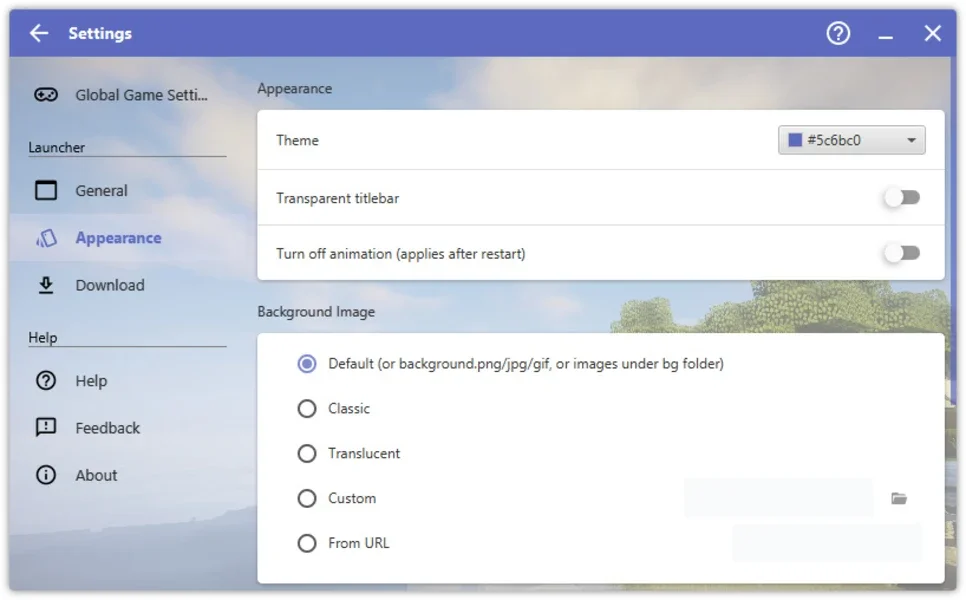
Description
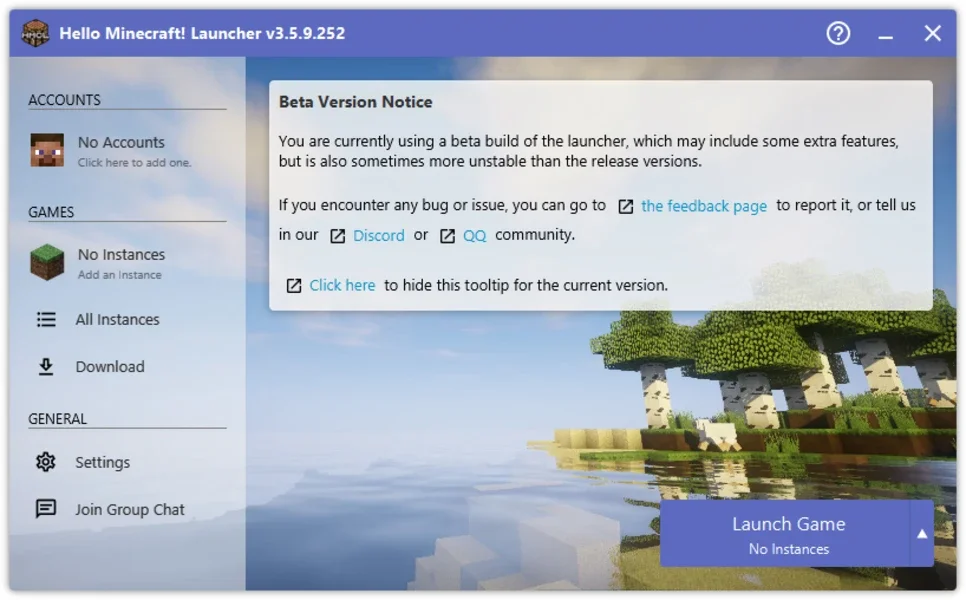
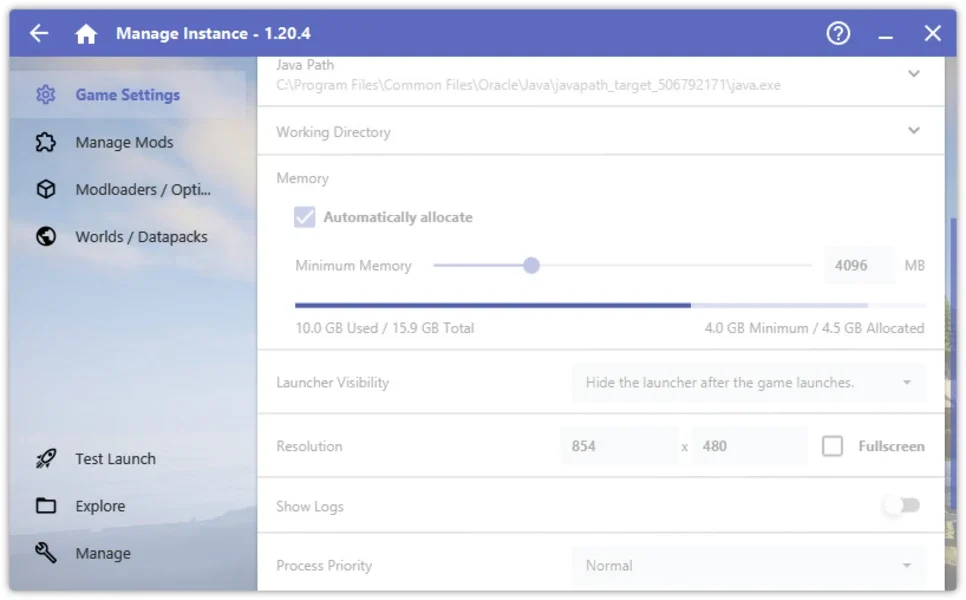
Hello Minecraft! Launcher is a free and open-source launcher for Windows. It doesn't need to be installed, and on first run it downloads some additional files and nothing else. Setup can be completed in less than five minutes. The game can be launched with a button in the bottom right corner.
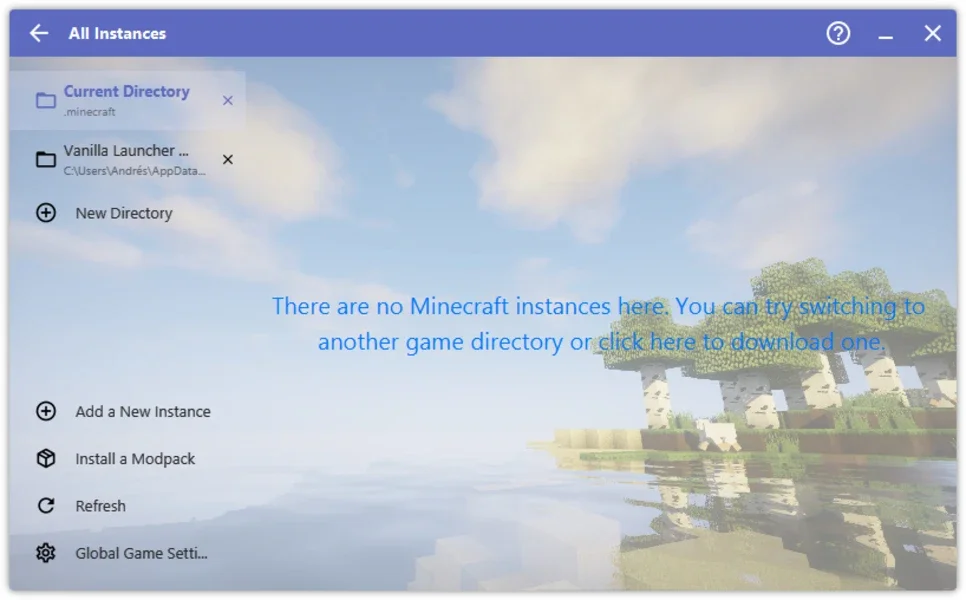
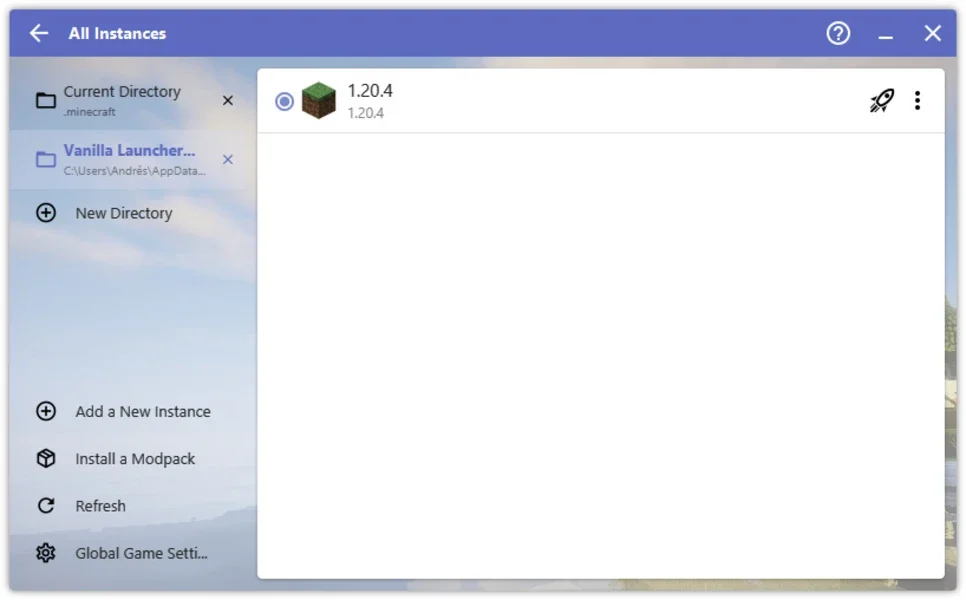
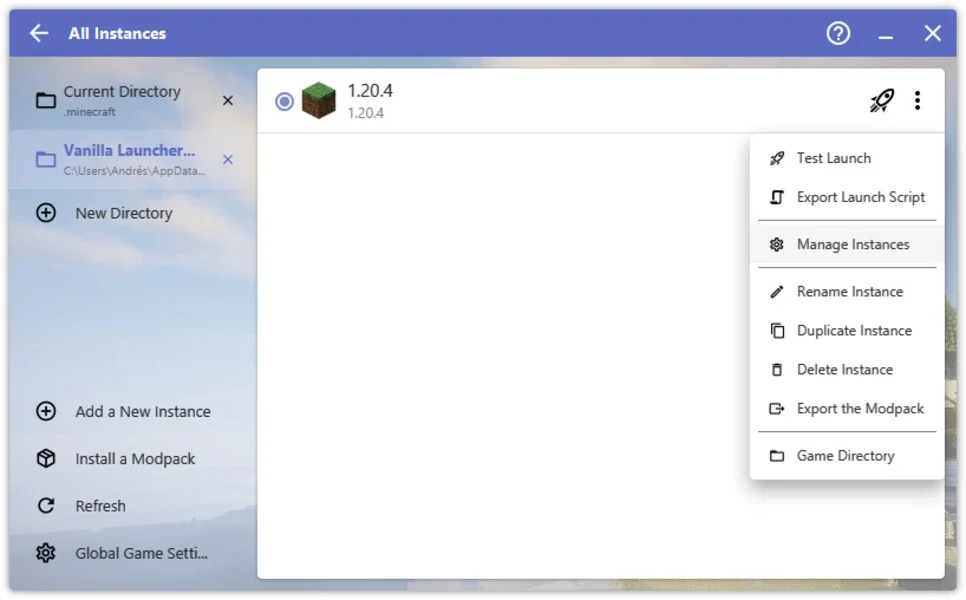
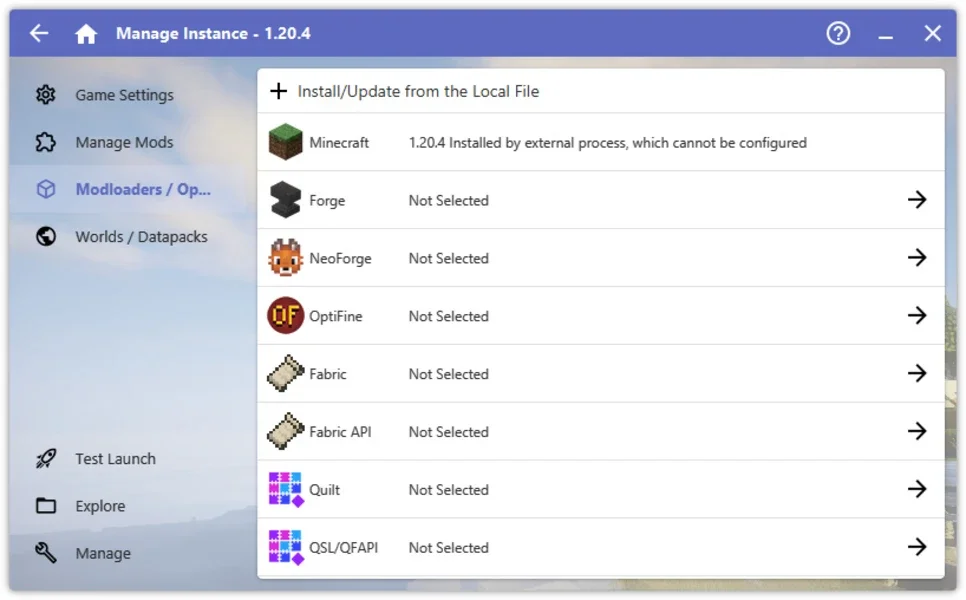
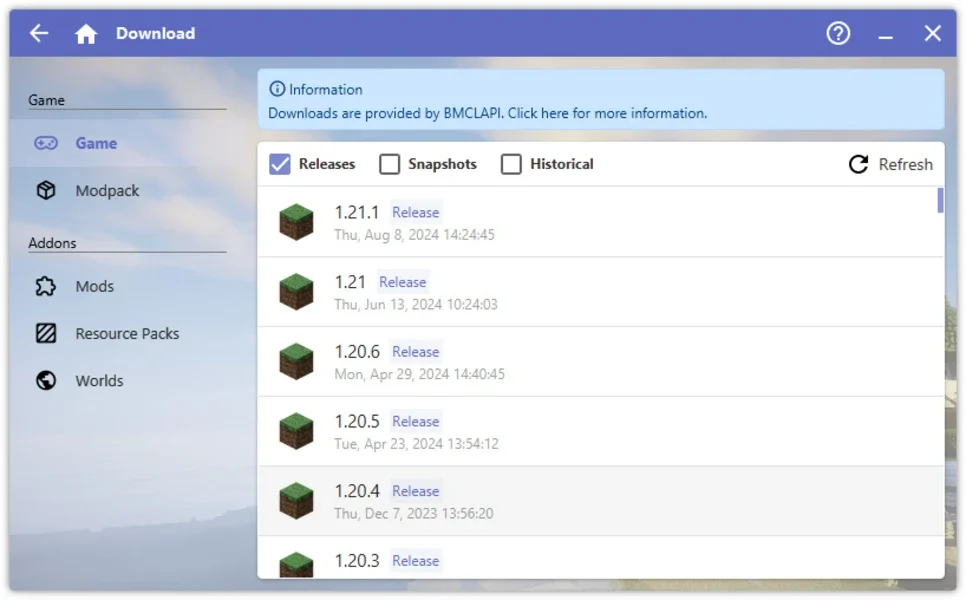
The Instances tab is on the left-hand side and is used to configure the game. You select the Minecraft version there, and any historical release can be chosen, including Alpha and Beta from 2010 and 2011 and versions up to 1.20. The launcher works regardless of which Minecraft version is installed, but launching requires Minecraft to already be installed on the PC. If it isn't, you should synchronize your account or open the Instances tab.
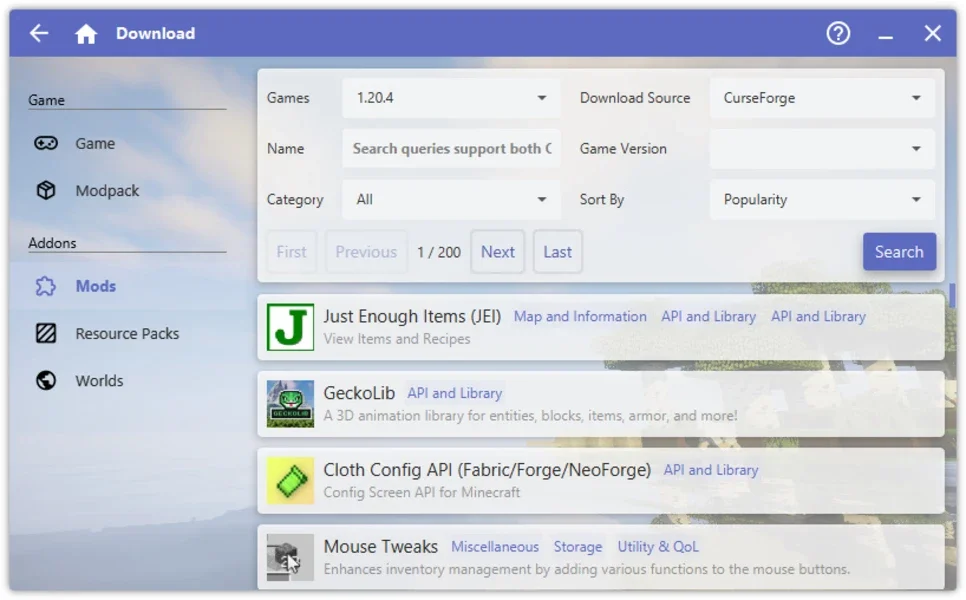
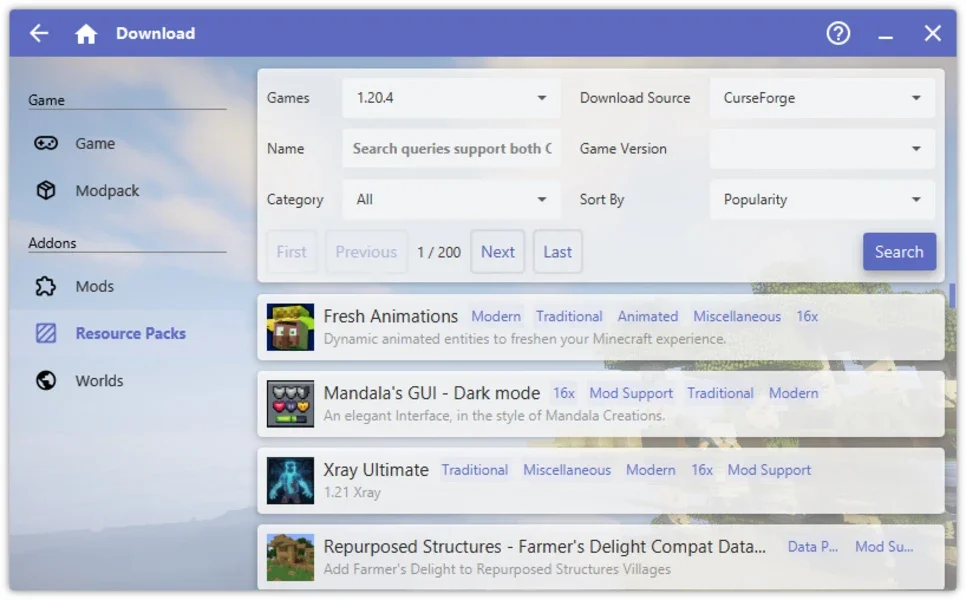
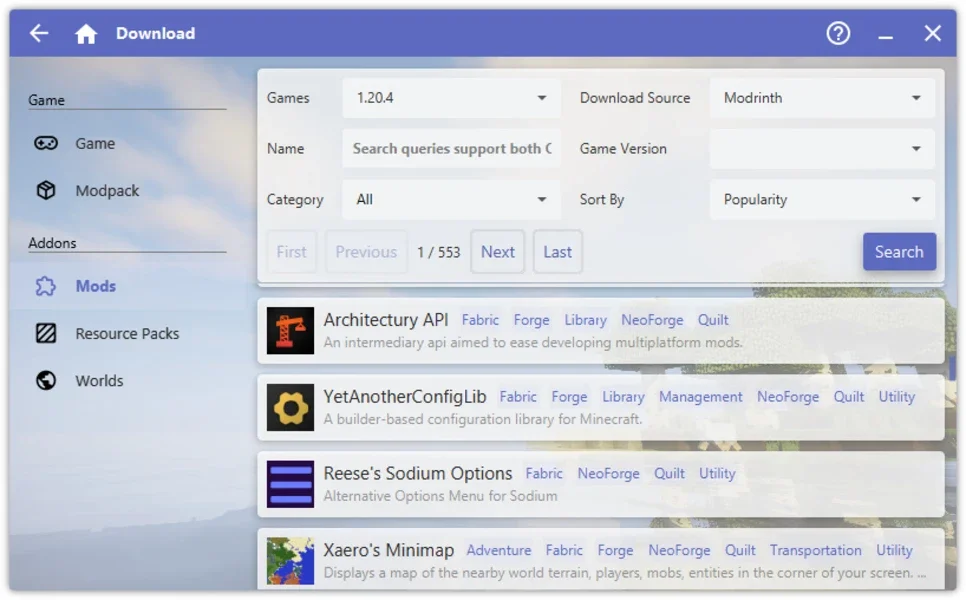
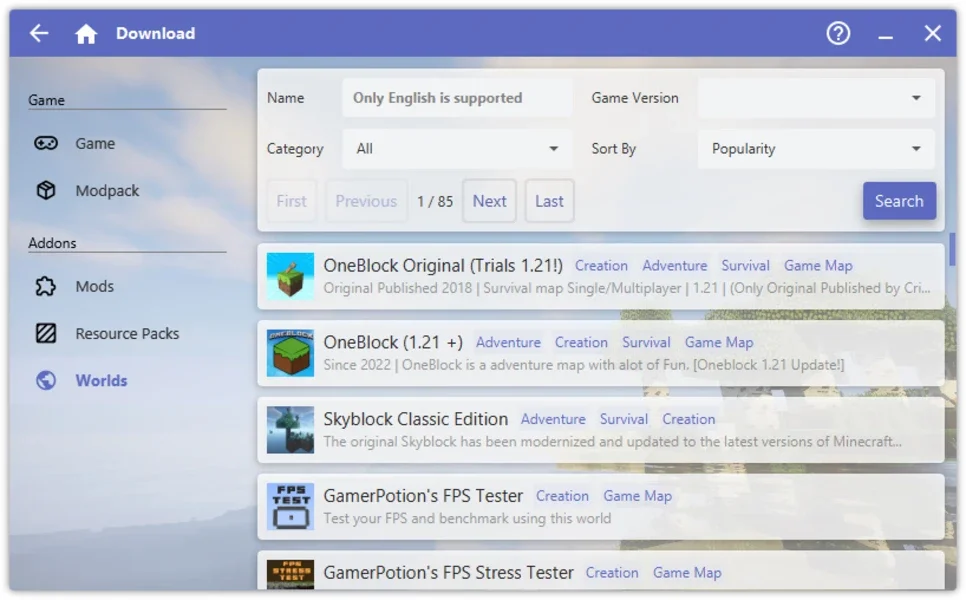
Mods and datapacks can be searched for and installed from the Instances tab. Enter a name in the search box; mods can be filtered by category, popularity, game version, or download source. Downloading and installing a mod takes a single click. The launcher can also download, install, and manage mods, texture packs, resource packs, and pre-generated maps. Hundreds of resource packs and skins can be downloaded with one click.
Download files
43ad42f37519243b117c7430f3f4a193eacab84d4cb266090ca425a7a3c09847
No digital signatureadc65a82ed31876bb4c7d5e3335c2399bd698bc350ffbc097ae0c66855b777f6
No digital signatureb06f6e047c6bd4e95291c228cb92328a75f89ed14856f68b76d178414bb663ff
No digital signature7416eecf41e7e0c3af9d5d00c9de3c02e6c2c42390ba0500bdc0c9cec2b875a7
No digital signature972a101ff01ef7521c59547afeab64bfaaf95ab5cc4284c01895b5daa10f8d43
No digital signatureSystem requirements
Available on:
Additional information
Developer
Latest release
Size
Category
File type
SHA-256
43ad42f37519243b117c7430f3f4a193eacab84d4cb266090ca425a7a3c09847