
Hide Folder Ext 1.5.1 for Windows
Password-protects and hides folders on external drives
Screenshots
Description
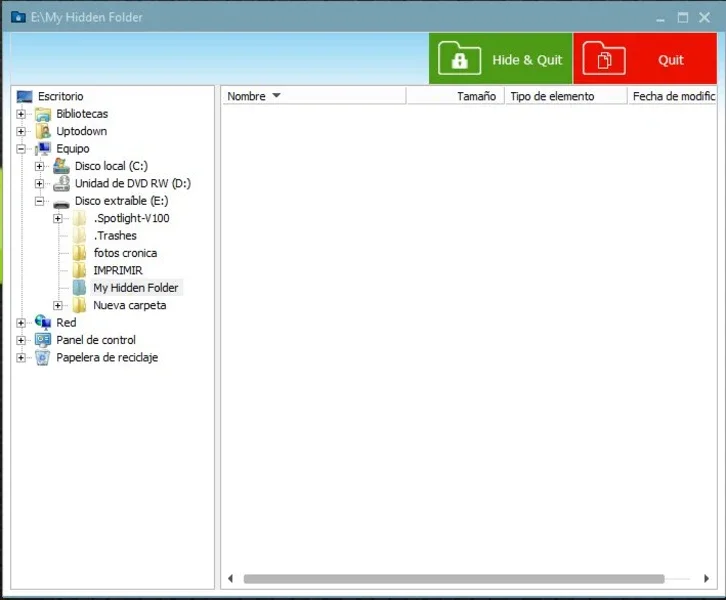
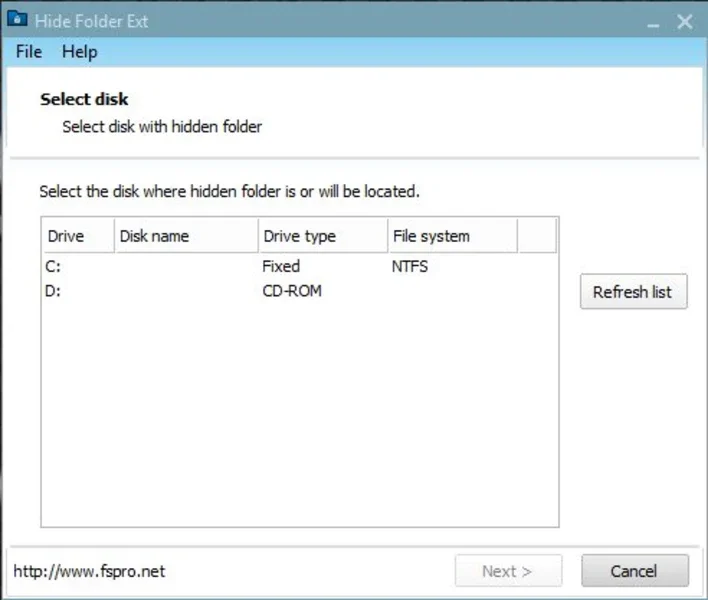
Hide Folder Ext is used to keep folders on an external drive out of sight. Plug the drive into a computer and the protected folders stay hidden; they are not imported, and nothing on the host machine shows them. Only running the program and entering the correct password makes the computer display those files.
The program works on flash drives, external hard drives and memory cards, so the protection travels with the drive rather than staying with one machine. Files remain in place on the external device; the host computer simply has no way to list them until the password is supplied. That covers the case where someone else plugs the drive into their own computer and browses it normally. Running the program on that computer and entering the password is the only route to the folder contents. If the password is not entered, the folders stay hidden and stay out of any import.
It runs on Windows. A trial is available before you buy.
Download files
System requirements
Available on:
Additional information
Developer
Latest release
Size
File type
SHA-256
b71ce345e6cb35b1c0cfcbcdb0710ec49f8fe10cdfee892d83dcd11297b8dc51