
Hyper-V Recovery 17.0 for Windows
Recovers deleted or damaged files from Hyper-V virtual hard drives
Screenshots
Description
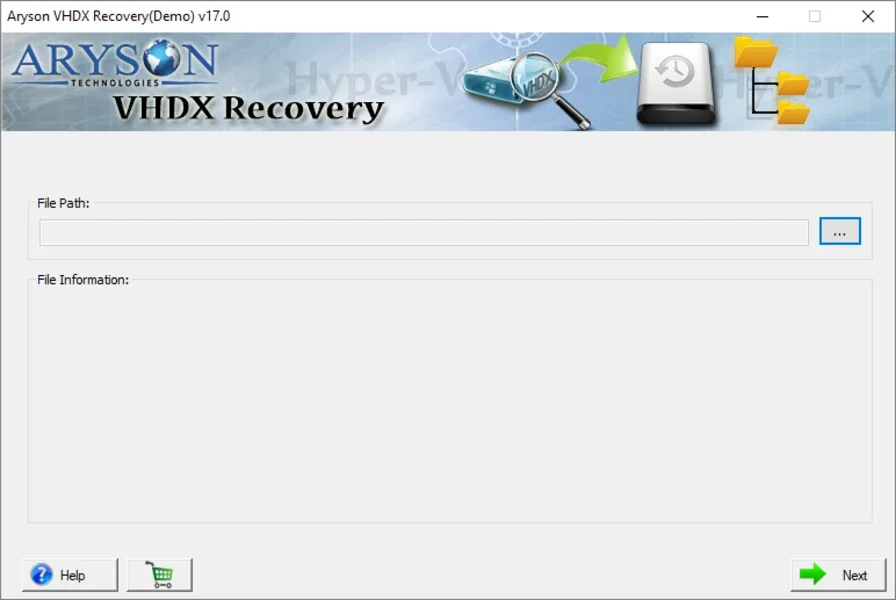
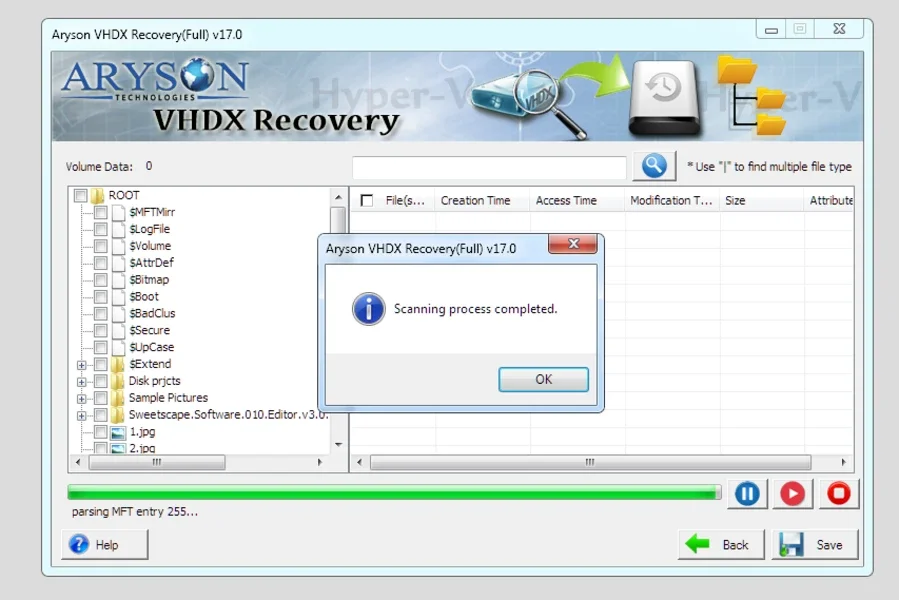
You point Hyper-V Recovery at a VDHX file, and after a few seconds it shows a file tree of everything on the virtual hard drive. From there you pick the files to recover and the program handles the rest with its automated recovery algorithm. Deleted or damaged files are what it goes after, and the same file tree lets you preview all the data in the VDHX file before you commit to recovering anything.
The preview matters when file names don't match what's inside them and the folders are a mess. You can look through the contents first instead of guessing from the tree.
The interface is simple enough to get through in a few clicks without reading a manual. It runs on Windows.
Download files
8742653008d9ffa1ed8020bfb4b00f11c6a0896ae4c3c2caad5f048875ef6b8c
Signed by Aryson Consultancy Services · valid until Jul 6, 2018System requirements
Available on:
Additional information
Developer
Latest release
Size
Category
File type
SHA-256
8742653008d9ffa1ed8020bfb4b00f11c6a0896ae4c3c2caad5f048875ef6b8c