
Icon Changer - Customize Icon 19.7.7 for Windows
Changes Windows folder icons from a built-in library or your own image
Screenshots
Description
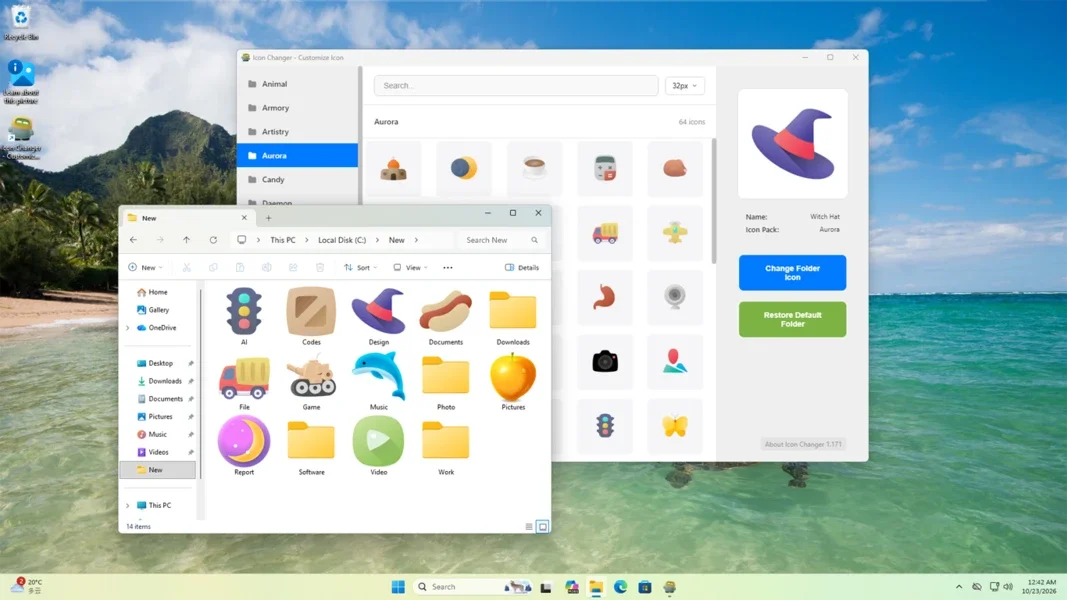
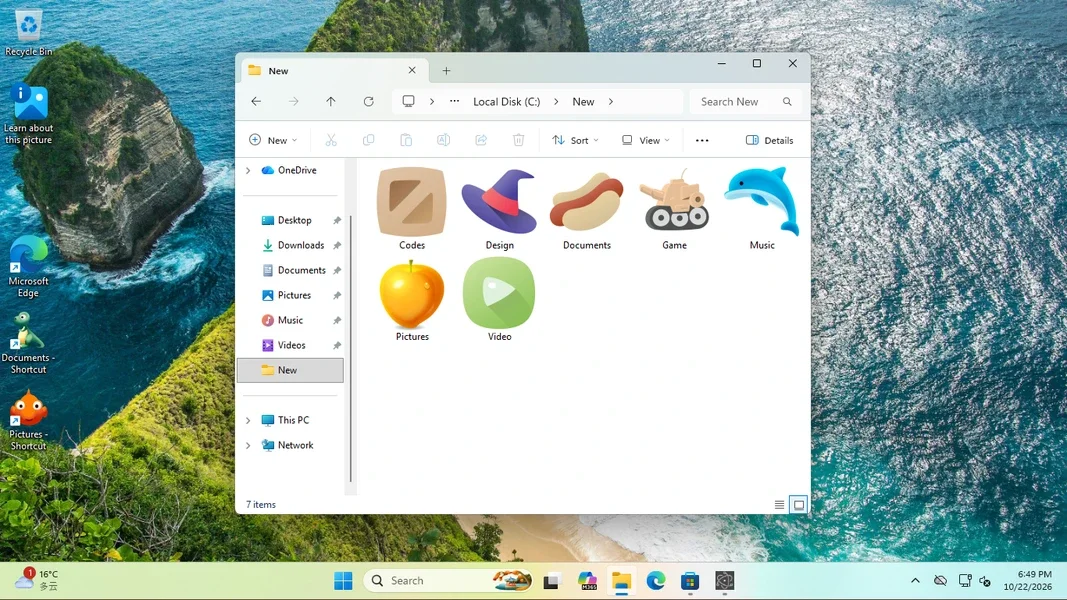
Right-click a folder, choose Change Icon, and give it a new face. Icon Changer handles the rest: pick something from the built-in library or load your own image, and the change applies with one click. It is a Windows utility for folder icons, and it runs on Windows 10 and Windows 11.
The library holds more than 1,000 icons split across over 20 style categories. Minimalist, flat, colorful gradients, 3D renders, retro pixel art, tech glyphs, nature-inspired and corporate designs are among the styles. You can also import your own icon in ICO, PNG or BMP format. If you need an icon that lives inside a program, the tool can extract icons from executable files.
No registry edits or complicated menus are involved. Before making changes, it automatically creates system restore points. The new icon shows up immediately and stays put after a system reboot, and the folder structure and properties are preserved. Local folders, external drives and network locations all take the change. It is lightweight and uses minimal system resources.
Download files
3f8f3505a35863fd57ff6f2adb7955ca2d744f272a2d867eef24c72dfeb8517d
0a6ccf4591e16fbf9bf644def34df7e4b57749811c72b14709d36b9e0e23d120
System requirements
Available on:
Minimum OS:
Windows 7 or later
Additional information
Developer
Latest release
Size
Category
File type
SHA-256
3f8f3505a35863fd57ff6f2adb7955ca2d744f272a2d867eef24c72dfeb8517d