
ImBatch 7.6.4 for Windows
Batch image converter and resizer with format and name control
Screenshots
Description
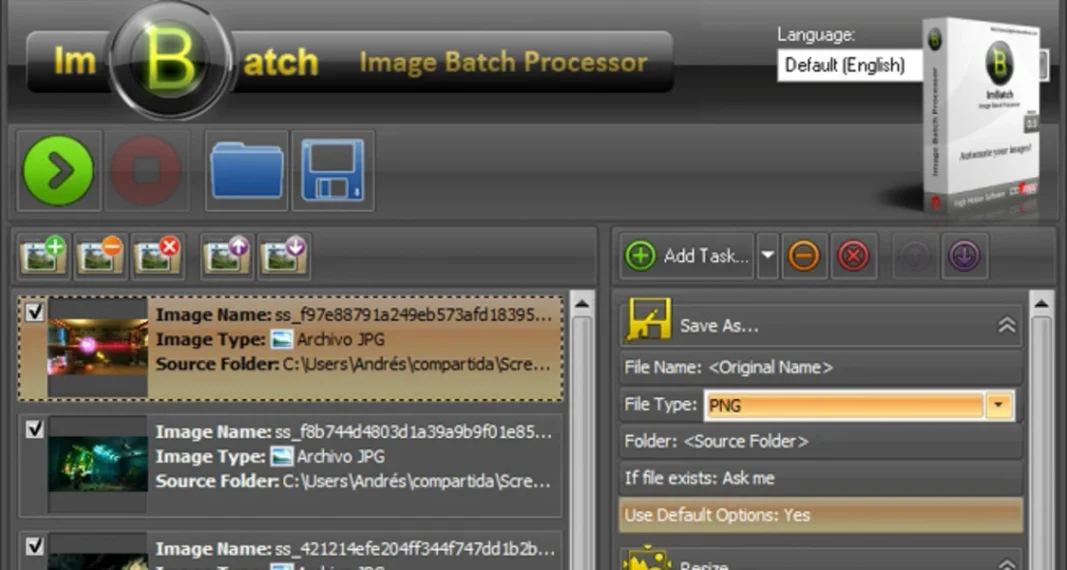
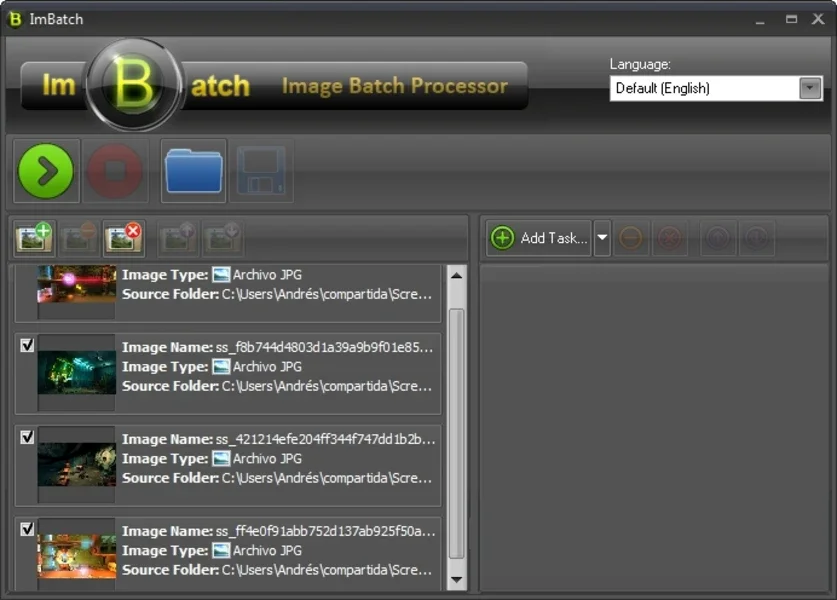
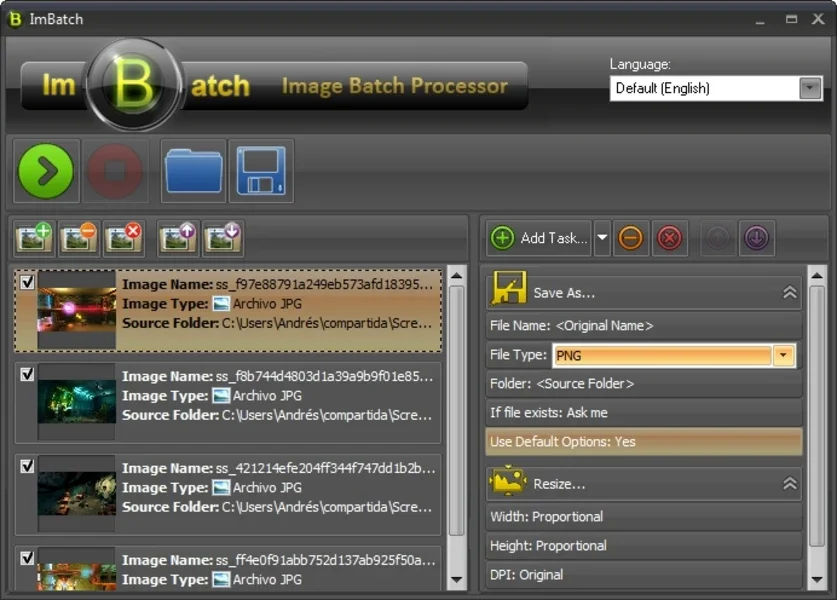
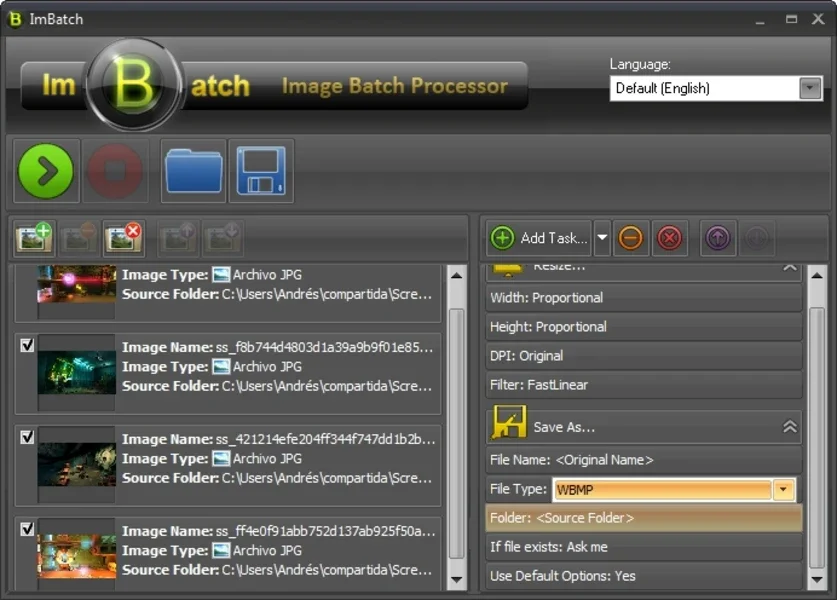
ImBatch handles many images at once. You drag images into the program window and pick tasks from the right-hand column. The tasks are split into two groups: 'save as' and 'resize'. The interface is described as intuitive.
The save as group
This group can change the image format. It can also change image names.
Formats and the resize group
The second group lets you change image height and width, adjust resolution, and apply different filters. Supported formats include BMP, DIB and RLE; TIF, TIFF and FAX; the G3N and G3F variants plus XIF; GIF; JPG, JPEG, JPE and JIF; PCX and PNG; TGA, TARGA, VDA, ICB, VST and PIX; PXM, PPM, PGM, PBM and WBMP; JP2, J2K, JPC and J2C; DCX and DAT; PSD; WDP and HDP.
Download files
5d5c18e7c9fe58dcafe1ddeac35d15a315837502fea612c13ef969553a016389
Signed by Bolide Software (Smirnov Maksim Yurievich IP) · valid until Feb 10, 2029ca25abba323025727cf5c629e464df602af92eadb4ee65caaeb6e741a1f50b87
Signed by Bolide Software (Smirnov Maksim Yurievich IP) · valid until Feb 10, 202914bbc1e6afdc3de0d40b357ca673d7848a39cdaf77341aaa70b47b219bdbaea3
fda55fa2038bc7b5b30c29c61d612e7b1977c2e1d0d22757489777511a19a256
65a46bae3ca990ac3df3d9f994410f285d1f5a6d7ff8354effd8273a9442c124
System requirements
Available on:
Minimum OS:
Windows Windows 11 or later
Additional information
Developer
Latest release
Size
Category
File type
SHA-256
5d5c18e7c9fe58dcafe1ddeac35d15a315837502fea612c13ef969553a016389