
Imprimir 2.0.2 for Windows
SHA-256 listed
Prints any web page from a button beside the Chrome address bar
All ages
Age rating
Screenshots
Description
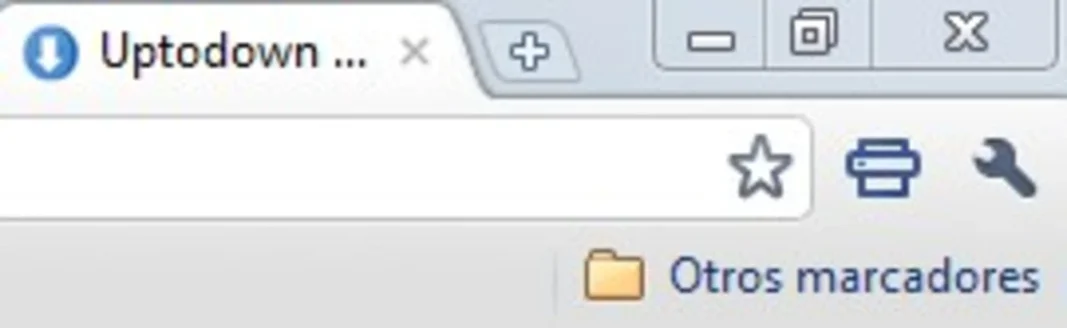
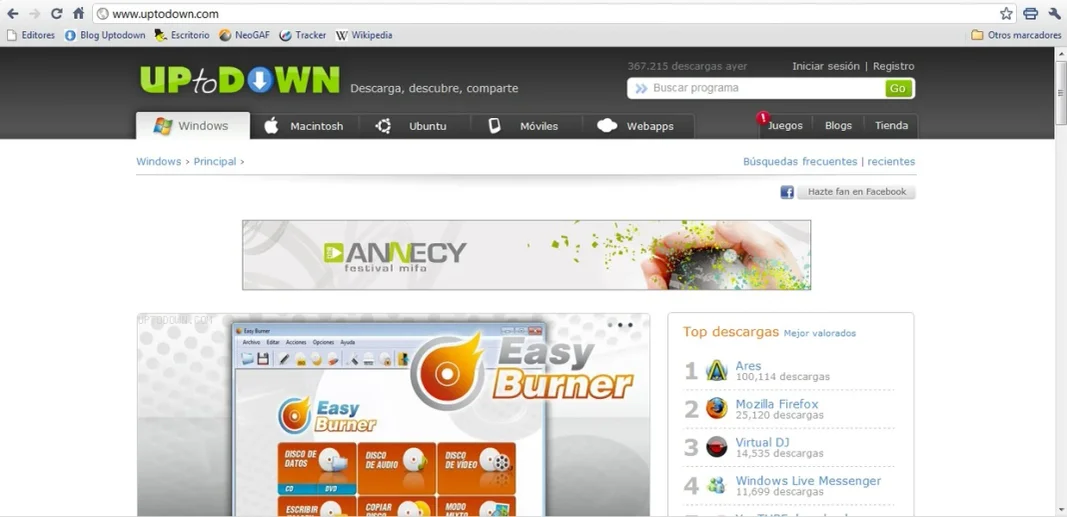
Click the button to the right of the address bar and the page you are on goes to the printer. The Windows print dialog opens and asks which printer to use. Imprimir is an extension for Google Chrome, and printing the current page is the job it does.
Icon color
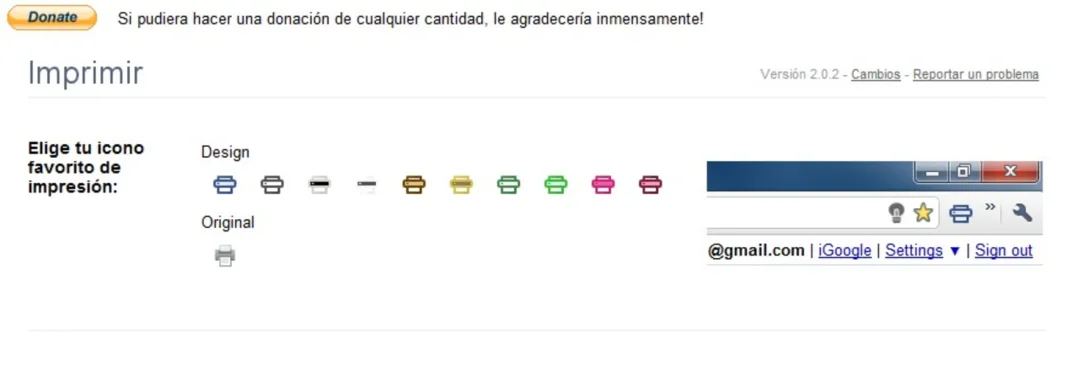
The one setting changes the color of the icon. It can be red, pink, blue, yellow, or any other color you like. Nothing else in the extension is configurable.
Download files
File2.0.2CRX
Version2.0.2
ReleasedFeb 11, 2011
Size47.5 KB
SHA-256
Get
af5119997e3f48bce012b785ac41d220819106fa1ad30534cc0a35f83d109624
System requirements
Available on:
Additional information
Developer
Latest release
2.0.2 · Feb 11, 2011
Size
47.5 KB
Category
File type
CRX
SHA-256
af5119997e3f48bce012b785ac41d220819106fa1ad30534cc0a35f83d109624