
Inkless 1.0.0 for Windows
SHA-256 listed
Open source
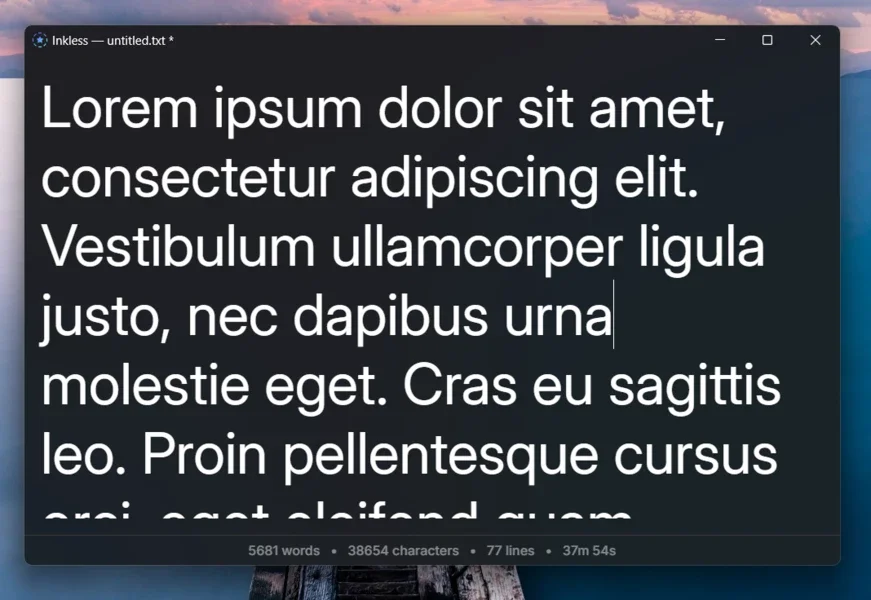
Paste text and it lands as plain text, ready to edit
All ages
Age rating
Screenshots
Description
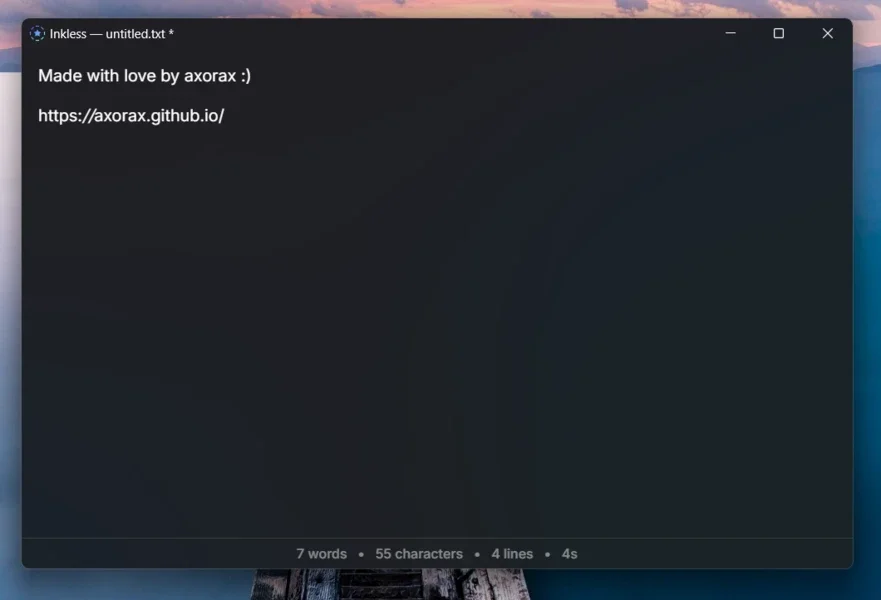
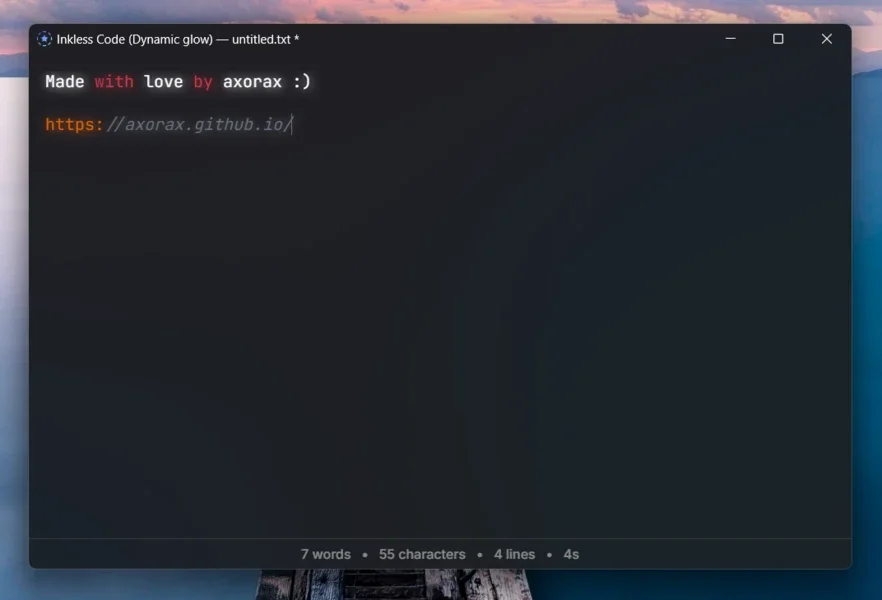
Paste anything into Inkless and it arrives as plain text, with formatting stripped on the way in. The editor is shortcut-based, and CTRL + SHIFT + C switches to coding mode when you want it. Writing notes works the same way. A * beside the filename in the titlebar marks unsaved changes, and the titlebar also names code mode or dynamic glow when either is on.
Extensions are one of the ways to add to it, and JavaScript is the language they are written in. Nothing is walled off from them: they get at every feature the web platform exposes.
Settings and extensions live together in a data.inkfmt file that sits in the same directory as the executable. The whole editor comes in under 4 MB.
Download files
File1.0.0EXE · 64-bit
Version1.0.0
ReleasedFeb 3, 2025
Size3.7 MB
SHA-256
Get
e5085d4f1ab1518b32f6f0bf0227c0c8d2a6c80ee2569107b4f044e6b129fed3
No digital signatureSystem requirements
Additional information
Developer
Latest release
1.0.0 · Feb 3, 2025
Size
3.7 MB
Category
File type
EXE
SHA-256
e5085d4f1ab1518b32f6f0bf0227c0c8d2a6c80ee2569107b4f044e6b129fed3
Digital signature
No digital signature





