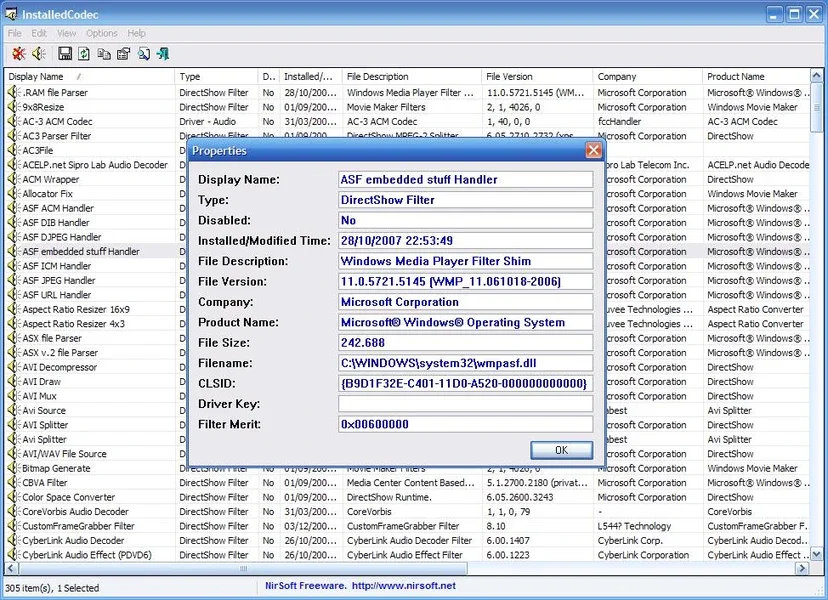

Screenshots
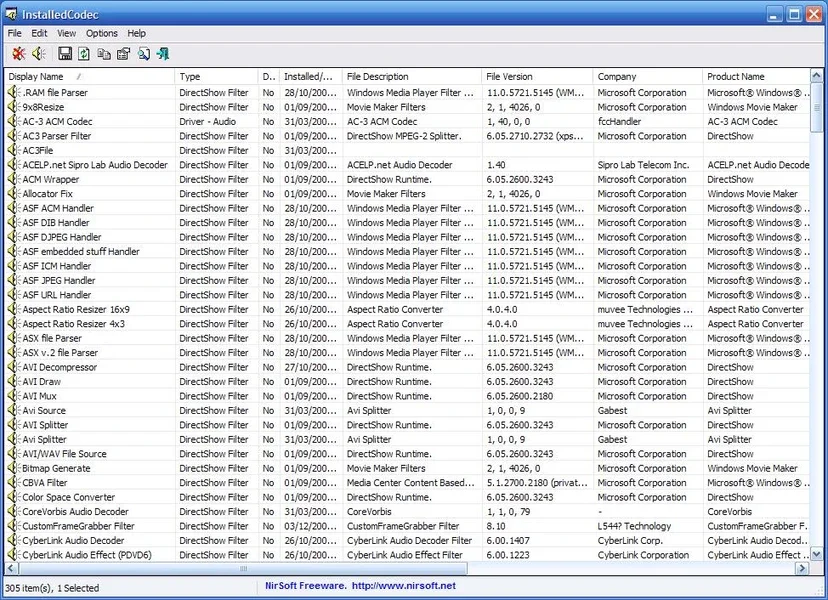
Description
Run InstalledCodec and it scans the system, taking a few seconds to finish, then shows a full list of every codec installed on the computer. The program does not require installation and runs from any location, so it can sit on a USB stick or a network share and still work.
Each entry in the list carries details such as codec type, installation date, activation status, version, and developer. Which columns appear is up to you, and unwanted ones can be hidden to keep the view readable. Items can be copied and pasted into an Excel sheet, which is handy when you want to compare two machines or keep a record of what was there before a driver update. The program can also generate reports in HTML format for viewing in a browser.
InstalledCodec is free and has a straightforward split between the list and the report output. The HTML report keeps the same columns you had on screen.
Download files
c0381e687f67dc3196abcb326bc606150842014f4334e02fd6ae844bdae0710b
78a3723e70f10597f0baed96563b9e8a7a3002bb1ed316119fbf6d70486a55b2
32ba7984ecdad0dbc015ded661a74cae6478f465ce2175a633410fb078a68d78
ebb40f686bab1f302ff64dddb4bc5ca94c74e1f7167f6a678f852d5b42db34db
System requirements
Available on:
Minimum OS:
Windows Windows 2003 or later
Additional information
Developer
Latest release
Size
File type
SHA-256
c0381e687f67dc3196abcb326bc606150842014f4334e02fd6ae844bdae0710b