
IPTV Smarters Pro 1.1.2 for Windows
Play IPTV links on a PC, with live and on-demand channels
You are on macOS — this is the Windows version. See the macOS version
Screenshots
Description
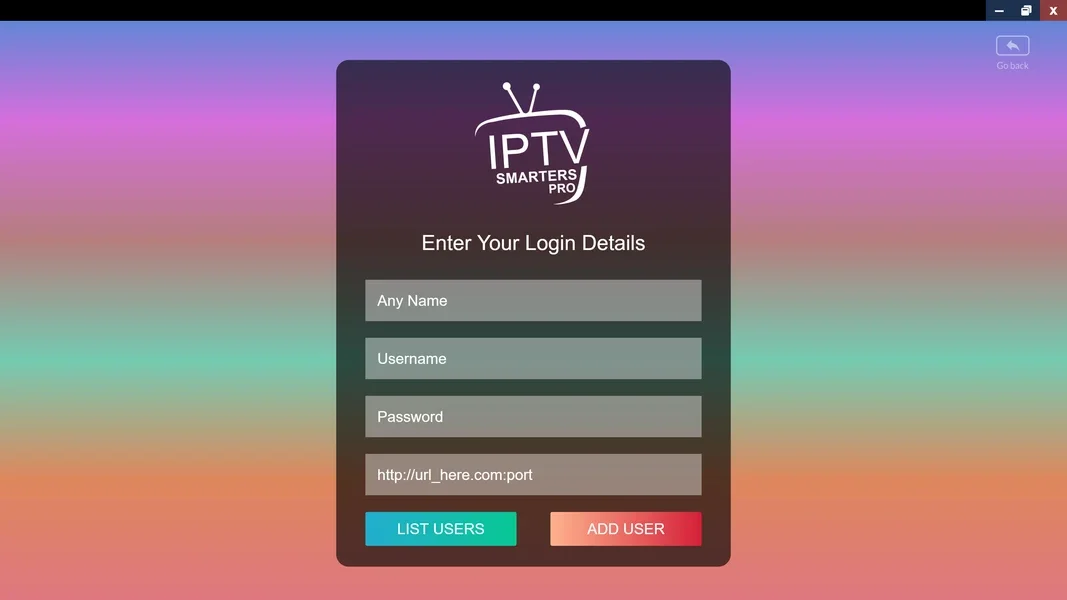
You start by entering a username, password and URL. With those in place, IPTV Smarters Pro plays the IPTV links directly on a PC, no other device needed. Telephone operators usually hand out access this way, using subscriber data on the local network.
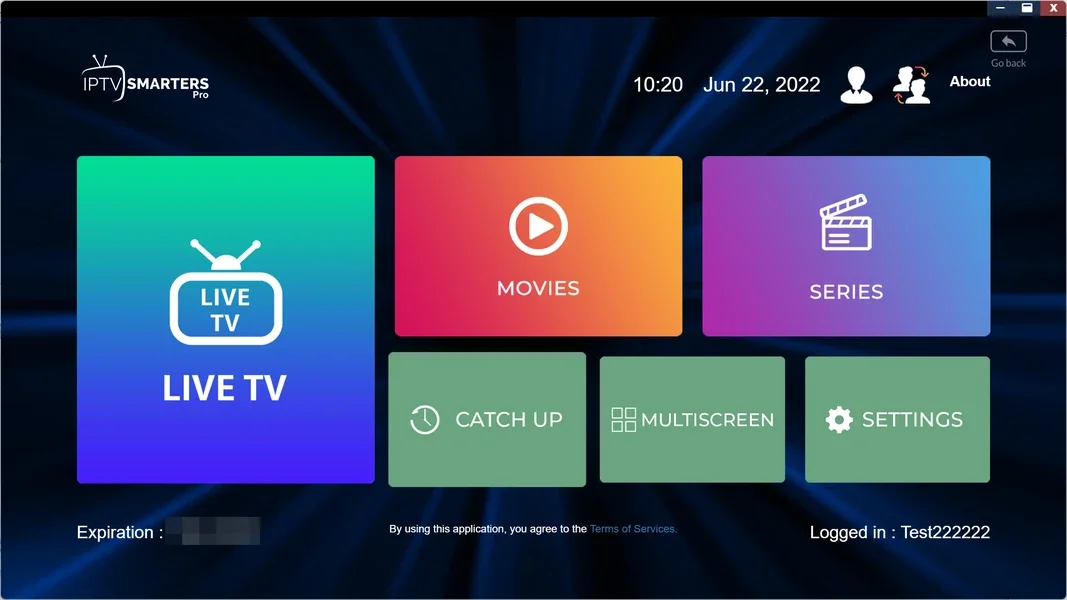
In the live TV section, channels are sorted by country, so you can browse the lineup organized by country rather than scrolling one long list. Select a channel and press Play to start playback. Add a channel to favorites if you expect to come back to it, or check the schedule. If you program content ahead of time, you can watch it from the beginning. On-demand channels sit alongside the live ones.
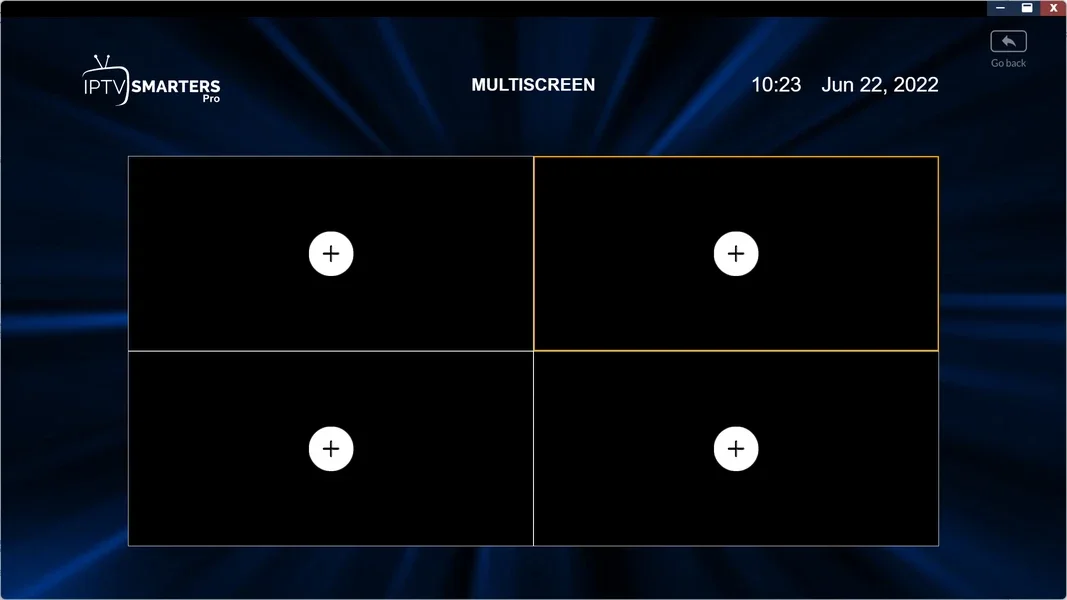
A multi-screen option lets you watch several channels at once. For the picture itself, there is aspect ratio selection, full screen, audio source switching, and zoom in and out. This is the Windows version of an Android app.
Download files
e58ddc625e6d8eb3e7c87a521a78aaaf87f83518510dd3a8ec67f5ef81826224
No digital signaturea170d688a2bcf3aa19ceb5c1f315c6ce977710c5a4e60a1b61be5fcb971f803e
System requirements
Available on:
Minimum OS:
Windows XP or later
Additional information
Developer
Latest release
Size
Category
File type
SHA-256
e58ddc625e6d8eb3e7c87a521a78aaaf87f83518510dd3a8ec67f5ef81826224