
IPTVnator 0.25.0 for Windows
Plays IPTV playlists from m3u files, URLs or pasted text
You are on macOS — this is the Windows version. See the macOS version
Screenshots
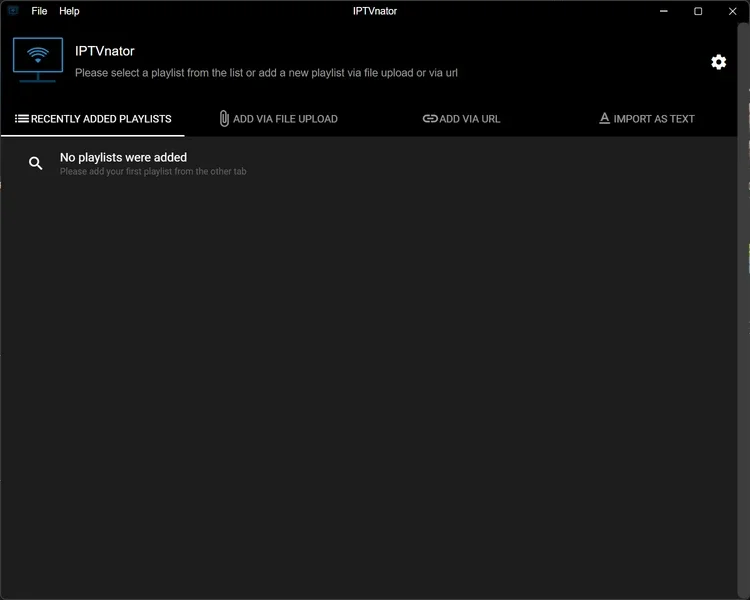
Description
IPTVnator plays IPTV playlists you supply. It has a video player and takes the links needed to watch content, such as the links a platform offers for legal viewing on other devices. The program hosts and owns nothing itself; it works only as a media player.
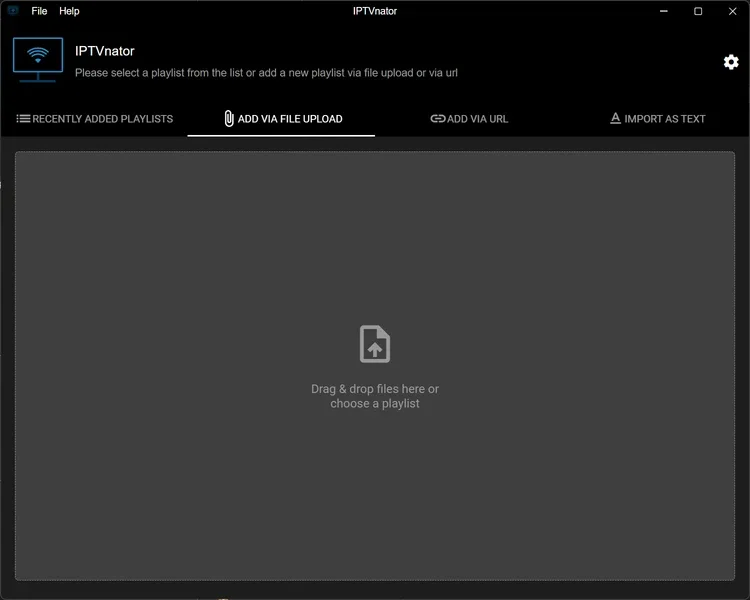
Playlists can be added in several ways:
- from an m3u or m3u8 file
- from a URL
- by entering links as text
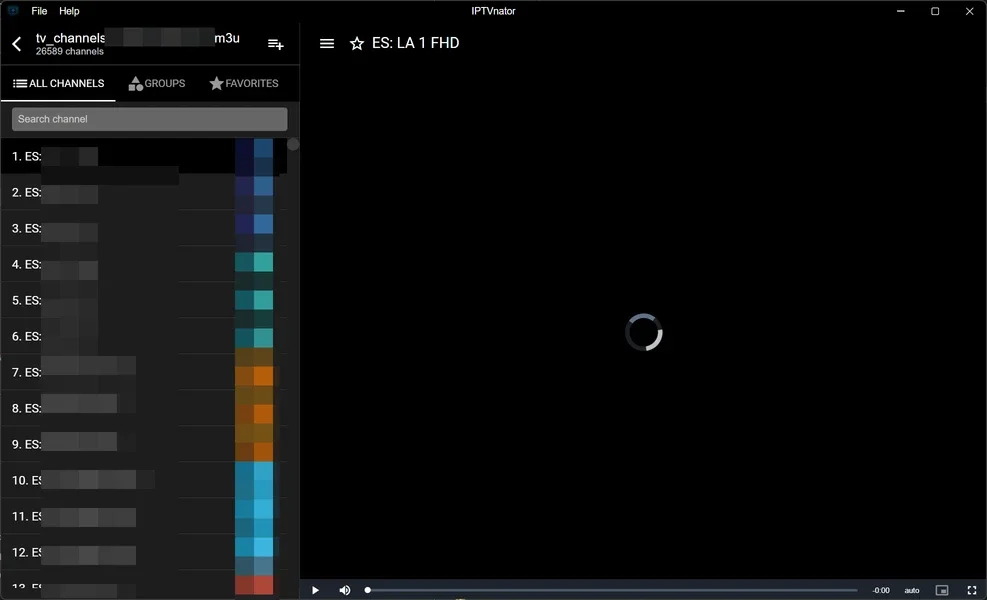
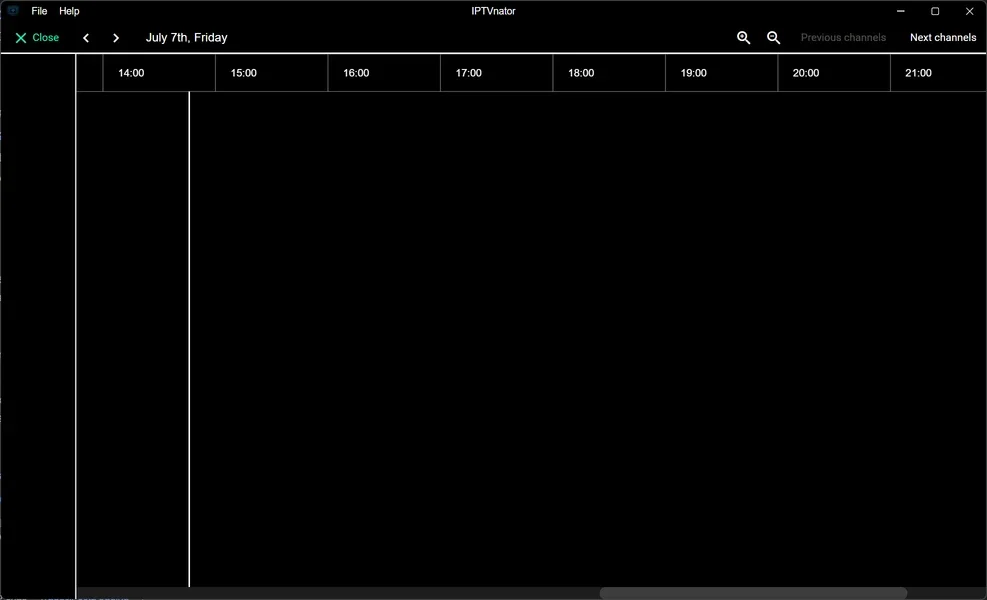
Once a list is loaded, the channel list on the left shows each channel's name and its logo when one is available. A search box at the top of the screen finds channels by name. EPG information for a channel can be added and appears to the right of the playback window.
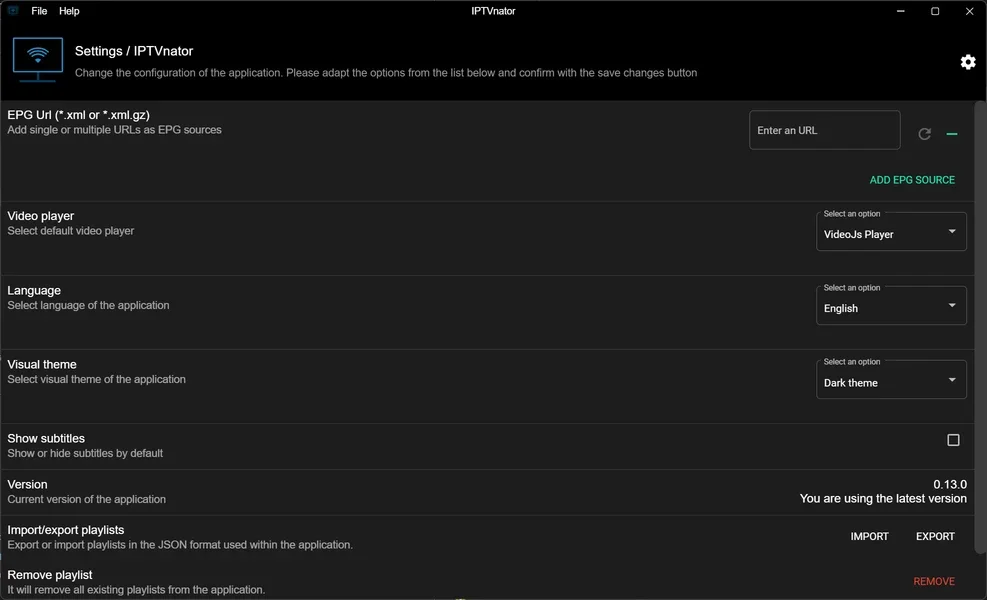
There are three playback options: the default integrated VideoJs player, an integrated HTML5 player, and MPV Player as an external player.
Download files
893e3fe7e38e756dbe6910672a1a5612d9116efd0055d9dba6a5643af48d7cea
No digital signature97af5d3be954113ae50053246abd662e632a8692b962b19d7d8e0447c192e74d
No digital signatureabb39e9d461f2918c65e072aa2ef99370ab4b7403867c4f3161ca5519452cdbc
No digital signaturefaf88943cf51e0775c9088fcfc65c8bad68a8bba1bae2c0ea4733761ef14e67d
No digital signature5efdb3b5d615d4d62ed25324ddf847b4712700cf12ffa47def3f2b78a6ee91be
No digital signatureSystem requirements
Available on:
Additional information
Developer
Latest release
Size
Category
File type
SHA-256
893e3fe7e38e756dbe6910672a1a5612d9116efd0055d9dba6a5643af48d7cea