
Itch 26.20.0 for Windows
Plays and manages your itch.io games and downloads on Windows
You are on macOS — this is the Windows version. See the macOS version
Screenshots


Description
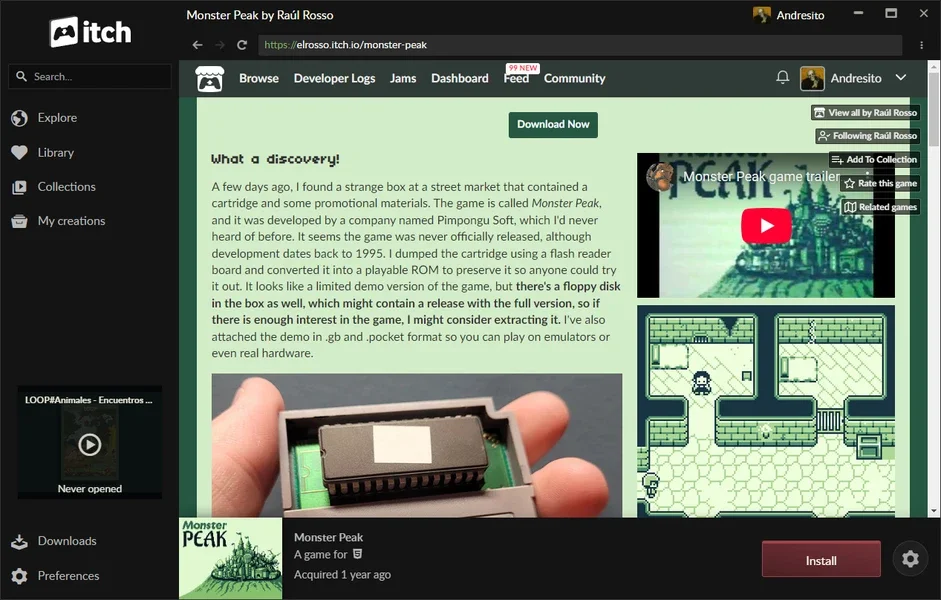
Itch downloads and installs the games and other content you own on itch.io, then launches them from your hard drive. It's the official desktop client for the itch.io platform on Windows.
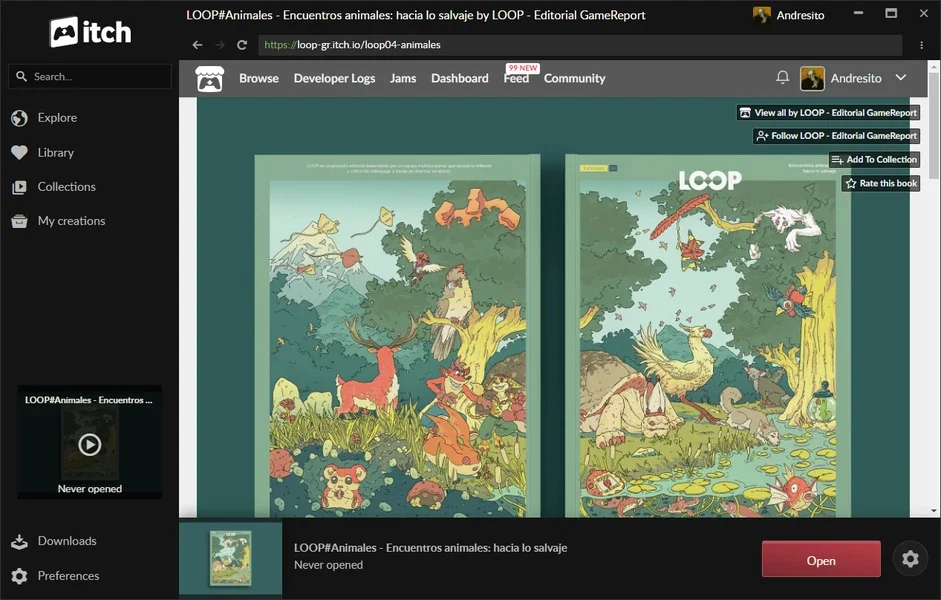
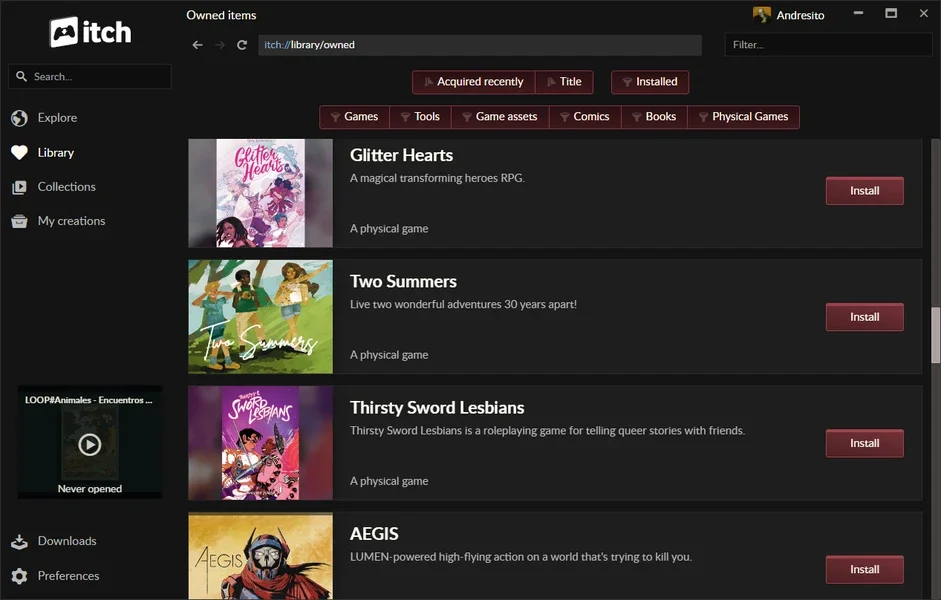
- Games, tools, comics, books, physical games and soundtracks are all handled by the client.
- Search results can be sorted by different criteria and filtered by tags.
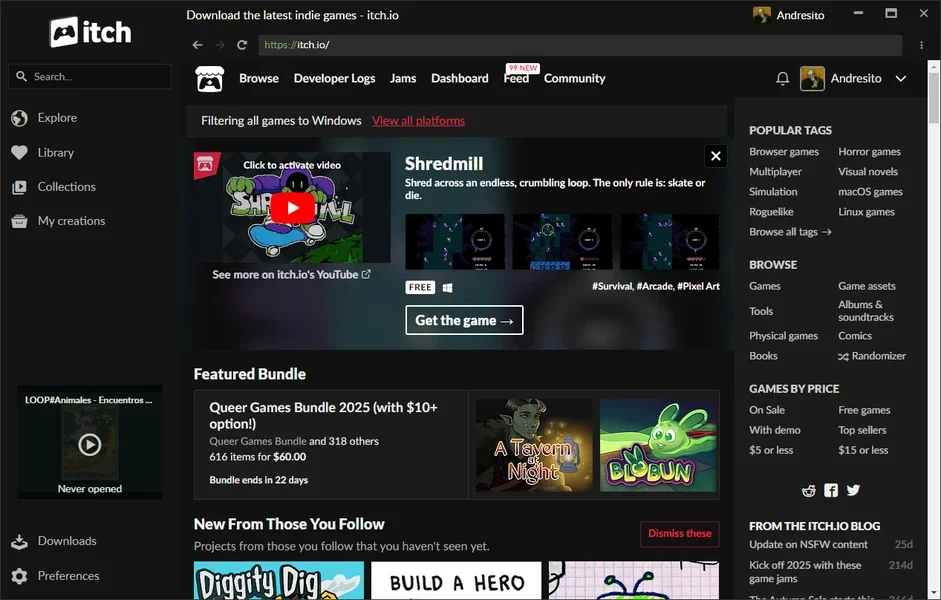
- The Explore tab shows everything available on the platform.
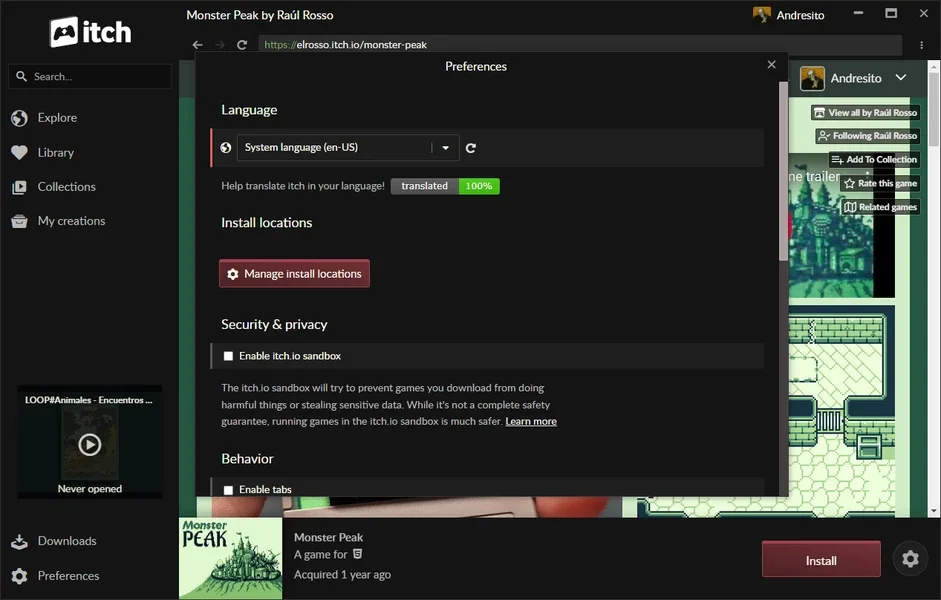
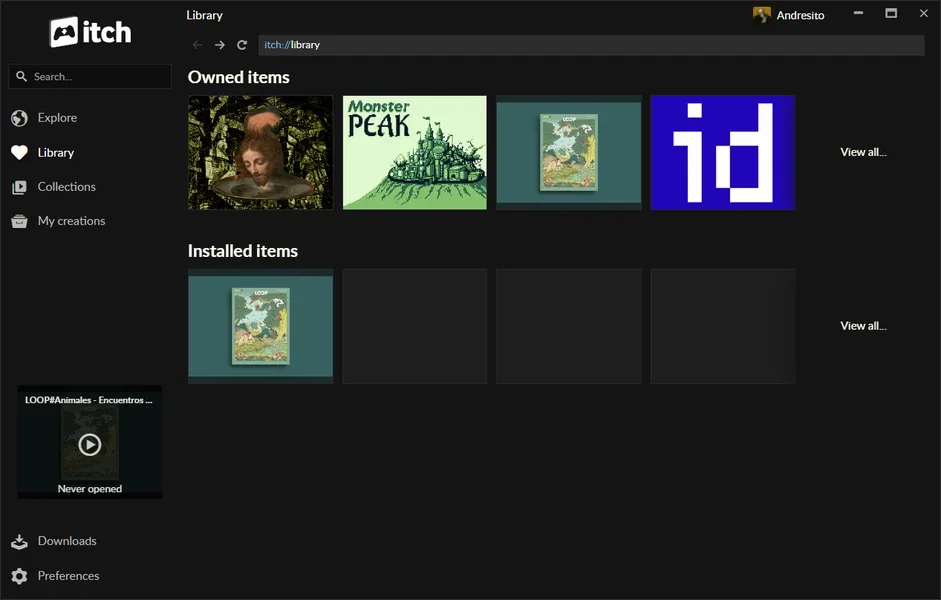
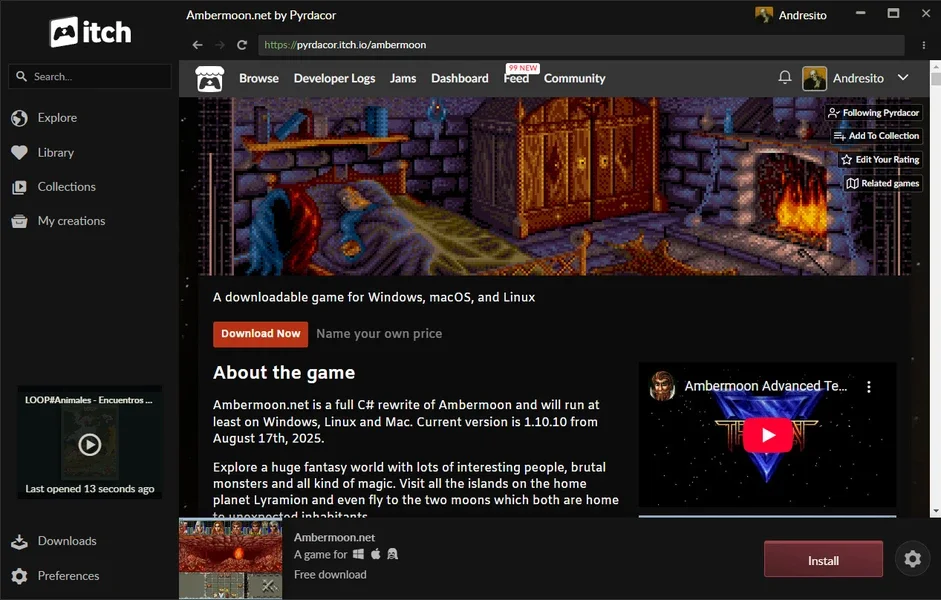
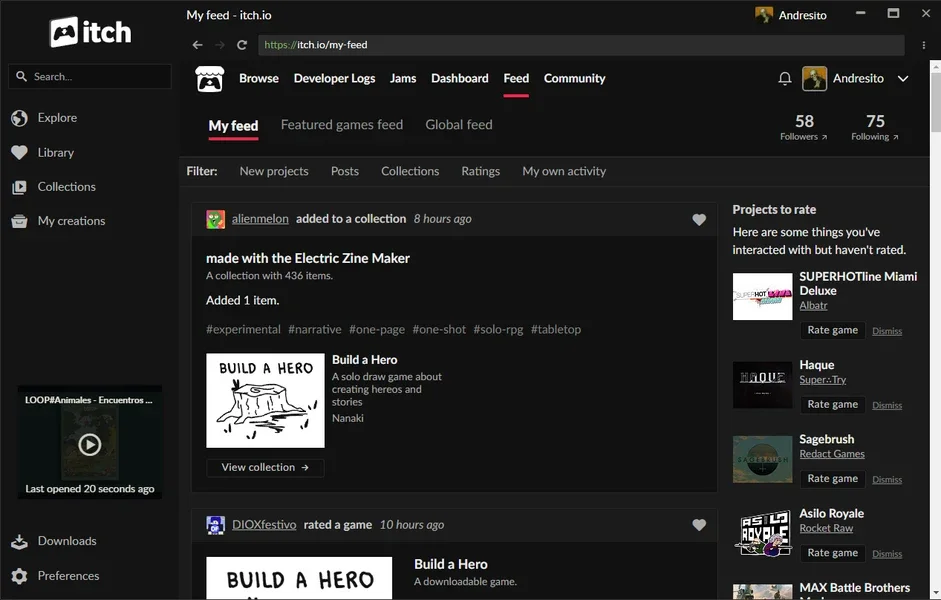
Once you're logged in, you can browse your purchases and take any of them with one click. Downloaded content sits on the hard drive and opens offline. For browser games, click Install and choose the HTML5 option; these run in a new tab. HTML5 games played through the app dodge the usual browser troubles, such as mismatched browser versions or resolutions that don't fit. When a game you've installed has an update, the app tells you. Nothing is forced: install the update or keep the earlier version. Books, comics, soundtracks, development tools and mods download the same way. You can also manage your creator profile and edit your creations from inside the app. An Itch.io account is required; sign-up is free with an email address, a username and a password.
Download files
4d0e2f46efefebe90a5cf4920c5b88ba93623dc2400c7733fa50d5c89dc698d5
90b1c102d63b8afec9a4dc67b07fcd7d0c6404720bac53682f863f33ccac4770
ad9780336bf0e54f8aece6435f70993ec8c4ac34a3637642c0b542f171a00865
System requirements
Available on:
Additional information
Developer
Latest release
Size
Category
File type
SHA-256
4d0e2f46efefebe90a5cf4920c5b88ba93623dc2400c7733fa50d5c89dc698d5