
Jackett 0.25.24 for Windows
Searches trackers and passes torrents to your client from a web interface
You are on macOS — this is the Windows version. See the macOS version
Screenshots
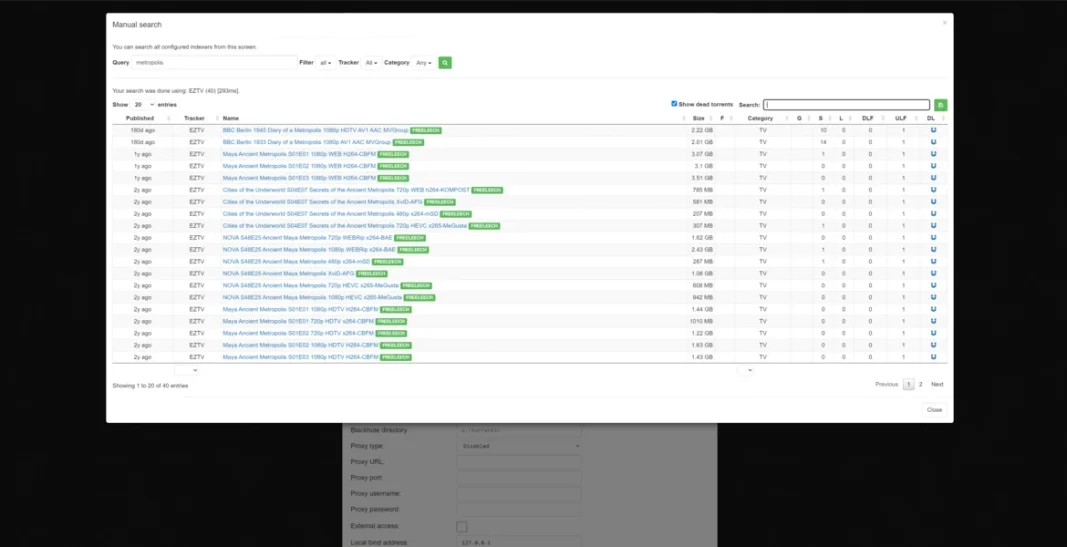
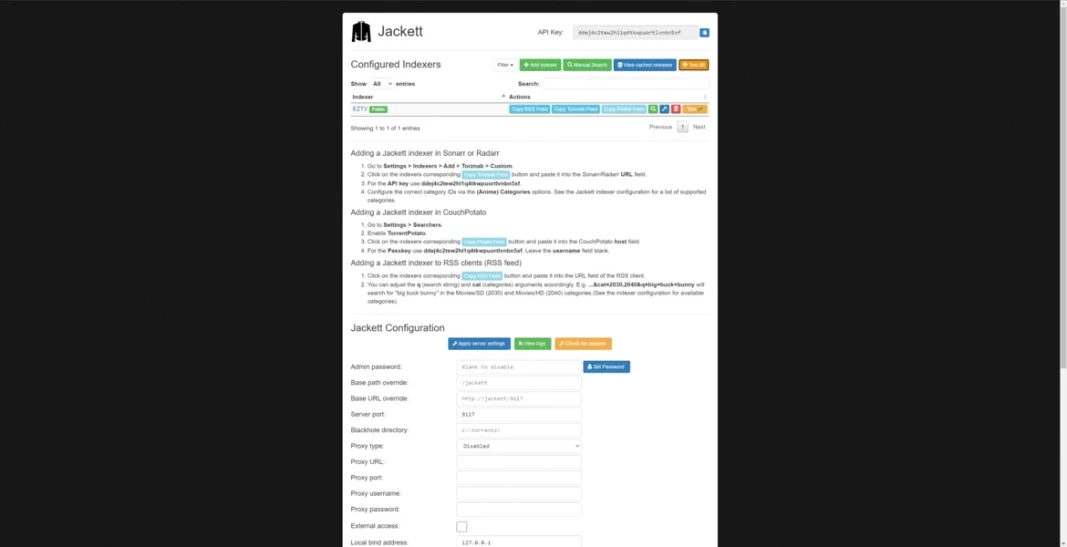
Description
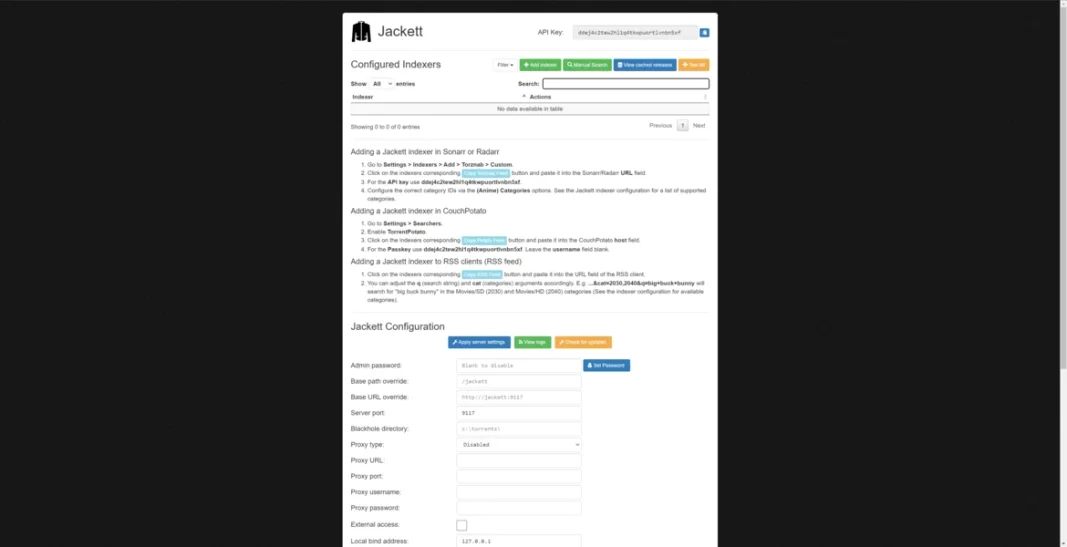
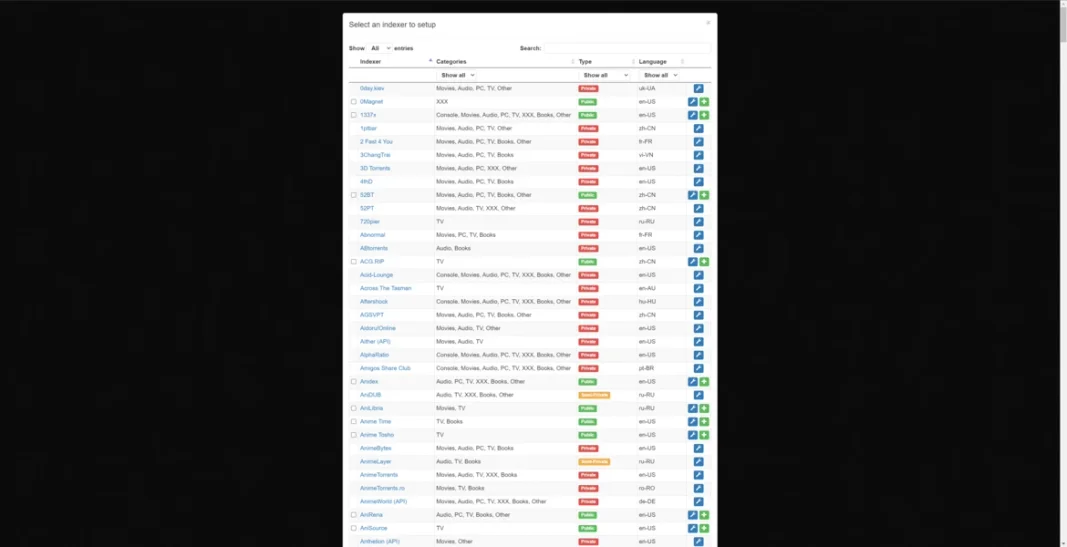
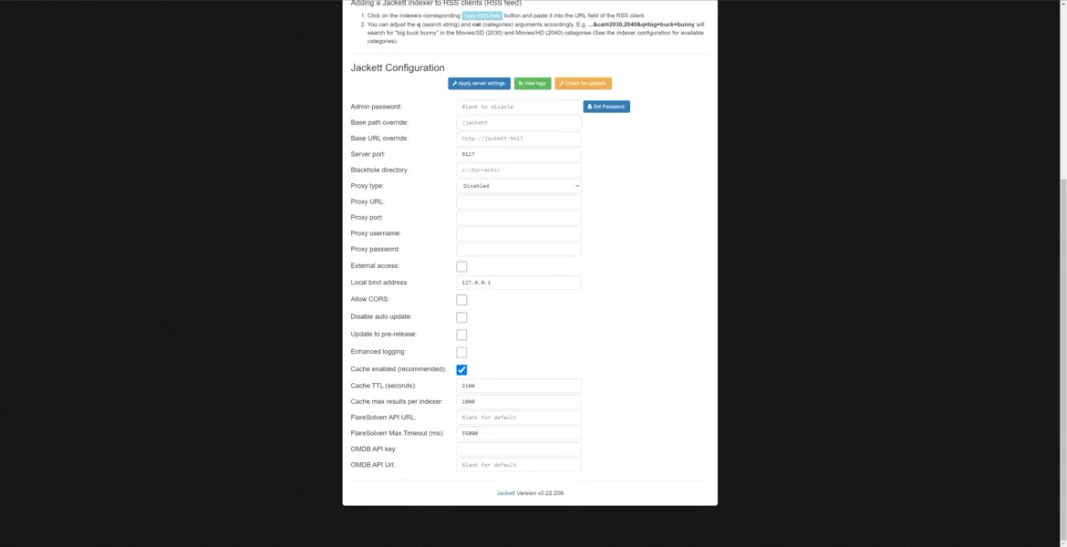
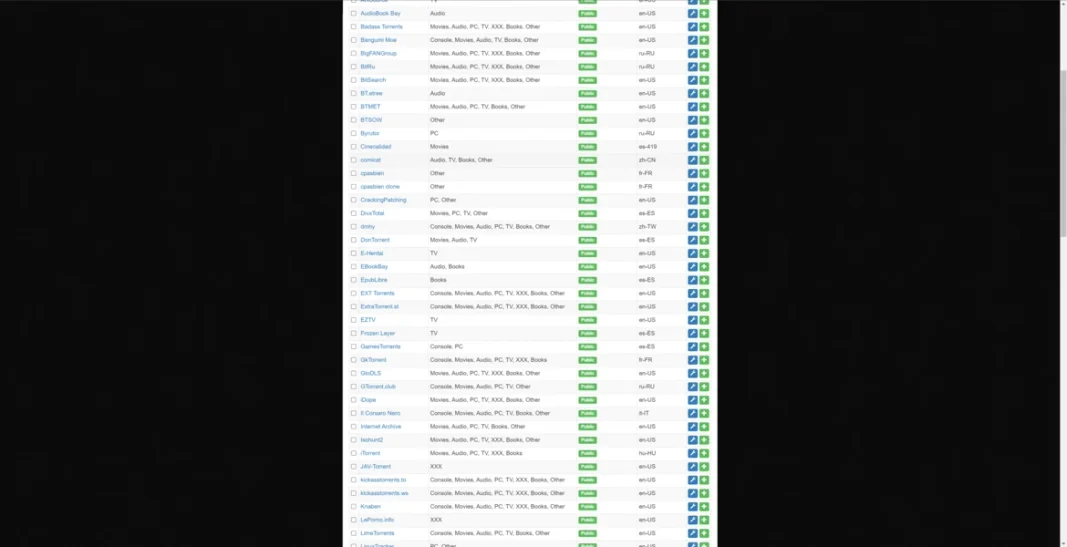
Jackett is used from a browser once it is installed. The web interface is where you add trackers, and any number can be added. Each tracker can be configured with your account, which is how searches for content are set up. A test button checks whether the connection to a tracker works correctly. Supported trackers run into the hundreds and cover public, private and semi-private ones; some carry general content and others only specific material.
Jackett sits between download portals and torrent clients, translating requests so the clients can use them. It also hooks into Sonarr, Radarr and Lidarr. Every torrent listed shows its file size and how many people are sharing it, and a magnet link button sends the download to the preferred torrent manager. Clicking a result's content name opens the page where it is hosted.
No activity history is kept. The IP address is public while torrents download, and some countries track user activity.
Download files
f6f2af0e4b9e30ae743cf8e3d084b2545c64ec81a10932688d334455362b10ec
No digital signature97c6c7e2a4c7085e49a1d72d17ccafa3d5333921f8b30ee4fcf7f5008113f5b7
No digital signatureb2b6c3cc7111b877f54f3e925e09baa5cc0c0bfb14b80a205daa0cef6786265d
No digital signaturea9f8bb27d9809aaa4c782b73933d61acf4be21cfa201fac9f8b19427195e3042
No digital signaturef5440358a9e97bfa60bddb675a0ddb7ffa22b5467be2d46d88398b664e7b7015
No digital signatureSystem requirements
Available on:
Additional information
Developer
Latest release
Size
Category
File type
SHA-256
f6f2af0e4b9e30ae743cf8e3d084b2545c64ec81a10932688d334455362b10ec