
Jamie 5.8.0 for Windows
AI assistant that transcribes and summarizes meetings automatically
You are on macOS — this is the Windows version. See the macOS version
Screenshots
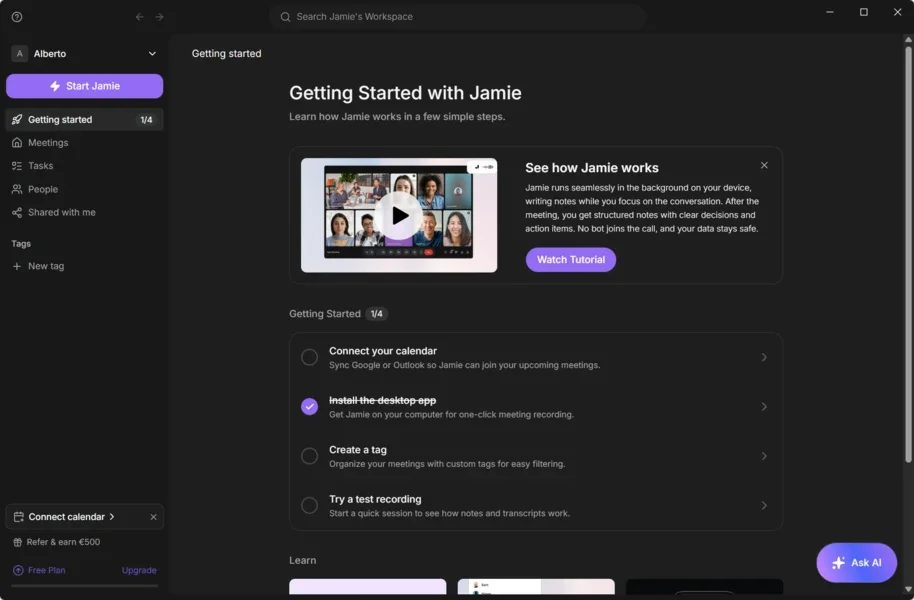

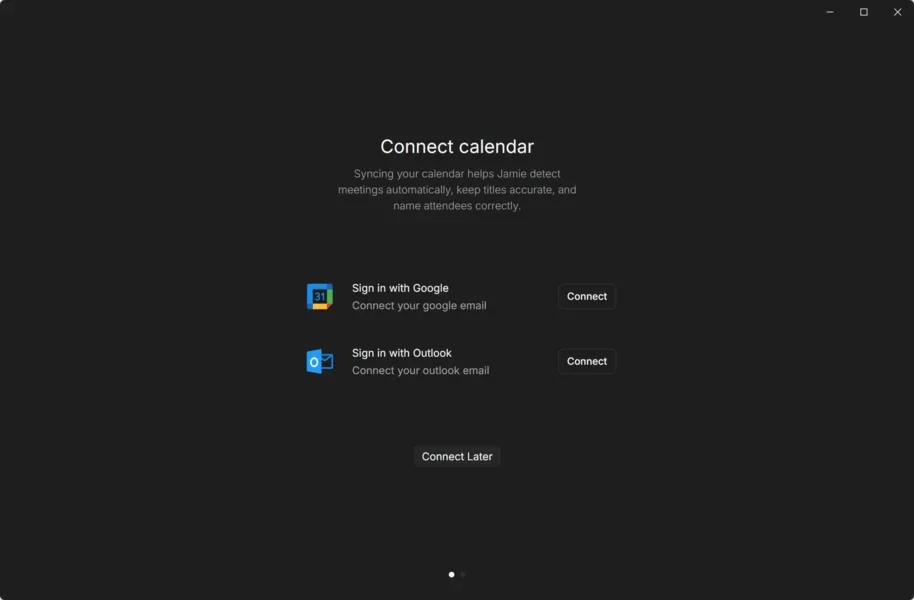
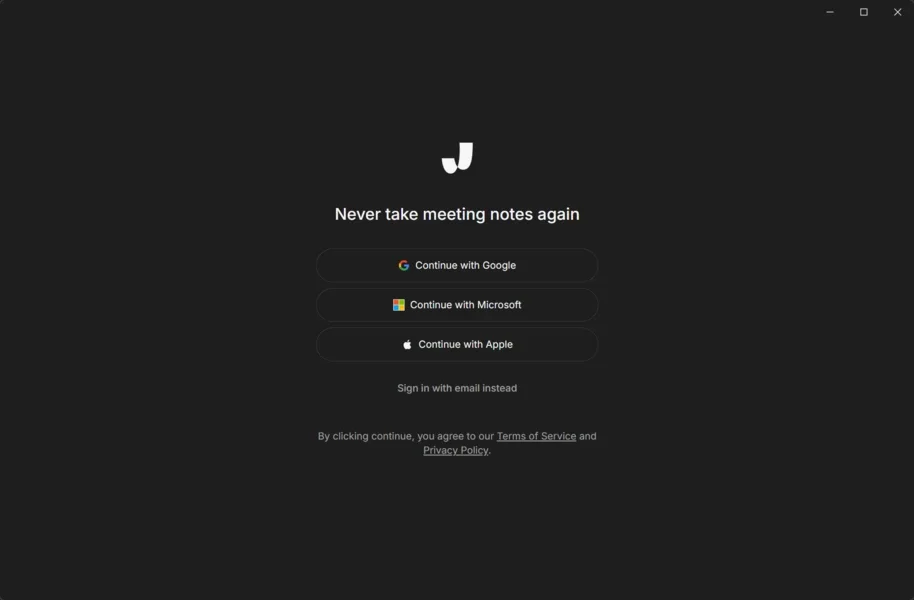

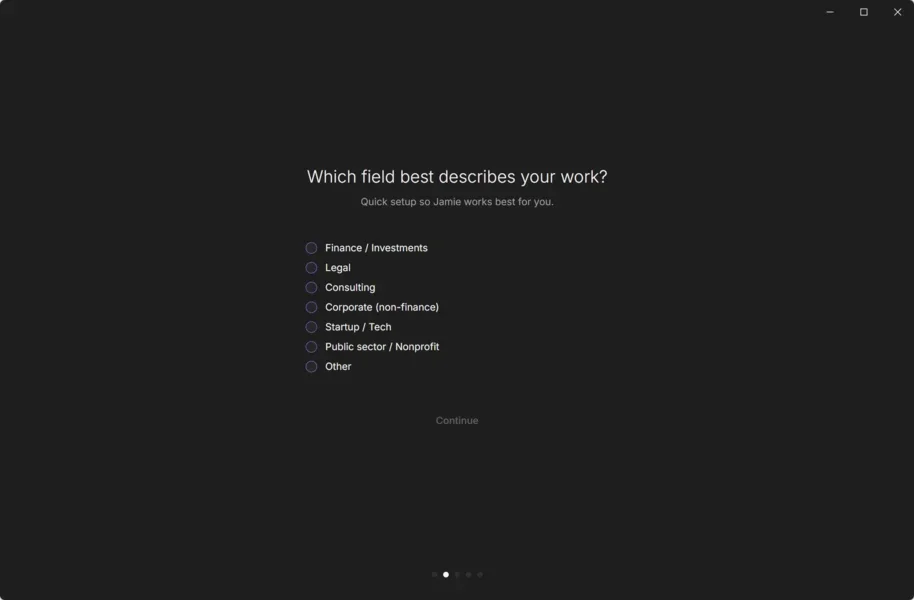
Description
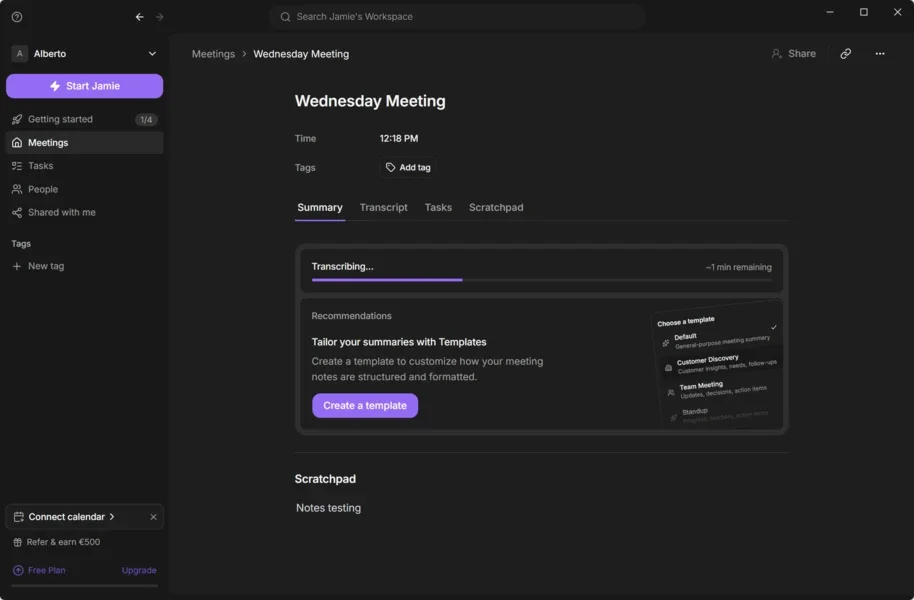
Jamie is an AI assistant that transcribes and summarizes meetings in the background. It captures in-person and online conversations in real time, without needing virtual bots in video calls or administrative access to them. During a video call, the reviewer had it record through a Corsair headset microphone, starting capture from the interface.
How it handles audio
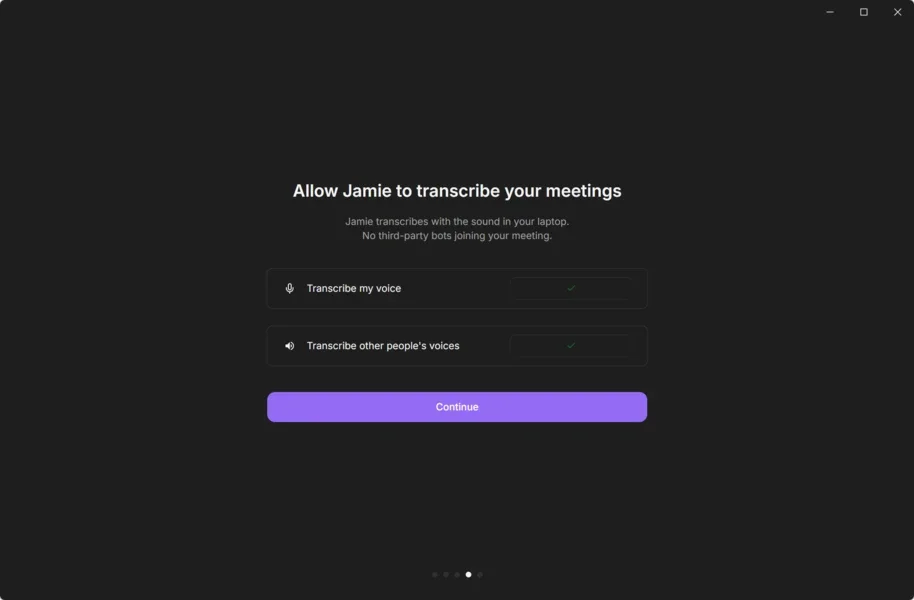
After a session ends, Jamie processes the audio. Account preferences and advanced options in Settings control audio capture parameters and set what happens to the files afterward. Original audio files can be deleted once the text has been extracted, if that option is configured. The app needs access to the microphone to capture voice.
Transcripts and summaries
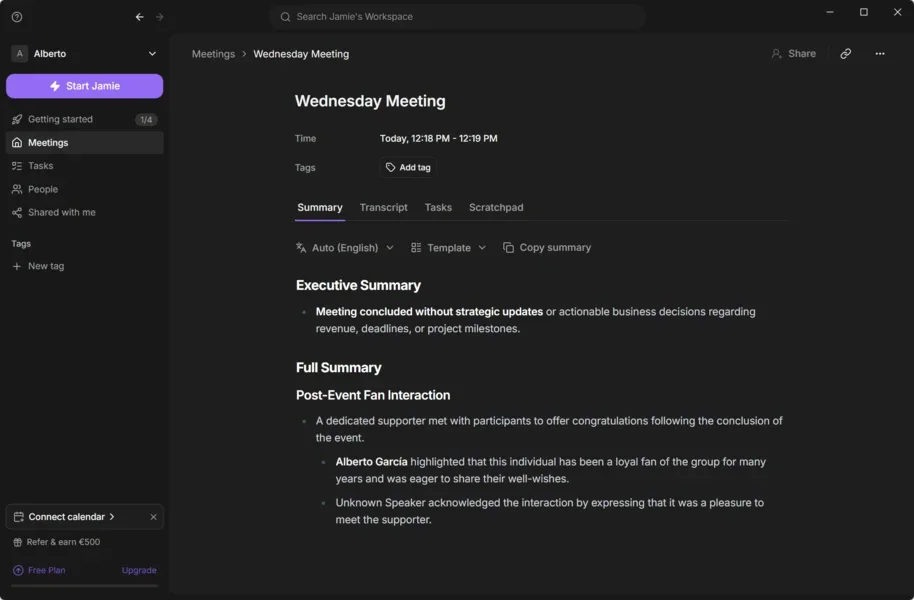
Voice recognition automatically identifies different speakers and labels each sentence with the right person. In the reviewer's test, the generated text was fairly faithful to the conversation and identified each speaker. The output is a full transcript plus a structured summary covering key points, decisions made, and pending tasks. Speech recognition supports over 100 languages.
Working with the results
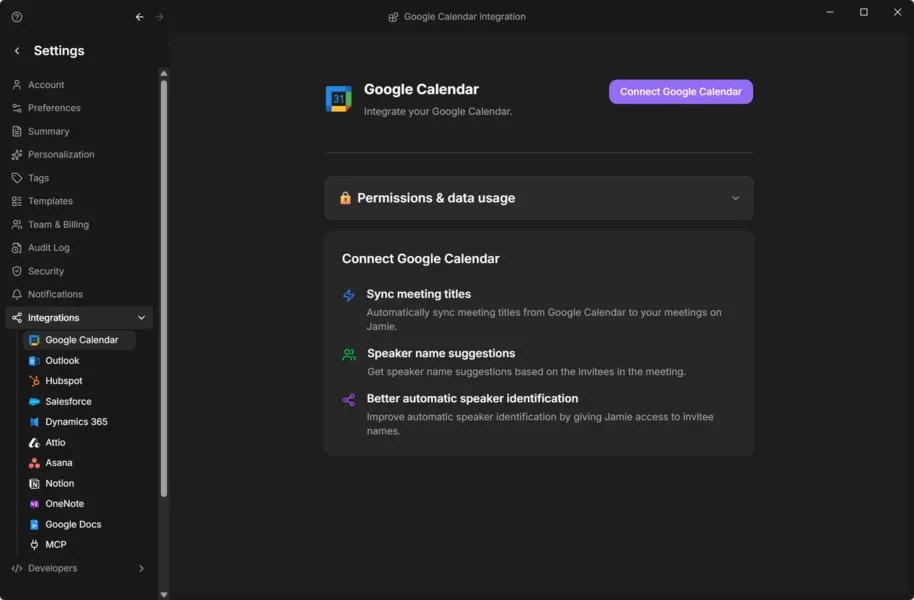
Note-taking is automated, so users don't need to go back and review recordings later. A chat feature answers questions from the user's archive of past meetings, and users can also ask the AI to recall specific details. Searching across conversations surfaces recurring patterns. The assistant extracted agreed deadlines in one case and returned a list of delivery deadlines. The reviewer exported the text to a personal space through a direct integration. Notes sync with Notion, Google Docs, and OneNote, and generated information stays current across the desktop and mobile app versions.
Recording from a phone
A recording can be started from a smartphone and reviewed later on a PC. Depending on the subscription, the app natively integrates with Salesforce and HubSpot.
Where it struggles
Accuracy drops when participants interrupt each other continuously, and in fast-paced debates phrases can end up attributed to the wrong speaker.
Download files
6e48490c5949fc1c337dc42c76e1ae025555a98140dd77a6098e4a0ee676a426
Signed by wespond UG (haftungsbeschränkt) · valid until Oct 30, 202600f00ac573981e3937360216c02000b14742dc211e6c273d667102a5ba63f9ae
Signed by wespond UG (haftungsbeschränkt) · valid until Oct 13, 2026bb3d90fe2719b4cdb0b7090b8f676d4f5b13e1ae5b85d493bfa380c2b9dc5713
Signed by wespond UG (haftungsbeschränkt) · valid until Sep 23, 202648f0c81aa3a5777579bf0c0db12ea6cd70b9616b8aa748294ce7e61ad6faddd0
Signed by wespond UG (haftungsbeschränkt) · valid until Sep 18, 2026b0925e1eef225bf1214d7f3ad85bbd9b99fc88f11006f97034c4b25ba7d45405
Signed by wespond UG (haftungsbeschränkt) · valid until Sep 4, 2026System requirements
Available on:
Additional information
Developer
Latest release
Size
File type
SHA-256
6e48490c5949fc1c337dc42c76e1ae025555a98140dd77a6098e4a0ee676a426