JOPDF 2.2.4 for Windows
Edits and organizes PDFs, including very large files, without lag
You are on macOS — this is the Windows version. See the macOS version
Screenshots
Description
JOPDF opens a PDF, lets you change it, and saves it back. It handles very large PDF files without lag: scrolling stays smooth, zooming is instant, and page navigation is fast. Reading PDFs works too.
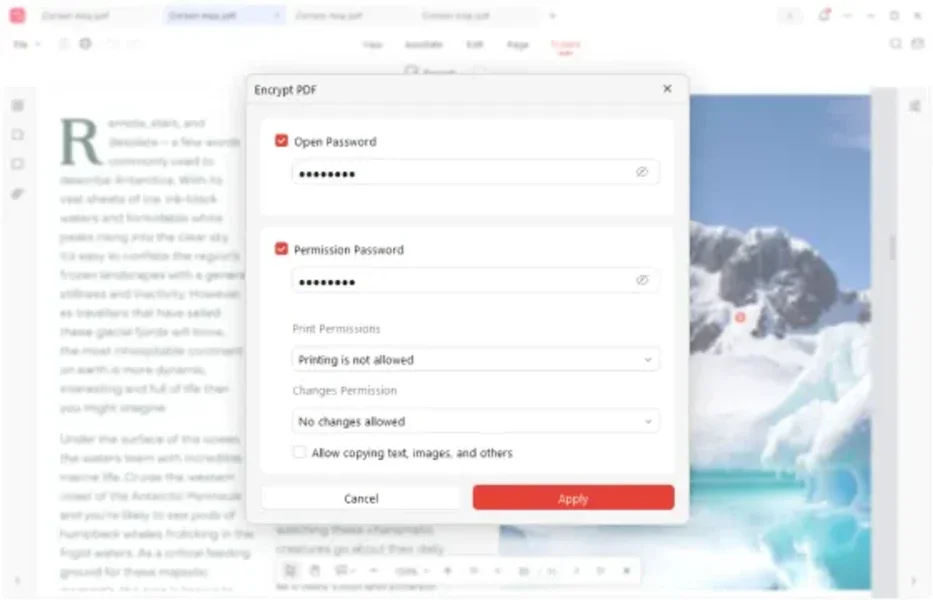
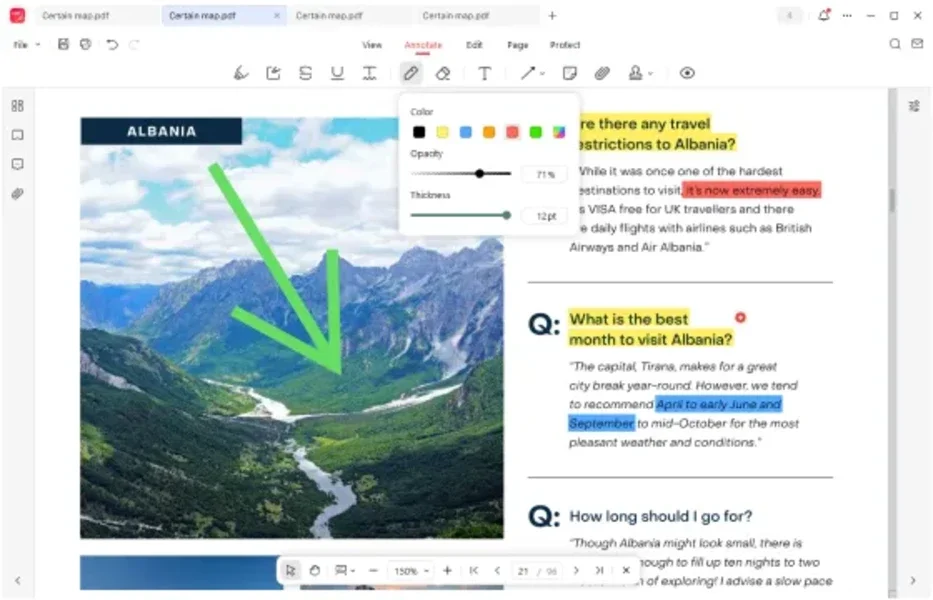
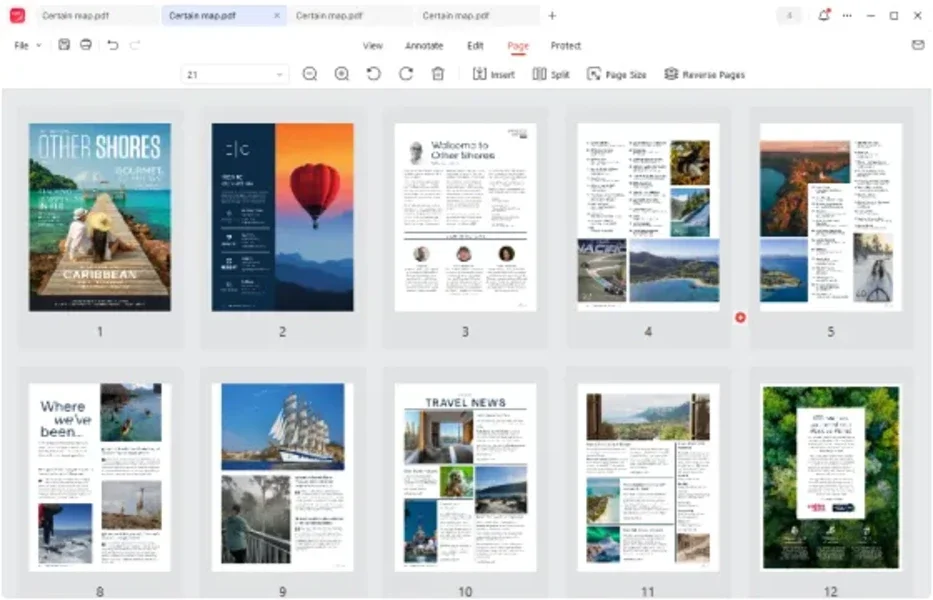
The editor covers editing, annotating, organizing, protecting, and printing. You can make changes to the text and annotate what is there, rearrange the pages, and add protection before you print. It has a clean, simple interface. The program runs on Windows, and it is free for life with all features unlocked from download. There are no subscriptions, ads, watermarks, hidden fees, trial limits, or required sign-ups. The installer is virus-free and bundles no other software.
Version 2.3.1 is the current release. Nothing needs to be bought or registered to use it.
Download files
6c0555241de2907607a3bbf036fc5b1d6a4dc220768c40d12caa2f73be8d49c5
Signed by Chengdu Lightspeed Gravity Technology Co., Ltd · valid until Mar 15, 20278b7efdd526ffe15241d41ed4f50165223d2be34a85873e63711f65d952b0fe05
Signed by Chengdu Lightspeed Gravity Technology Co., Ltd · valid until Mar 15, 20276c0555241de2907607a3bbf036fc5b1d6a4dc220768c40d12caa2f73be8d49c5
Signed by Chengdu Lightspeed Gravity Technology Co., Ltd · valid until Mar 15, 2027115021d7973167c7c1a800c8f4d897cb42f4b01c57e7fdbe45776a1e3a63c5d7
b1800fe077602e76cdf7146432b071b02d2a210429ca5e6ca6227464216508f9
System requirements
Available on:
Minimum OS:
Windows Windows 2003 or later
Additional information
Developer
Latest release
Size
Category
File type
SHA-256
6c0555241de2907607a3bbf036fc5b1d6a4dc220768c40d12caa2f73be8d49c5





