
Amazon's app for reading Kindle books on a PC
You are on macOS — this is the Windows version. See the macOS version
Screenshots
Description
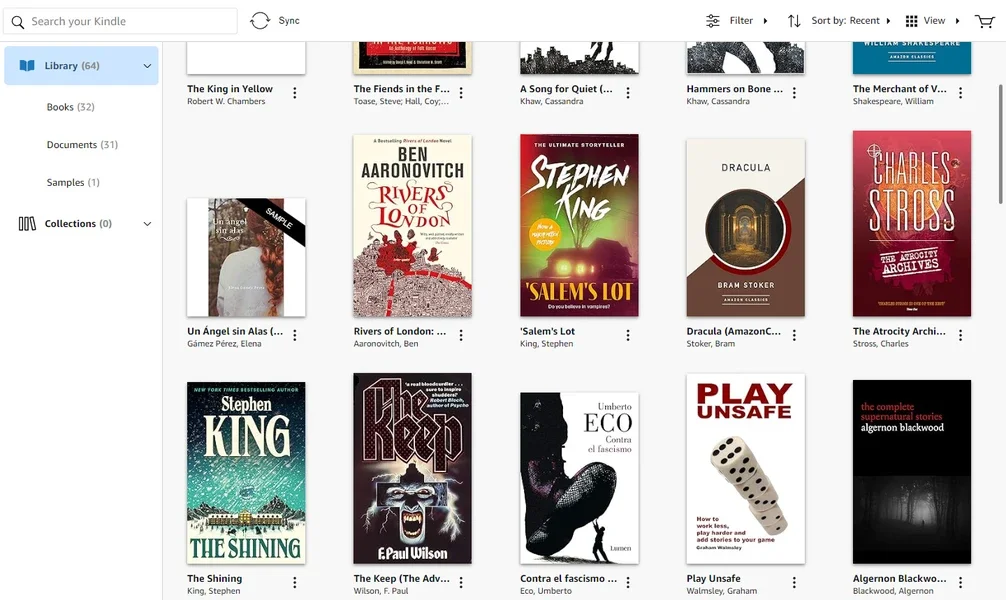
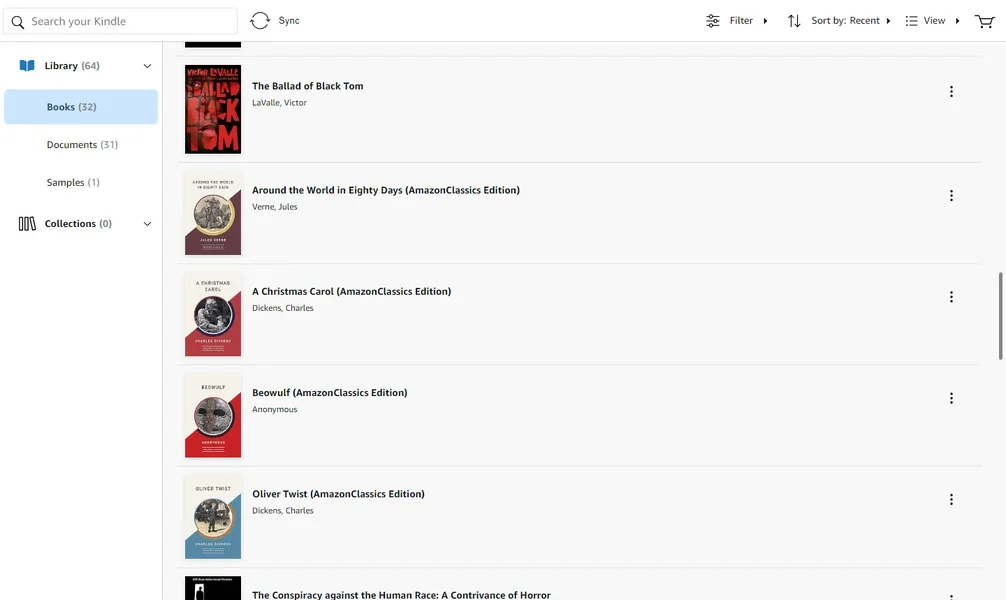
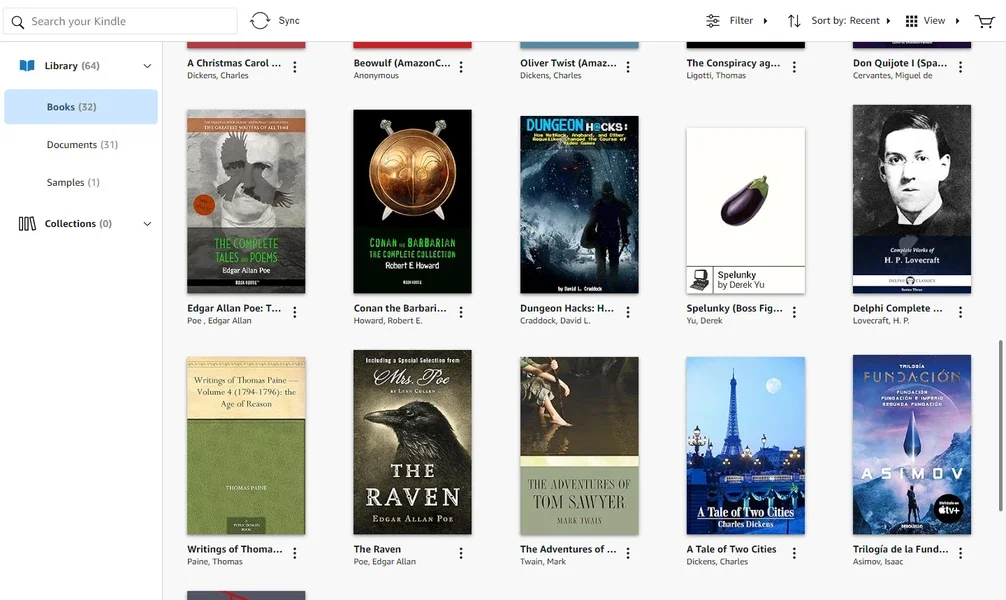
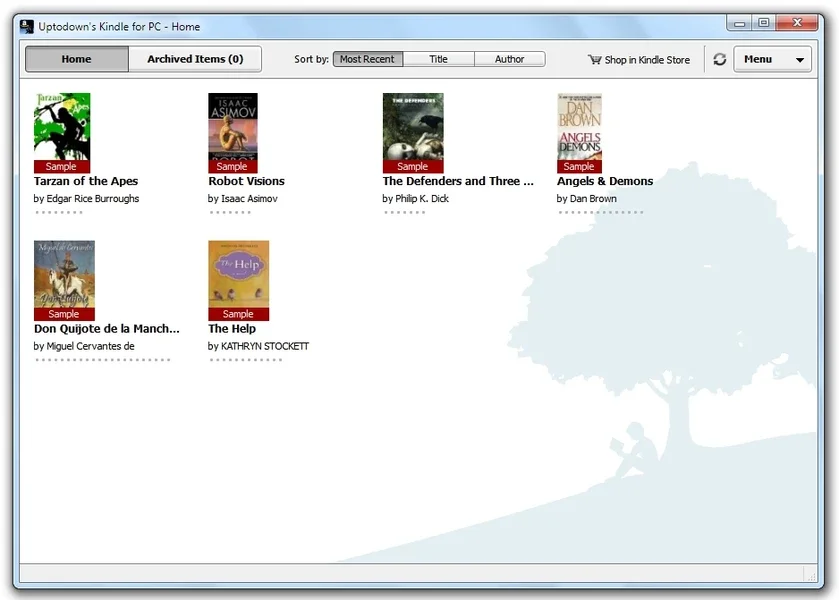
Kindle is Amazon's official app for reading Kindle books on a PC. After you sign in, your book collection appears automatically sorted.
Getting books in
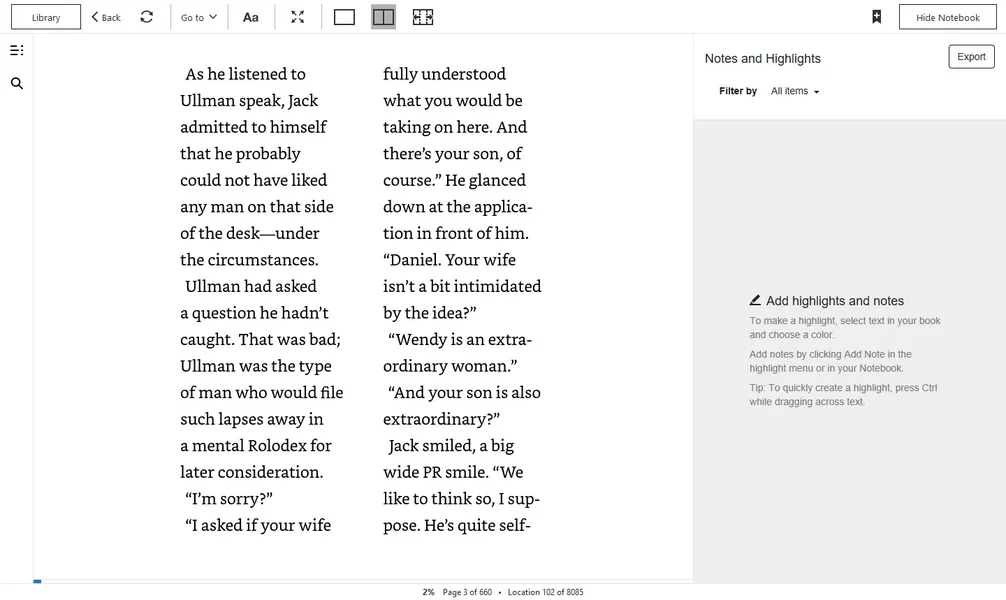
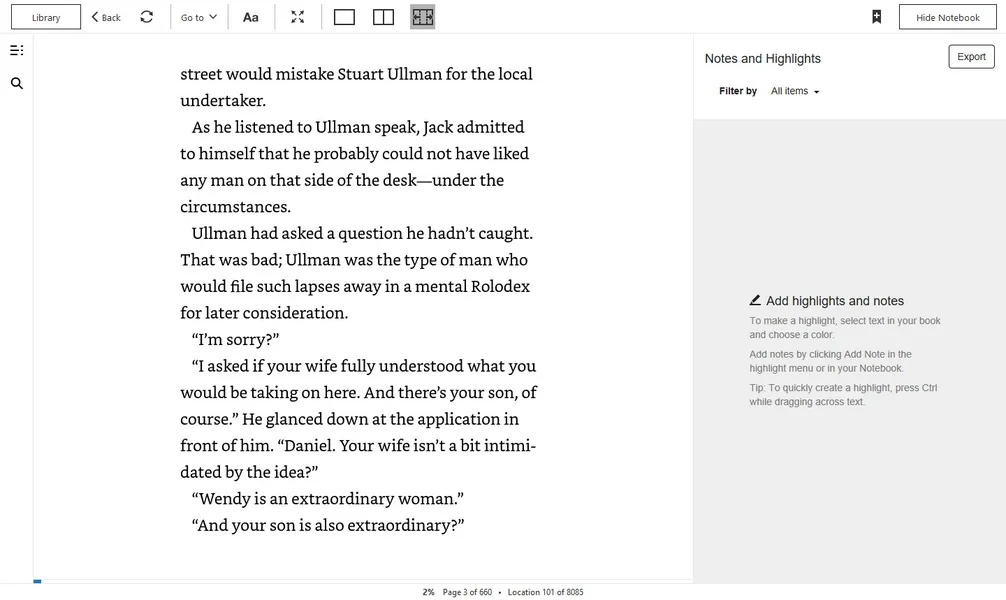
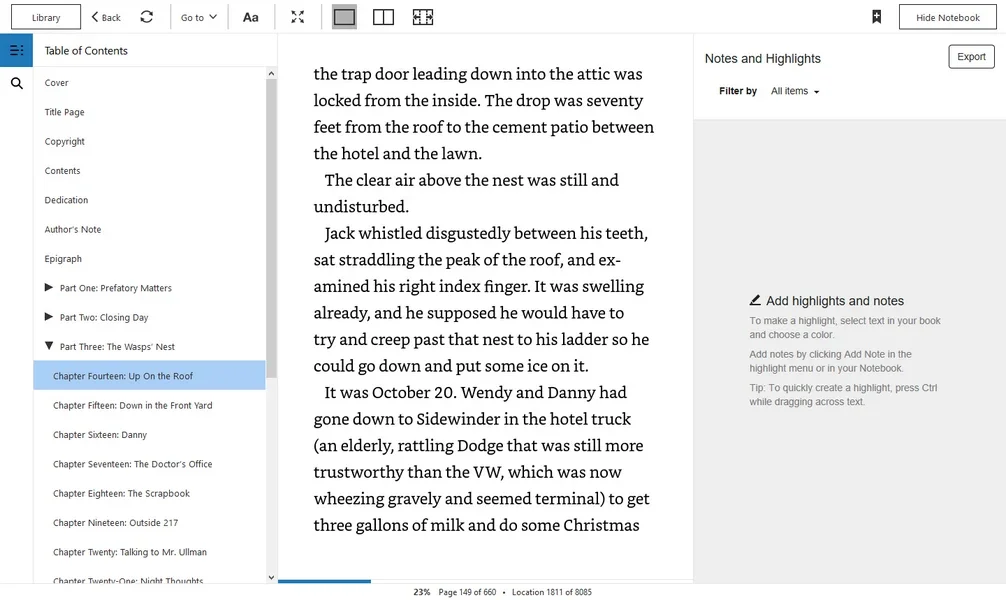
Any book can be downloaded with one click. The app gives access to digital books bought through Amazon, and to books and comics from subscription services like Kindle Unlimited and Comixology Unlimited. PDF documents can be imported and read in the program too. The index is shown in the left column, and books can be shown in one or two columns.
Reading and notes
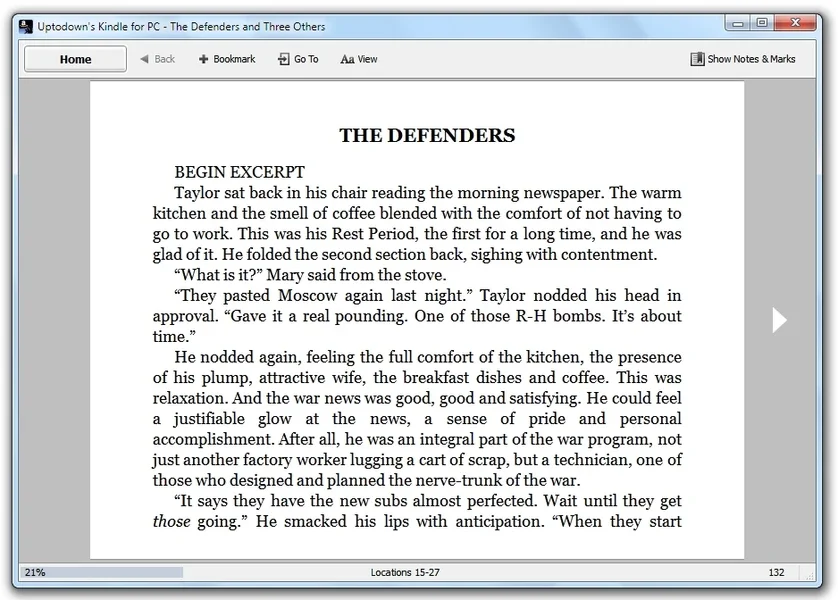
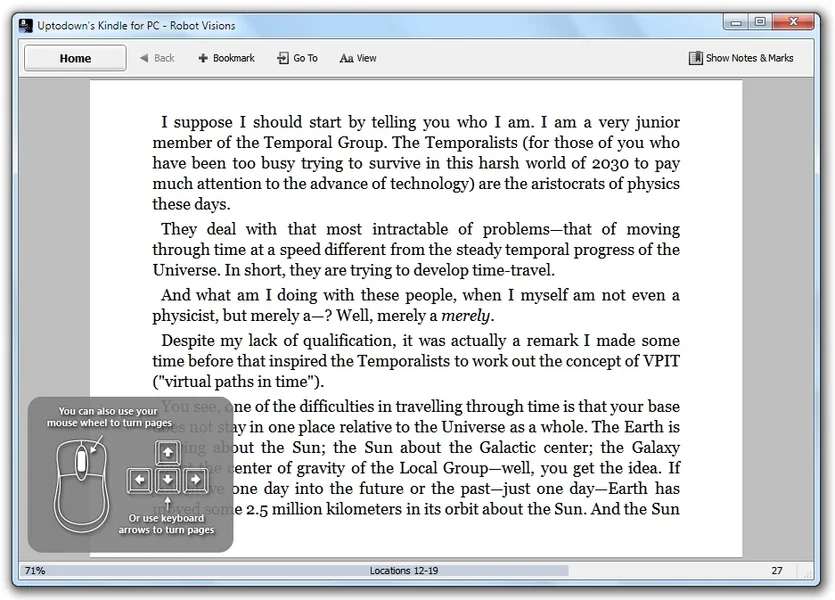
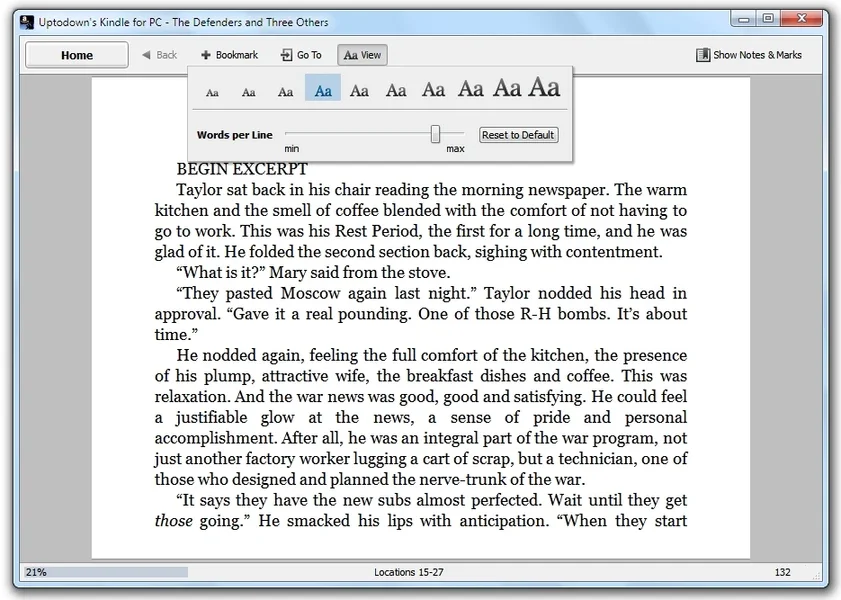
Background choices are white, dark or sepia. Fonts can be customized: about a dozen fonts, with adjustable size, alignment and spacing.
- Notes can be added to any book by clicking a word and typing the note.
- Clicking a word and choosing Dictionary shows its definition instantly.
- A selected word can also be looked up on the Internet or Wikipedia.
Signing in and syncing
You must sign in with the email address used for your Amazon account and verify your identity. Reading position syncs, so a book started on a Kindle device continues from the same point. It also syncs between a Kindle device and the app on an Android device.
Download files
8e3bff714de9a8e3cad0f8072e3150df0d419e4a08b54f9ef91bcded7c2ef4ef
Signed by Amazon.com Services LLC · valid until Nov 6, 2026e5bda18ad4d57999de18372c94416c99bf85c7183d99ba52b2982df8fbe119e0
Signed by Amazon.com Services LLC · valid until Nov 6, 2026f870ee876a40d9957925525bbf96b229a960d6a2fc394e2b03a183d12e0203f0
Signed by Amazon.com Services LLC · valid until Nov 6, 20262ed64ee0fb5ad94032d6d9824d4efbeeea435255c963e9393d949259b87ebfa4
0a2dc0db4c32970d7d72a3c3e9e5e48aa34c2fad56dd11ad9e55a7ef11d71e84
System requirements
Available on:
Additional information
Developer
Latest release
Size
File type
SHA-256
8e3bff714de9a8e3cad0f8072e3150df0d419e4a08b54f9ef91bcded7c2ef4ef