Kinoflux Player 1.2.0 for Windows
SHA-256 listed
Offline Windows media player with a dark interface and keyboard shortcuts
All ages
Age rating
Screenshots

Description
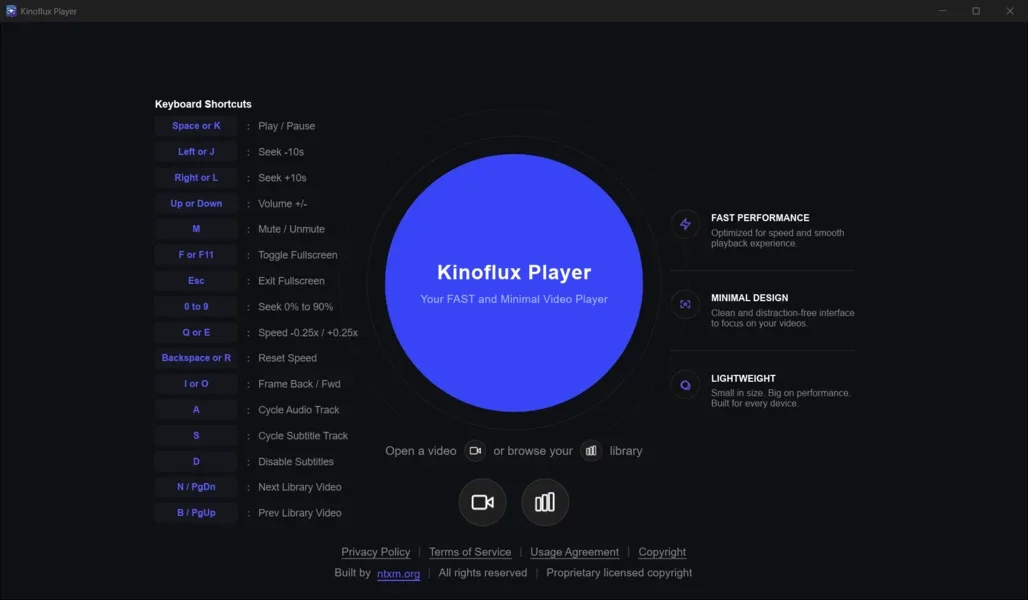
Kinoflux Player plays video on Windows, and it stays on the device. Nothing goes to a cloud service and nothing is tracked. Open a file, or right-click one in Explorer and pick "Open Video with Kinoflux Video Player" from the context menu.
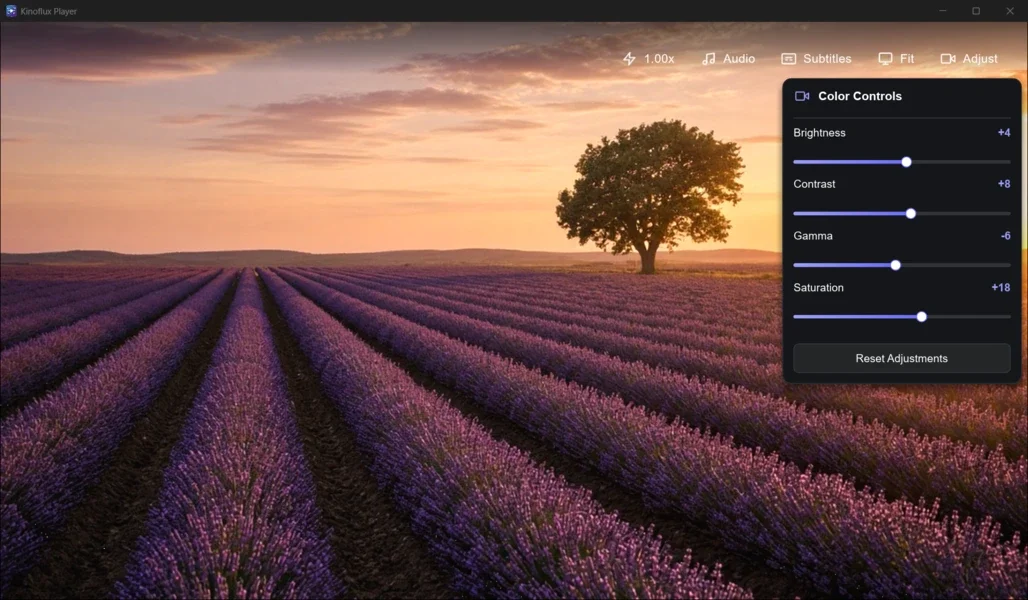
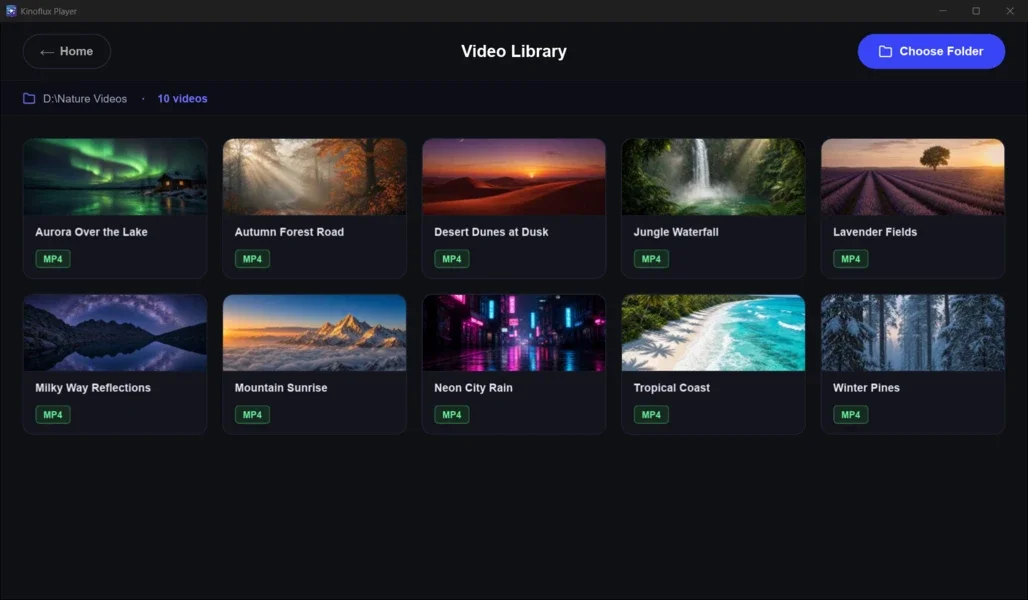
The player handles high-definition movies, TV shows and personal collections, with expanded video controls and keyboard shortcuts for playback actions. Version 1.2.0 has a redesigned, cleaner interface, and the theme is dark. It launches quickly, which matters when you just want to start a file.
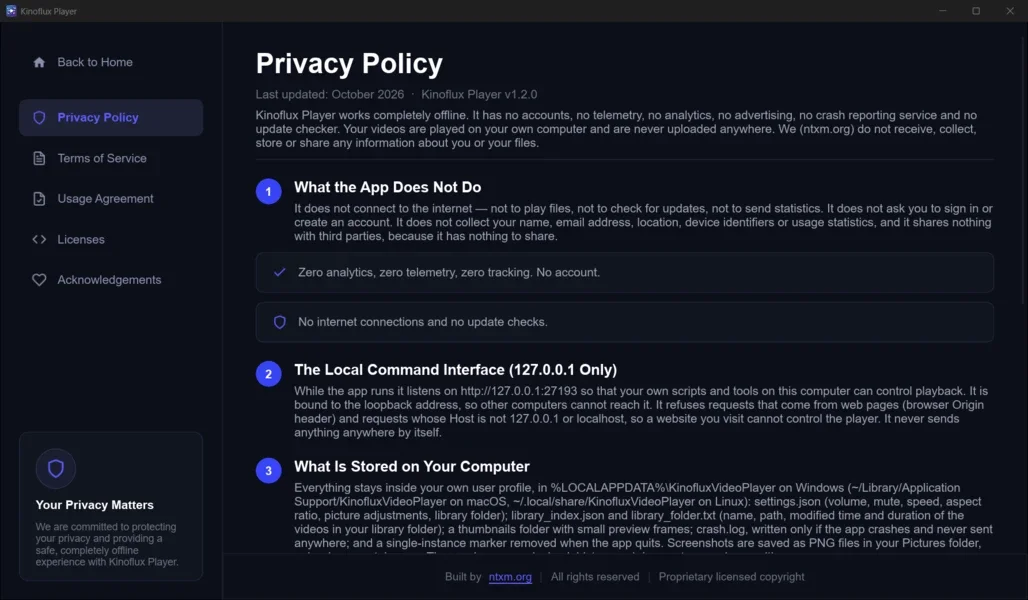
It runs fully offline. That is the whole setup: no account, no connection.
Download files
Filekinoflux-player-1-2-0.exeEXE
Version1.2.0
ReleasedOct 7, 2026
Size36.5 MB
SHA-256
Get
a865b9566f7a03d2101317dadaff2f2273583578ee6b1b2092db9fe0f2bb4bb4
No digital signatureFilekinoflux-video-player-1-0-1.exeEXE
Version1.0.1
ReleasedJun 6, 2026
Size95.7 MB
SHA-256
Get
24f1f00a0076da56dd7abd14d677ba080458c8c65e7b836224bd54cdc1a42a4a
No digital signatureFilekinoflux-video-player-1.0.0.exeEXE
Version1.0.0
ReleasedDec 26, 2025
Size32.1 MB
SHA-256
Get
c7165792f4d446abe179294016ea20a647e4eb2a91dfb036afaa6f05c79c5290
No digital signatureSystem requirements
Available on:
Additional information
Developer
Latest release
1.2.0 · Oct 7, 2026
Size
36.5 MB
Category
File type
EXE
SHA-256
a865b9566f7a03d2101317dadaff2f2273583578ee6b1b2092db9fe0f2bb4bb4
Digital signature
No digital signature