
Lightworks 2025.2.56356 for Windows
Video editing app with a free version, interactive tutorial and draggable transitions
You are on macOS — this is the Windows version. See the macOS version
Screenshots
Description
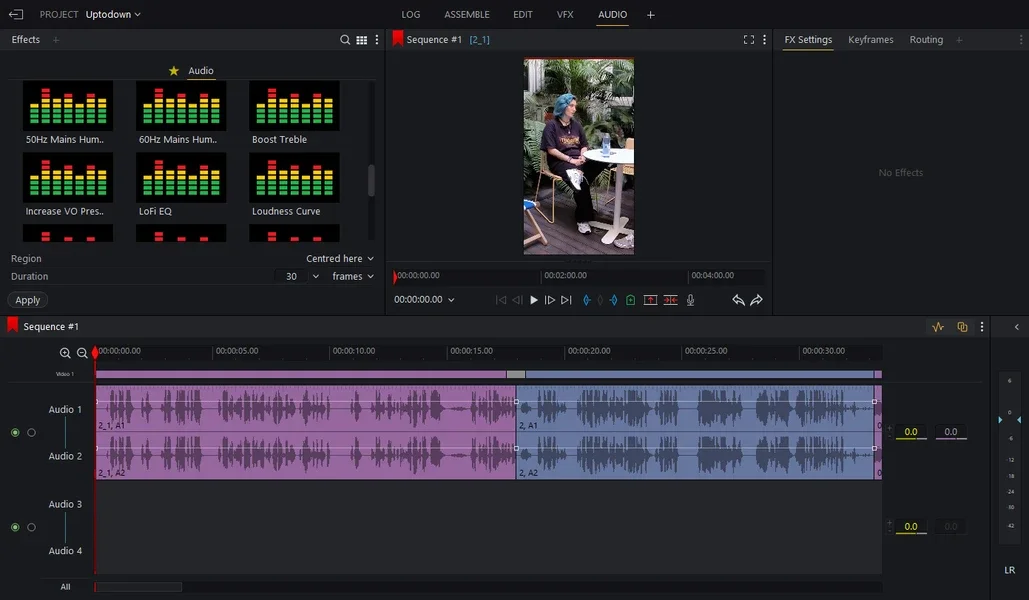
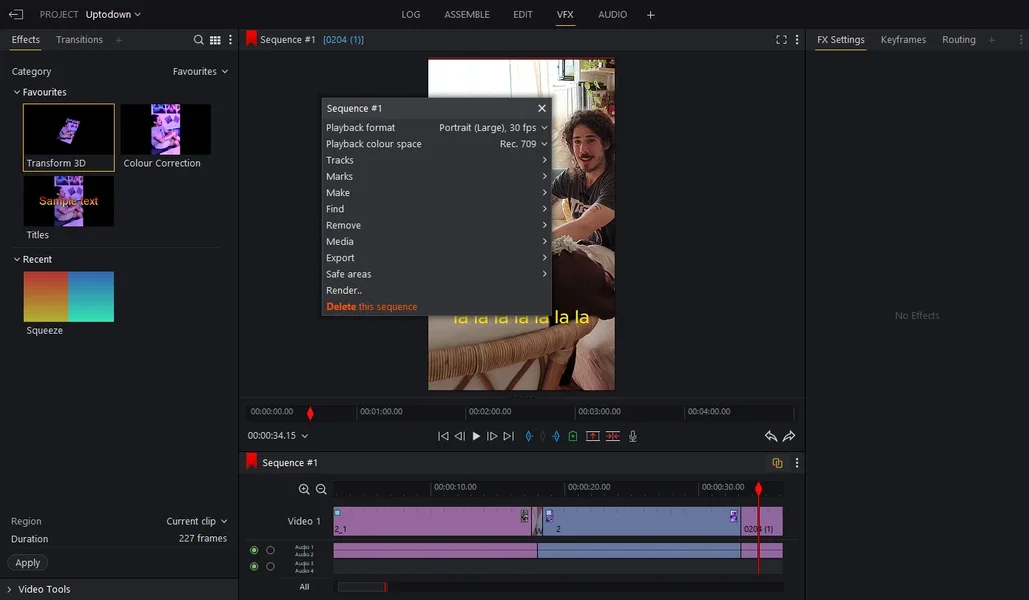
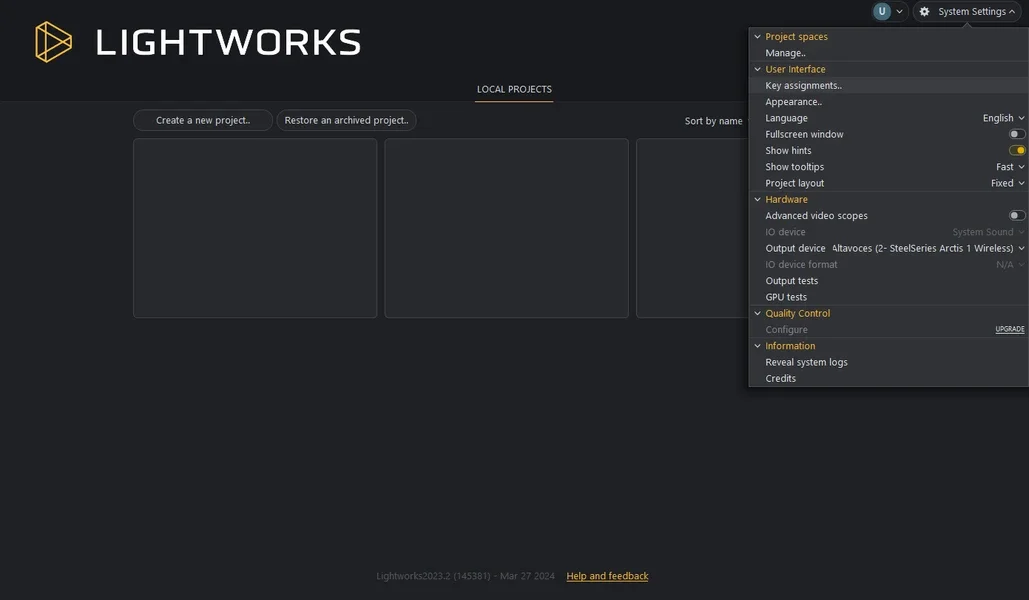
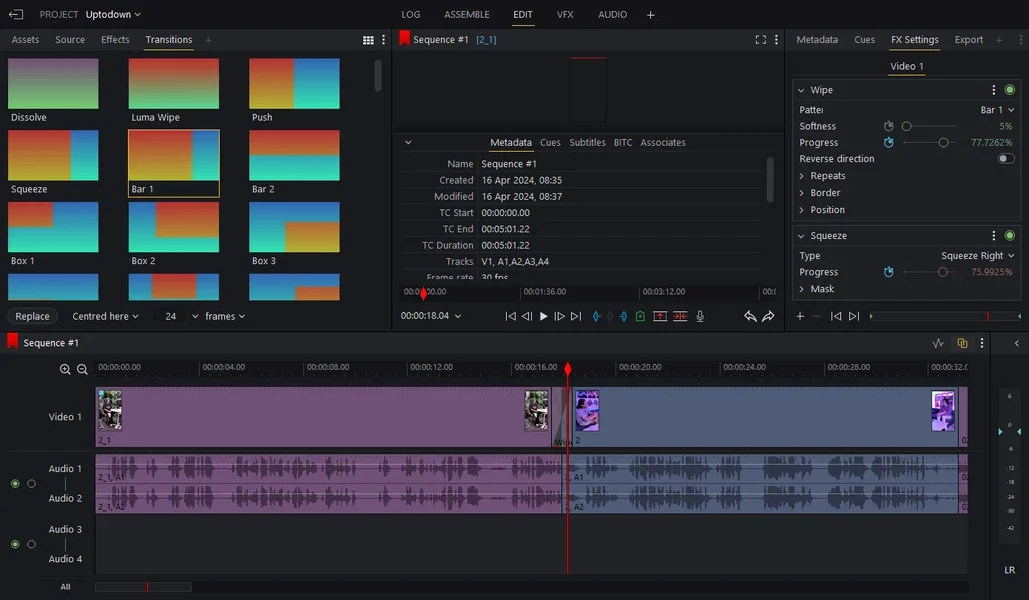
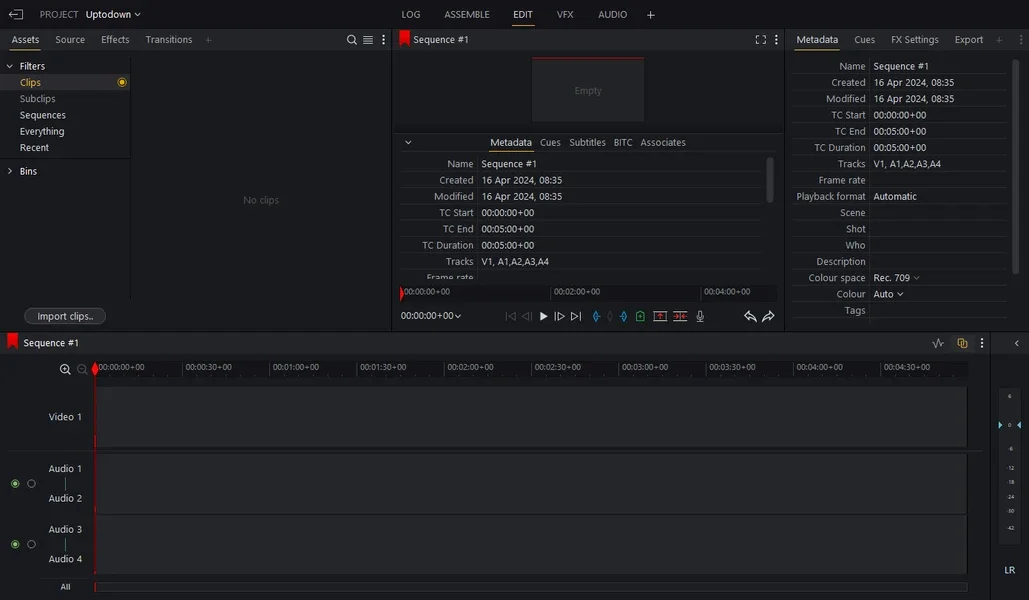
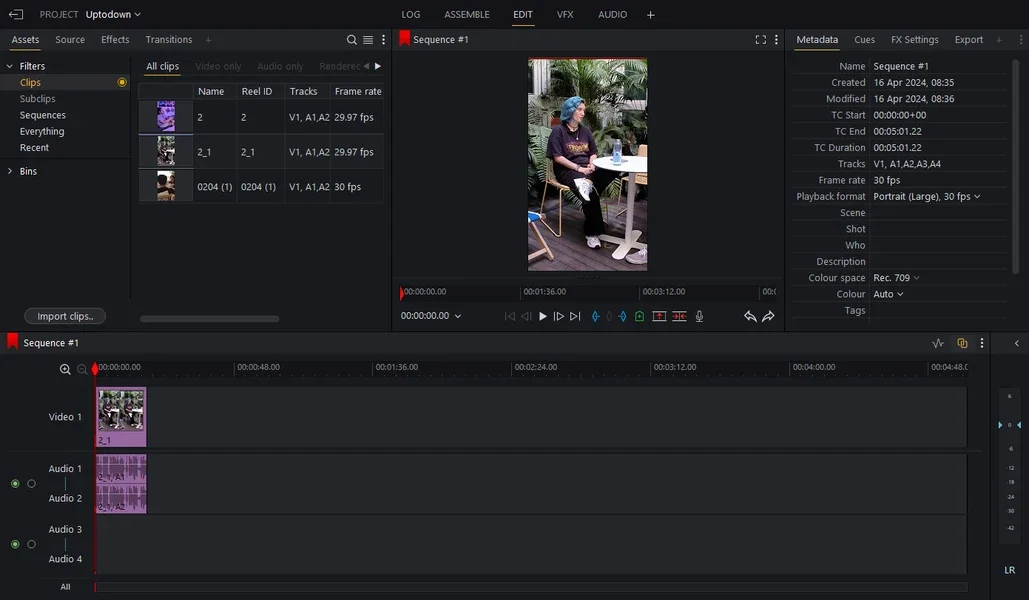
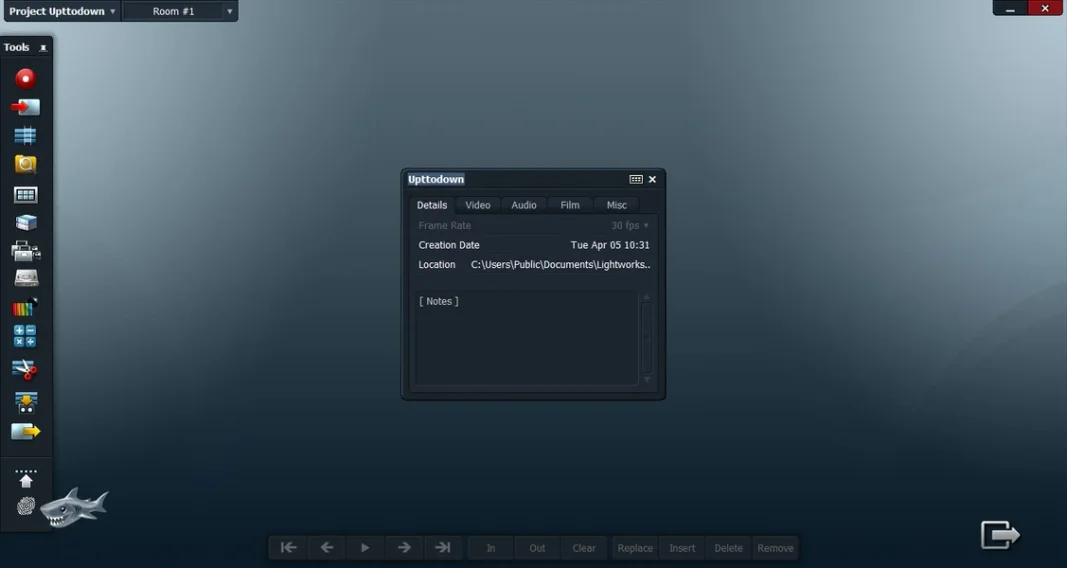
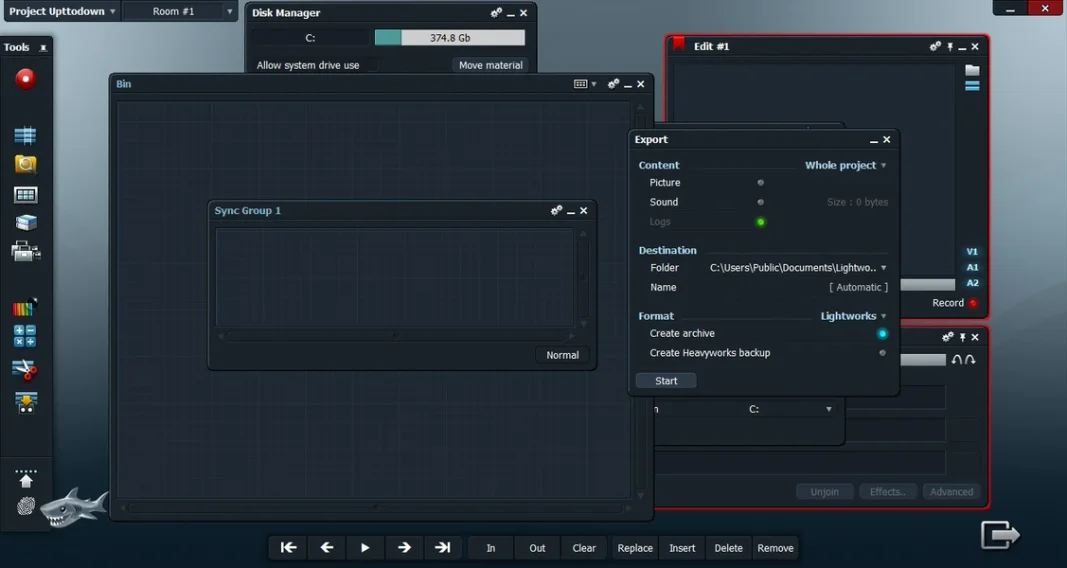
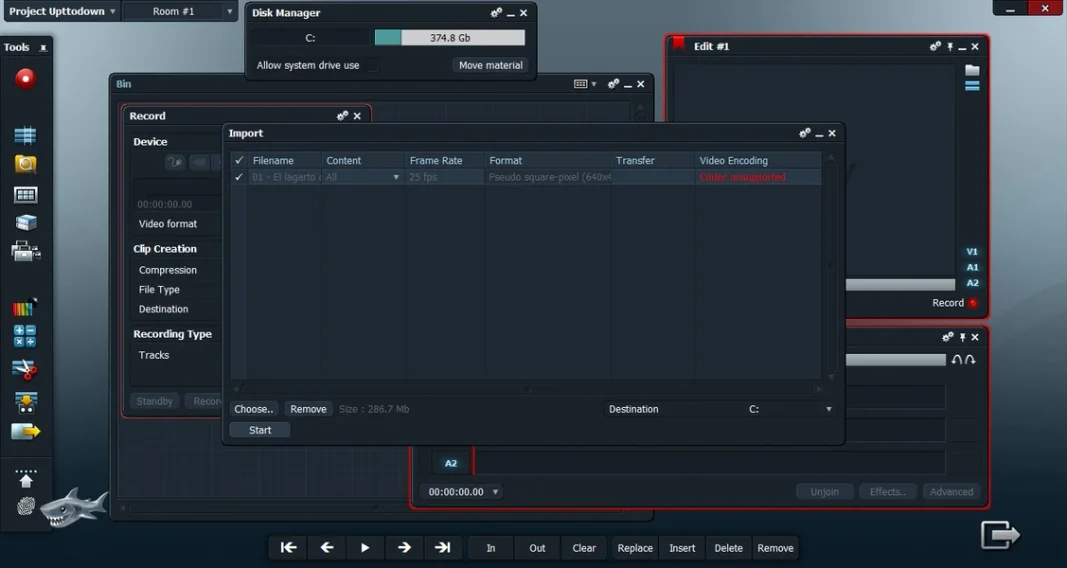
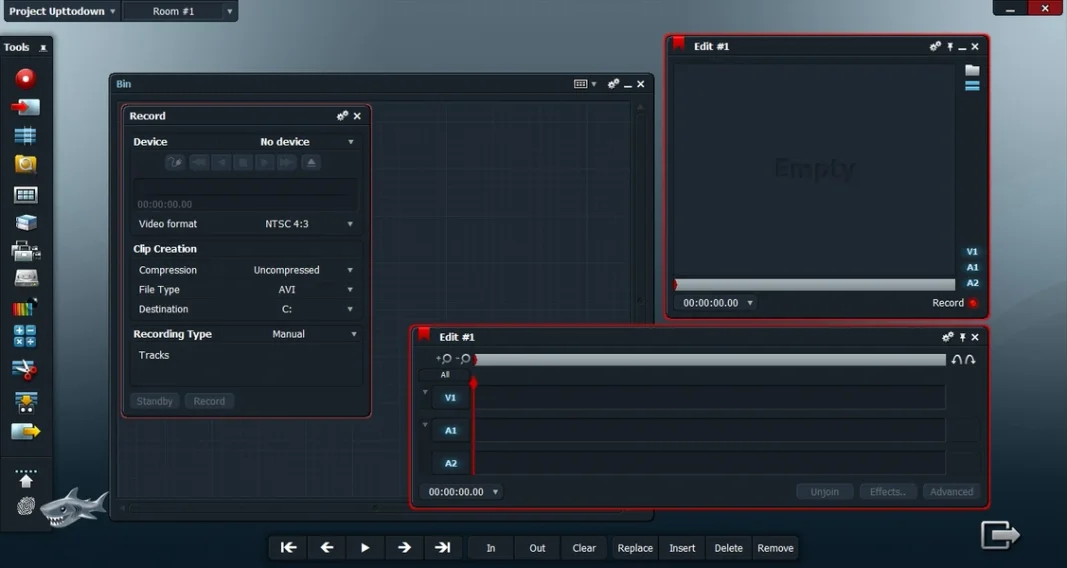
Lightworks is video editing software that has been around since 1989. The Free version costs nothing and exports at up to 720p, which suits beginners and occasional editors. A timeline sits at the bottom of the screen by default, and the interface resembles other video editing programs. You can customize the interface and choose your own workspace.
After installation, you select your goals and prior experience level, and the app makes recommendations based on those answers. An interactive tutorial is enabled by default and covers basic and advanced concepts. It provides help when you are unsure how to do something, and you can turn it off at any time. Media is added to the timeline by drag and drop. To add a transition, you drag it the same way as a video clip. Clicking an element lets you change its parameters or adjust it. You can import videos in various formats, images and audio tracks.
Three versions exist: Free, Create and Pro. Create is inexpensive and exports at up to 4K; it includes an advanced audio equalizer. Pro costs more and includes advanced video effects.
Download files
59f1c4cdb246b845c9b85a9dcd2a89c38b3e14cb43665248eed2c199dba9138d
Signed by LWKS Software Ltd. · valid until Sep 9, 20272f134622c325bef593a9642b0e119d792b6a39a054edff42e558ec9862cae799
8006af7be00eb47b38fc19ee29b09b4696a298865eb65d799d3fbfd1b3707cae
38cce9dd9f3b9b2c32c70eec10eaf37ab419536decc5355329d9e93e4676b799
177e2b5e2d7bc7c4dcffb930715889672f01fc03433fa69d766b62f845ed984e
System requirements
Available on:
Minimum OS:
Windows Windows 11 or later
Additional information
Developer
Latest release
Size
Category
File type
SHA-256
59f1c4cdb246b845c9b85a9dcd2a89c38b3e14cb43665248eed2c199dba9138d