
Logo Design Studio 4.5.2 for Windows
SHA-256 listed
Build a logo by placing objects on a canvas
All ages
Age rating
Screenshots
Description
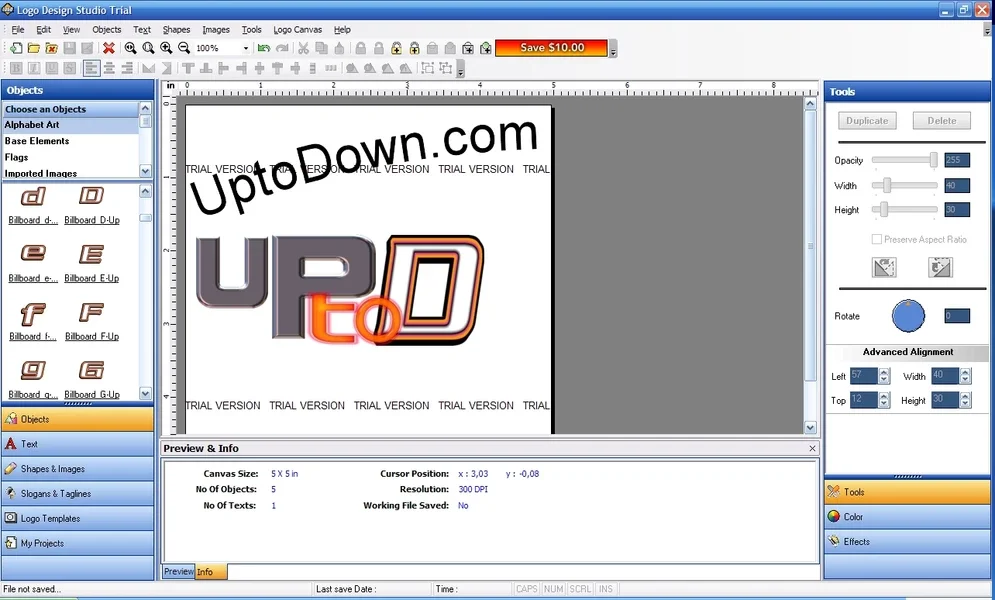
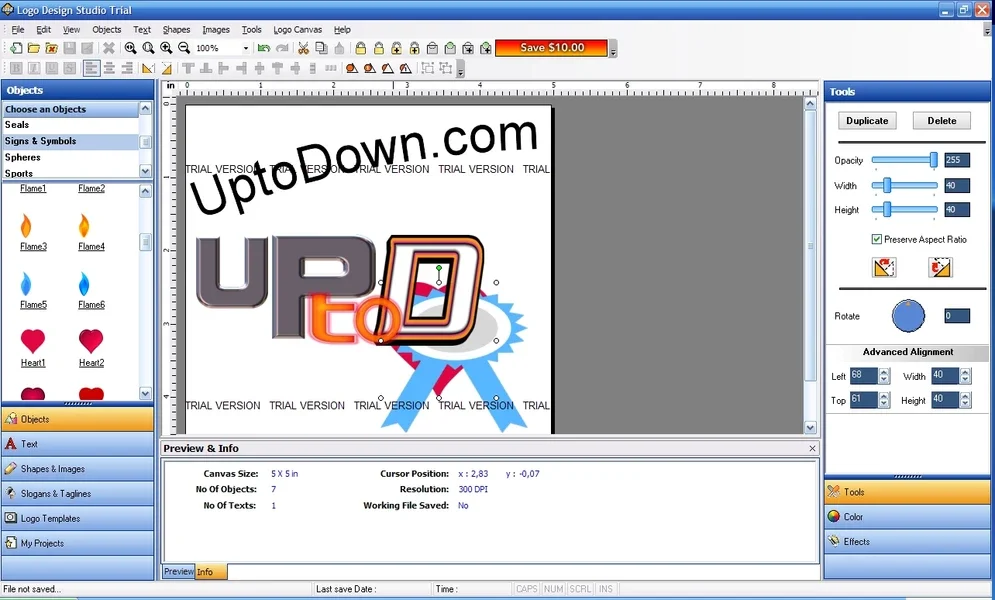
You build a logo by inserting objects onto a canvas, then arranging them until the layout works. Text can be set in predefined forms, including circular, wavy, bordered and distorted shapes. Each element takes its own effects: transparency, shading, masking and relief.
Logo Design Studio is a Windows application for graphic design in corporate branding. The objects are grouped by category, covering spheres, signs and symbols, sports, alphabet, basic shapes, seals and flags.
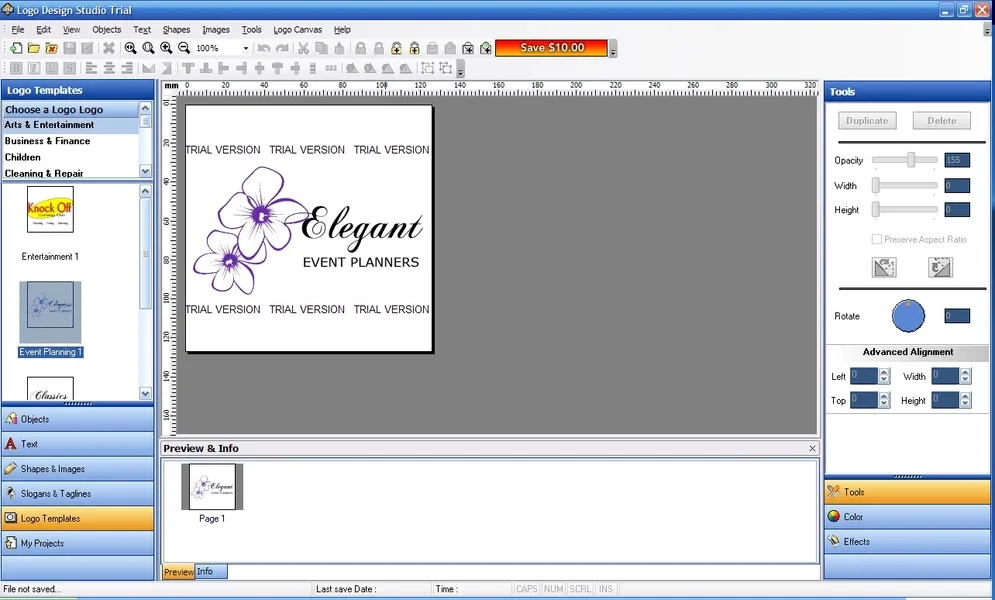
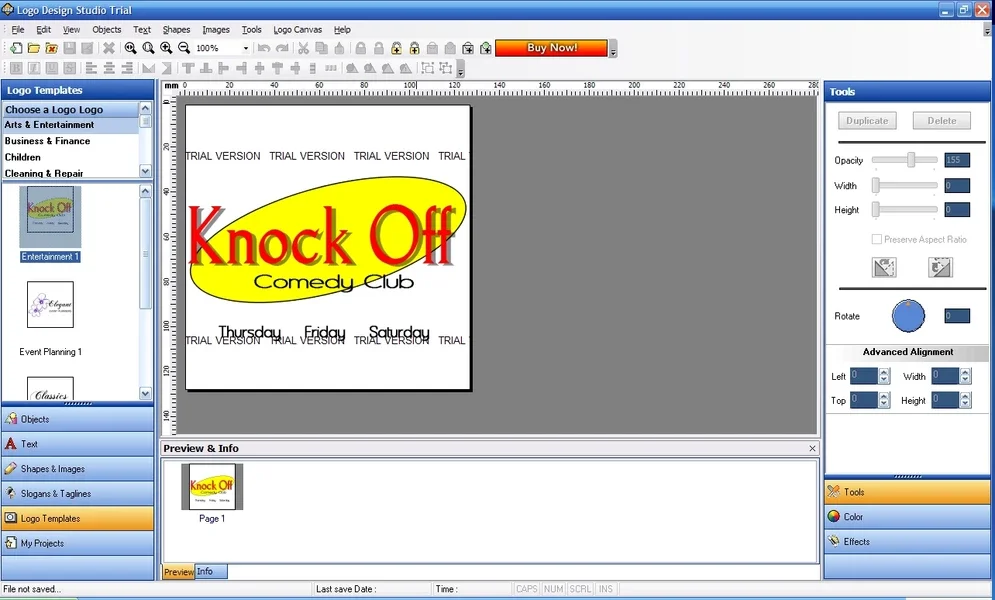
A few steps get you to a finished logo, without Photoshop or Paint Shop Pro. The full version holds 215 logotype templates and close to 850 graphic objects. It comes from Summitsoft Corporation as a trial.
Download files
FileSetup-LDS4.5.2.exeEXE
Version4.5.2
ReleasedOct 21, 2025
Size27.2 MB
SHA-256
Get
e40cb0026ed593670826ae2f9b2cd5fbf2fd17f9a90fea89e9f481b7c9bf21f2
Signed by Summitsoft Corporation · valid until Sep 16, 2015File3.5.2.0EXE
Version3.5.2.0
ReleasedMar 19, 2010
Size38.5 MB
SHA-256
Get
06c2ce599e40c3a826ef222817818561e0253fdd2dda0325270ec4585c48321e
Signed by Summitsoft Corporation · valid until Dec 12, 2010Filelogo-design-studio-pro-4.5.00.exeEXE
Version4.5.00
ReleasedUnknown
Size28.2 MB
SHA-256
Get
0add2e28e2fa06d4791c217786ff28ede406ca953b975d30df613b5f487fe3ea
Signed by Summitsoft Corporation · valid until Sep 16, 2015System requirements
Available on:
Additional information
Developer
Latest release
4.5.2 · Oct 21, 2025
Size
27.2 MB
Category
File type
EXE
SHA-256
e40cb0026ed593670826ae2f9b2cd5fbf2fd17f9a90fea89e9f481b7c9bf21f2
Digital signature
Signed by Summitsoft Corporation · valid until Sep 16, 2015