
LTX Desktop 1.3.2 for Windows
Generates short videos and images from prompts on your own PC
Screenshots
Description
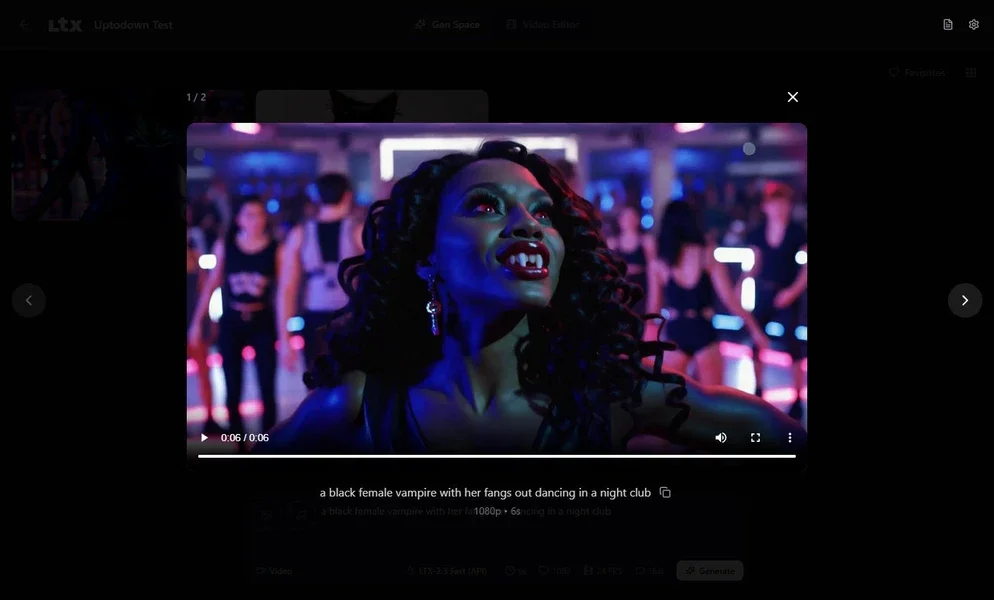
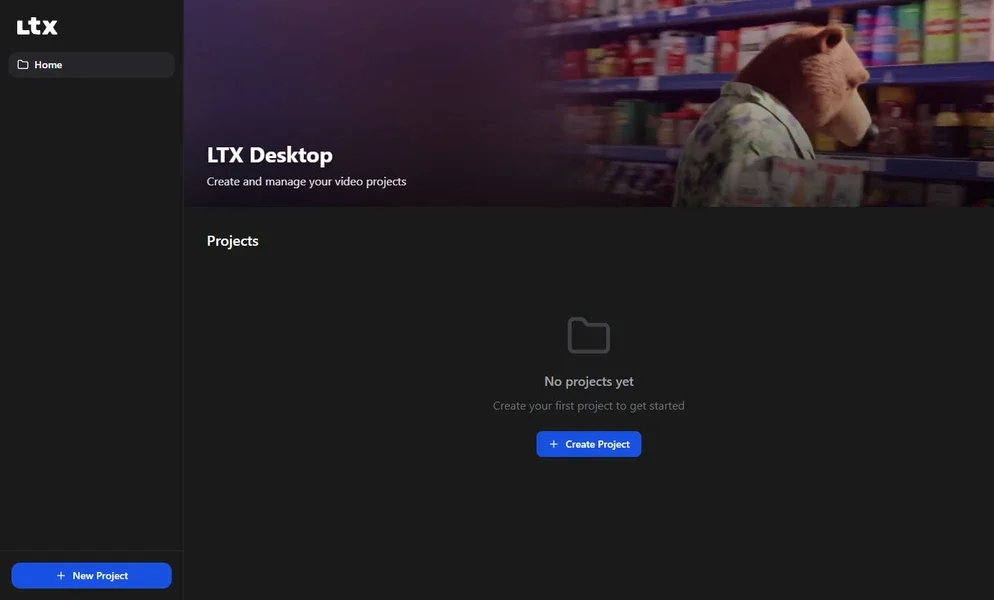
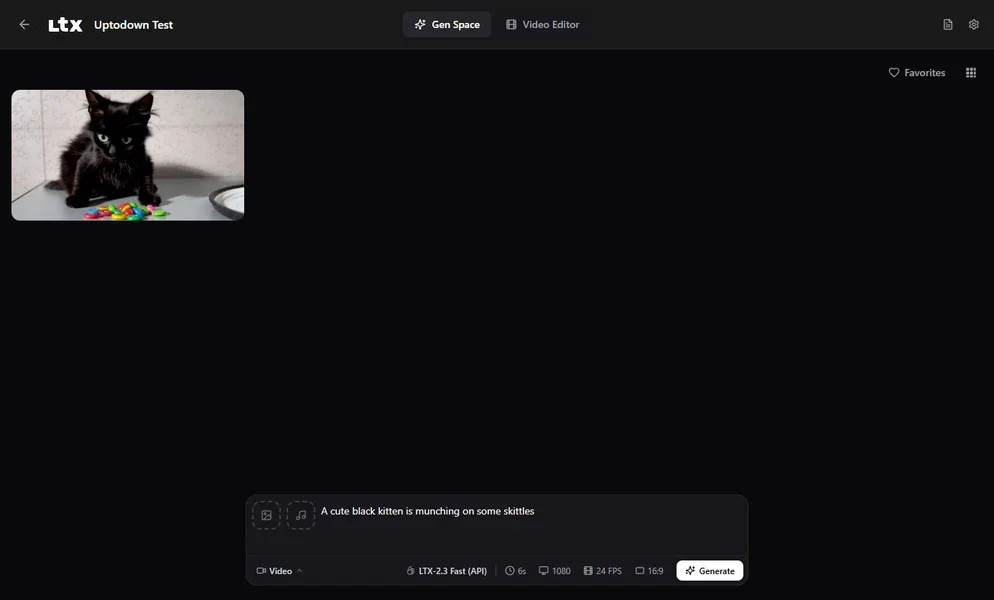
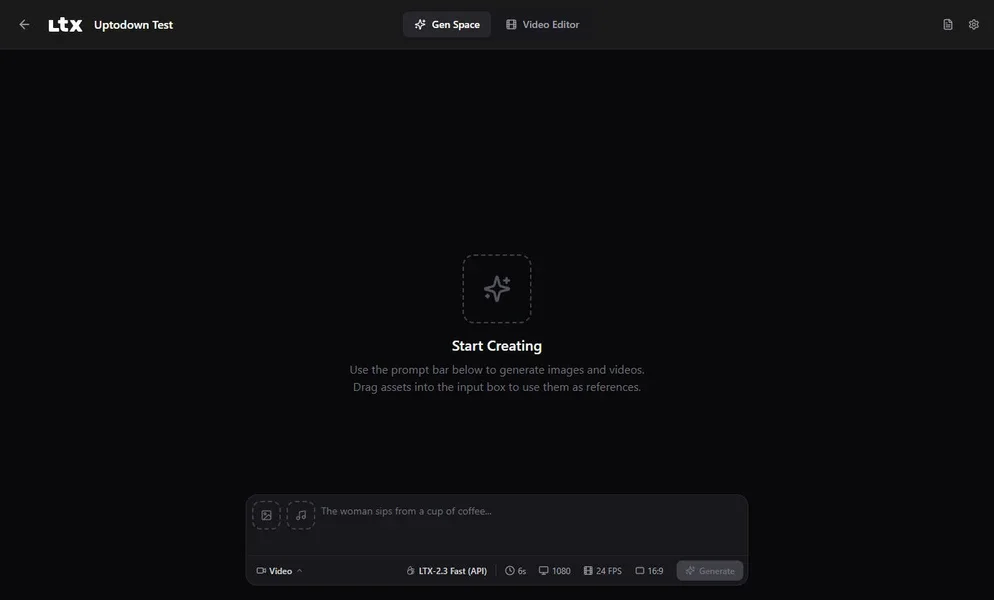
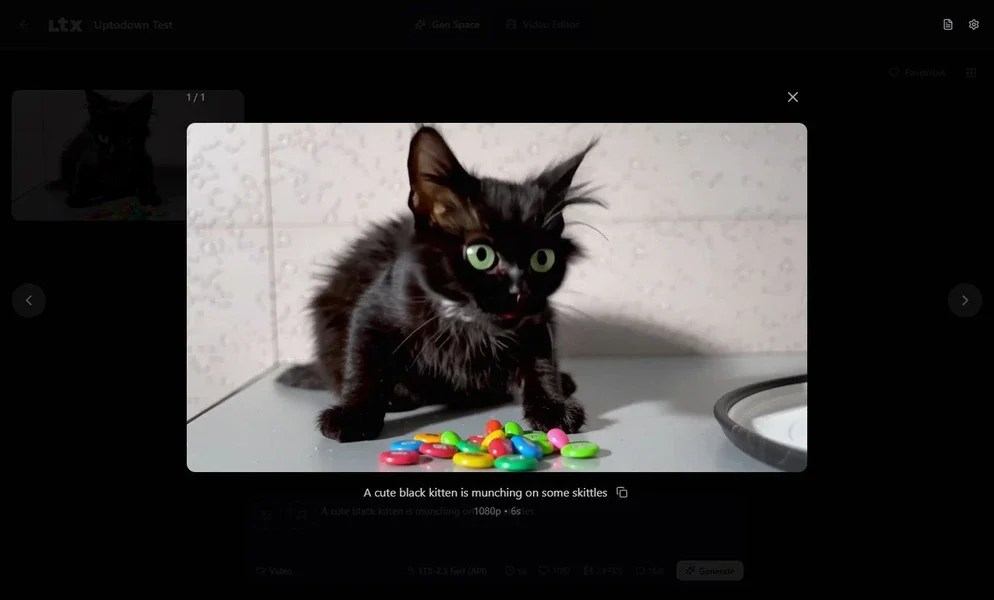
LTX Desktop generates videos and images from prompts, and it does the work entirely on your local machine. Data and content stay on your PC. You type a prompt and the app handles the rest; you never pick among models or go through complex configuration. A short video, several seconds long, can be ready in under 20 seconds. More specific and detailed prompts give better results. Image generation can follow once a video is done.
- Choose the resolution, frames per second, and format.
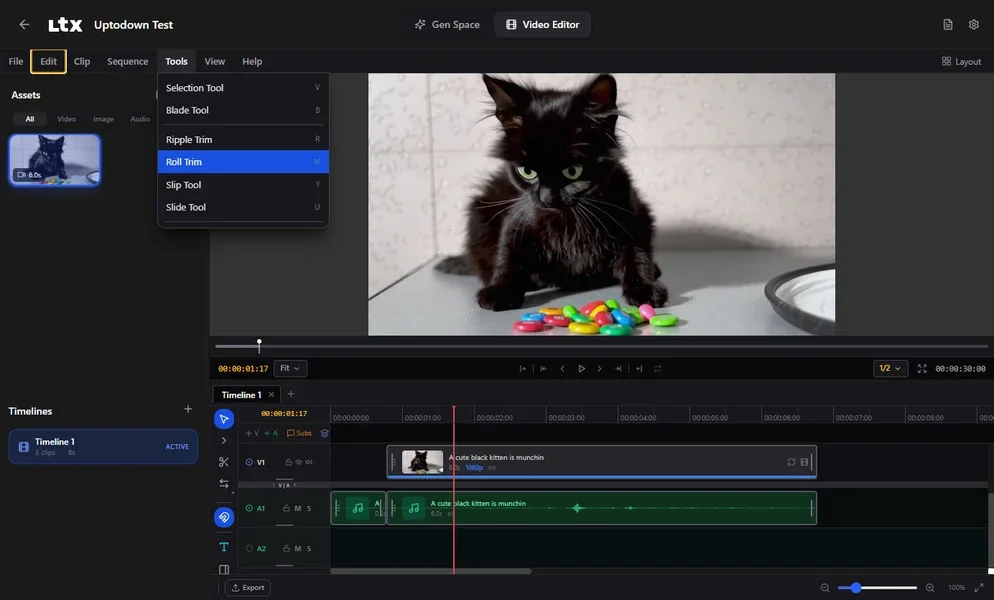
- Combine and edit generated clips in the built-in video editor, then edit them inside the same program.
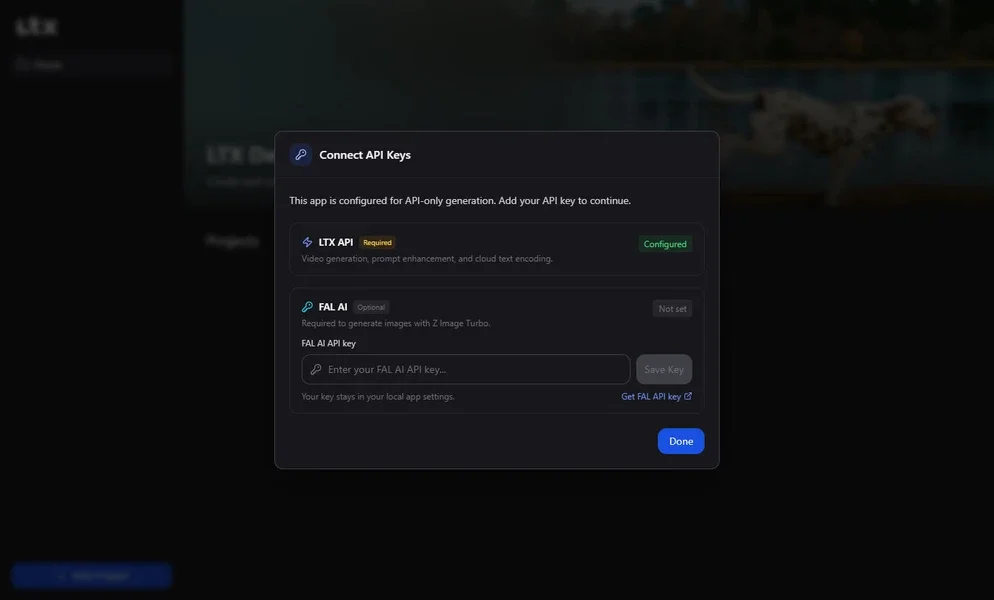
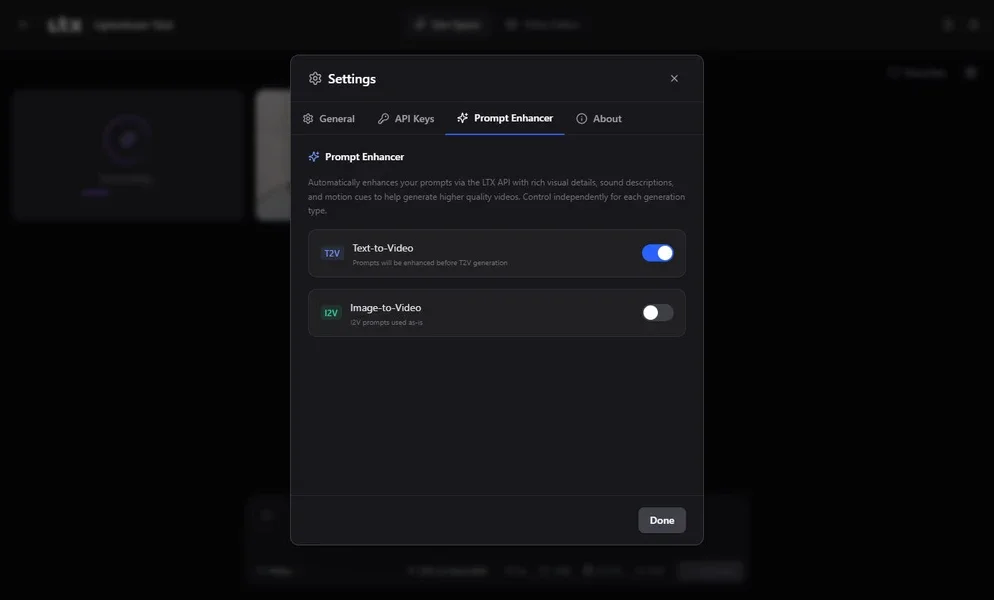
Getting started takes a user account first, and you can create one with a Google account. Then you open the Control Panel, go to the API Keys section, create a new key with a chosen name, and copy and paste it into the program. Installation and configuration take about 15 minutes and the installation process takes almost 20, depending on the PC. LTX Desktop is open-source and free, and the latest version is 1.2.7.
Download files
50d6fc8606568eca0927a201be52047f055981223b846aeff6b9066251bfa10c
Signed by Lightricks US Inc · valid until Nov 12, 2026eeafcecf0c7d2a109b45e286357798198d90663e1aa00f84d9269e6e26afb86d
Signed by Lightricks US Inc · valid until Oct 21, 20261aa8da327af6189e351953dc5fa2347b29de8e26700591d31404219daf63308e
Signed by Lightricks US Inc · valid until Aug 28, 2026164d172135fdd87b4cb8c0104adb3f2c42469b65c331ee5c2eb44e368326560f
Signed by Lightricks US Inc · valid until Apr 30, 2026System requirements
Available on:
Minimum OS:
Windows XP or later
Additional information
Developer
Latest release
Size
Category
File type
SHA-256
50d6fc8606568eca0927a201be52047f055981223b846aeff6b9066251bfa10c