Luminance HDR 2.6.0 for Windows
Fuses bracketed exposures into one correctly exposed image
You are on macOS — this is the Windows version. See the macOS version
Screenshots
Description
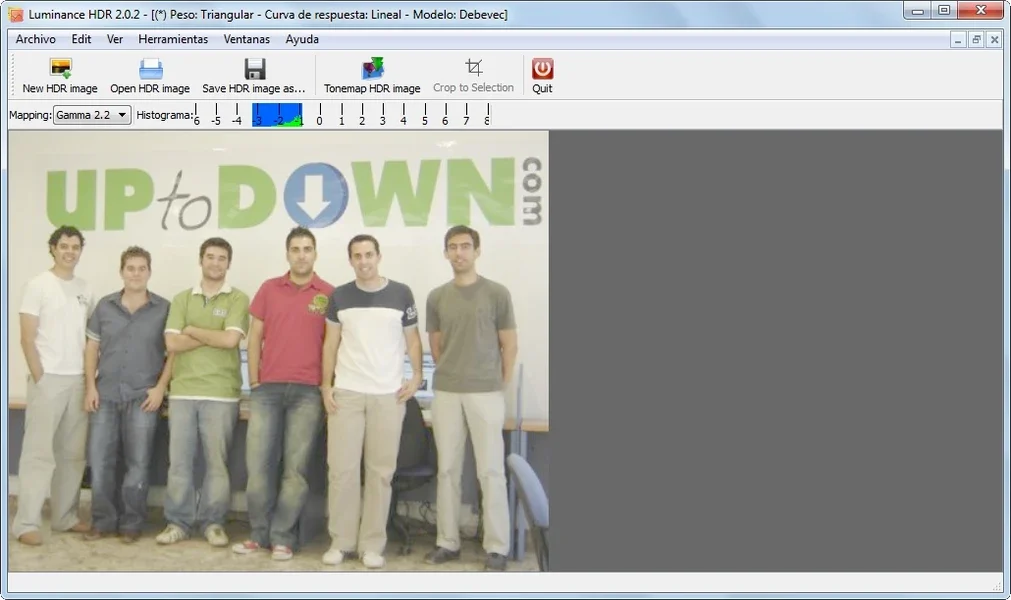
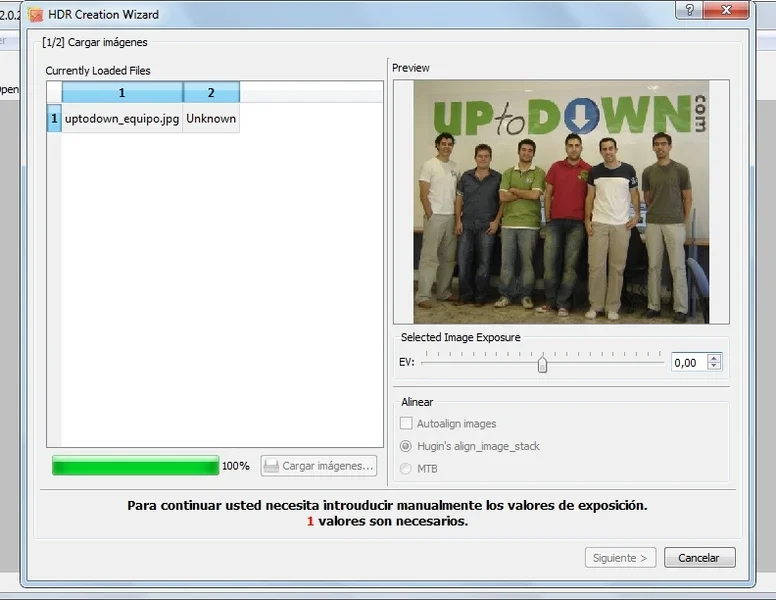
Give Luminance HDR three pictures of the same scene at -2, 0 and +2 exposure and it fuses them automatically, so the result has correct exposure throughout. It works by adjusting the lighting of images captured at different exposures so they match each other, using HDR technology. That makes it useful for enhancing images with poor light exposure. It reads and writes OpenEXR (exr), Radiance RGBE (hdr) and Tiff formats.
Tone mapping and settings
Once the exposures are merged, tone mapping filters bring the result back into a viewable range. The filters are named Fattal, Ashikmin, Durand, Drago, Pattanaik, Reinhard'02 and Reinhard'04. The program has many settings and advanced functions, and non-professionals may find them uncomfortable. Getting the most out of it takes considerable time, and some users want more advanced features and faster help with problems. The interface has been redesigned, and some users find it dated or awkward as a result. The program was previously called Qtpfsgui. It is free and open-source.
Download files
37c74f2e84dfc3cb686f7fe5e80e33f97eb8e506ec704bdd02ea90c3b8ca6af8
No digital signature3dc64ead8db731fc671f1dff36d02e542da1e8c911fde238930464179ee86730
2c3c9ca2b38c1f1f9acd513017b8de603e1355ed210ff00cacd2501615c72ca1
cc4d031dad385ff674035433257e11d1ad2fe1791f00299b630ebd73dd6af386
No digital signatureSystem requirements
Available on:
Additional information
Developer
Latest release
Size
Category
File type
SHA-256
37c74f2e84dfc3cb686f7fe5e80e33f97eb8e506ec704bdd02ea90c3b8ca6af8