
Manga Studio 4.02 for Windows
Comic strip drawing app for Windows with 3D pose models and layers
Screenshots
Description
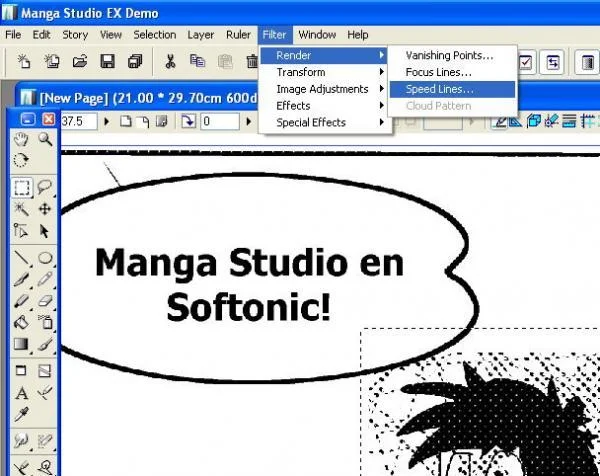
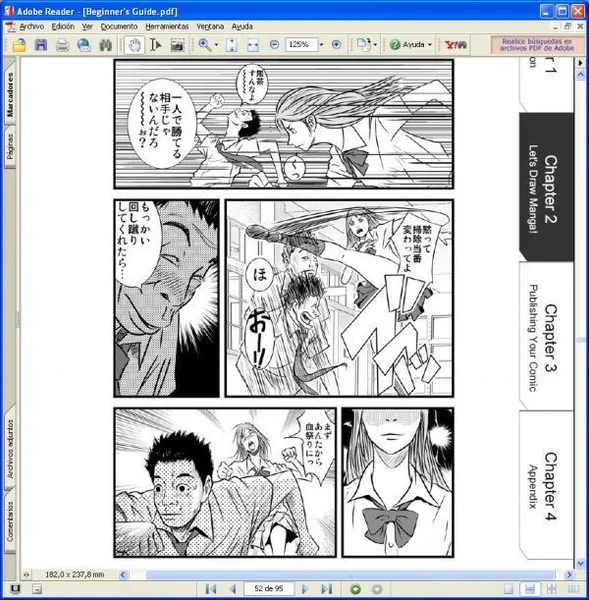
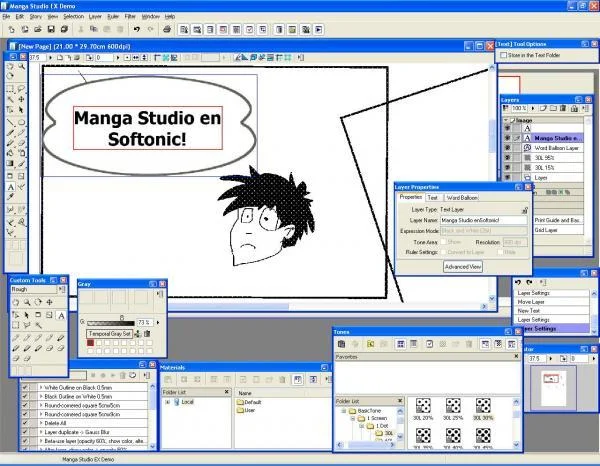
Manga Studio is a drawing application for Windows aimed at comic strip creators, developed by Smith Micro Software. Its layer system works much like Photoshop's, keeping scene, character and color layers apart so edits to one leave the others alone; layers can be moved and transformed to fit the layout. On the left sit sketching tools: drawing pens, markers, effects and perspective rulers, with mixed raster and vector support behind them. The interface resembles a drawing application such as Paint. Original panels can be drawn, from 2 co-existing panels up to 6 separate panels, and users start from a blank canvas, sketch scenes, add colors and dialogue, then refine drawings themselves rather than assembling pre-made parts.
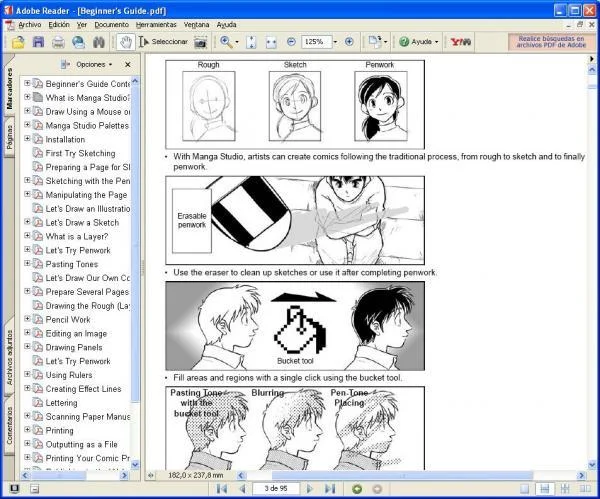
The workflow assembles a story and pulls in 3D models to sharpen the layout. Drawing models are included for layout when creating a new pose, and images and 3D formats import through a panel for posing characters. Once a model is loaded, a pose can be made or applied, the camera perspective changed, colors filled in and the result rasterized. Several 3D models serve as a starting point for sites, props and characters. Sketches or drawings from other apps can be uploaded. An onion display shows several cells of the comic at once, and a sketch panel shows the comic as it is being made. A timeline adjusts transitions and animation. Text can be placed anywhere and adjusted in fine detail. The program is not free, does not support PDF, and has a trial version. Tutorials and videos are provided for beginners.
Download files
b9262660f00f7f50f83d9434ebec4530d50abe1c7675c068de66b4b249d02a77
System requirements
Available on:
Additional information
Developer
Latest release
Size
File type
SHA-256
b9262660f00f7f50f83d9434ebec4530d50abe1c7675c068de66b4b249d02a77
Languages
Price
Report a problem
Nothing here yet.