MCPatcher 5.0.3 for Windows
Manages Minecraft mods, patches and texture packs with a graphical interface
Screenshots
Description
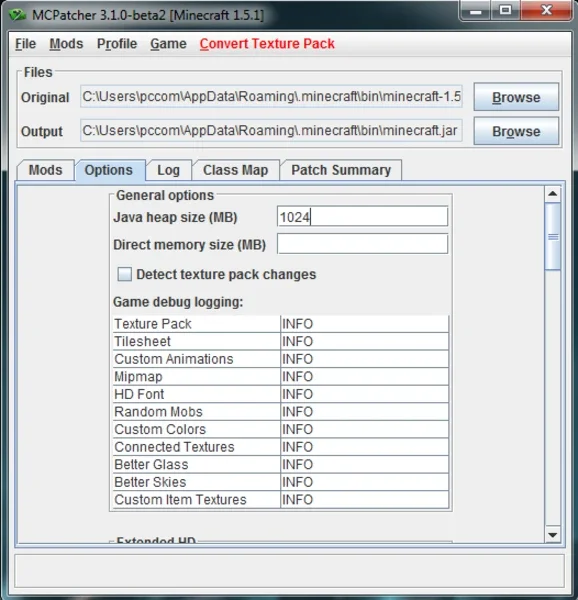
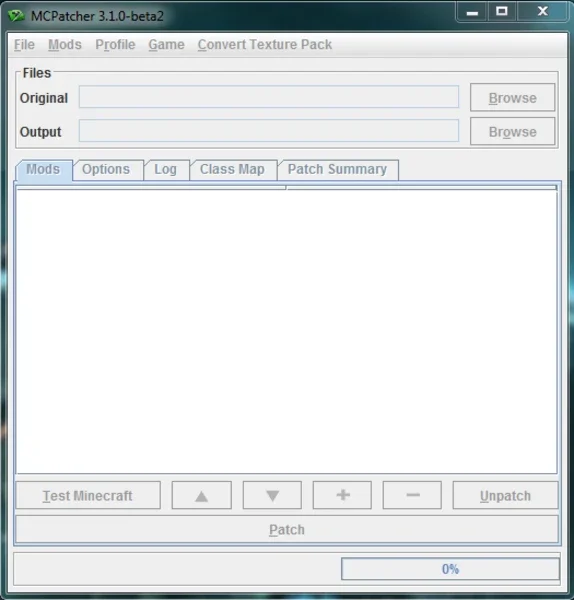
Point MCPatcher at the Minecraft .Jar file you want to work with. The program manages mods, patches and texture packages for the game, and it does this through a graphical interface rather than command lines or manual file edits.
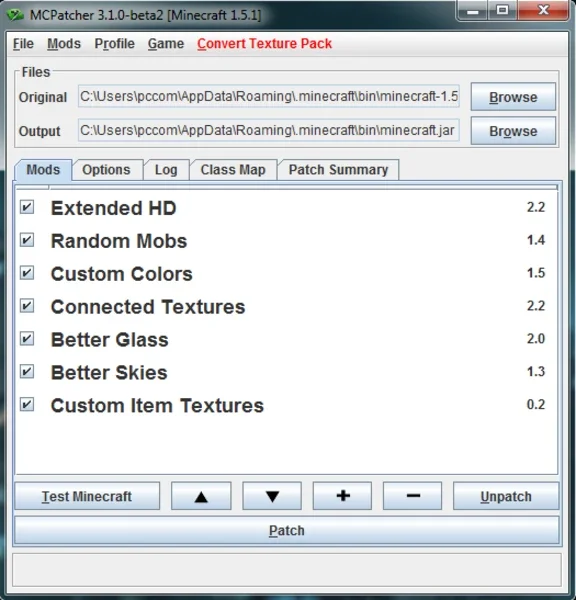
Inside that interface you choose which changes and texture packs get applied and which stay out, so you can build a combination and leave the rest alone. An integrated converter handles texture packages for newer Minecraft versions. Minecraft needs to be installed on the PC before any of this works, since the program operates on the existing installation rather than bringing its own copy of the game.
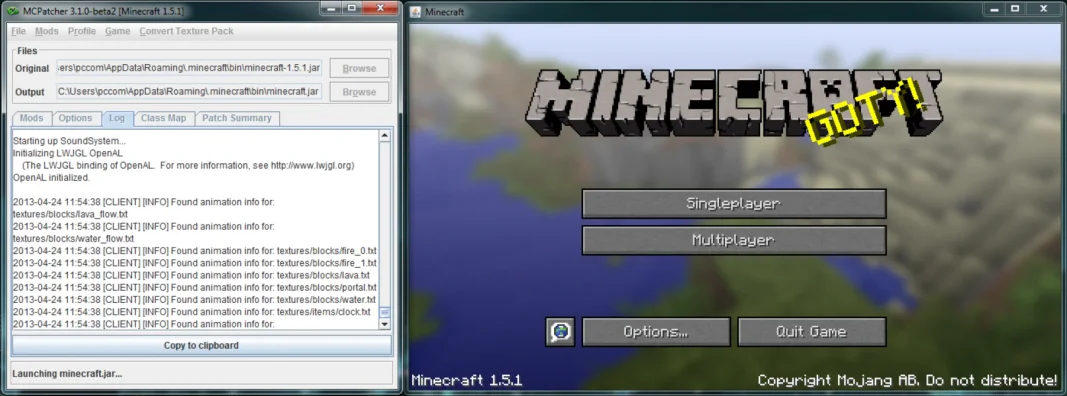
Once you have made your selections, the game can be launched from the application to check the results right away. A tutorial in the author's forum covers most of the features. If something looks wrong after a launch, you go back to the same window, adjust which patches or packs are active, and launch again.
Download files
58899222a8878674e5d2b089bd4d43caf8203a5b69d025b28e3a3b15c7e0a9b5
No digital signatureaf6b12e36125970e03cd245a53fefcad50402abcba7c5ea9a6874255185ad8f9
493bcb579d8f5ee9440986877ea772f1a4ffb4cdb0beb4de4d8ffccec411d0e9
System requirements
Available on:
Additional information
Developer
Latest release
Size
Category
File type
SHA-256
58899222a8878674e5d2b089bd4d43caf8203a5b69d025b28e3a3b15c7e0a9b5