
Screenshots
Description
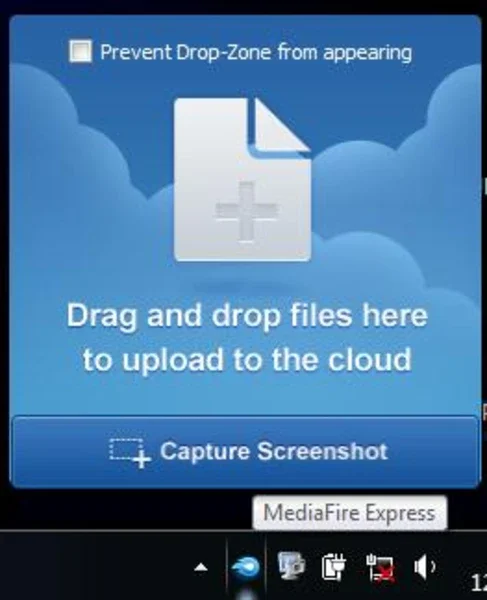
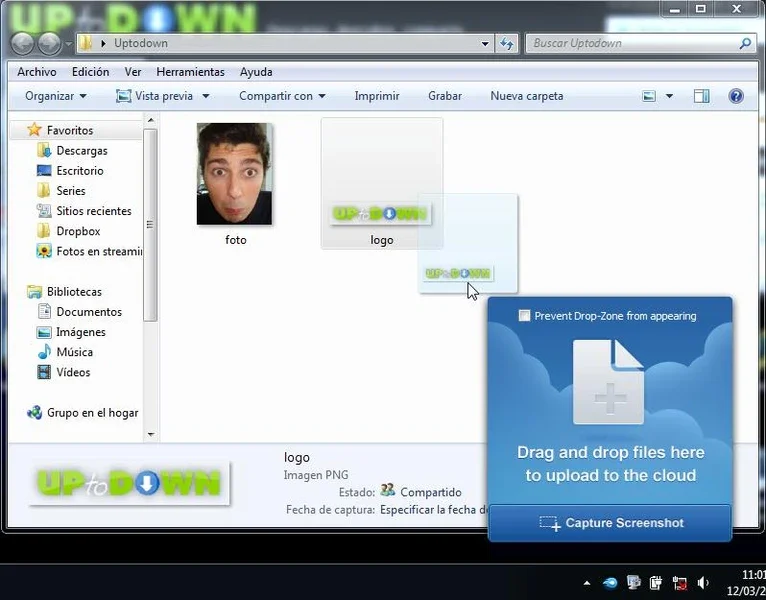
MediaFire Express uploads files and folders to MediaFire without opening a browser. It is the official MediaFire application for getting files onto its servers on Windows. You sign in with your account credentials, then drag files or folders onto the system tray icon to start an upload.
Uploads and screen captures
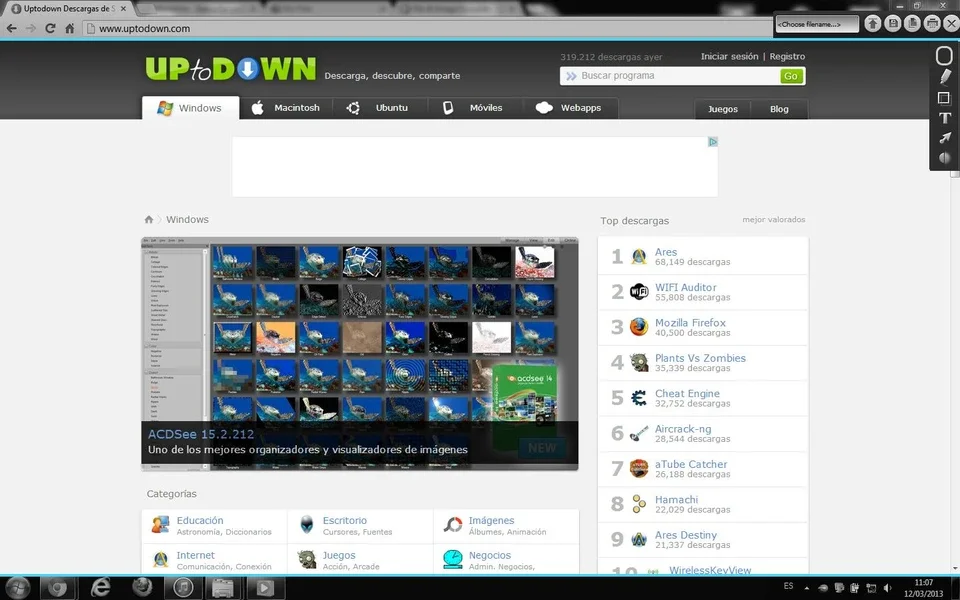
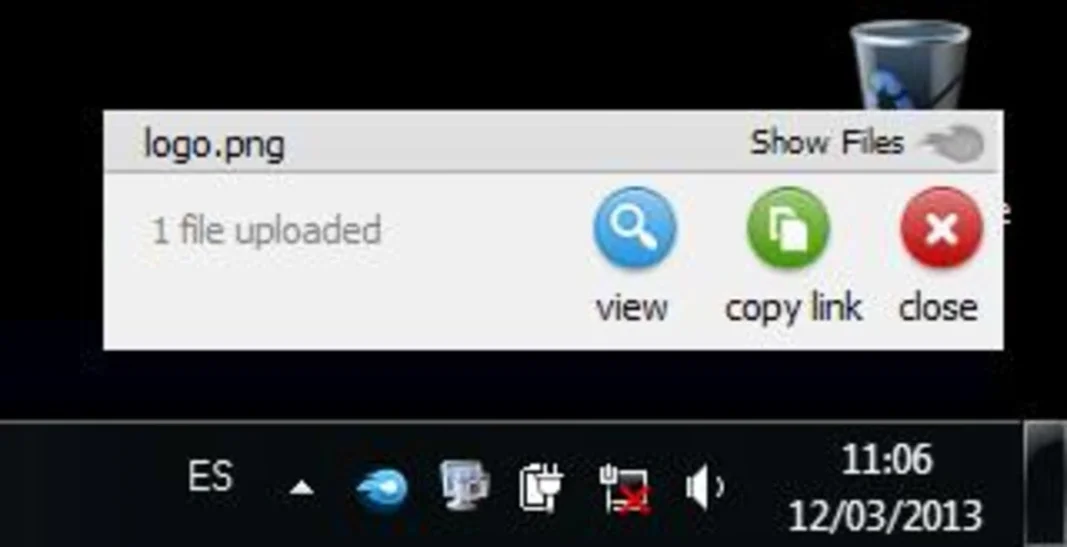
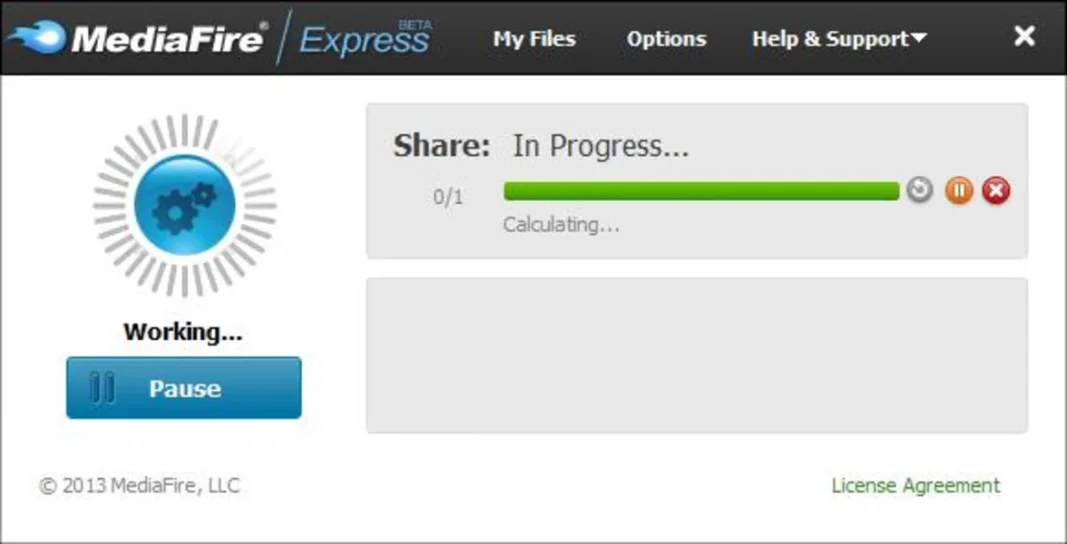
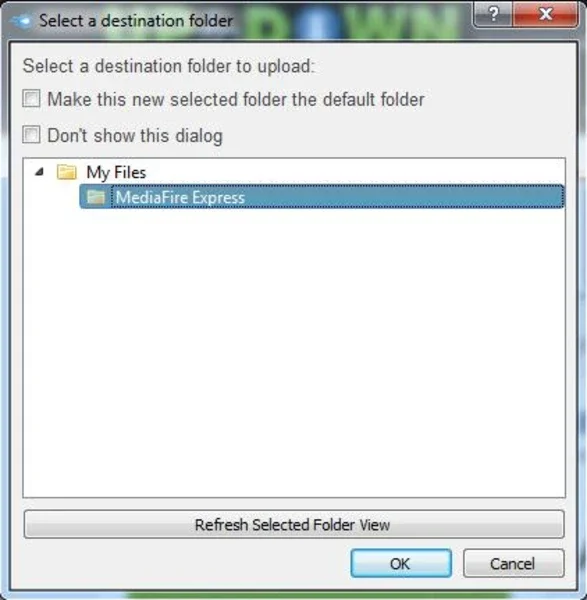
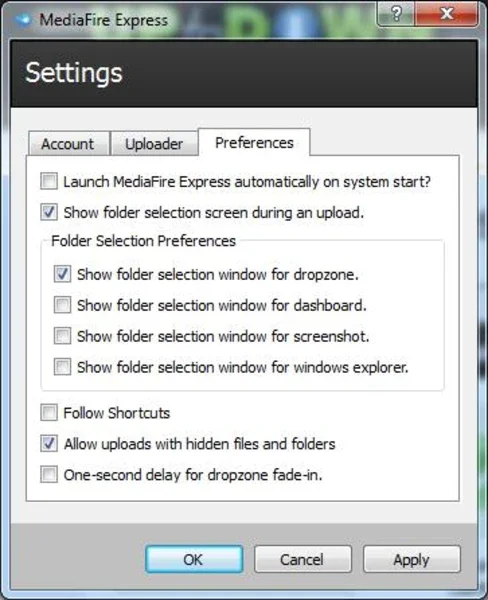
Uploads run in the background, which the developer says makes the most of your internet connection speed. An interrupted connection does not cancel an upload. You can choose a folder in your online space for each upload, or assign a default folder to use every time. The application also takes screen captures and sends them straight to the server. When an upload finishes, a pop-up offers to copy the file link to the clipboard.
Download files
File0.15.3.4554EXE
Version0.15.3.4554
ReleasedMar 14, 2013
Size42.6 MB
SHA-256
Get
fb38920d9a63fa4c818e7f328b3781281e2bcdeab2a8038890b17367b9c37528
Signed by MediaFire, LLC · valid until Mar 4, 2014System requirements
Available on:
Additional information
Developer
Latest release
0.15.3.4554 · Mar 14, 2013
Size
42.6 MB
File type
EXE
SHA-256
fb38920d9a63fa4c818e7f328b3781281e2bcdeab2a8038890b17367b9c37528
Digital signature
Signed by MediaFire, LLC · valid until Mar 4, 2014