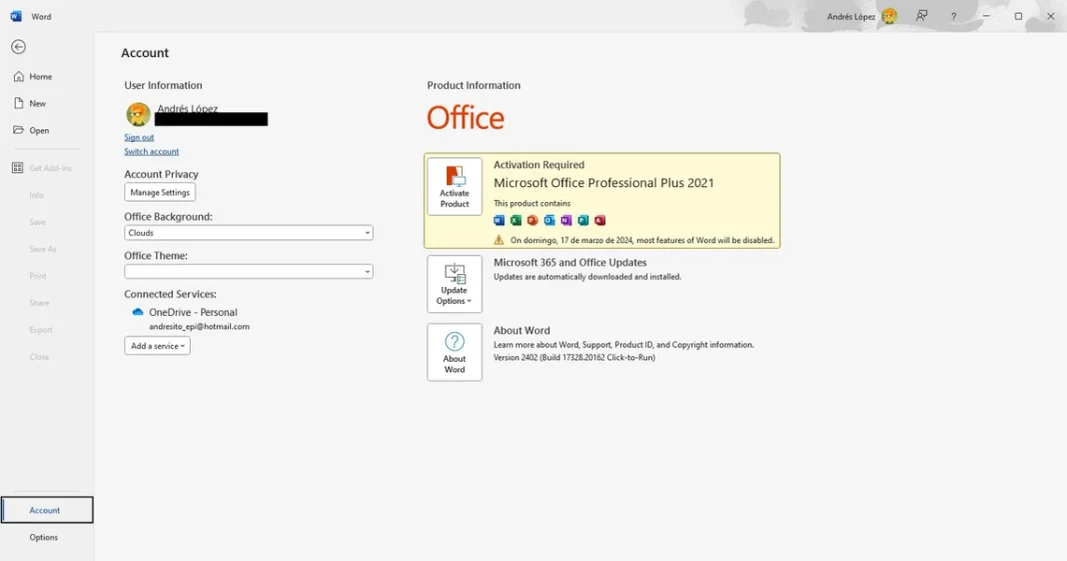

Microsoft Office 2021 16.0.19725.20152 for Windows
Word, Excel, PowerPoint and Outlook in one installer
Screenshots
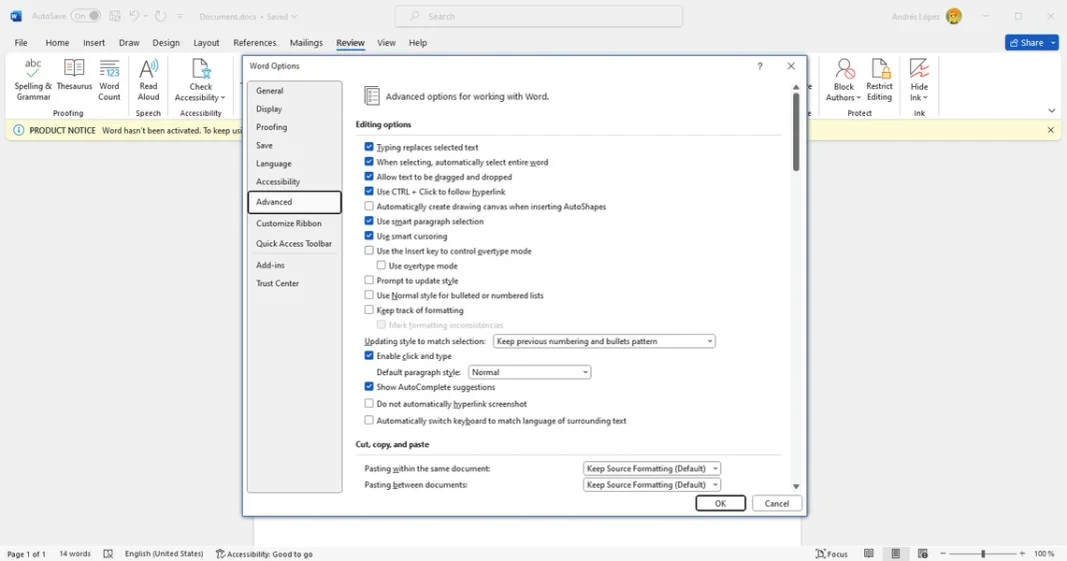
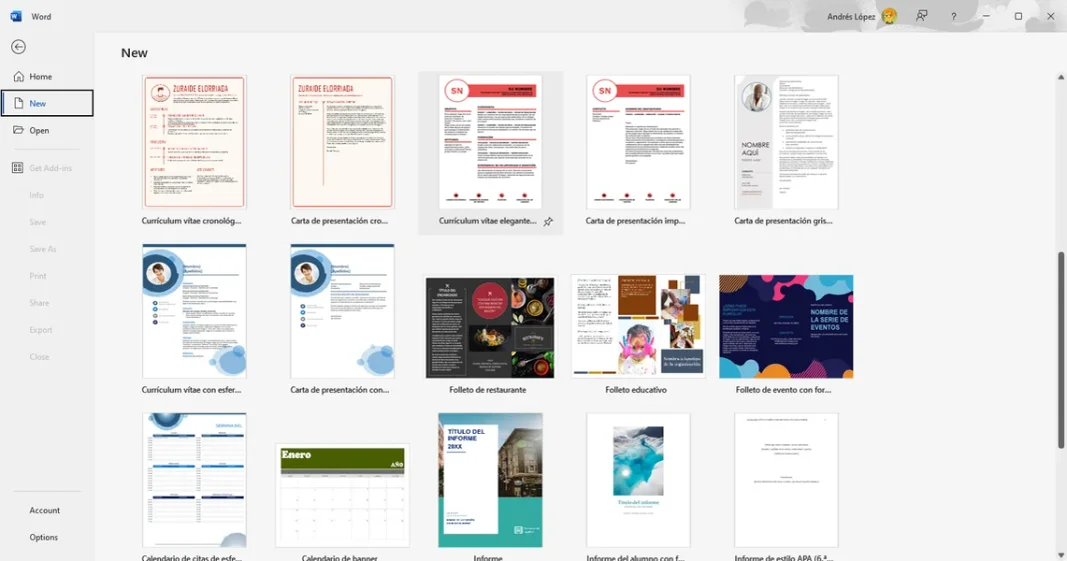
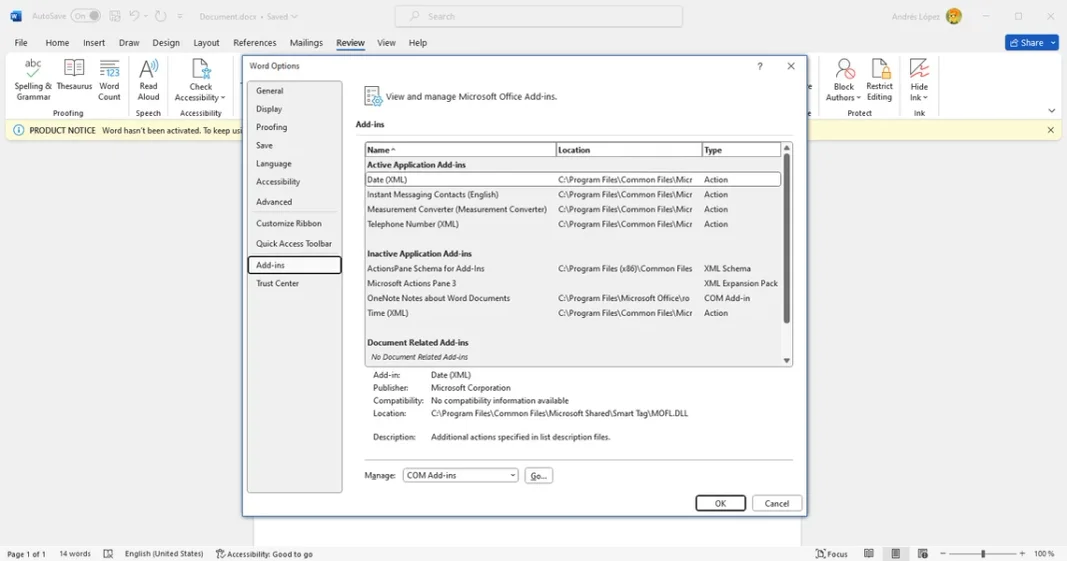
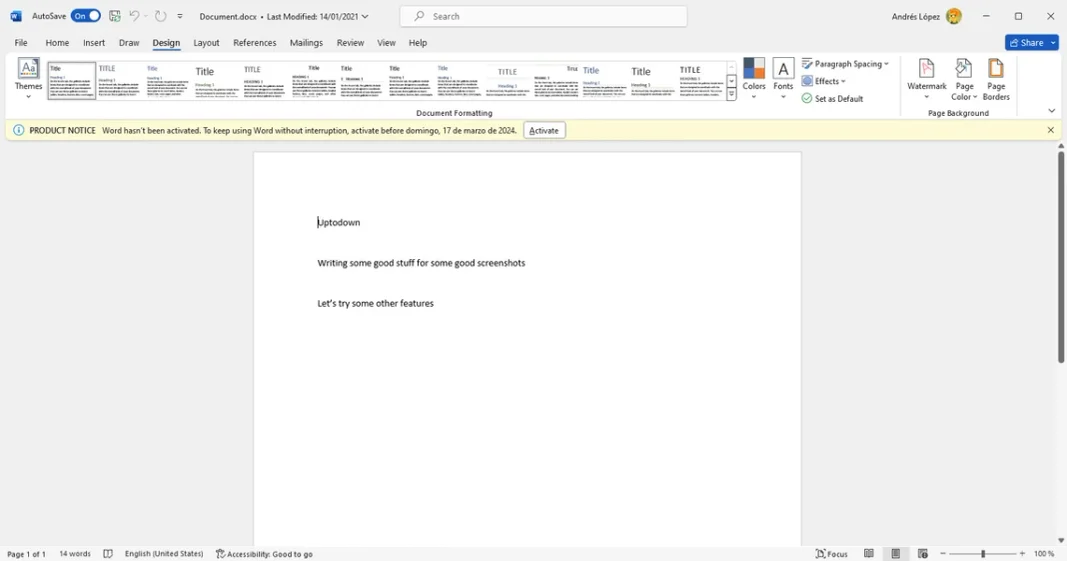
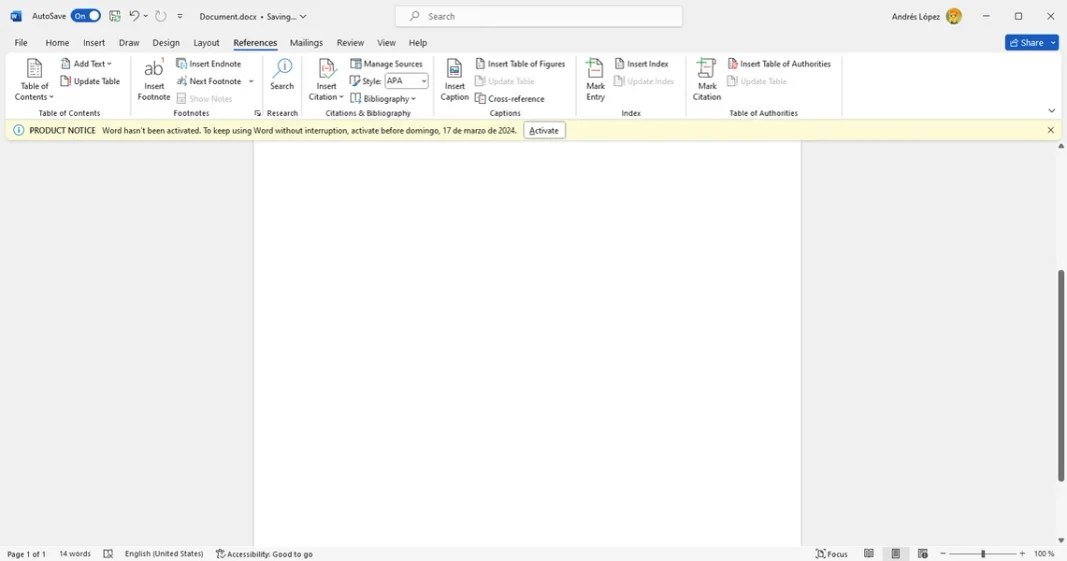
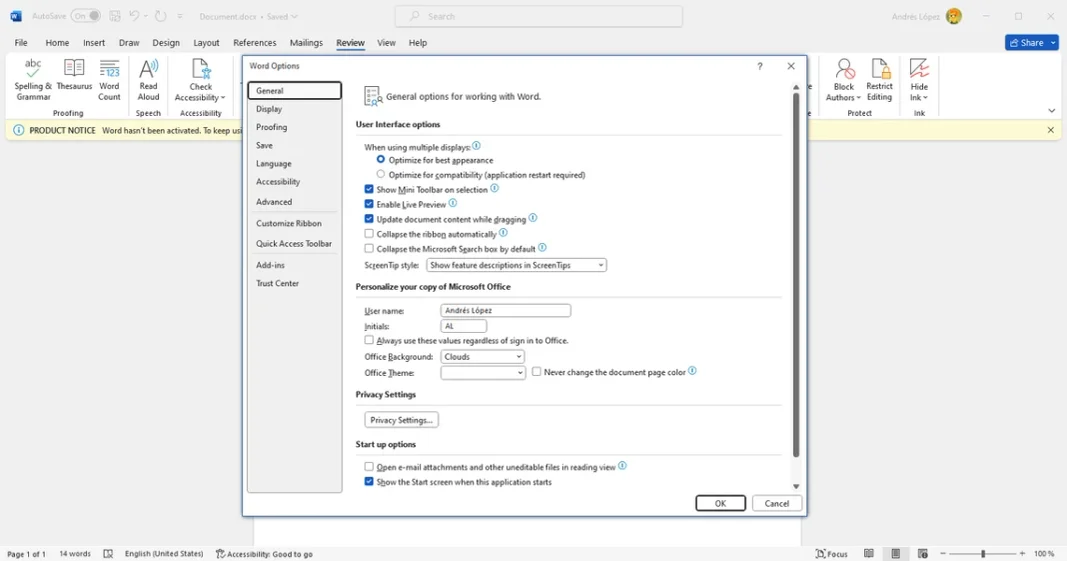
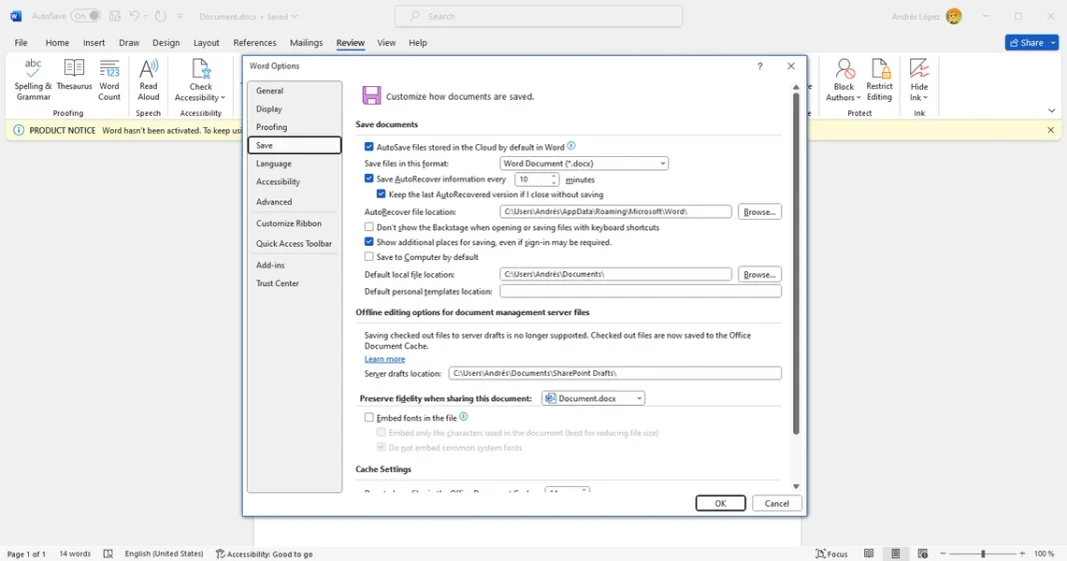
Description
Double-click the installer and Windows takes it from there, downloading and installing Word, Excel, PowerPoint and Outlook as one app. The wait runs around 10 to 15 minutes depending on your internet connection, so give it several minutes before expecting the programs to appear.
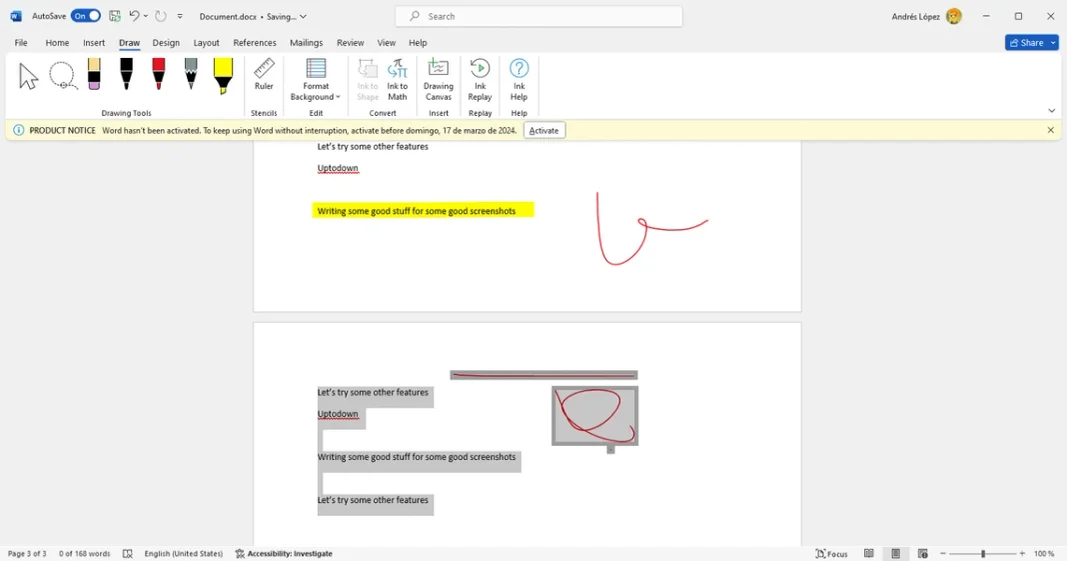
Word edits all kinds of documents and lets you draw, paint and underline text directly. Microsoft Translator sits inside it and translates documents automatically. Excel is the spreadsheet editor, with new features, new graphics and interface improvements; spreadsheets export to different formats, and its Help tab summarizes what changed since the last version. PowerPoint is the slide editor, with new transitions and effects, and it exports presentations in 4K. Outlook manages email.
Office 2021 arrived alongside Windows 11 in 2021 and follows Office 2019. It has a redesigned interface, and the Help tab in Word offers a tour of the new features. Unlike Microsoft 365 products, it does not require a constant internet connection.
Download files
3cd10f67b3a03e7346e32ab24bcea52d1d79bd427a6e4866f918891c8ea7850e
Signed by Microsoft Corporation · valid until Jun 18, 20260d8aaacf5a6c8554bb0ff46752824eb2e30912b8f1d6f8f2e72bab6568b201d3
Signed by Microsoft Corporation · valid until Oct 16, 2024805315fff75fa9eb0857a2c925ab95f4a0542682bd0aed1b4063e9c007bbf539
Signed by Microsoft Corporation · valid until Oct 16, 2024System requirements
Available on:
Additional information
Developer
Latest release
Size
Category
File type
SHA-256
3cd10f67b3a03e7346e32ab24bcea52d1d79bd427a6e4866f918891c8ea7850e





