Microsoft Office OneNote 2003 for Windows
Organize text, images, audio and video in tabbed notebooks
Screenshots
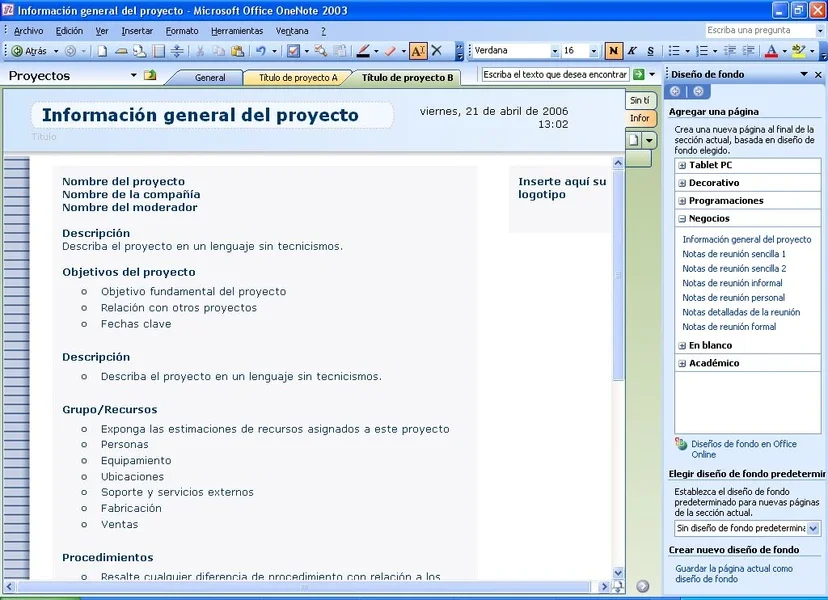
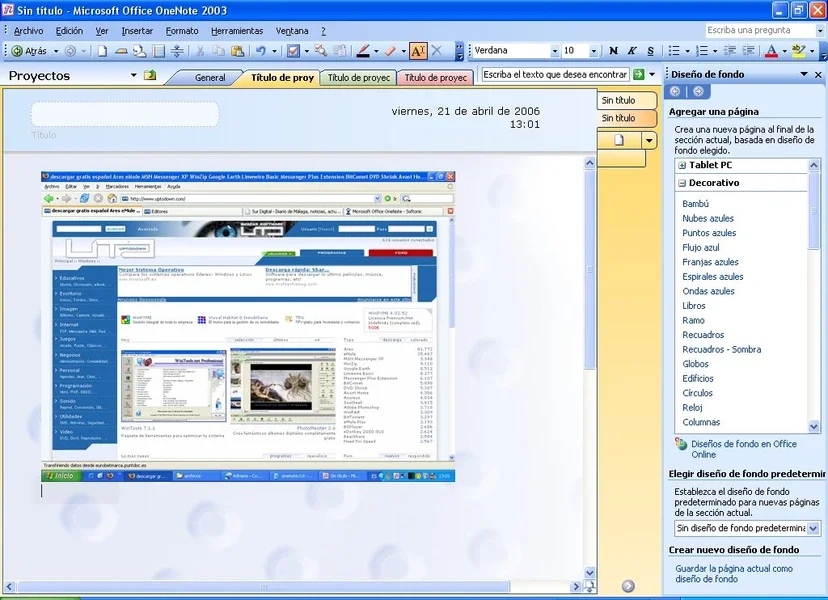
Description
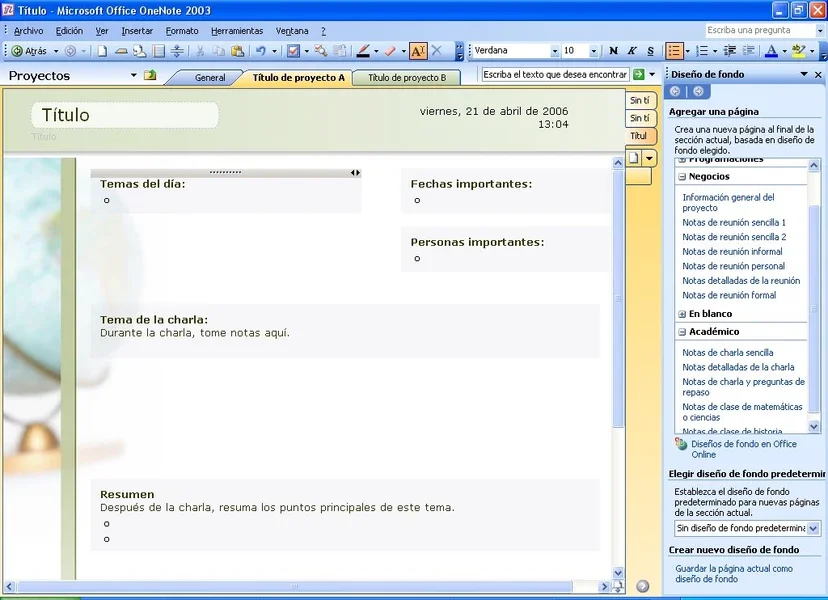
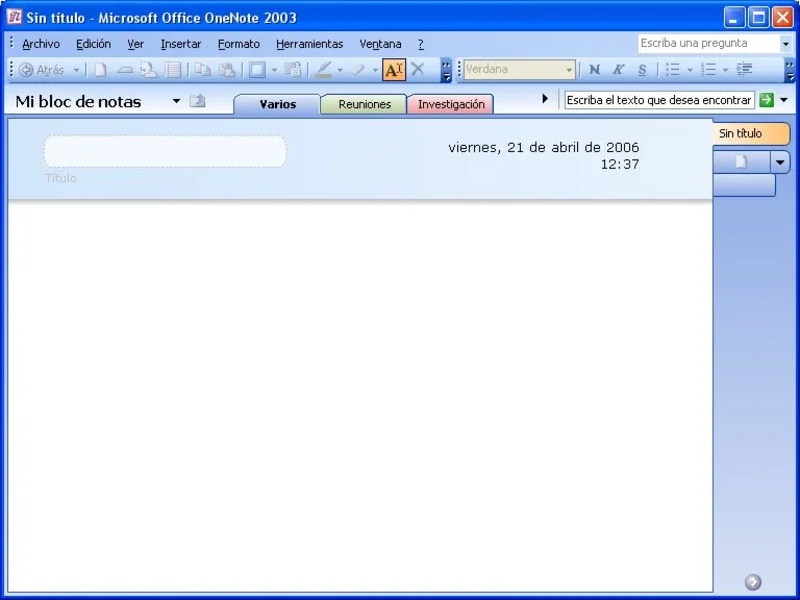
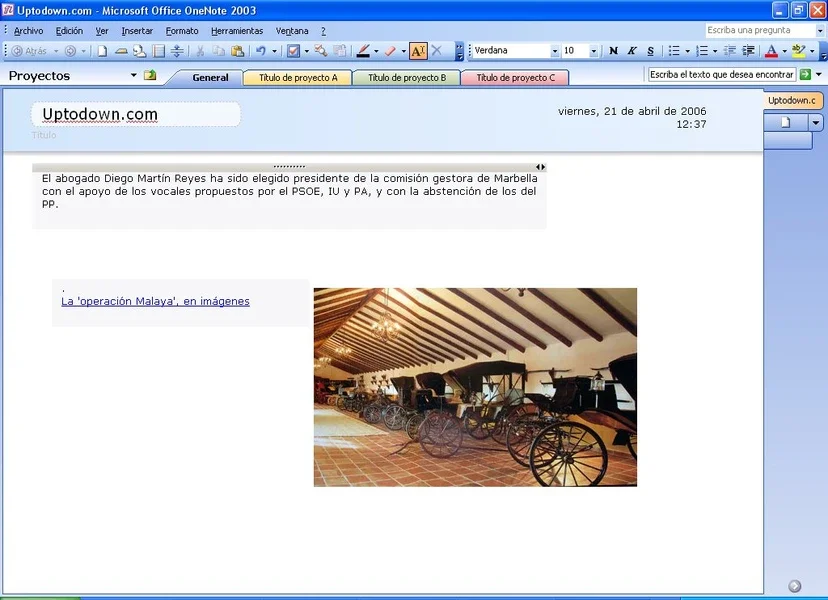
Type notes, pictures, audio and video into a notebook laid out like the paper kind. Microsoft Office OneNote lets you click a spot on the page and type there, and a box forms around what you type so you can drop in audio, links, sound, documents and email addresses. Drag those items anywhere on the page. Notebooks sit as tabs down the side; inside each one, sections appear as colored tabs across the top, and you can make as many as you need. Multiple notebooks cover things like work, home or studies.
The spelling and grammar checker comes from Word. Highlighted text can be translated. A thesaurus covers English, French, German, Arabic, Spanish and Dutch. You can draw on documents with pens and highlighters, clip snippets from websites, and tag notes with preset tags that the search function picks up. OneNote 2010 has no trial from Microsoft anymore; a free OneNote 2013 replaces it.
Documents sync online and can be shared with people who do not have OneNote installed. Syncing with Microsoft Outlook schedules tasks in your calendar for time-related documents. Learning the app takes time because of its scale.
Download files
6494fd320e435578c3627922f1588972ec74e9c0c1e0dc0d33d4dc712345de28
No digital signatureSystem requirements
Available on:
Additional information
Developer
Latest release
Size
Category
File type
SHA-256
6494fd320e435578c3627922f1588972ec74e9c0c1e0dc0d33d4dc712345de28





