Screenshots
Description
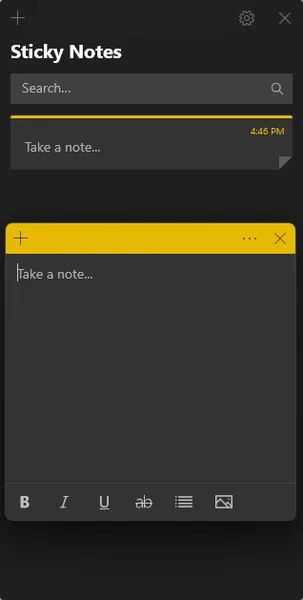
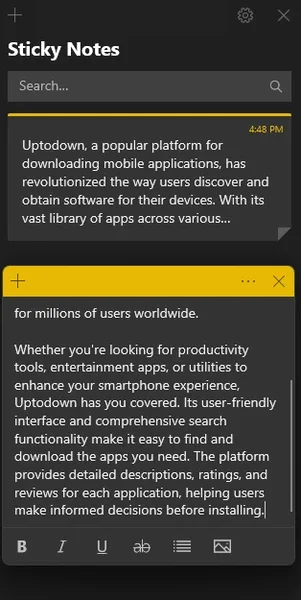
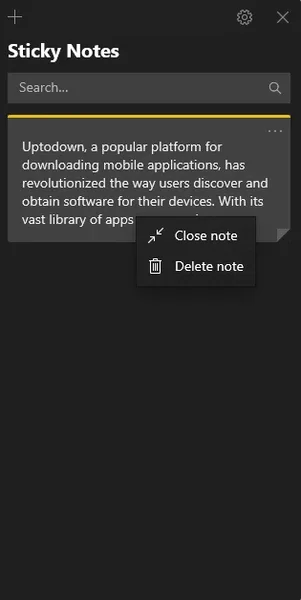
Microsoft Sticky Notes puts quick notes on the Windows desktop, and each one shows the time it was created. The interface is very simple.
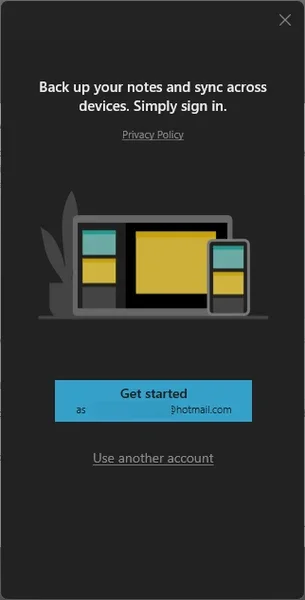
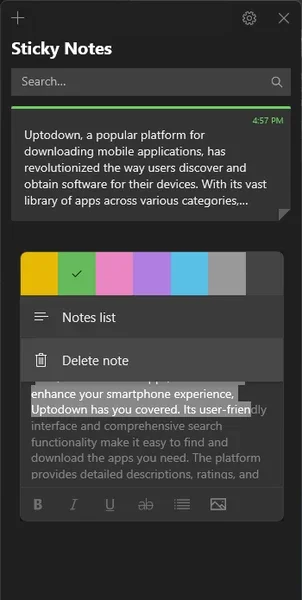
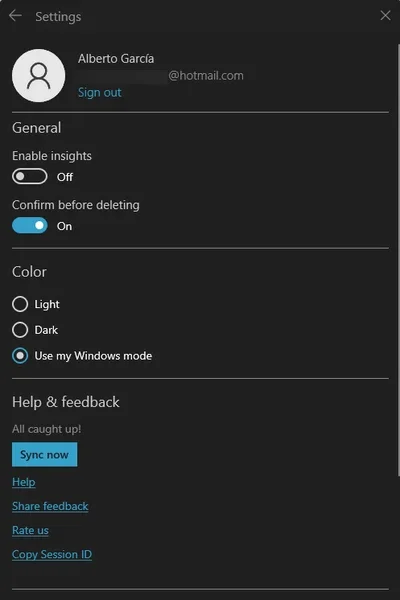
Logging in with a Microsoft account syncs notes between your devices, and synced notes can be reached from any of your computers. On an iOS or Android phone they arrive through the OneNote Mobile, Microsoft Launcher or Outlook app, so saved notes can be viewed later on any device. Formatting can be applied to selected parts of the text: normal, bold, italic, underlined or strikethrough. Images can be added to notes, and drawings can be made if you have a smart pen. The color of notes can be changed to organize them by content.
It has a dark theme like other native Microsoft Windows apps.
Download files
302b256fe52fef98b744295d0c08363c7576792f2269b7047ea578357ba6f30b
Signed by Microsoft Corporation · valid until Oct 11, 2024f689a18b2c1192fe88712f845591f5fc462d2d1ae441cc3077e380d9f1de4e11
fa1becc306dee9e405ce144d9cdc9643a2a4fa73ba720fde5e8b69c9777eb7c1
15d9910b139e2e7a0c8cfa505b11cdbb3b4a0ed5d4d5351f496ad5a090983d5d
705e3904a96b53b7f490bd79344aa66ab030849b70f4d9df62ec52905d69e92c
System requirements
Available on:
Minimum OS:
Windows XP or later
Additional information
Developer
Latest release
Size
File type
SHA-256
302b256fe52fef98b744295d0c08363c7576792f2269b7047ea578357ba6f30b