Microsoft Wireless Display Adapter 4.232.137.0 for Windows
Shares your PC screen to another display over Miracast
Screenshots
Description
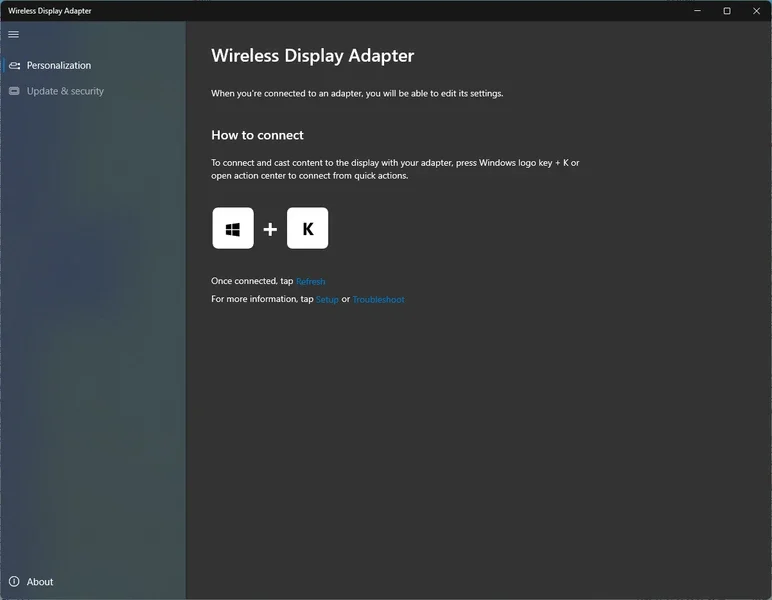
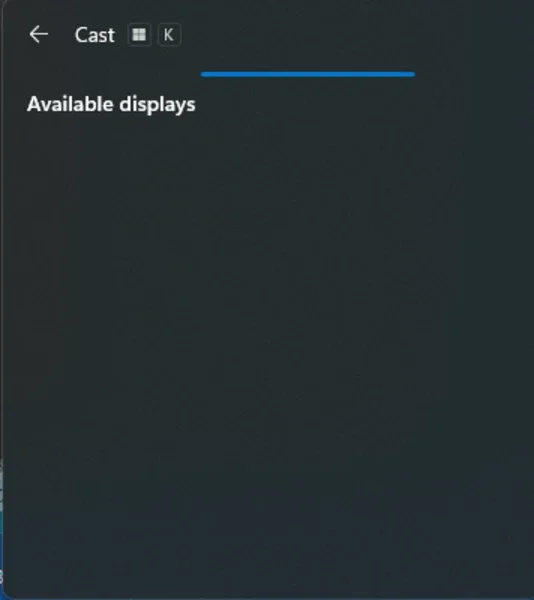
Microsoft Wireless Display Adapter shares your PC screen with another device over Miracast, no cable involved. Press command + K to begin the broadcast. A pop-up window opens and scans for devices on the same network or nearby. As devices show up, pick one and the screen sharing starts.
Both ends have to support the Miracast wireless protocol, since that is what the app uses. The two devices should also sit on the same local network, wired or wireless. Wi-Fi Direct handles sending information between devices without a router acting as intermediary.
If your PC does not support the app, you can buy a separate unit instead, one that plugs in through USB and HDMI and puts your monitor's image on another screen.
It comes from Microsoft and is free to use. The current build is 4.232.137.0.
Download files
95827589af584b8ead50bf9ecabff449df016f4218999d807c8923e40133c6fd
Signed by Microsoft Corporation · valid until Jun 14, 2021System requirements
Available on:
Additional information
Developer
Latest release
Size
Category
File type
SHA-256
95827589af584b8ead50bf9ecabff449df016f4218999d807c8923e40133c6fd