
MiniTool Screen Recorder 1.5.0 for Windows
Windows screen capture tool with audio, webcam and annotations
Screenshots
Description
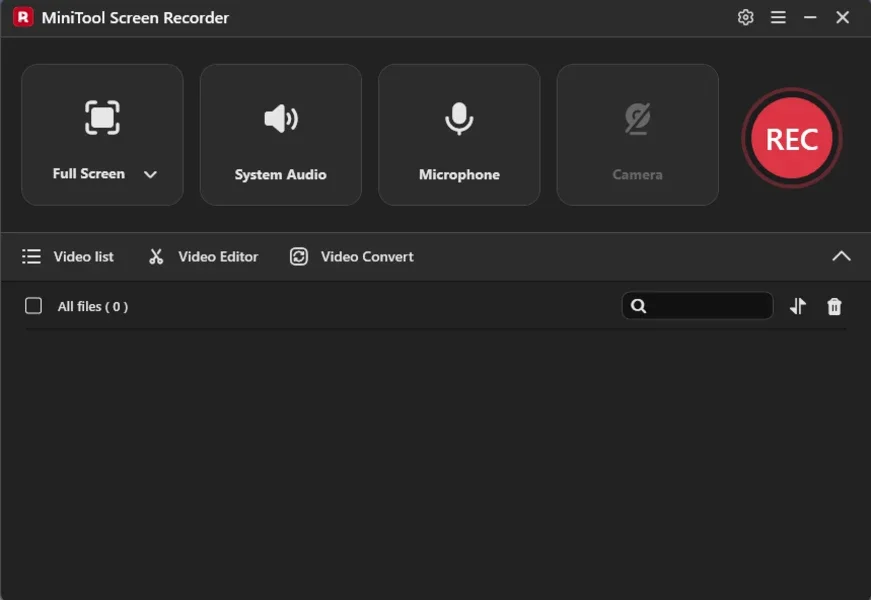
MiniTool Screen Recorder is a screen capture tool for Windows PCs, and it is free. It records the screen and audio together. System sound and microphone input are controlled separately, so you can drop one and keep the other.
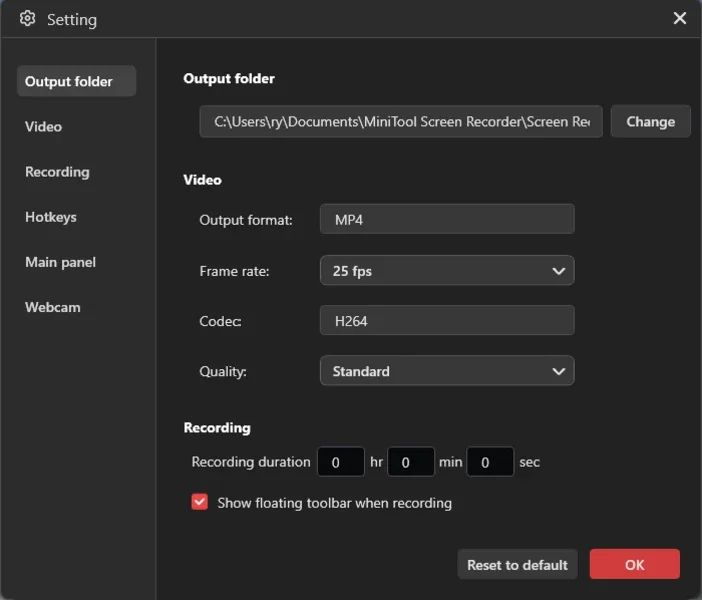
Capture can cover the full screen, a custom region, or only the webcam. A webcam overlay adds picture-in-picture video on top of the screen. Start with the REC button or the F6 shortcut, and press F9 to pause. Hotkeys can be changed. Quality levels go up to 4K, frame rate is adjustable from 15 to 50 FPS, and there is no time limit on a session. You can annotate while recording. Settings hold a preset duration, an output folder and video quality adjustments. Light and dark themes are available.
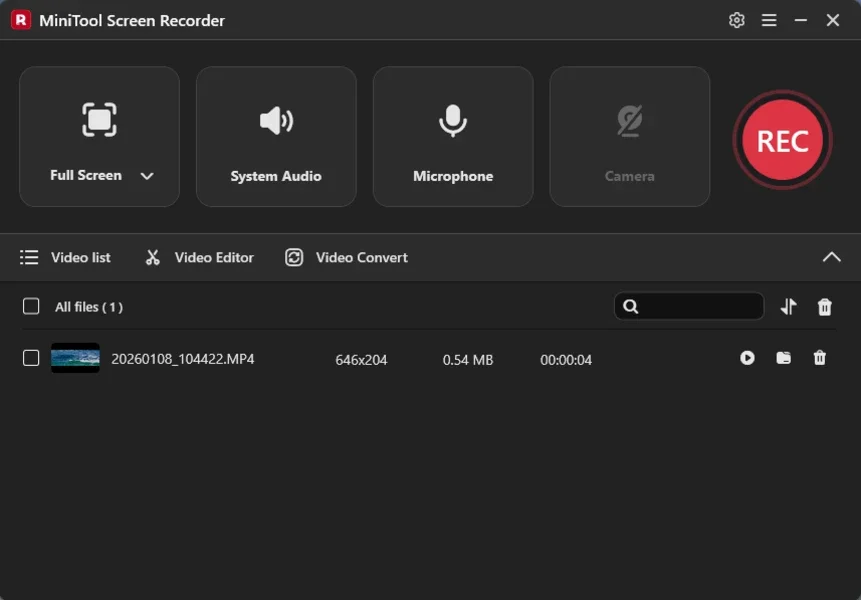
Stopping a recording opens the video management interface, where a built-in list lets you play back, locate or delete recordings. Output is MP4 with no watermark.
Download files
8482c77460c17899db6c41d483067db894f45d737f736d8af28e77730d1e7d93
Signed by MiniTool Software Limited · valid until Feb 3, 2028bef51a0b0bab7f1b893e3c1e4ed26f37e4d8352cf3abf6182c178dd580fee556
Signed by MiniTool Software Limited · valid until Feb 3, 2028b66c45837bcc0fd9cd8e87eee02a1ca08c21748ff9ead1e6b9a50daaa1494fd6
b66c45837bcc0fd9cd8e87eee02a1ca08c21748ff9ead1e6b9a50daaa1494fd6
Signed by MiniTool Software Limited · valid until Feb 3, 20288cb9d3a97505b20f4999c5bb8ee5fa1167b9f8ea33c49ffc08e759bb37cc3a12
Signed by MiniTool Software Limited · valid until Feb 6, 2026System requirements
Available on:
Additional information
Developer
Latest release
Size
Category
File type
SHA-256
8482c77460c17899db6c41d483067db894f45d737f736d8af28e77730d1e7d93