
MobileVoIP 2.0.61.0 for Windows
Make voice calls and send SMS from a PC
Screenshots
Description
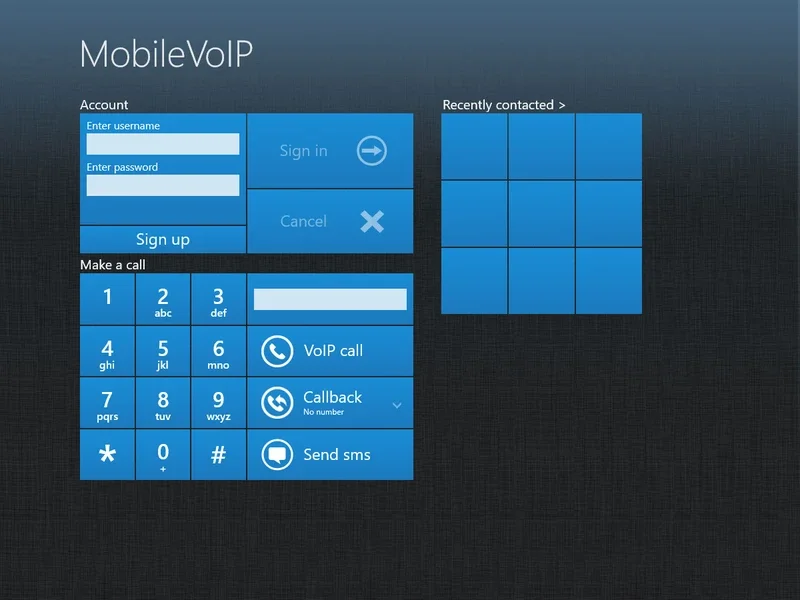
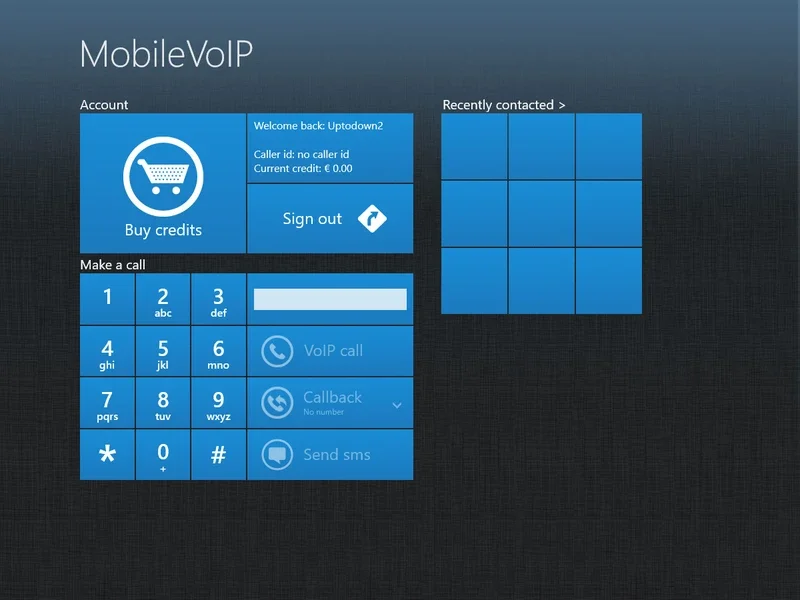
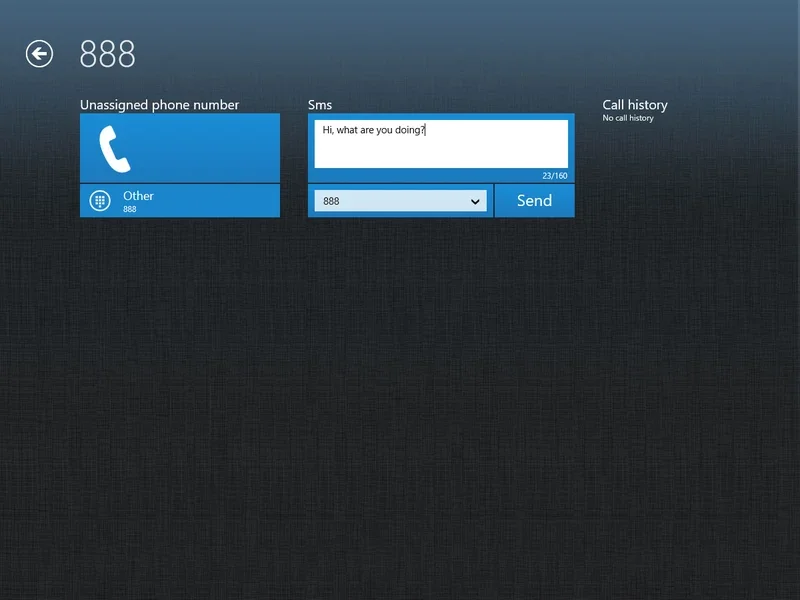
MobileVoIP makes voice calls from a PC, locally and internationally. It also sends and receives SMS.
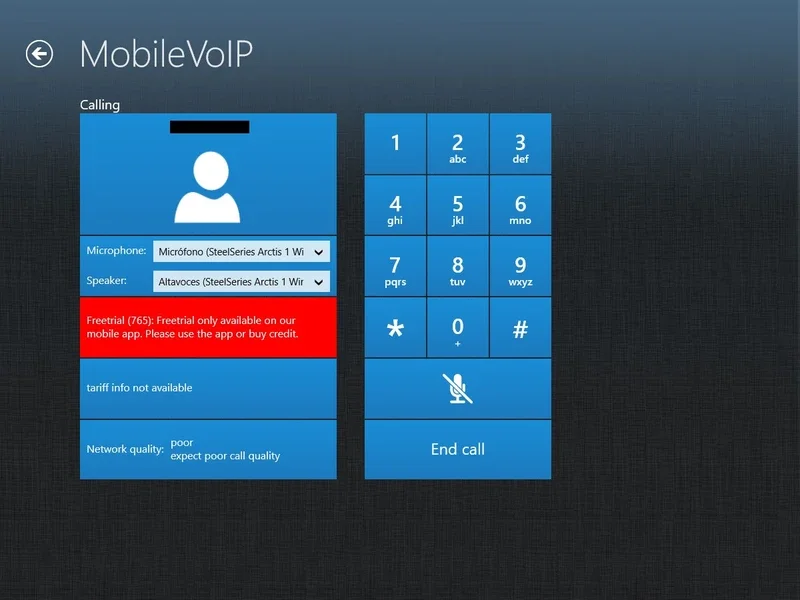
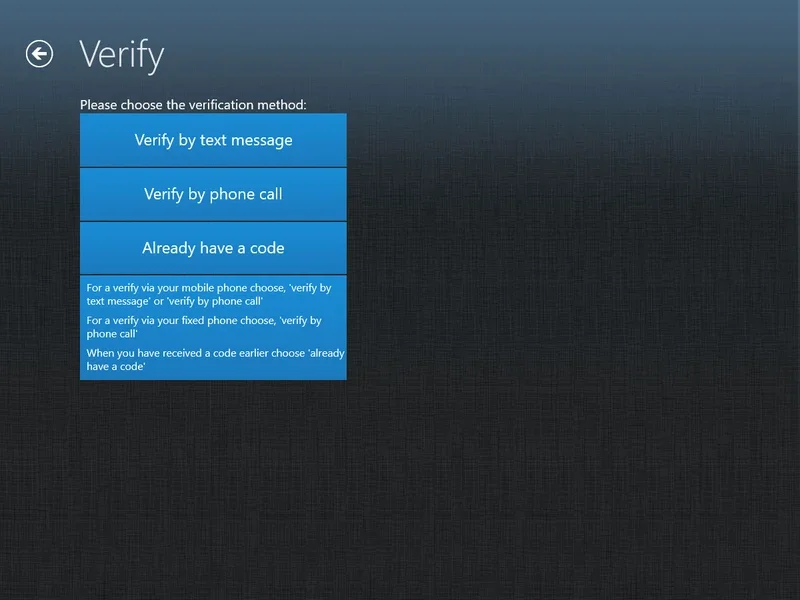
You need a user account before you can do anything, and creating one requires a real phone number because a text message is sent during verification. Once that is done, you can make calls and send text messages. Some destinations are free; others cost money and require account credit. A microphone is needed to talk, and a headset with a built-in microphone is recommended. Inside the app you can select the headset as the preferred communication device. A good internet connection over Wi-Fi or 3G is required, and most sound problems come from incorrect assignment of the audio input or output. Installing the app on a smartphone, iOS or Android, gives free credit.
It runs on Windows and is free.
Download files
fc98dcb31dda6a24df439fb2550fbff7d6337d53e43f8eb7286e6cfc393eb0b8
Signed by 030E511D-6715-4D8B-B51C-365A9384C629 · valid until Sep 14, 2026860d98d1a9397238545e704e08e982eda970d2ac11c914e08fcabb37c599e120
Signed by 030E511D-6715-4D8B-B51C-365A9384C629 · valid until Sep 19, 2014System requirements
Available on:
Additional information
Developer
Latest release
Size
Category
File type
SHA-256
fc98dcb31dda6a24df439fb2550fbff7d6337d53e43f8eb7286e6cfc393eb0b8