Mouse Jiggler 3.0.0 for Windows
SHA-256 listed
Simulated mouse movement to keep the screen awake
All ages
Age rating
Screenshots
Description
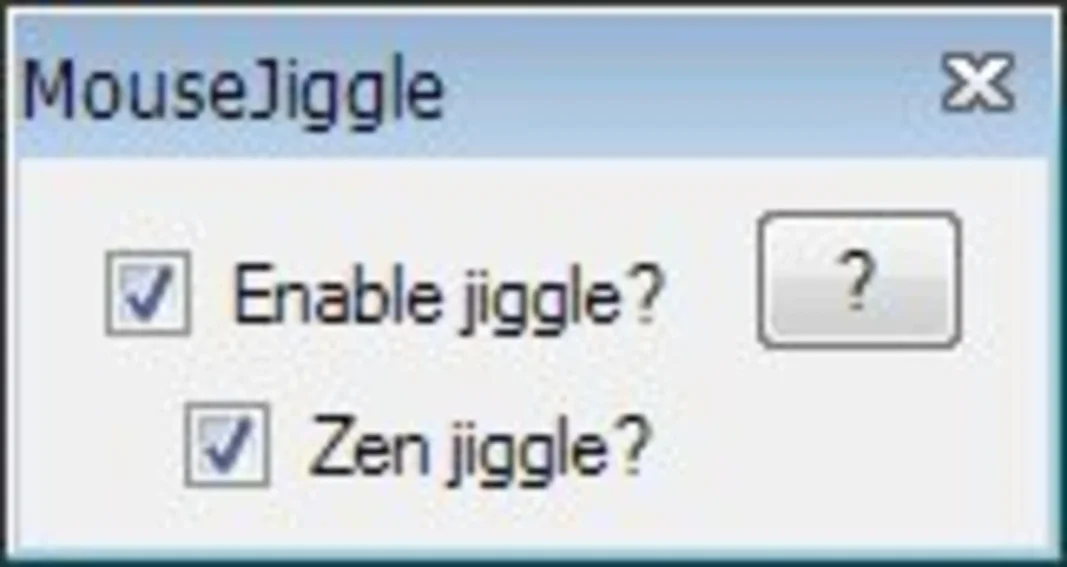
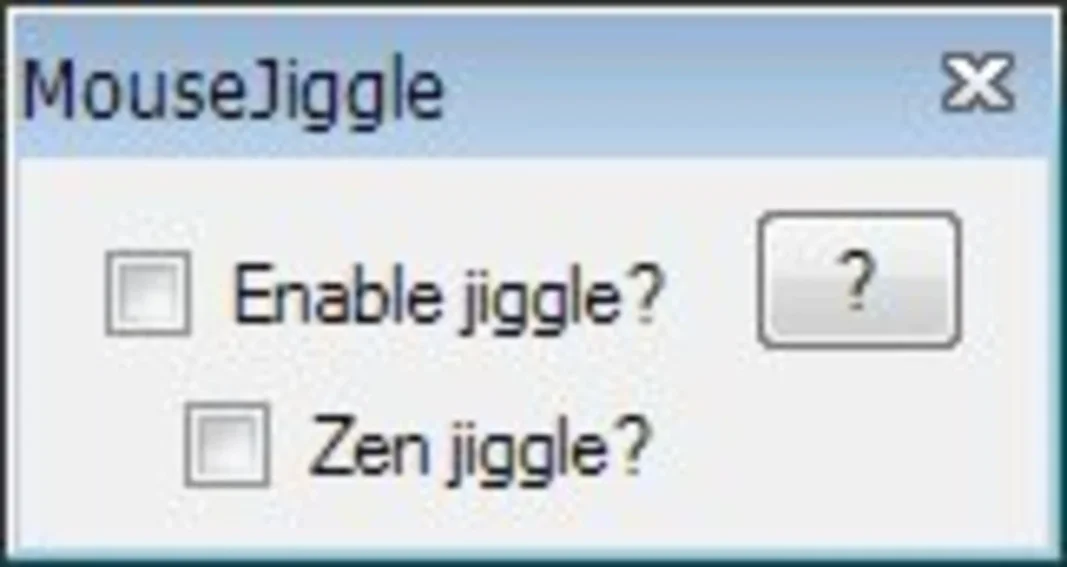
Mouse Jiggler simulates mouse movement, which is what stops the screen saver from appearing and the system from going into hibernation. It has two modes. In the normal mode the cursor visibly moves. A zen mode does the same job without showing any cursor movement, and it can keep the screen saver from frequently turning on and off. The program does not require installation and uses very little hard drive space.
Download files
FileMouse_Jiggler_V3.0.0.zipZIP
Version3.0.0
ReleasedAug 10, 2026
Size48.0 MB
SHA-256
Get
e989104df9e26804a7eb24bae9ba52038d8eccb06f01ee6bd63b98120e58433f
File2.0.25ZIP
Version2.0.25
ReleasedNov 4, 2024
Size29.3 MB
SHA-256
Get
efa7ae62584a7eca9a9f89956e251d2d8cbbda0284a407d3f3356041617d1fbc
File2.0.25ZIP
Version2.0.25
ReleasedAug 19, 2023
Size401.9 KB
SHA-256
Get
ea61e59c58d8a80829c6ad565d292d716280d926e7bb1439cb0268a66264941c
File2.0.24ZIP
Version2.0.24
ReleasedMar 8, 2021
Size401.9 KB
SHA-256
Get
72725e82e2ee6850f3e1a352a2b23e655e5cb865b8cc6ea422bb64eb1963a594
File2.0.23ZIP
Version2.0.23
ReleasedFeb 26, 2021
Size401.9 KB
SHA-256
Get
e092ad0e9053e1cbbdbf5383f4a6f35d1974584dea262fab732319ef30a6830d
System requirements
Available on:
Minimum OS:
Windows Windows 8 or later
Additional information
Developer
Latest release
3.0.0 · Aug 10, 2026
Size
48.0 MB
File type
ZIP
SHA-256
e989104df9e26804a7eb24bae9ba52038d8eccb06f01ee6bd63b98120e58433f