
Multipass 1.17.2 for Windows
Launches and manages Ubuntu virtual machines on Windows
You are on macOS — this is the Windows version. See the macOS version
Screenshots
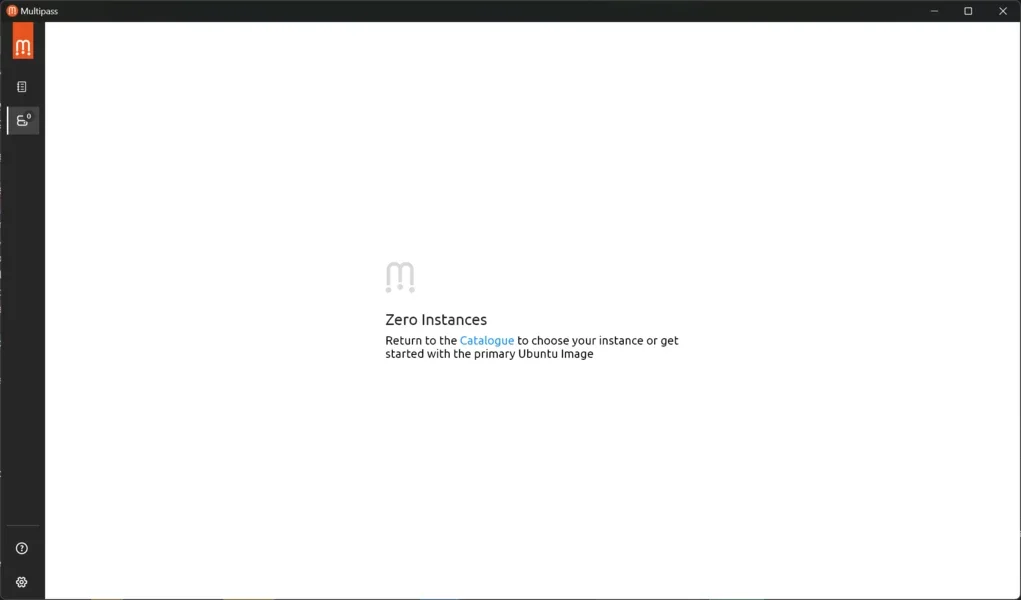
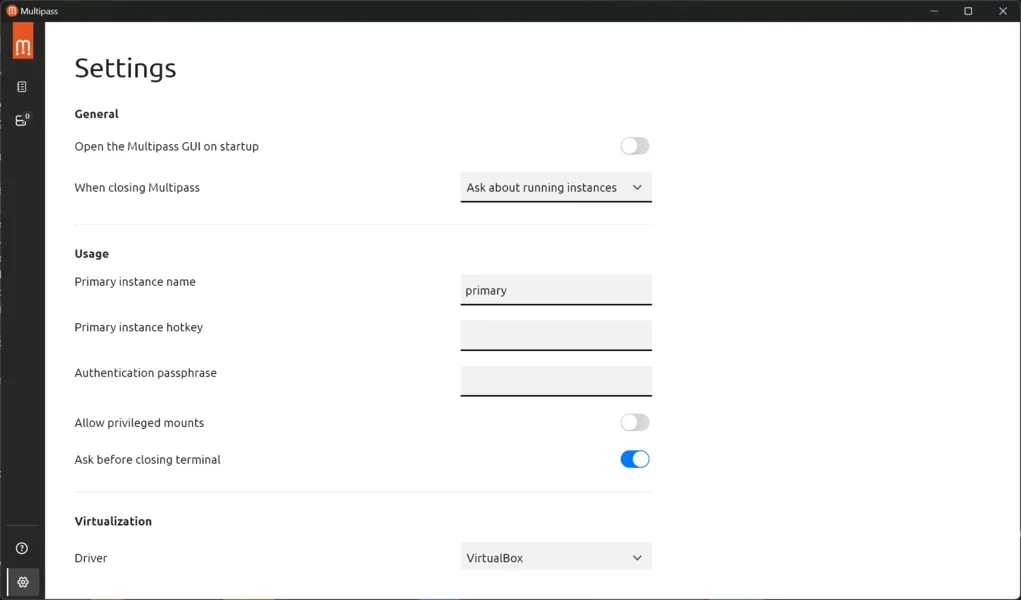
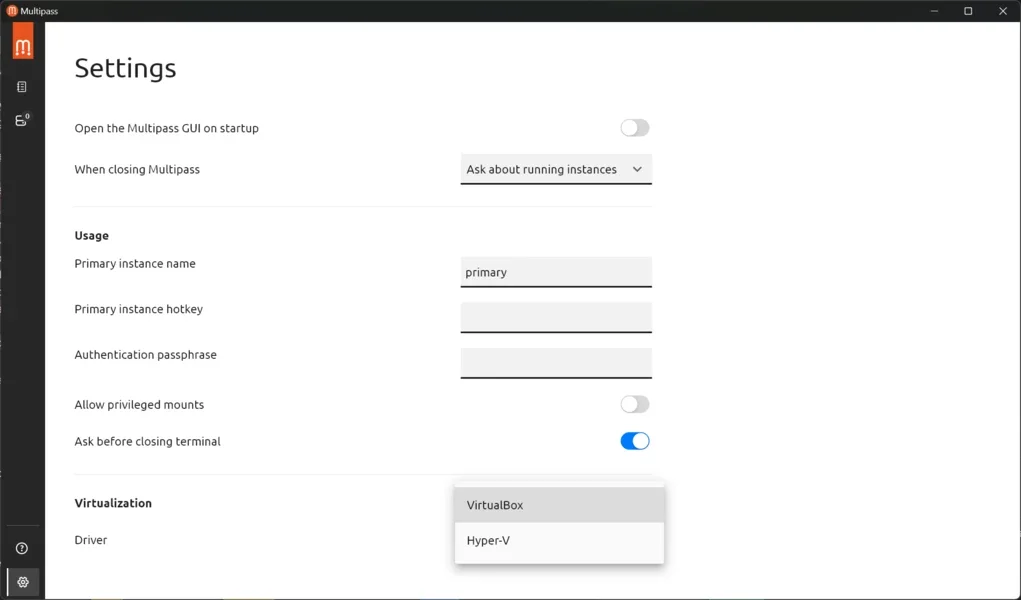
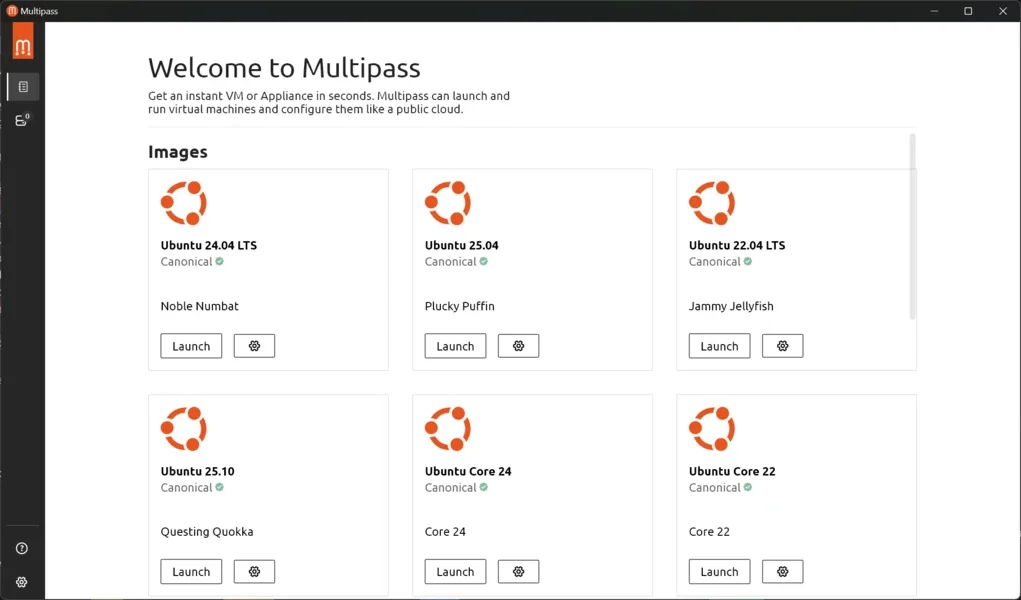
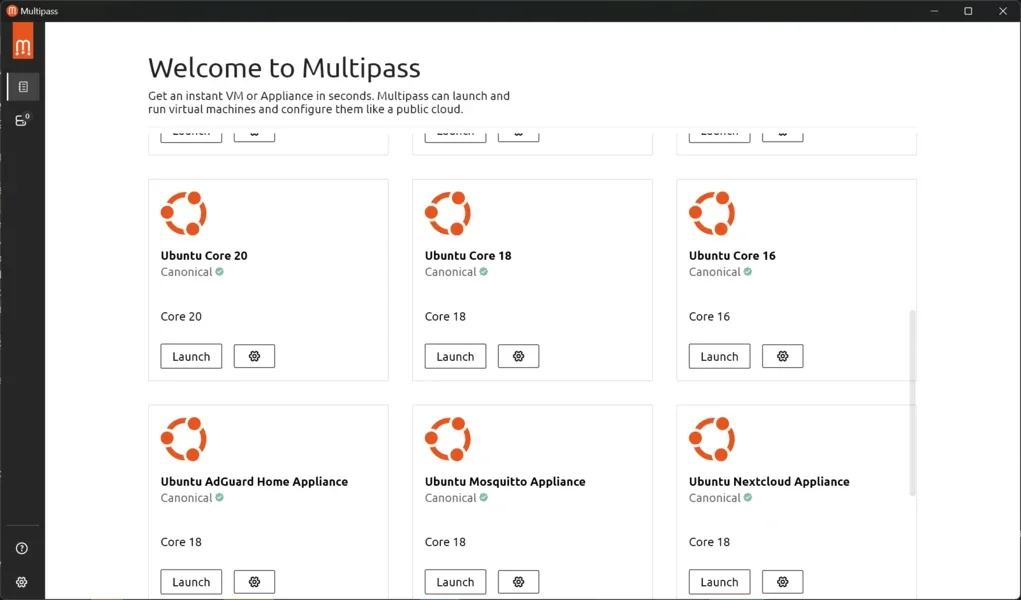
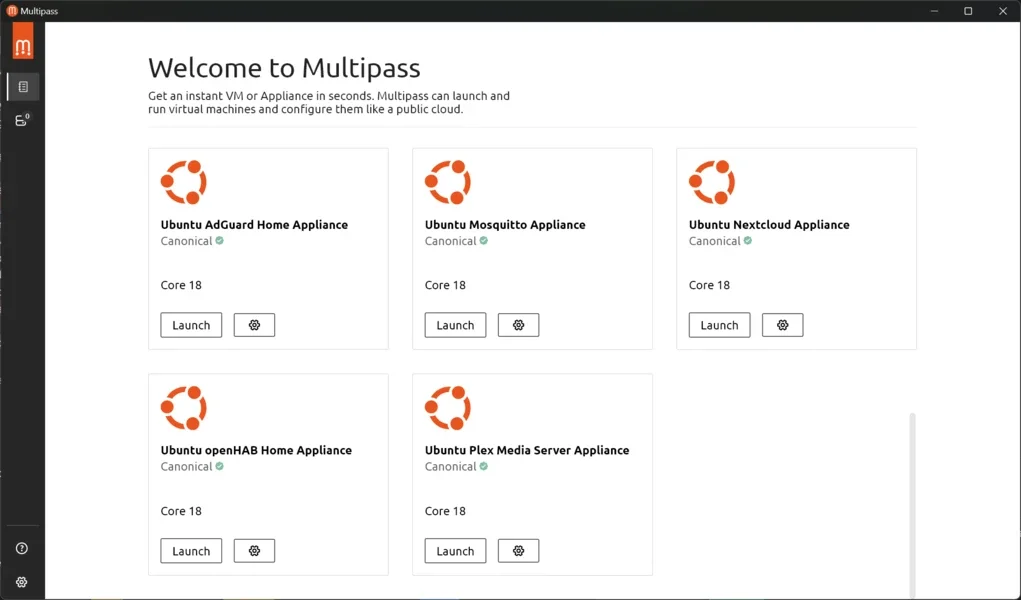
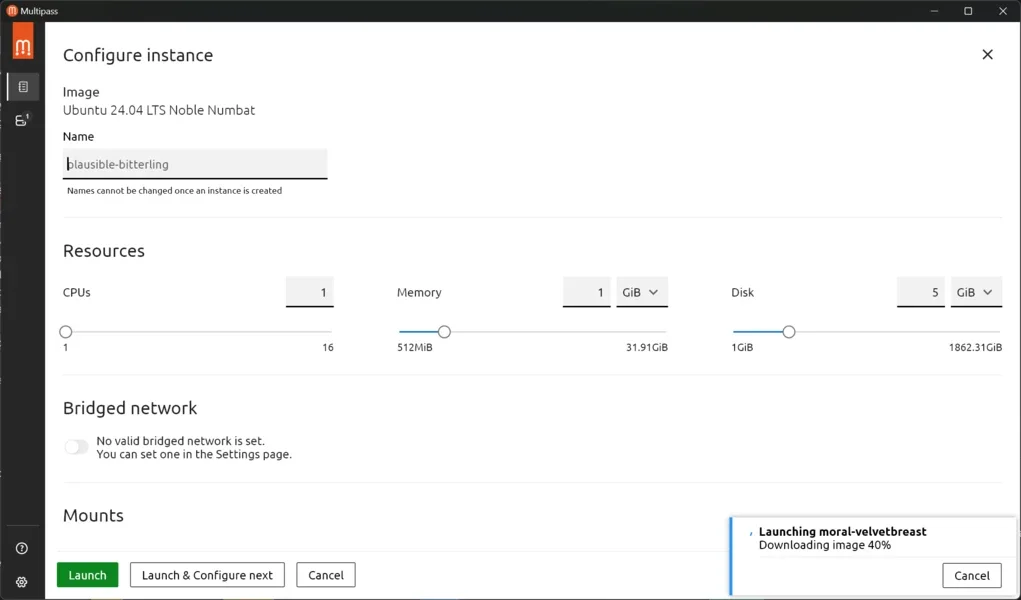
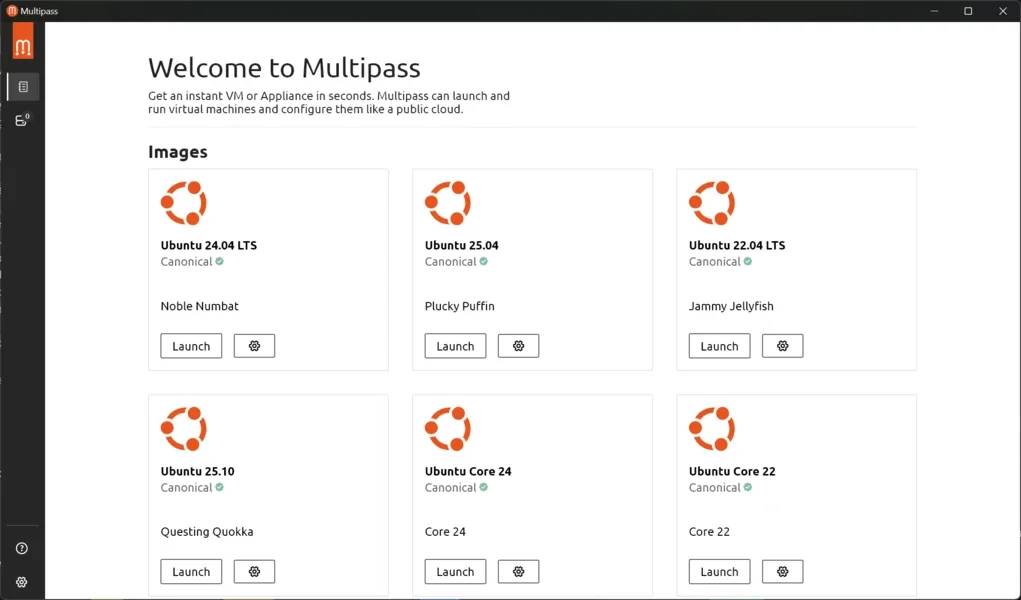
Description
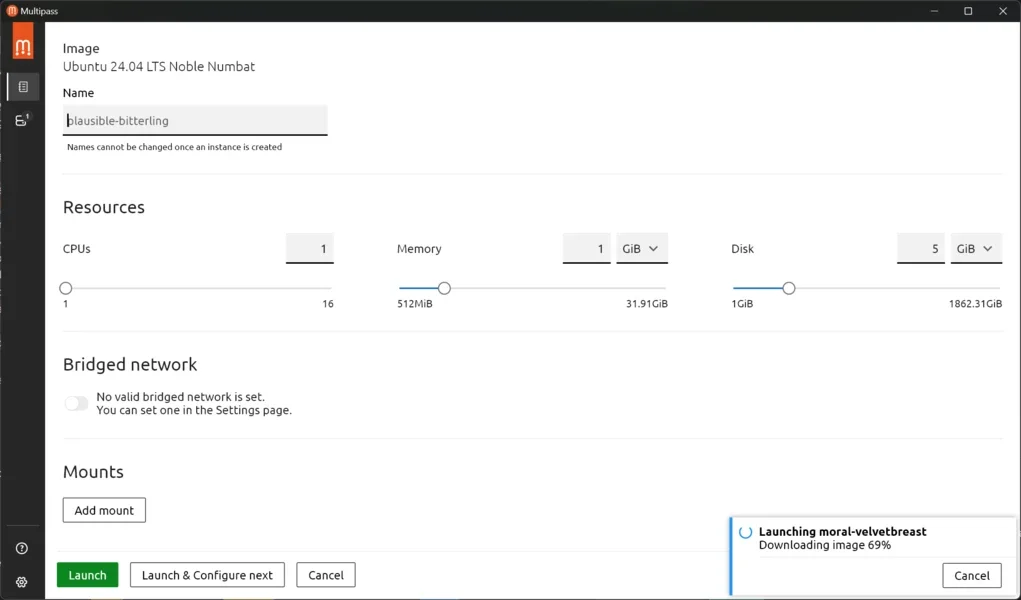
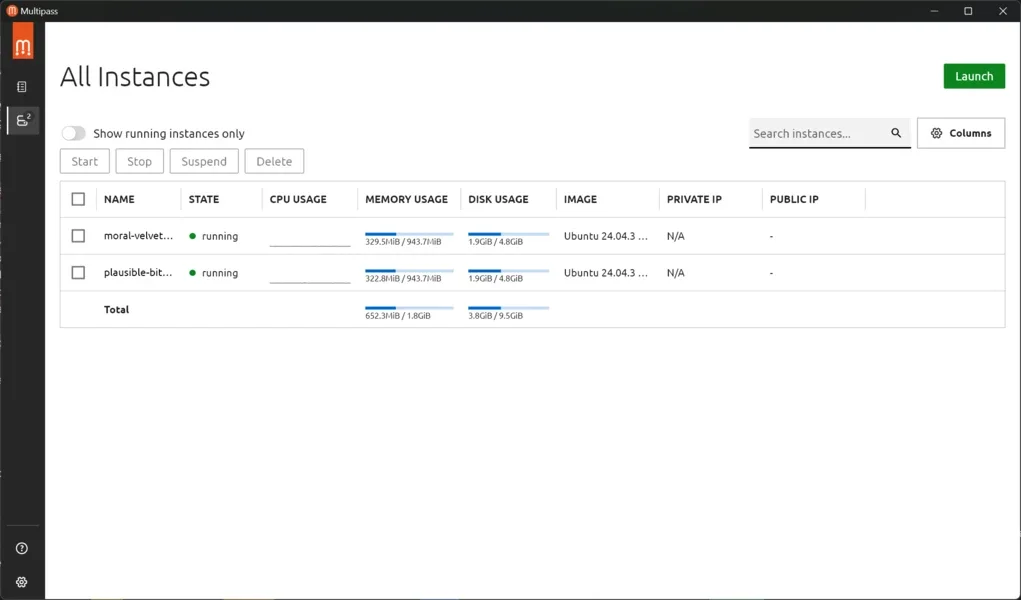
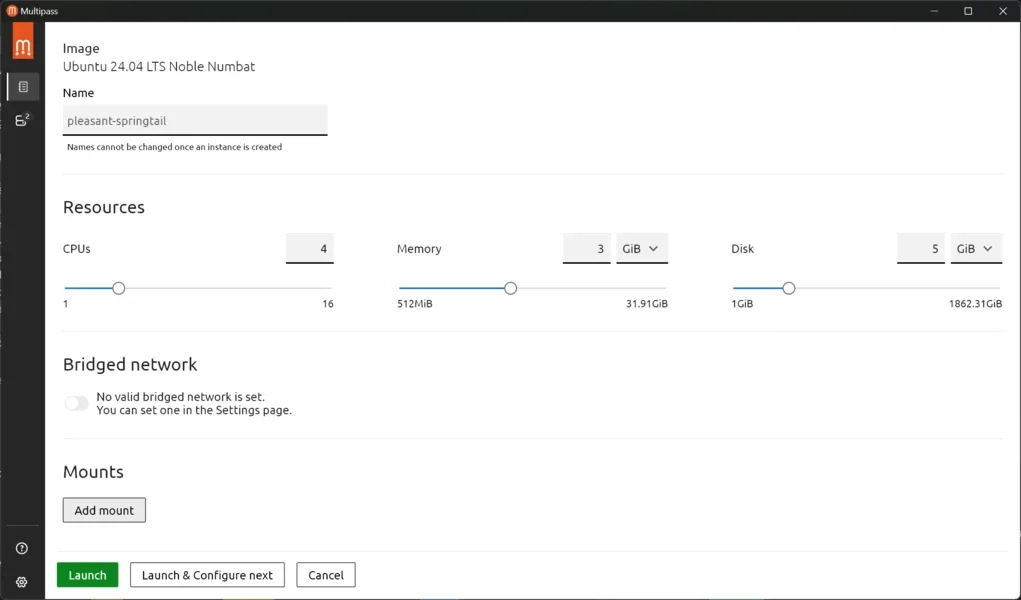
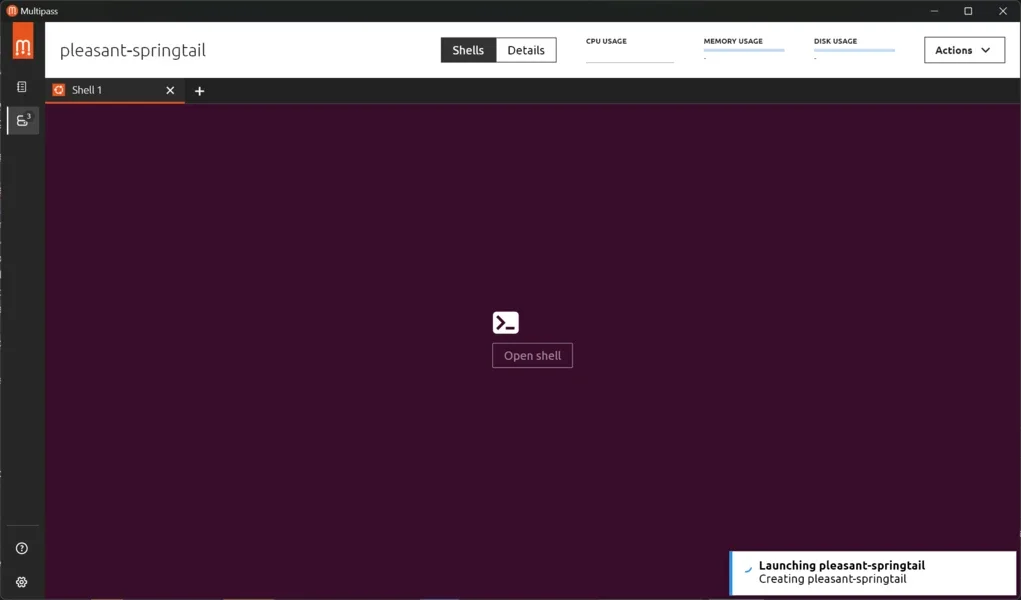
Launch an Ubuntu virtual machine on Windows and use it without setting up a dual boot or a separate PC. Multipass is Canonical's official app for this, and it lets you test Linux apps without installing an operating system on the machine.
Image choices cover the latest Ubuntu beta, the latest stable release and the latest LTS version, which is the most secure of the three. Lighter editions such as Ubuntu Core are available too, and each image is meant for a different job. Some are built as ready-made servers, with databases pre-installed, container tools or a full development setup, and they boot in seconds. Others target home automation or media: AdGuard, openHAB, Nextcloud and Plex are among them. Cloud-init handles configuration at startup, so a machine comes up the way it would on AWS, Azure or Google Cloud. That makes it possible to test and develop server setups on your own workstation without outside resources. For each image you can set the RAM, the virtual threads the app can use, the storage the machine takes up, and other details. All images download fast from Canonical's servers, and the result is a clean virtual machine ready when you need it. Files and folders can be shared between the host and other instances, which helps when moving code, dependencies or projects across.
On Windows the hypervisor choices are Hyper-V and VirtualBox, picked per instance when you mount it. Hyper-V is the recommended one since it comes with the system. The two cannot run in the same configuration, so Hyper-V has to be turned off in Windows before VirtualBox will work. The primary instance sits in the native system and opens through keyboard shortcuts.
Download files
f4e5e1c0055d3a8c87db14b28681a4980f131013c8ca6a751b28a4a956b0b837
Signed by CANONICAL GROUP LIMITED · valid until Mar 15, 20270efd5c9accb876a7dfbaf01669ab40ed0d95435e6cbea8f78cc5bde351d481e5
Signed by CANONICAL GROUP LIMITED · valid until Mar 15, 2027b0c417fb8254fa61e4aa63895f59354bb3717c58100816651a9300dd98124aea
Signed by CANONICAL GROUP LIMITED · valid until Mar 15, 2027f5bff63d13fb1377a72b8dd6d277bbdd3369b1f278f4c85d2c8427a2e7d38d39
Signed by CANONICAL GROUP LIMITED · valid until Mar 15, 20278bd3c5dd29889caa406a6fd3fff92f87f077a42315050f850f9484733fd310de
Signed by CANONICAL GROUP LIMITED · valid until Mar 15, 2027System requirements
Available on:
Minimum OS:
Windows XP or later
Additional information
Developer
Latest release
Size
Category
File type
SHA-256
f4e5e1c0055d3a8c87db14b28681a4980f131013c8ca6a751b28a4a956b0b837