
Muse Beta for Windows
Build and publish a website without writing code
Screenshots
Description
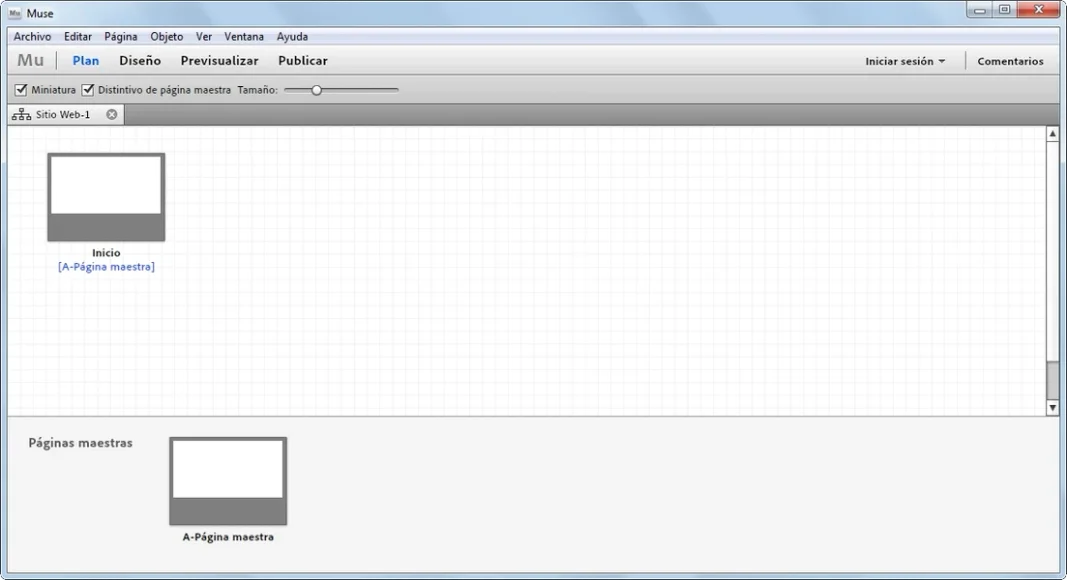
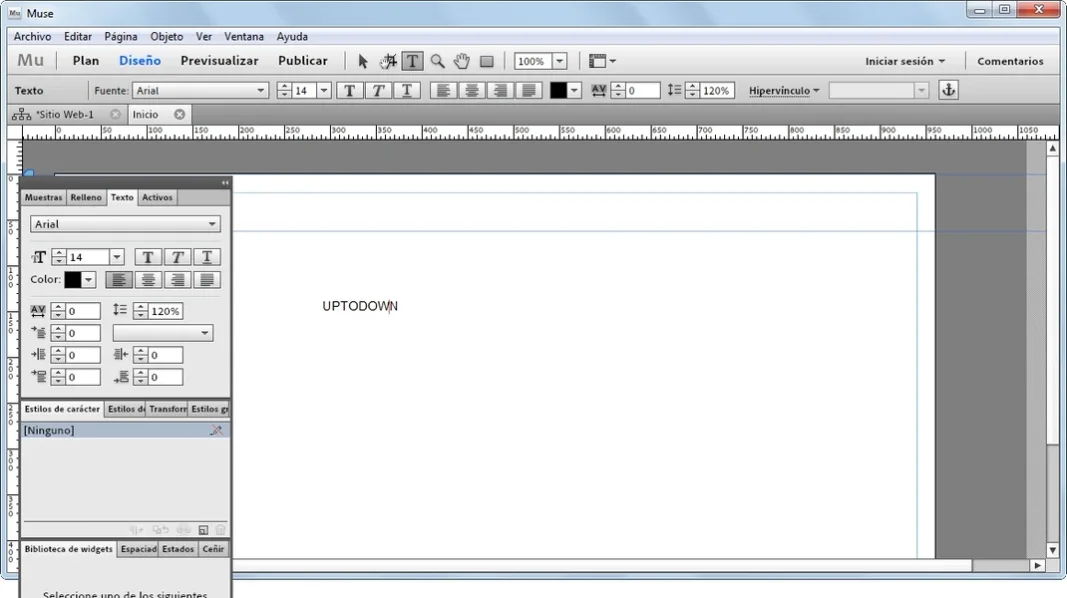
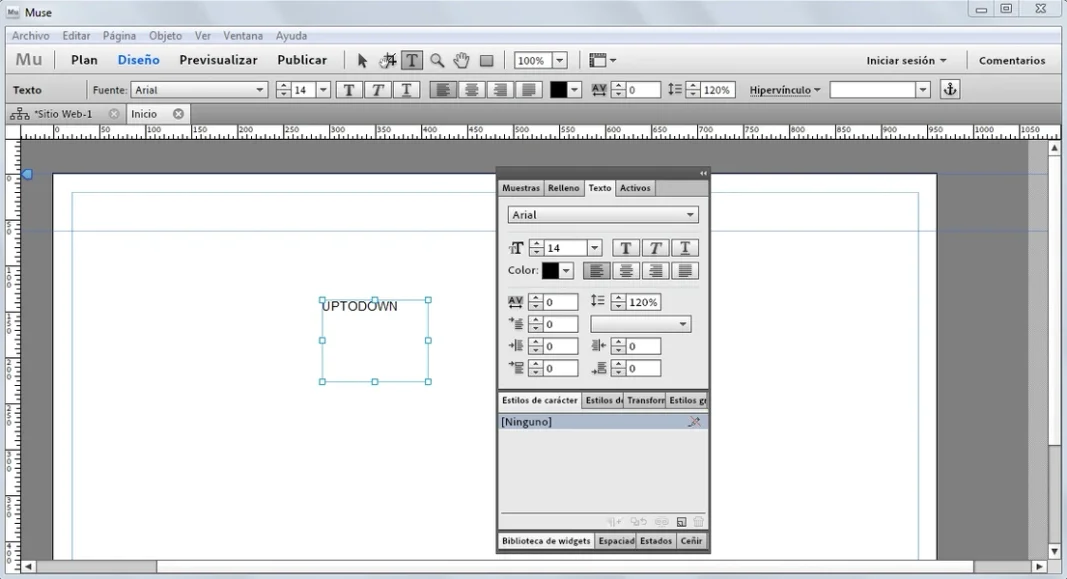
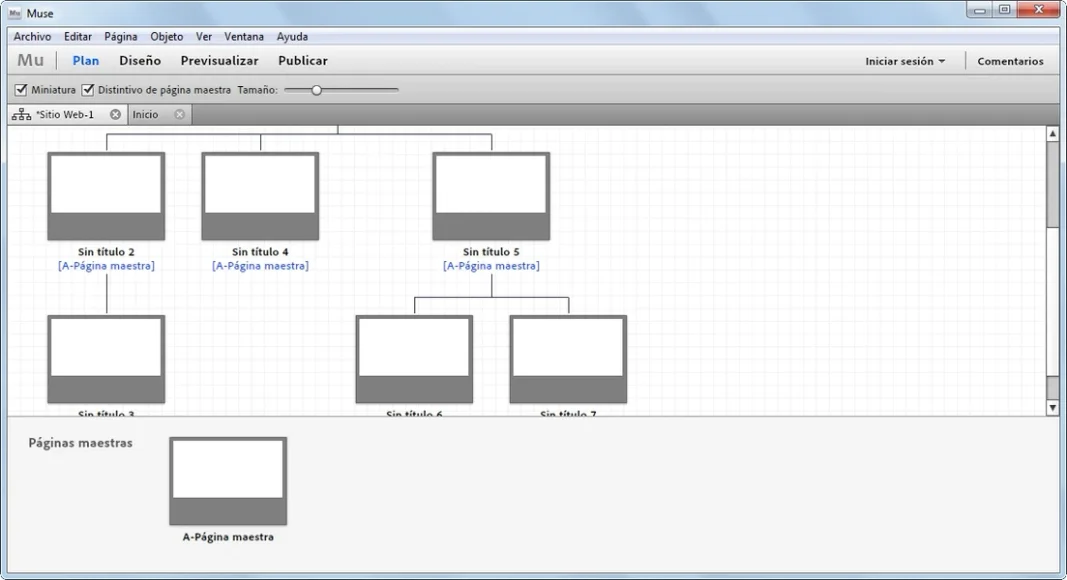
Muse is used for building webpages without writing code. You lay out the site in the program, and it handles the rest. The screen splits into four tabs, each covering a stage of the work. Your tools sit right on the interface, so you reach them directly.
Going from design to live site
The Design tab holds the tools for shaping how the site looks, starting from a blank page. The Plan tab lays out the pages of the site and the links between them. In the Preview tab you check that things look right and that the links and controls behave as intended. The Publish tab puts the finished site online, and that step takes only a few minutes. How stripped-down or elaborate the site ends up is up to you.
Muse is free to use. It sometimes runs a bit slow.
Download files
008fb0a90c5f9a056ae3c684d18328920005df59f338ce1188886701bfc581c8
System requirements
Available on:
Additional information
Developer
Latest release
Size
Category
File type
SHA-256
008fb0a90c5f9a056ae3c684d18328920005df59f338ce1188886701bfc581c8