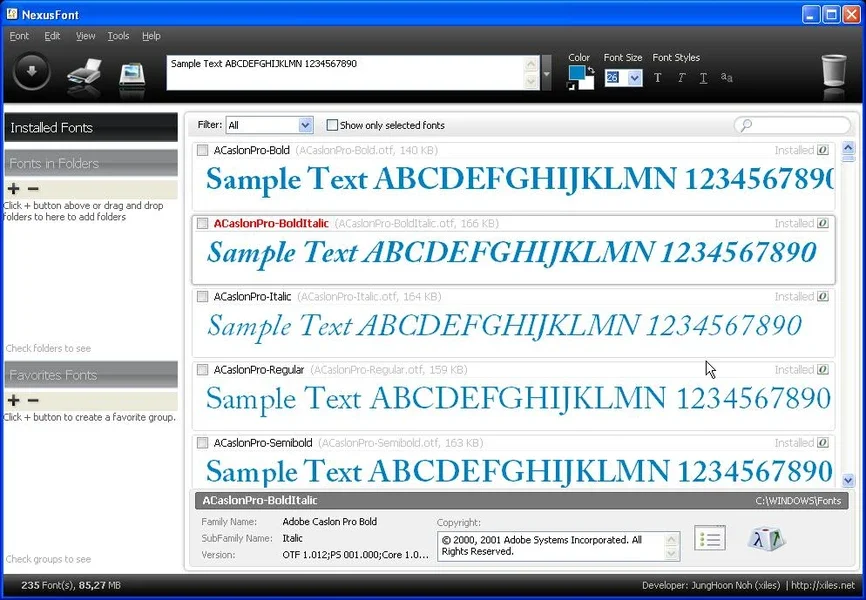
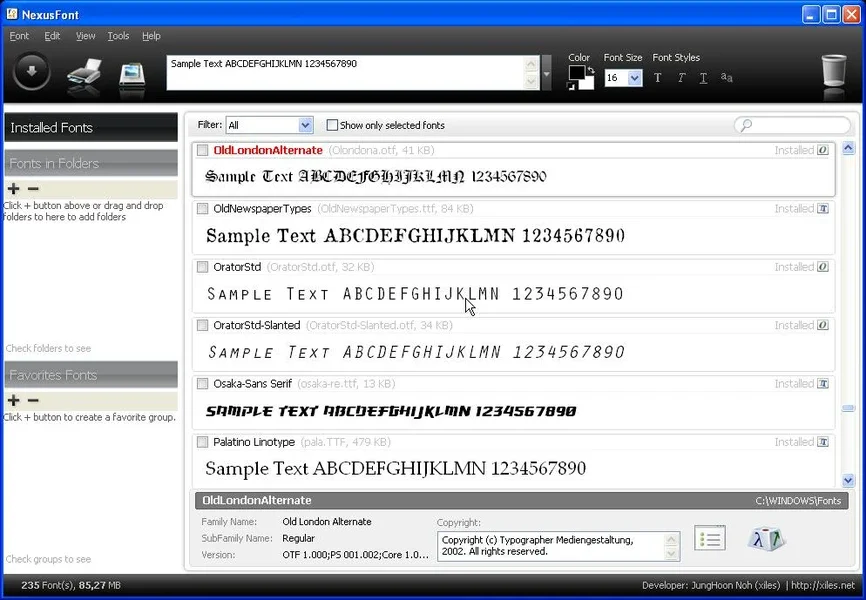
Screenshots
Description
NexusFont manages all the fonts on a Windows system. You see all of them at a glance.
Fonts can be displayed and compared in several ways. Color, size and style are adjustable, which makes comparing faces easier. Installing takes a single click, and so does uninstalling.
It is free and runs on Windows.
Download files
File2.7.1EXE
Version2.7.1
ReleasedNov 28, 2022
Size4.8 MB
SHA-256
Get
b2dcc55a4e7bdc26ca24b3539ea584e0b3775b761b9c810e5f54db927d1cec14
No digital signatureFilenexusfont-2.7.0.exeEXE
Version2.7.0
ReleasedFeb 26, 2021
Size2.5 MB
SHA-256
Get
1c3ff2ef3017a2a6bbf69786dbfbc7201a4152abdc20a9c24266f61f345daf99
Filenexusfont-2.5.5.exeEXE
Version2.5.5
ReleasedNov 25, 2010
Size1.9 MB
SHA-256
Get
87529a0995426956b97b4fe1d147c2746f2b88fdba52252fd1802534a7ae120b
System requirements
Available on:
Minimum OS:
Windows XP or later
Additional information
Developer
Latest release
2.7.1 · Nov 28, 2022
Size
4.8 MB
File type
EXE
SHA-256
b2dcc55a4e7bdc26ca24b3539ea584e0b3775b761b9c810e5f54db927d1cec14
Digital signature
No digital signature