
Notion Calendar 1.133.0 for Windows
An add-on that syncs Notion workspace and personal calendars in one place
You are on macOS — this is the Windows version. See the macOS version
Screenshots
Description
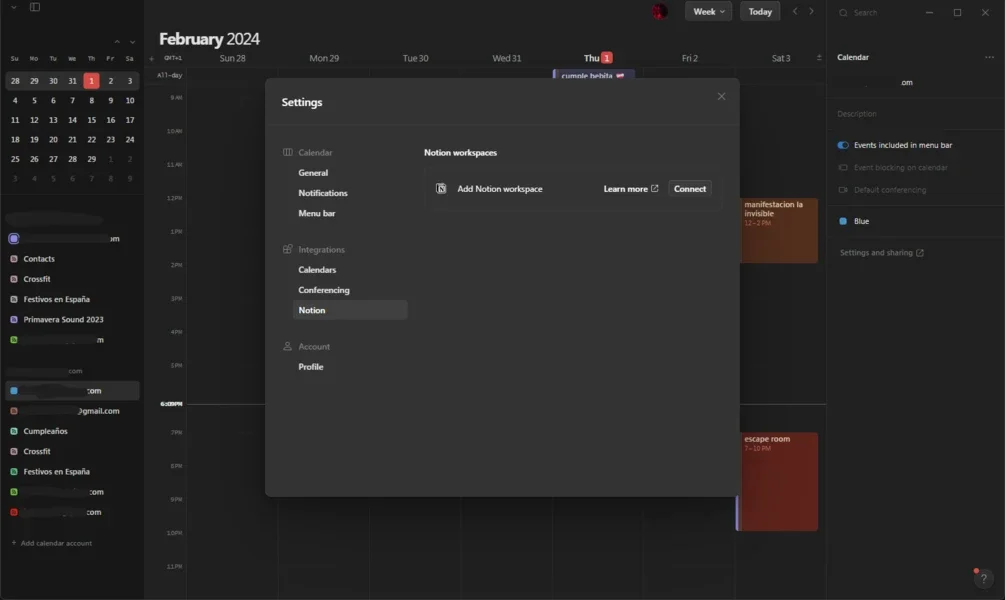
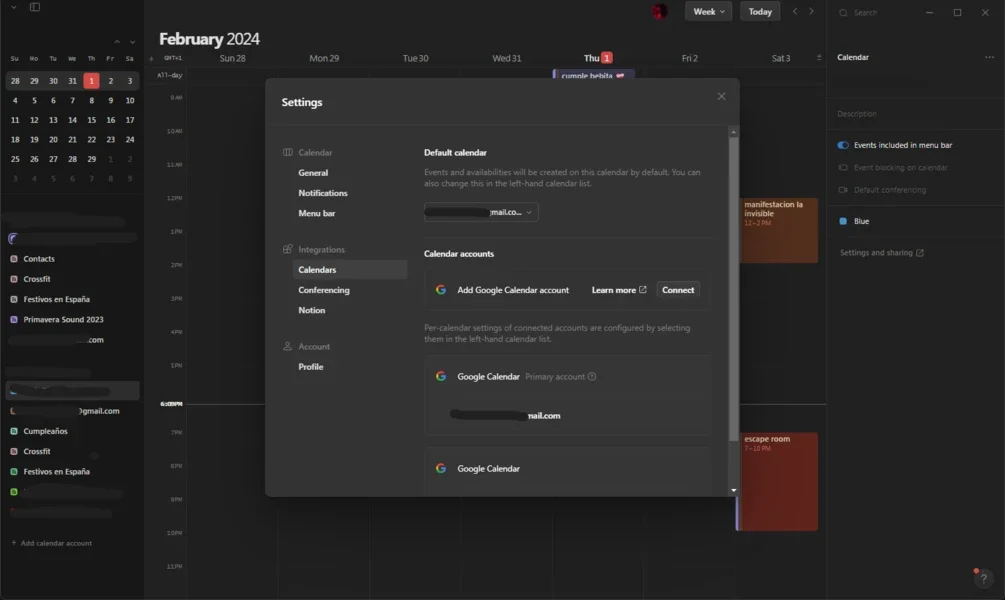
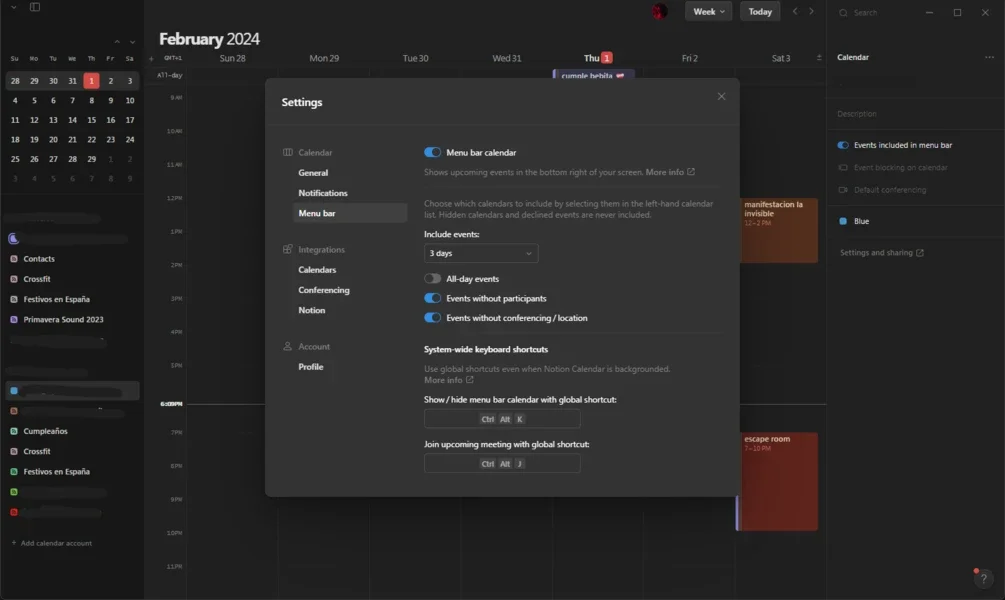
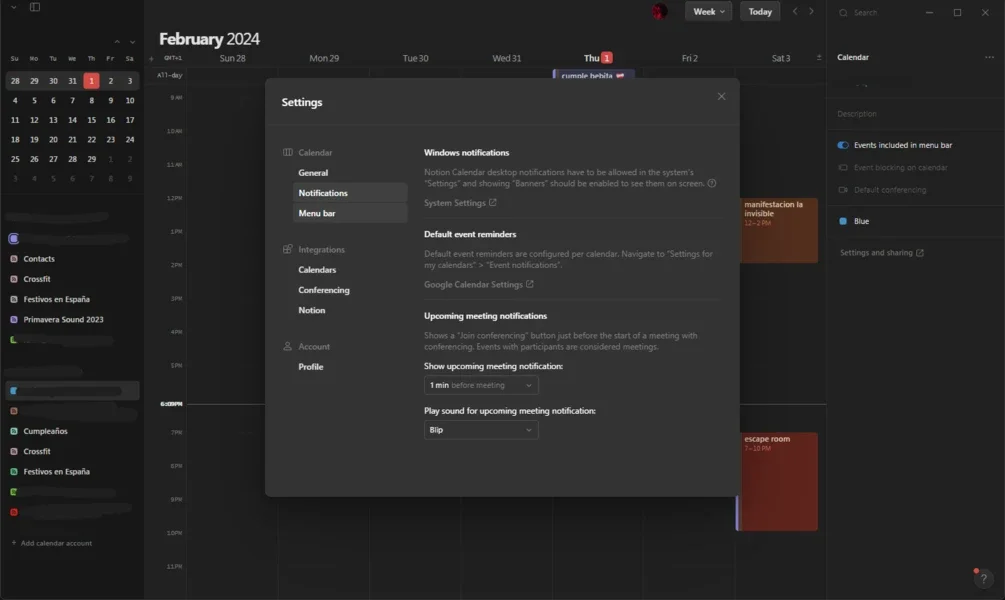
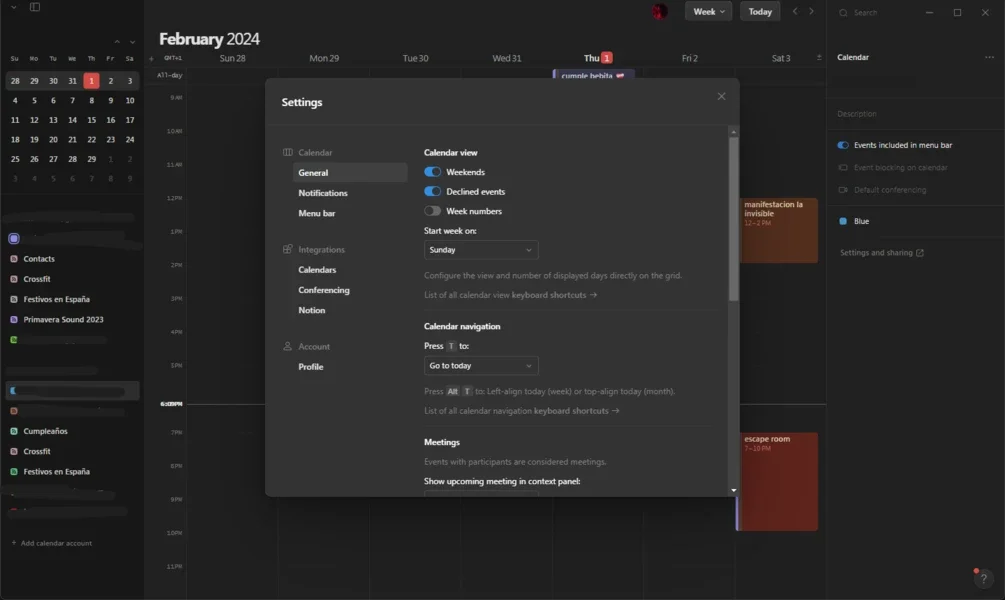
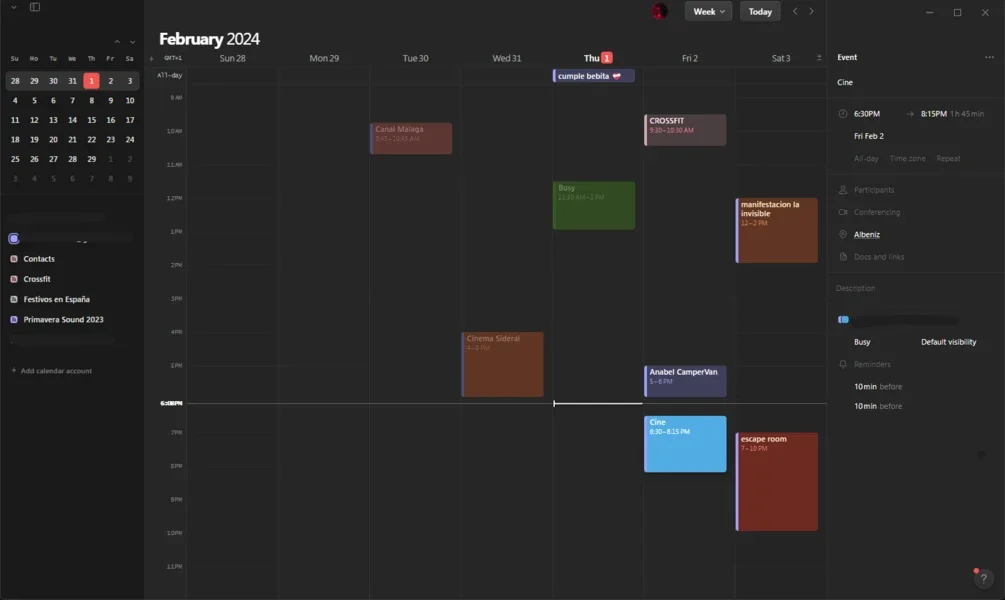
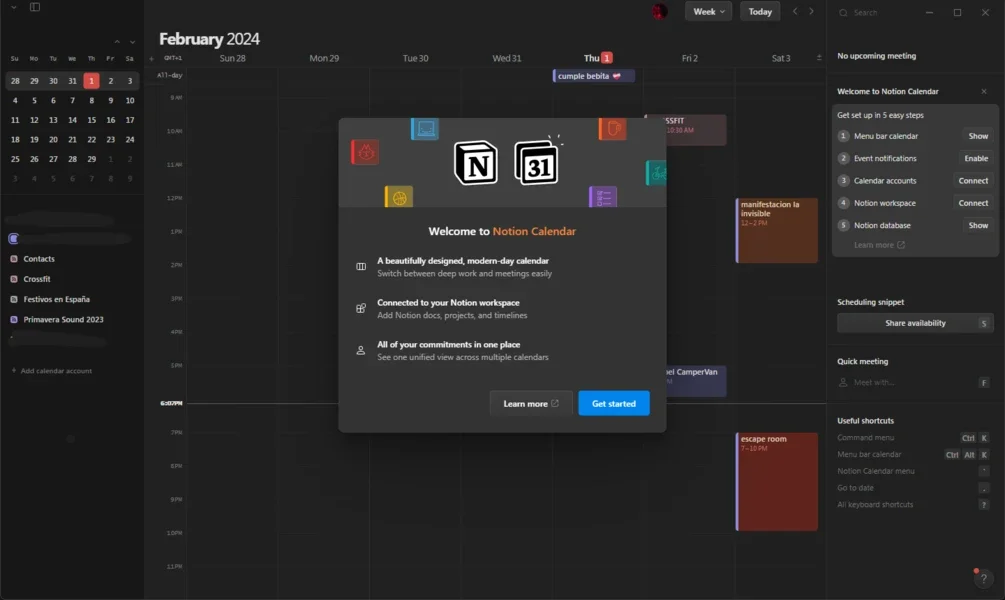
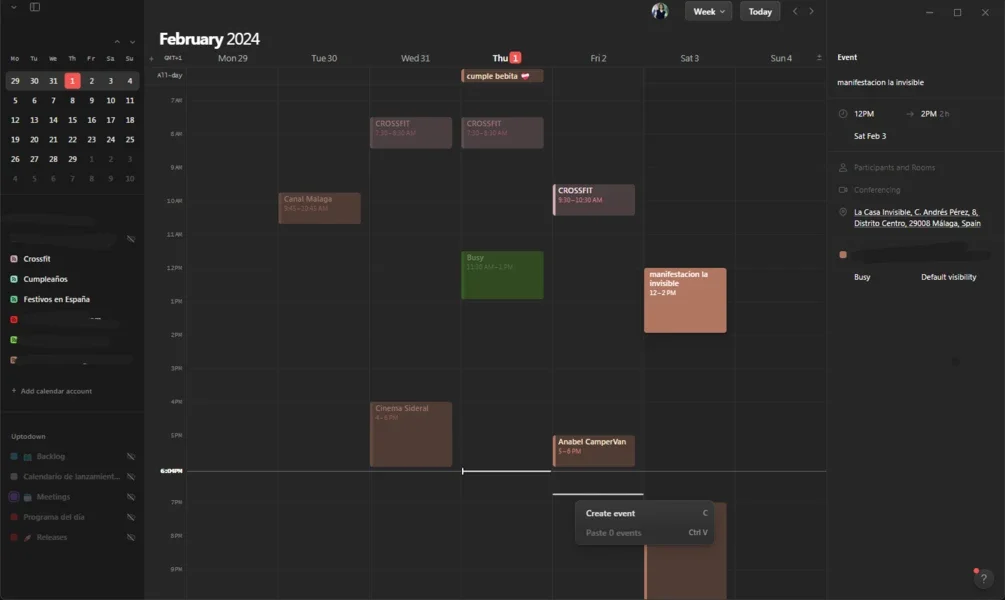
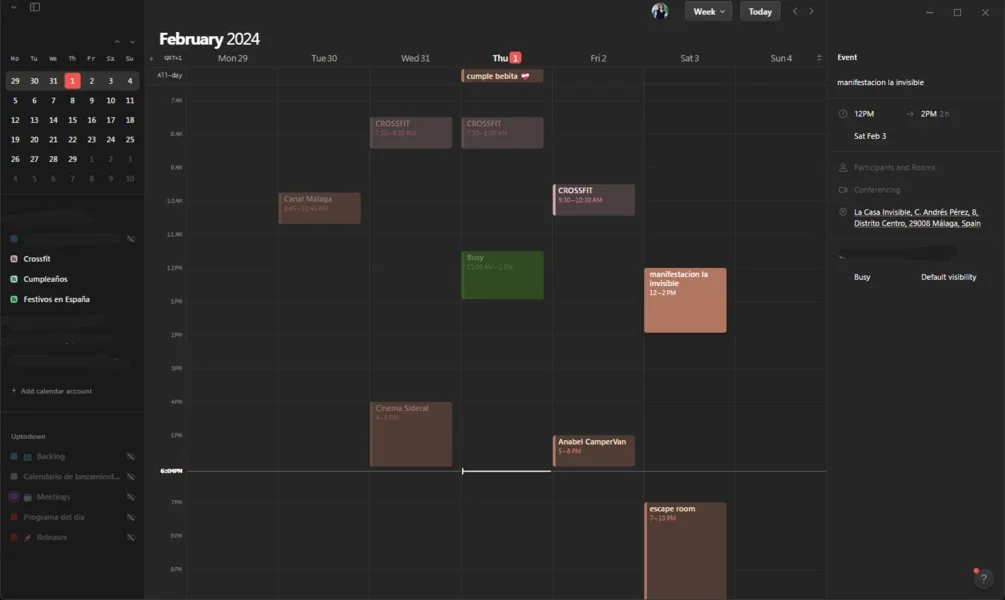
Open Notion Calendar and you can see meetings saved in your Notion workspace, with their dates, on the main screen. The add-on connects to that calendar automatically. You log into the account tied to your Notion workspace when you open it. Monthly, weekly, and daily views are available.
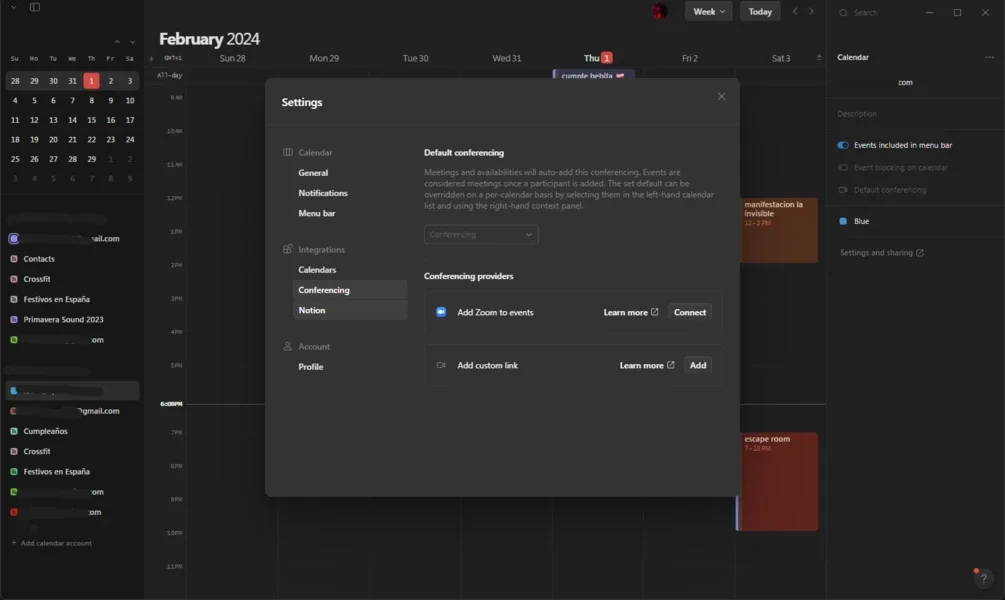
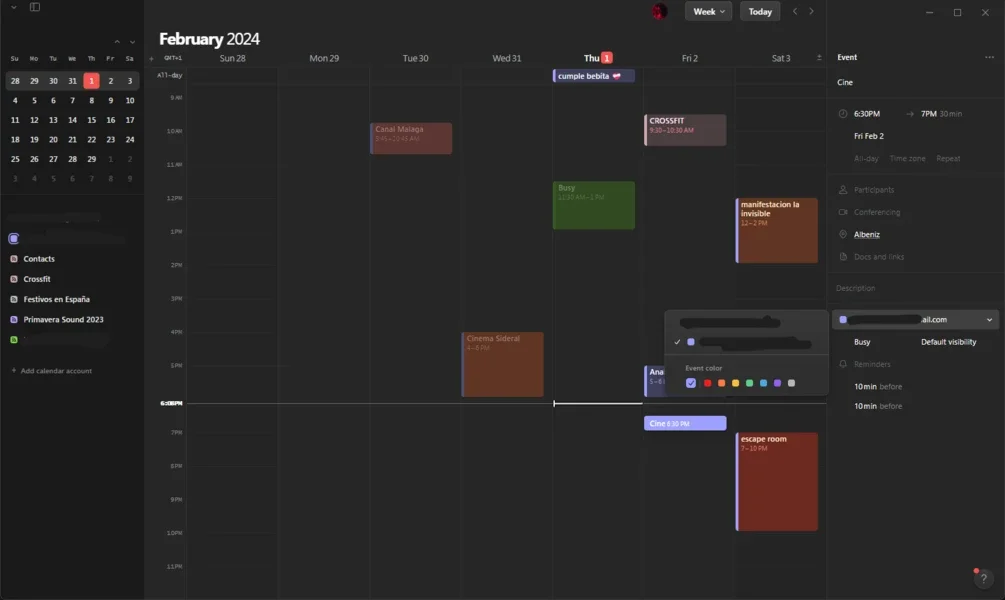
Personal calendars, such as Google Calendar, can be added through the settings. Their events appear in Notion Calendar's interface. You can also set up your Notion workspace calendar alongside these personal calendars. To connect an external calendar like Google Calendar, activate it in the configuration menu. Events or meetings created on personal calendars are updated in Notion Calendar's own calendar.
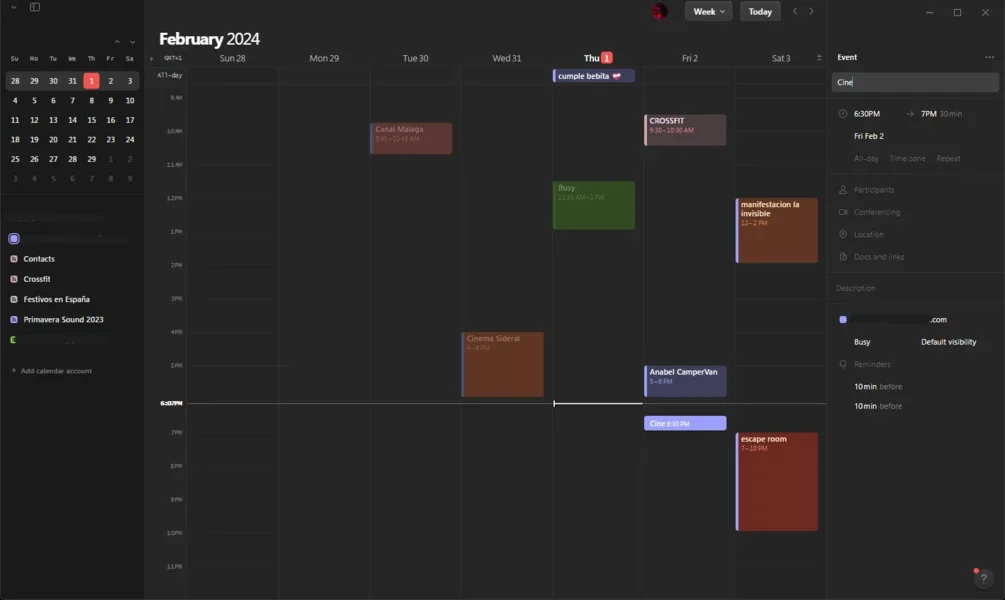
To create a new event, right-click and choose 'create event'. The new event is then updated in your Notion workspace calendar. Personal reminders are displayed alongside professional ones. Integrating all calendars lets you plan meetings and tasks without checking multiple places.
Download files
4256d294aec58932b1723760d19d97528a20bf89922db88e66e3931962d63c36
Signed by Notion Labs, Inc. · valid until Apr 20, 2026930550b070087728b765c773b35579563c50b5d43f474fb7e1e9241ae605ae2c
2f1576f869bf6cb45260635cebeb35dc7f3f50231d04d2a4c04846441750acc1
40debccc5860d938030923f531371fef2ee529c14041b640e5e9e7578cacdd1c
c4f0c7e2ae1b356c88d276948b7c2183d4cb480702b4f3e71d0a3be1b8dc0186
System requirements
Available on:
Additional information
Developer
Latest release
Size
Category
File type
SHA-256
4256d294aec58932b1723760d19d97528a20bf89922db88e66e3931962d63c36